

Every AI maturity framework you'll find online — Gartner's five-level model, Deloitte's assessment, McKinsey's readiness index — was built for companies with data engineering teams, IT governance committees, and enterprise budgets. They measure things like "MLOps pipeline maturity" and "AI talent readiness across departments."
None of that maps to your situation.
You're one person running a business. Your "AI readiness" isn't about data infrastructure. It's about whether you've used ChatGPT more than twice, whether you have a workflow that runs without you, whether you know what to try next without spending a week researching it first.
This quiz was built for that reality. Ten questions, honest answers, and a result that tells you exactly where you stand and what to do next — without any enterprise jargon attached.
Before you take the quiz: why this matters
The single most common reason AI doesn't work for solo founders isn't the tools. It's starting with the wrong one for where they actually are.
A founder who's never used AI and jumps straight into building automation workflows will hit friction, get frustrated, and conclude AI isn't for them. A founder who's been using Claude daily for six months and reads beginner articles will feel like the content is wasting their time. Both leave without getting what they need.
Knowing your actual level solves this. It tells you which tools to start with, which workflows are appropriate right now, which content on this site to read first, and which things to skip entirely until you're ready for them.
The three stages aren't a hierarchy of worth. They're a sequence of readiness. Every advanced user started at Level 1.
The quiz: 10 questions
Go through each question and keep a mental tally of your answers. A, B, or C for each. Your result is at the end.
Question 1: How would you describe your current relationship with AI tools?
A — I haven't really used them, or I've opened ChatGPT once or twice and wasn't sure what to do with it.
B — I use one or two AI tools somewhat regularly — mostly for writing help or quick questions.
C — AI tools are part of my weekly workflow. I use them for multiple types of tasks across my business.
Question 2: When you write something for your business — an email, a proposal, a post — what does your process look like?
A — I write it from scratch. I haven't really used AI for writing.
B — I sometimes use AI to help draft or edit, but it's not a consistent habit.
C — AI is part of almost every significant piece of writing I do. I prompt it, review the output, and edit from there.
Question 3: Think about your most repetitive weekly task — something you do the same way every time. What's the current status?
A — Still doing it manually. I haven't looked at automating it.
B — I've thought about automating it, or I've looked into it, but haven't set anything up yet.
C — At least one of my repetitive tasks runs automatically without me touching it.
Question 4: How confident are you writing a prompt that gets a useful result from an AI tool?
A — Not very. I'm not sure how to phrase things to get what I actually want.
B — I can get useful results, but I'm inconsistent. Some prompts work, some don't, and I'm not always sure why.
C — I write prompts with specific context, role instructions, and format guidance. I know how to iterate when the first output isn't right.
Question 5: What does your AI tool stack look like right now?
A — I don't really have one. Maybe a free ChatGPT account I've barely used.
B — I use one main AI tool (usually Claude or ChatGPT) and maybe one other. I pay for at least one of them.
C — I have several tools with specific jobs — an AI assistant, at least one automation tool, and possibly specialist tools for specific functions like transcription or customer support.
Question 6: Have you ever set up an automation between two apps — anything that runs automatically when a trigger happens?
A — No. I'm not sure what tool I'd even use for that.
B — I've looked into Zapier or Make but haven't built anything that's actually running yet.
C — Yes. I have at least one automation running in my business right now.
Question 7: When AI gives you an output that isn't quite right, what do you do?
A — I usually give up on it or rewrite it myself from scratch.
B — I try again with a slightly different prompt, but it's trial and error.
C — I diagnose what was wrong with my original prompt and rewrite it more specifically. I can usually get to a useful result in two or three iterations.
Question 8: How would you describe your relationship with the new AI tools and features that get announced regularly?
A — Mostly overwhelming. I hear about things but don't know what's worth paying attention to.
B — I follow some of it. I've tried a few new things when they looked relevant, with mixed results.
C — I have a filter for evaluating new tools — I can tell fairly quickly whether something is relevant to my business or not, and I try things with a specific use case in mind.
Question 9: How often do you hit a limit, frustration, or failure point when using AI?
A — Often. The outputs are generic, or I'm not sure how to apply them to my actual situation.
B — Sometimes. I get good results for some tasks but struggle with others, and I'm not always sure what I'm doing wrong.
C — Occasionally, and usually I know why. I understand where AI works well in my workflow and where it doesn't, and I've stopped using it for things it doesn't help with.
Question 10: What's your honest goal with AI right now?
A — I want to understand what it actually does and whether it's worth my time at all.
B — I'm using it for some things but I want to get more consistent results and add it to more areas of my business.
C — I want to go deeper — build more sophisticated workflows, connect tools together, or delegate more complex tasks to AI.
Your results
Count up your A's, B's, and C's. Your level is whichever letter you chose most.
If it's close between two letters, read both results — you're likely in transition between stages, which means the Intermediate content is probably the right starting point for you.
Mostly A's — Level 1: Orientation
Where you are: You haven't properly started yet, and that's completely fine. You have some awareness of AI but haven't built a real working habit around it. The tools feel foreign, the outputs feel generic, and you're not confident you know how to make them useful for your specific situation.
This isn't a skill gap. It's an exposure gap. You haven't had enough good experiences with the right tools on the right tasks to build a foundation. That changes quickly once you know where to focus.
What's blocking most people at this stage: Trying the wrong thing first. Opening ChatGPT with no specific task in mind, getting a generic output, and concluding AI isn't useful — when the real problem was the starting point. Or trying to automate before you've built the manual habit first.
What works at this stage:
Start with one writing task you do every week. A follow-up email. A social post. A client brief. Take your next one to Claude.ai (free), describe the context in detail, and ask for a draft. That's it. Don't try to set up a system. Don't install five tools. One task, done in AI, reviewed and edited by you.
When that feels natural — when reaching for Claude before writing from scratch becomes your default — you're moving toward Level 2.
The content built for you:
The entire Orientation & Reality Check section of AI Basics was built for Level 1. Start with What AI Can Actually Do for a Solo Founder →, which gives you 7 specific use cases with a concrete first action for each. Then come back here when you've tried at least one.
If you're still on the fence about whether AI is worth trying: Is AI Worth It for a One-Person Business? →
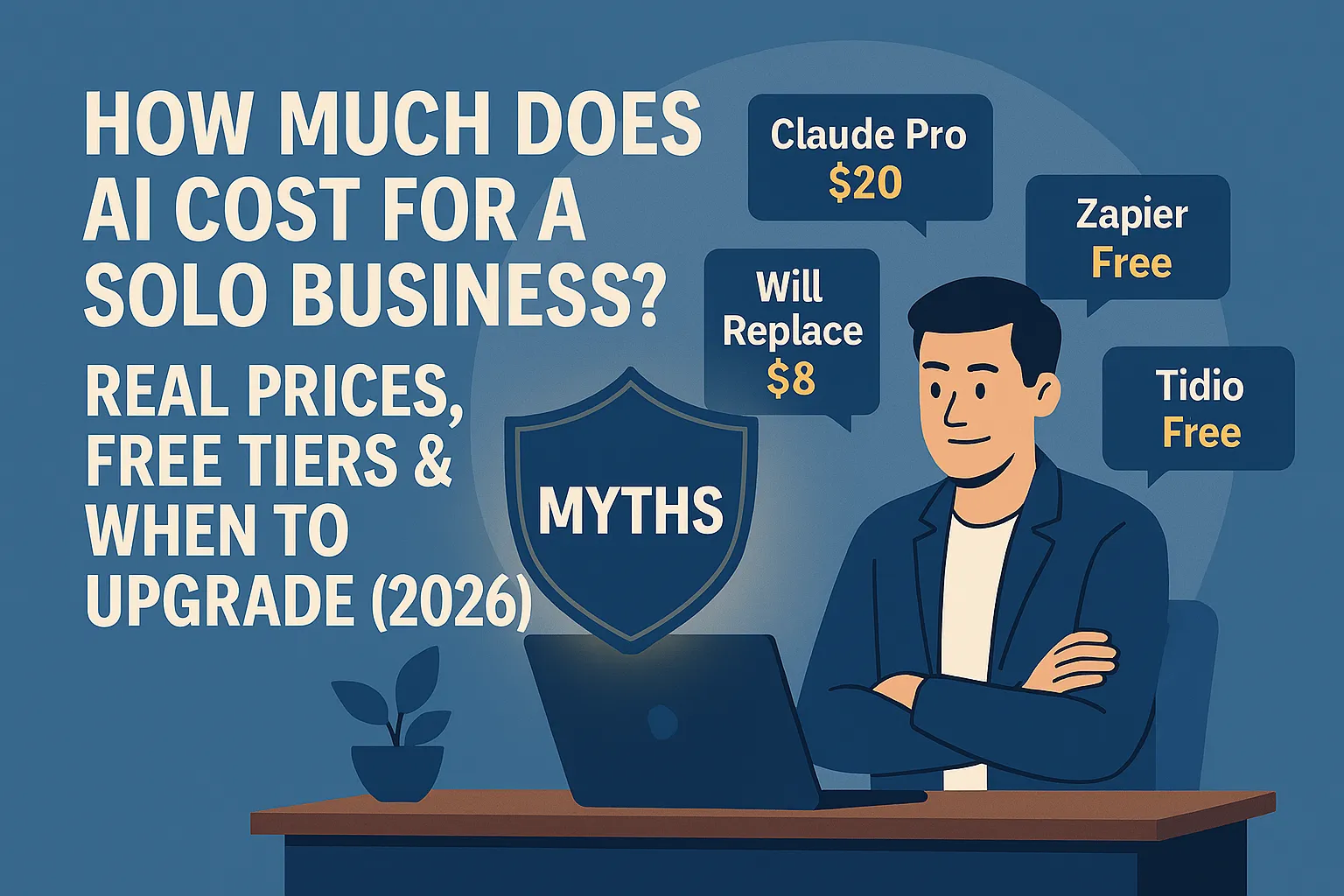
If cost is what's holding you back: How Much Does AI Actually Cost for a Solo Business? →
Mostly B's — Level 2: Building
Where you are: You've started. You use AI sometimes — usually for writing, occasionally for research — and you get useful results, but inconsistently. You haven't built reliable habits around it yet, and there are still tasks where you reach for the manual approach because you're not sure how to make AI work for them.
You know enough to see the potential. You're not always sure how to unlock it.
What's blocking most people at this stage: Two things, usually running together. First, under-prompting — you're asking general questions and getting general answers when what you need is to give AI more context, a specific role, a clear format, and a concrete outcome. Second, not having a clear next workflow to build — you use AI reactively (when something feels like a good fit) rather than proactively (because you've decided AI handles this category of task now).
What works at this stage:
Pick one category of work — writing, research, customer communication — and make AI the default for everything in that category for two weeks. Not sometimes. Every time. That repetition is what builds the habit and the prompting fluency that makes AI genuinely useful rather than occasionally helpful.
Also: look at Zapier or Make. You don't need to build anything complex. Just set up one trigger-action workflow — something that runs automatically when a specific event happens. That first automation changes how you think about what AI can do.
The content built for you:
The rest of this Series 2 section is built for Level 2. The next article — The Solo Founder AI Stack for Beginners: Start With These 3 Tools → — gives you the specific tool combination that works at this stage. After that, The 5 AI Use Cases That Work on Day 1 → shows you exactly where to build the habit first.
When you've built consistent daily habits around one or two tools and have at least one automation running: you're ready for Level 3.
Mostly C's — Level 3: Executing
Where you are: You're past the early adoption phase. AI is genuinely embedded in how you work — not just for writing help, but for multiple functions. You have at least one automation running. You can write prompts that get what you need. You've developed a sense of where AI helps and where it doesn't in your specific business.
The question isn't "does AI work for me?" You know the answer is yes. The question is where to go deeper.
What's blocking most people at this stage: Two things. First, using tools in isolation when connecting them would multiply the value — you're getting results from individual tools but haven't built the systems that make them work together. Second, treating AI as a task tool rather than a business architecture decision — the founders who see the biggest gains at this stage are the ones who start asking "which parts of my business should AI own completely?" rather than "which tasks can AI help with?"
What works at this stage:
Map your current manual workflows and ask which ones could be entirely handed to an AI system rather than just assisted by one. Lead qualification. First-line customer support. Content repurposing. Proposal drafts. The goal isn't AI-assisted work — it's AI-owned functions that you review and approve.
The content built for you:
The advanced sections of this hub are built for you. Start with AI Ops & Automation → for systems that run without you, or AI Strategy & Planning → if you want to think through how AI fits into your business architecture at a higher level.
One thing that's true at every level
The founders who make the most progress with AI share one behavior regardless of their level: they get specific.
Not "I want to use AI more." Instead: "I want to stop writing first-draft proposals from scratch. I'm going to use Claude for every proposal I write for the next three weeks and see what happens."
Specific task. Specific tool. Specific time period. That's the unit of progress. It works at Level 1, Level 2, and Level 3. The scope of what you're doing changes. The principle doesn't.
Do this today: Identify the one task from your quiz answers where you're doing the most manual, repetitive work that doesn't require your unique judgment. If you're at Level 1, take that task to Claude.ai right now and try it. If you're at Level 2, pick the category of work where you're most inconsistent and commit to using AI for everything in that category this week. If you're at Level 3, write down the one workflow that you still own manually that could theoretically run on its own. That's your next project.
Next in Know Where You Stand: The Solo Founder AI Stack for Beginners: Start With These 3 Tools →
Or go back to the main article: ← Know Where You Stand



Comments (0)
Leave a Comment