

You've heard the promise: AI will save you hours a week, replace a virtual assistant, write your content, handle your customers, and somehow also do your taxes. Some of that is true. Some of it is hype. And if you're running a business solo, you don't have time to figure out which is which by trial and error.
This guide cuts through it. Here's what AI can realistically do for a one-person business right now — with specific tools, real time estimates, and honest notes on where it breaks down.
No hype. No vague productivity claims. Just what actually works.
First: why AI is different for solo founders than everyone else
Most AI case studies you'll find online are about companies. Teams. Departments. They talk about scaling operations, deploying models, and integrating enterprise software. That's not you.
You're one person doing the job of five. Your AI use case isn't "efficiency at scale" — it's survival. You need AI to cover the roles you can't afford to hire for: the copywriter, the admin, the researcher, the customer support rep, the social media manager.
Here's the thing: AI is actually better suited to your situation than to large companies. You don't have to navigate internal politics, get IT approval, or train a team. You pick a tool, set it up, and it works. Or it doesn't, and you switch.
That flexibility is your advantage.
What AI can actually do (7 use cases that work today)
1. Write first drafts of almost anything
Time saved: 2–4 hours per week for most founders who produce regular content Cost: Free (Claude.ai or ChatGPT free tier) to $20/month (ChatGPT Plus or Claude Pro)
This is where most people start, and for good reason — it's the most immediately useful thing AI does for a solo founder.
Blog posts, emails to clients, proposals, LinkedIn posts, website copy, follow-up sequences, onboarding instructions. AI doesn't replace your voice or your thinking, but it kills the blank page problem. You give it context, it gives you a 70% draft, you edit it into something that actually sounds like you.
What it can do: draft, structure, rephrase, adapt tone, write in your voice after a few examples, repurpose one piece of content into five formats.
What it can't do: know things that happened last week, guarantee accuracy on facts, replace your judgment on what to say and to whom.
Start here: Open Claude.ai (free). Paste your last client email and say:
Write three variations of a follow-up to this email. Keep the tone professional but direct.
That's it. You'll see in two minutes whether this is worth your time.
2. Handle repetitive customer questions 24/7
Time saved: 3–5 hours per week if you're currently answering the same questions manually Cost: Free (basic chatbot) to $50/month (Tidio, Intercom Fin) depending on volume and complexity
If you have a website and customers, some percentage of your email inbox is the same five questions on rotation. What's your pricing? How does it work? Do you offer refunds? How long does it take?
AI chatbots can answer all of those. Not with a clunky FAQ widget — with something that actually sounds helpful. You set it up once, connect it to your site, and it runs without you.
What it can do: answer common questions, collect leads, route complex issues to you, respond at 2am when you're asleep.
What it can't do: handle emotionally charged complaints well, replace a nuanced conversation with a hesitant prospect, or know context it wasn't given.
Start here: Tidio has a free plan that works for most solo founders. Set it up on your site in an afternoon, give it your FAQ answers, and let it run for two weeks. You'll know immediately how much time it's saving you.
3. Research and summarize anything
Time saved: 1–2 hours per task compared to doing it manually Cost: Free to $20/month
You're preparing for a client call and you need to understand their industry. You want to know if a competitor launched something new. You're trying to figure out what your pricing should be against three alternatives. You need to read a 40-page report and pull out the three things that matter.
AI handles all of this. You paste in a document, a URL, or a topic, and you get a summary, a comparison, or a breakdown in minutes instead of hours.
What it can do: summarize long documents, compare options, extract key information, translate jargon into plain English, research a topic you know nothing about.
What it can't do: access information behind paywalls or login walls, guarantee that recent information is accurate (always verify), or give you deep expertise in a highly specialized field.
Start here: Next time you have a meeting or need to understand a new topic, paste the relevant document or URL into Claude and say: "Summarize this in plain English. Pull out the three things I most need to know." You'll get a solid brief in 30 seconds.
4. Turn meeting recordings into action items and notes
Time saved: 30–60 minutes per meeting you currently transcribe or summarize manually Cost: Free (Otter.ai free tier) to $17/month (Otter Pro or Fireflies)
This is one of the highest-leverage uses of AI for solo founders who do client calls. You stop trying to take notes while also being present in the conversation. The tool records, transcribes, and summarizes automatically — highlighting action items, key decisions, and next steps.
What it can do: transcribe accurately, generate meeting summaries, identify action items, search across past transcripts.
What it can't do: understand context you didn't say out loud, catch every nuance in a complex conversation, or be a substitute for actually paying attention.
Start here: Otter.ai has a generous free tier. Run it on your next three calls without telling anyone it's there. By the third call you'll wonder how you did without it.
5. Automate the repetitive connections between your tools
Time saved: 2–6 hours per week, depending on how many repetitive manual tasks you do Cost: Free (Zapier free tier covers basic automation) to $20/month for more complex workflows
Every solo founder has tasks they do manually that could run automatically. A new lead fills out your contact form → you manually copy it into a spreadsheet → you manually send a follow-up email. That chain can be automated once and then never touched again.
AI-powered automation tools like Zapier or Make connect your apps and trigger actions automatically. New contact → goes to your CRM, gets a welcome email, and creates a task in your project management tool — all without you touching it.
What it can do: connect apps that don't natively talk to each other, trigger actions based on events, run workflows 24/7 without you.
What it can't do: handle situations that fall outside the rules you set, make judgment calls, or deal gracefully with edge cases.
Start here: Zapier's free tier lets you run five automations. Think of the one thing you do manually every single time a new lead comes in — and automate just that. One workflow, running automatically, is worth more than twenty you haven't set up yet.
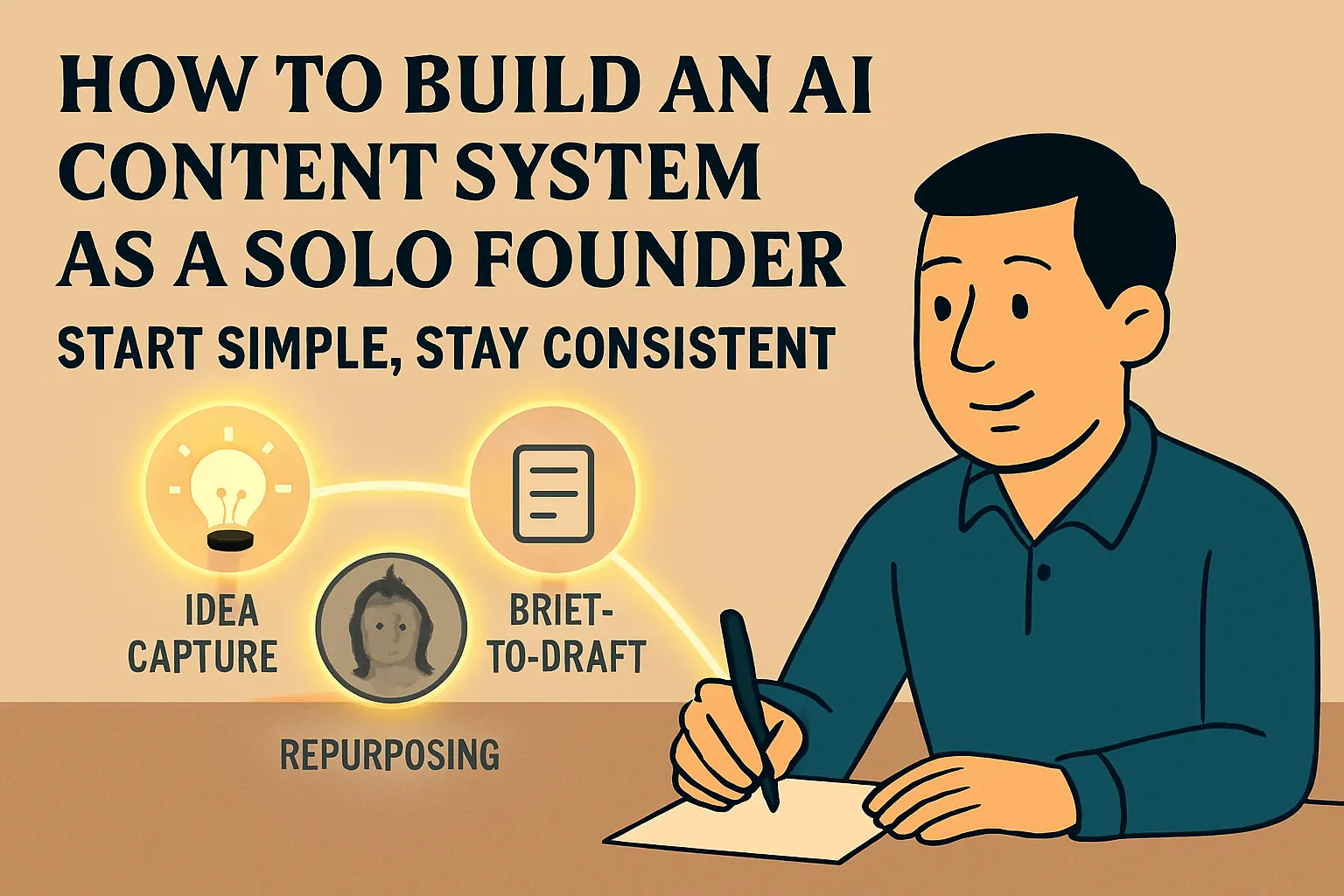
6. Generate and repurpose content at scale
Time saved: 3–5 hours per week for founders who publish regularly across multiple channels Cost: Free (ChatGPT/Claude free tiers) to $39/month (specialized tools like Jasper)
You recorded a podcast episode. Or wrote a long blog post. Or did a video. AI can take that one piece and generate: a LinkedIn post, three tweet threads, an email newsletter summary, a short-form video script, and five Instagram captions.
What took a whole day of content work now takes 90 minutes — you create the original, AI repurposes it everywhere else, you review and adjust.
What it can do: reformatting, adapting tone for different platforms, pulling key quotes, writing variations, suggesting headlines.
What it can't do: capture the spontaneous storytelling of your best content, replace genuine perspective and experience, or produce something worth reading without a strong original to work from.
Start here: Take your best-performing piece of content from the last three months. Paste it into Claude and say: "Turn this into a LinkedIn post, an email newsletter intro, and three tweet-length points. Keep my tone." Compare the output to what you'd have written manually.
7. Be your thinking partner and business sounding board
Time saved: Hard to quantify — but this might be the highest-leverage use of all Cost: Free to $20/month
This is the one most founders underestimate. When you run a business solo, there's no one to think things through with. No co-founder to pressure-test your pricing decision. No team member to challenge your launch strategy.
AI isn't a replacement for a genuinely experienced advisor. But it's available at 11pm when you're second-guessing a big decision, and it won't get bored of your questions.
Use it to stress-test ideas ("What are the three ways this could fail?"), structure your thinking ("Help me build a pros/cons framework for these two options"), or get a second opinion on communication ("Read this email and tell me if it sounds defensive").
What it can do: challenge your thinking, generate alternative perspectives, help you structure complex decisions, give you a first opinion on almost anything.
What it can't do: know your specific customers, replace hard-won experience in your industry, or make the call for you.
Start here: Next time you're stuck on a decision, open Claude and type out the situation as if you're explaining it to a smart friend. Ask: "What am I missing? What would you challenge me on here?" You'll get something worth thinking about.
What AI genuinely can't do (and where solo founders waste time finding out)
Let's be direct about the limits, because ignoring them is what causes people to write off AI entirely after one bad experience.
AI can't replace your judgment on things that matter. It will confidently give you a wrong answer on a factual question. It doesn't know your customers or your market. Every output needs your filter.
AI can't build relationships. Your best clients trust you, not a chatbot. AI handles the operational layer so you have more time and capacity for the human layer.
AI can't do your thinking for you. The founders who get the most out of AI are the ones who still lead strategically and use AI to execute. The ones who try to hand their thinking to AI get mediocre output.
AI can't account for things it doesn't know. It doesn't know about the conversation you had last Thursday, the quirk in how your industry works, or the nuance in your client relationship. You have to give it context every time.
AI isn't free of errors. It makes things up. It misses details. It sometimes confidently says something wrong. Treat every output as a strong first draft that needs your review — not a finished deliverable.
The honest time and cost picture
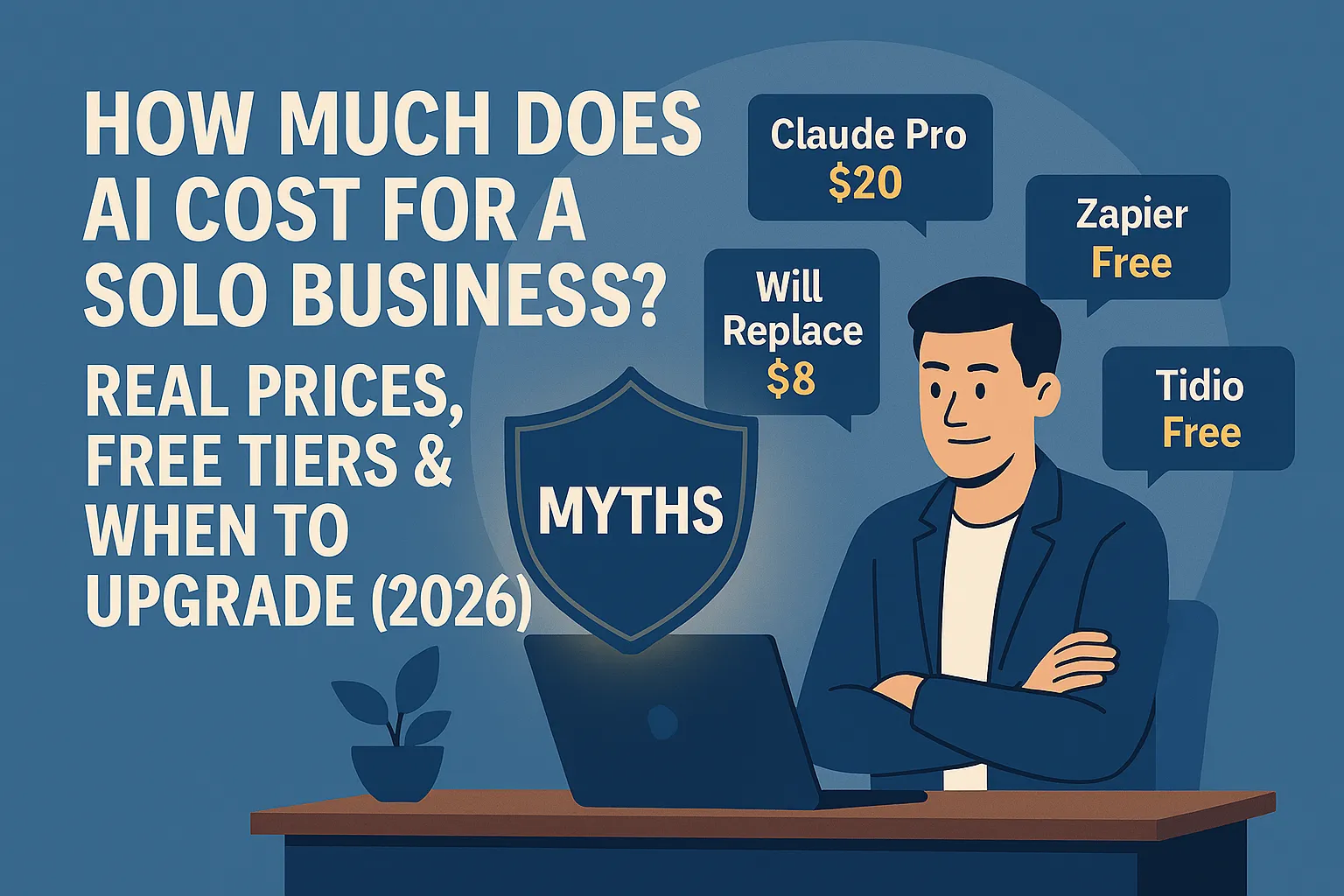
A lean AI stack for a solo founder costs between $0 and $60/month depending on what you need. Here's a realistic breakdown:
General AI assistant (Claude Pro or ChatGPT Plus): $20/month — covers drafting, research, thinking partnership, and summarization
Meeting transcription (Otter.ai): Free tier handles most solo founders' needs; $17/month if you need more
Automation (Zapier): Free tier covers 5 basic automations; $20/month for more complex workflows
Customer chatbot (Tidio): Free tier handles basic FAQ responses; $25–50/month for more advanced features
You don't need all four on day one. You need one. Pick the one that solves your biggest time drain right now.
On time: most solo founders who implement AI deliberately recover 5–10 hours per week within the first month. That's not a marketing claim — that's consistent with what's reported across surveys of small business AI users in 2025. The key word is deliberately. Signing up for a tool and poking at it for two days won't save you 10 hours. Building one workflow that runs automatically will.
Where to go from here
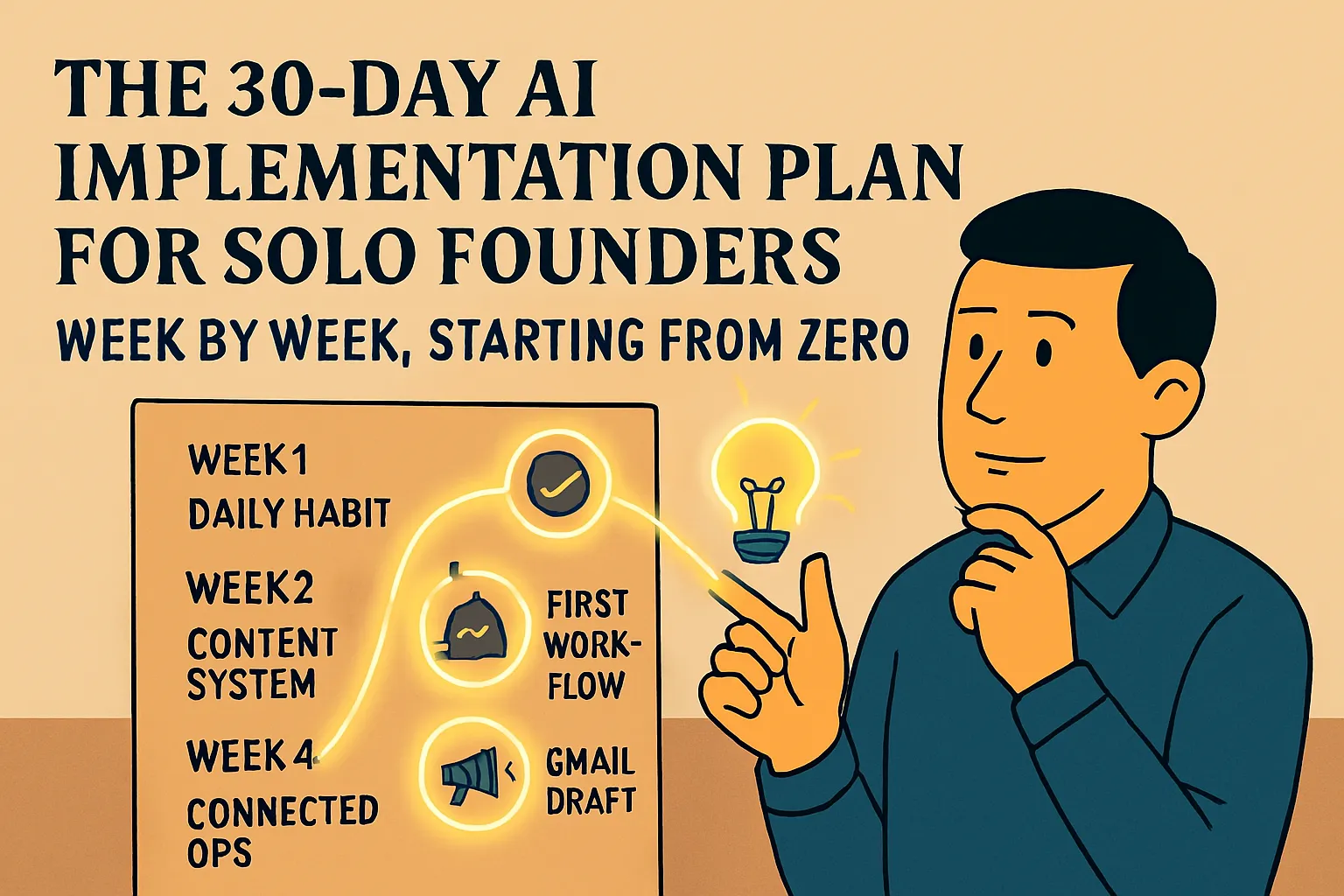
The most common mistake beginners make is trying to implement everything at once. They sign up for five tools, feel overwhelmed, and go back to doing things manually.
Don't do that.
Pick one use case from this list — the one where you feel the most pain right now. If you spend two hours a week writing follow-up emails, start there. If you're drowning in meeting notes, start there. One thing, done properly, will show you more about what AI can do for your business than five tools half-implemented.
Once that first thing is running, add the next.
Do this today: Open Claude.ai (free). Pick your most painful repetitive writing task from the last week. Give Claude the context and ask for a draft. Spend 15 minutes with the output. You'll know by the end of that 15 minutes whether AI belongs in your workflow.
Next in AI Basics: The Solo Founder AI Stack for Beginners: Start With These 3 Tools →



Comments (0)
Leave a Comment