

Every "best AI tools for solo founders" article you'll find gives you somewhere between 7 and 27 tools. Most of them quietly acknowledge this is too many — then list them anyway.
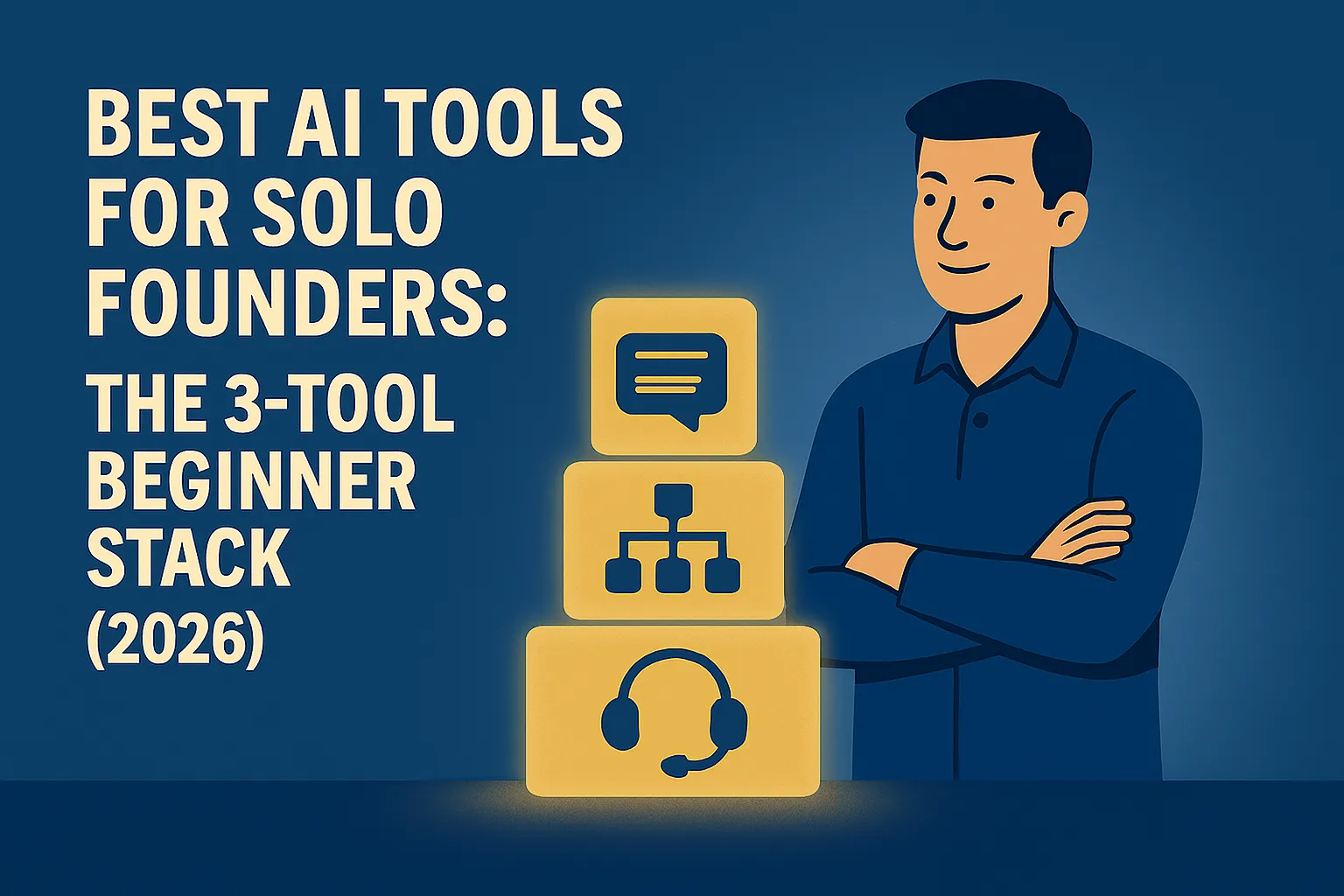
You don't need 27 tools. You don't need 7. At the start, you need three. One that handles thinking and writing work. One that connects your apps and runs tasks automatically. One that handles the customer questions you're currently answering manually.
Those three tools cover 80% of the value AI delivers to a solo founder in the first six months. Once they're actually running — not installed, running — you'll have a clear picture of what you need next. Until then, more tools create more noise.
This article gives you the three tools, the honest case for each, what you actually get on the free tier, when to pay, and the exact first action to take with each one today.
How these three were chosen
There are hundreds of AI tools. The filter used here was deliberately narrow:
It has to cover a function every solo founder does. Not a niche use case — a universal one. Writing, automation, and customer communication qualify. AI image generation for social posts doesn't make the cut for a beginner stack because it's optional, not foundational.
A beginner has to be able to use it within an hour of signing up. Tools with complex setup, required integrations, or significant learning curves belong later in the journey. These three can deliver value on day one.
The free tier has to be genuinely useful. Not a 7-day trial that requires a credit card. An actual free tier that lets you test whether the tool works for your situation before paying anything.
It has to have a credible, stable paid tier at solo founder prices. Not $200/month. Not enterprise-only. A solo founder should be able to get full value from the paid tier for $10–25/month.
Three tools cleared all four filters. Here they are.
Tool 1: Claude (by Anthropic) — your AI thinking and writing partner
What it does: Everything that involves thinking and writing in your business. First drafts of emails, proposals, blog posts, social content. Summarizing long documents. Researching topics. Answering complex questions. Preparing for client calls. Stress-testing decisions. Editing your own writing.
Free tier: Access to Claude with daily usage limits. Enough for genuine testing and light daily use — typically one to two weeks of moderate use before you start hitting limits.
Paid tier (Claude Pro): $20/month. Higher usage limits, priority access when servers are busy, ability to upload and work with longer documents, access to Projects for organizing ongoing work contexts.
Why Claude specifically, rather than ChatGPT?
This is the question that comes up immediately, so let's settle it honestly rather than dodging it.
For solo founder use cases — writing, analyzing documents, maintaining a consistent voice, following complex instructions — Claude has a concrete edge in 2026. Multiple head-to-head tests show Claude produces writing that feels more natural and less "AI-generated." It follows instructions more precisely and maintains them across a long conversation — if you tell Claude to write conversationally and avoid jargon, it does that consistently. ChatGPT has a tendency to slip back into its default patterns regardless of your instructions, which gets frustrating when you're trying to maintain a specific voice.
Claude's context window is also meaningfully larger, which matters practically: you can paste an entire contract, a long email thread, or multiple documents into a single conversation and it handles the full context without losing track. For document-heavy solo founder work — proposals, client briefs, research — this is a real daily advantage.
Where ChatGPT beats Claude: web research and image generation. ChatGPT can search the web natively and generate images within the same chat. Claude cannot generate images and its web search is more limited. If image generation or real-time web research is the core of what you need, ChatGPT Plus is the better starting tool.
For most solo founders whose biggest time drain is writing and thinking work — which is the majority — Claude is the right first tool.
The honest limitation: Claude doesn't generate images, can't browse the web as comprehensively as ChatGPT, and doesn't have the same breadth of third-party integrations. It's a thinking and writing tool, not an all-in-one creative suite. At the beginner stage, that focus is a feature rather than a limitation — you're not trying to do everything at once.
First action — do this today:
Open claude.ai (free, no credit card). Think of the last email you wrote that took you longer than it should have — a proposal, a difficult client response, a follow-up you kept putting off. Type this into Claude:
"I need to write [describe the email]. Here's the context: [paste the relevant details]. Write me a draft that's [professional / direct / warm — pick the tone you want]."
Read the output. Edit it. Send it if it's good. That 10-minute experience will tell you more about whether Claude belongs in your workflow than anything else.
Tool 2: Zapier — your automation layer
What it does: Connects the apps you already use and makes them work together automatically. When something happens in one app, Zapier triggers an action in another — without you doing anything. New lead fills your contact form → gets added to your Google Sheet → receives a personalized welcome email → creates a follow-up task in Notion. All automatic. All without code.
Free tier: 100 tasks/month, two-step Zaps only (one trigger, one action), 15-minute polling intervals. Enough to test whether a workflow actually works before paying for it.
Paid tier (Professional): $19.99/month billed annually ($29.99/month billed monthly). 750 tasks/month, multi-step Zaps, faster polling, access to premium apps.
Why Zapier specifically, rather than Make.com?
Make.com (formerly Integromat) is a legitimate alternative and often cheaper for complex workflows — their free tier gives you 1,000 operations/month and paid plans start around $9/month. If budget is tight and you're comfortable with a slightly steeper learning curve, Make is worth considering.
Zapier wins for beginners on one dimension: simplicity. The interface is cleaner. The logic is more straightforward. When you're building your first automation and something isn't working, Zapier is easier to debug because every step is more visually explicit. The extra cost is a premium for a lower learning curve — which is worth paying at the start when you're building confidence, not worth paying indefinitely once you've got the hang of it.
The honest limitations: Zapier's free tier is for testing only. The two-step limit means most useful automations require a paid plan. The 100-task cap sounds generous but runs out faster than expected once you understand that each action within a workflow counts as a separate task. Don't build a workflow you depend on using the free tier — test on free, pay when it works.
Also worth knowing: Zapier overages don't stop your automations. If you go over 750 tasks on the Professional plan, your workflows keep running and you're charged per additional completed task. That's better than everything breaking, but an unexpectedly busy month can produce an unexpected bill. Check your task usage in your first paid month.
First action — do this today:
Go to zapier.com and sign up for free. Think of the one manual data-moving task you do every week — copying a form response somewhere, sending a standard message when a specific thing happens, adding information to a spreadsheet. Find both apps in Zapier's app directory (they connect 7,000+ apps). Click "Create Zap," set your trigger and action, and run a test. You're not committing to anything. You're just seeing whether the connection you need actually exists. For most common tools — Google Forms, Gmail, Notion, HubSpot, Calendly, Slack — it does.
Tool 3: Tidio — your AI customer support layer
What it does: Puts an AI-powered chat widget on your website that answers common questions, qualifies leads, and handles basic support — automatically, without you. The visitor asks something. The bot answers it if it can, collects their details, and routes complex things to you. You stop answering the same five questions every week.
Free tier: 50 human conversations/month (resets monthly), live chat functionality, and 50 Lyro AI conversations (one-time pool — not monthly, so use them as a testing budget). Note: only conversations where you as the human agent actually respond count toward the monthly limit. If a visitor messages and you don't reply, it doesn't count.
Paid tier (Starter): $24.17/month billed annually ($29/month billed monthly). 100 human conversations/month, expanded Lyro AI conversations that reset monthly rather than disappearing once used.
Why Tidio specifically?
At the beginner level, Tidio wins on setup speed. Most solo founders can have a working chatbot on their site within two hours of signing up — you write your FAQ answers, Tidio's Lyro AI learns from them, and the bot handles questions automatically. No custom AI training. No developer needed. No complex configuration.
The alternatives — Intercom, Zendesk, Freshdesk — are better tools at scale, but they're meaningfully more complex to set up and priced for teams, not solo founders. Tidio sits in the right spot for someone who needs their first customer-facing AI layer without a week of setup.
The honest limitation: Tidio's Lyro AI is good at answering direct FAQ-style questions but gets unreliable with nuanced or multi-step problems. It's not a replacement for a genuinely complex customer support workflow. It's a deflection layer for your most common, repetitive questions. If 70% of your support inbox is the same five questions, Tidio handles those. The remaining 30% that requires real judgment still comes to you.
Tidio also isn't ideal if you have very low site traffic — below 50 conversations a month, you won't feel the value because the problem it solves (volume of repetitive questions) isn't significant enough yet.
First action — do this today:
Go to tidio.com and sign up for free. Write down the five questions you get most frequently from customers or leads — the ones you've answered manually at least a dozen times. Set up a free account, add the chat widget to your site, and teach it those five answers. You don't need to use the AI yet. Start with simple rule-based responses to your most common questions. Run it for two weeks. Track how many conversations happen automatically without you. That number tells you whether upgrading makes sense.
The stack in total: what it costs and what it covers
Tool | Free tier | Paid tier | What it handles |
|---|---|---|---|
Claude | Available, daily limits | $20/month (Pro) | Writing, thinking, research, documents |
Zapier | 100 tasks/month, 2-step only | $19.99/month (Professional, annual) | Automation between your apps |
Tidio | 50 conversations/month | $24.17/month (Starter, annual) | Customer questions, lead capture |
Total | $0 | $64/month |
You do not need to pay for all three at once. The right sequence is:
Month 1: Use Claude free tier and Zapier free tier. Build one automation, establish a writing habit with Claude. Pay for nothing until you've validated both work for your situation.
Month 2: If you're hitting Claude's daily limits regularly, upgrade to Claude Pro at $20/month. That's the only subscription most founders need to start.
Month 3 onwards: If your Zapier automation is doing real work, upgrade to Professional. If your website has sufficient traffic and Tidio is handling volume, add Tidio Starter.
Most founders run on Claude Pro + Zapier free tier for the first few months. That's $20/month, and it covers the vast majority of solo founder AI use cases.
What these three tools don't cover
Knowing what's not in this stack is as useful as knowing what is.
Meeting transcription — if you do regular client calls, Otter.ai (free up to 300 minutes/month, $8.33/month Pro) or Fireflies.ai (free at 800 minutes/month, $10/month Pro) belongs in your stack. Neither made the top three only because not every solo founder has regular call volume that justifies it.
Social media scheduling — Buffer ($6/month for essentials) or similar. Intentionally not in the beginner stack because it's optional, not foundational.
Image generation — ChatGPT Plus ($20/month) if you need this regularly, or free-tier image generators. Claude doesn't generate images.
Dedicated SEO content tools — not needed at the beginner stage. Claude handles content writing well enough that a specialist tool adds marginal value until you're producing at significant volume.
The one mistake to avoid with this stack
The mistake is installing all three and using none of them consistently.
The founders who get real value from AI tools in the first three months share one behavior: they use one tool for everything in one category of work, without exception, for several weeks. They use Claude for every piece of writing they produce. Not most of it. All of it. That repetition is what builds prompting fluency and the habit that makes AI genuinely useful rather than occasionally helpful.
The ones who get no value install five tools, use each one twice when the mood strikes, and conclude AI isn't working for them.
Pick one of the three tools above. Use it for everything in its category for the next two weeks. That's the whole strategy.
Do this today: Start with Claude. Open claude.ai (free). Take the next piece of writing on your to-do list — whatever it is — and ask Claude to help you draft it. Don't evaluate the tool after one use. Give it a week of consistent use across different writing tasks. By the end of that week you'll know whether it's earning the $20/month and whether you're ready to add the second tool.
Next in Know Where You Stand: AI Tool Categories Explained for Non-Technical Founders →
Or go back to the main article: ← Know Where You Stand






Comments (0)
Leave a Comment