

Tools Mentioned in this page:






Most AI plans are written for companies. They have phases with names like "discovery," "alignment," and "governance." They assume you have a team to brief, a budget to allocate, and three months before you need to show results.
You don't need that plan.
You need a week-by-week plan that starts with your next email and ends 30 days later with a working AI-supported business. Specific tasks. Specific tools. Honest time estimates. Clear deliverables at the end of each week.
That's what this is.
Before you start: two things to be honest about
This plan requires about 2–3 hours per week of deliberate setup time on top of using AI for your regular work. Most weeks it's less. Week 2 is the most setup-intensive. If you can't find 2–3 hours per week for the next 30 days, the plan will still work — it'll just take longer.
The goal by day 30 is not a fully automated business. It's a solid foundation: daily AI habits established, 2–3 automations running, a personalized AI assistant built, a basic content system in place if content is part of your work. That foundation compounds. What you have on day 30 is worth significantly more on day 90 than it is on day 30 — because every day you use it, it gets slightly more calibrated to how you work.
Expect progress, not perfection. Let's start.
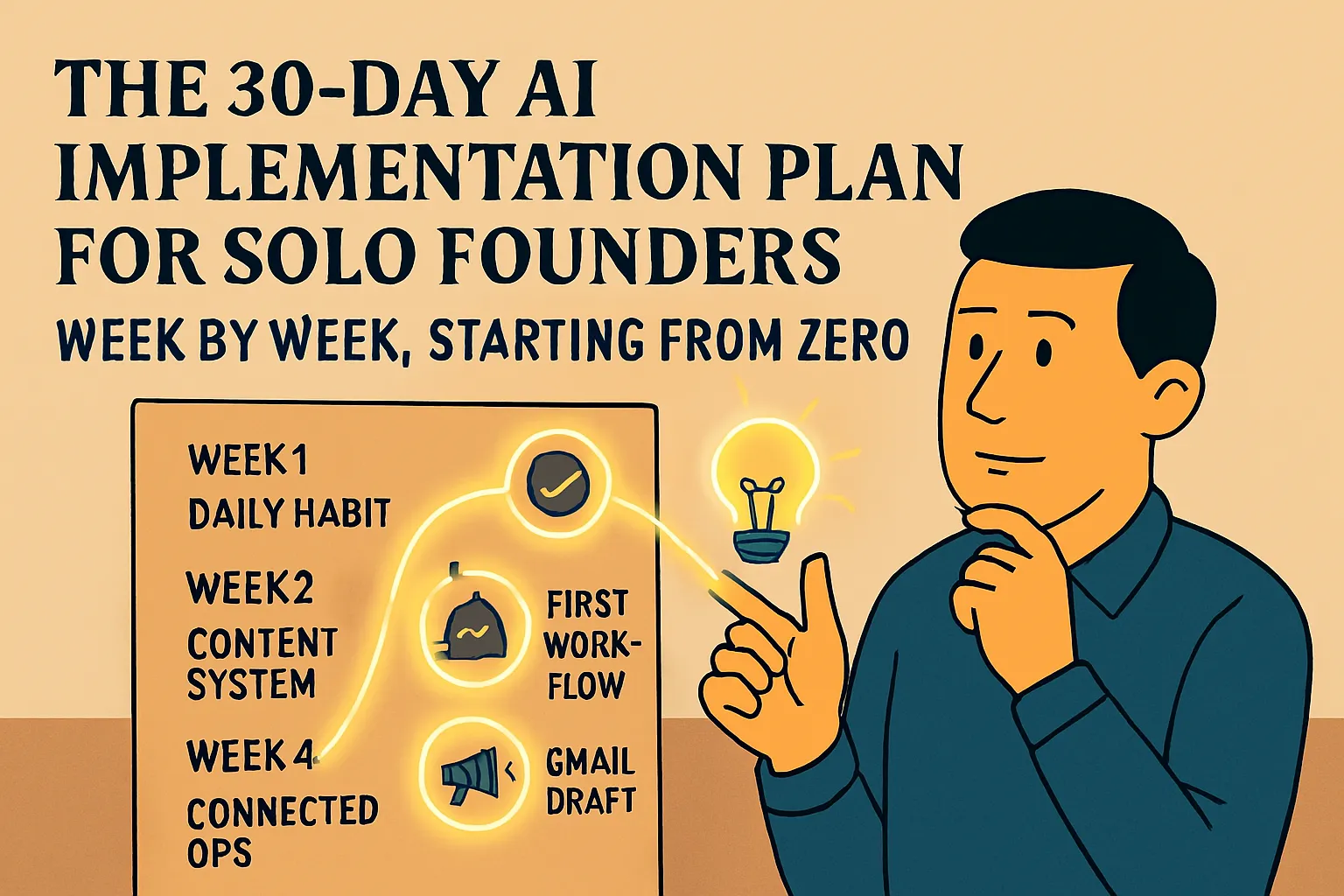
Week 1 (Days 1–7): Build the daily habit
The job this week: Establish one non-negotiable AI habit that you'll run every day for the rest of the month — and beyond. Nothing else. No automations. No tools beyond one AI assistant. Just the daily habit.
Why only this: The habit is the foundation everything else is built on. Founders who try to set up automations and custom assistants before the daily habit is established almost always end up with more infrastructure than muscle memory — tools they built but don't use instinctively. Habit first. Systems second.
Day 1: Sign up and write your context block (30 minutes)
Sign up for Claude.ai or ChatGPT — free tier is fine this week. If you already have an account, skip the signup.
Write your business context block. This is the single most important thing you'll do this week:
MY BUSINESS CONTEXT:

I run a [type of business]. My clients are [describe them:
industry, situation, what they're dealing with].
My tone is [2-3 adjectives — direct, warm, conversational, etc.].
I never sound [anything to avoid — corporate, salesy, formal].
I sign off emails with just [your first name].
My name is [name].
Save it somewhere you can find it in 10 seconds — a pinned Notion page, a Google Doc in your bookmarks, a note on your phone. You'll paste this into every AI conversation this week.
Read the context block guide if you want more on how to write a good one.
Deliverable: A saved context block you can access in 10 seconds.
Days 2–7: AI-first on every significant email
The rule for the rest of Week 1 is simple: before writing any email that would normally take you more than 5 minutes, open your AI assistant first.
Paste your context block. Describe the email — who it's to, what you want to say, what you want them to do. Get a draft. Edit it. Send it.
That's the whole habit. No complexity. No new tools. Just that one behavior, repeated every day on real work.
By day 7, this should feel less like a deliberate action and more like the obvious first step. If it still feels like an extra step, do another week of just this before moving on.
Time per email: 4–6 minutes instead of 15–20. Time saved by end of Week 1: 45–90 minutes depending on your email volume. Cost: $0.
If you get a bad output: Read this article on prompting. Almost every disappointing output has a specific fix — more context, a tone description, format constraints, or an explicit exclusion.
Week 2 (Days 8–14): Add prompts for your other high-frequency tasks
The job this week: Identify the two or three other tasks you do most often that involve writing or research, and build reusable prompt templates for each.
Why this now: You've established one habit. Now you're extending it. The goal by end of Week 2 is to have prompt templates for your 3–5 most common tasks — so using AI for each one is a 30-second setup rather than a 5-minute thinking exercise every time.
Day 8: Identify your high-frequency task list (20 minutes)
Write down every task you do at least once a week that involves writing, researching, or producing any kind of document. Be specific:
Client follow-up emails after calls
New enquiry responses
Proposal drafts
Meeting prep / research before calls
Content (LinkedIn, newsletter, whatever you publish)
Internal documents or SOPs
Difficult client replies
Pick the top 3–4 that take the most time or that you dislike most. Those are your targets for this week.
Days 9–12: Build a prompt template for each task (45 minutes total)
For each task you identified, build a reusable prompt template — the context block plus the task-specific structure you fill in each time.
The ChatGPT business use cases article (How to Use ChatGPT for Your Business) has ready-made prompt structures for SOPs, difficult customer replies, competitor research, pricing scripts, and proposal drafts. Use those as starting points rather than building from scratch.
Save each template in the same place as your context block — a Notion page, a Google Doc, wherever you'll actually find it.
Time per template: 15–20 minutes to build, including one real test run. Time saved per use: 10–15 minutes per instance. Cumulative saving by end of month: Significant. These templates pay back their setup time within the first two uses.
Days 13–14: Use the templates on real work
Run each template on the actual next instance of that task. Not a test — the real thing. An actual email you need to send, a real proposal you need to write.
This is the step most people skip in favor of more planning. Don't skip it. The templates only earn trust when they've been tested on real work under real conditions. By end of day 14, every template you built should have been used at least once on something real.
Deliverable: 3–5 saved prompt templates, each tested on real work at least once.
Week 3 (Days 15–21): Build your first automation
The job this week: Get one automation running in your business that saves time on a recurring trigger without you doing anything.
Why one, not five: The goal this week isn't to automate everything — it's to have the experience of something running reliably without you. That experience changes how you think about what should be automated next. Until you've had it, automation is a concept. After you've had it, automation is a tool you know how to use.
Day 15: Pick your first automation (15 minutes)
From the no-code automation guide, pick the one automation that represents your biggest time drain right now. The five options covered there are:
Meeting transcription (Fireflies.ai + your calendar) — recommended first if you have regular calls
Lead capture to tracker (Zapier + your form + Google Sheets)
Invoice reminders (check your invoicing tool's native settings first)
New lead auto-acknowledgement (Zapier + Gmail template)
Social scheduling (Buffer)
If you have 4+ calls per week, start with meeting transcription — it has the fastest setup (20 minutes), highest immediate return, and zero ongoing maintenance. If calls aren't your main thing, lead capture is the most universally useful second option.
Days 16–18: Set up and test the automation (45–60 minutes)
Follow the step-by-step setup in 5 Things You Can Automate This Week Without Any Coding article for whichever automation you chose. Allow more time than you think you need — the first automation almost always reveals one thing you didn't anticipate. That's normal. The solution is almost always either a field mapping issue (easily fixed) or a missing permission (grant it, retry).
Test it on a real trigger before you declare it done. For meeting transcription: schedule a short test meeting, join it, confirm Fireflies joined automatically, confirm the transcript arrived after. For lead capture: submit a test form entry, confirm the row appears in your Google Sheet.
Important: check the Zap history in Zapier's dashboard 24 hours after going live. You want to see successful runs, not silent failures. One check now means you're not surprised later.
Days 19–21: Run it for real and observe
Leave the automation running and go back to your normal work. By end of the week, you should have had at least 2–3 real triggers.
Notice what it feels like to see work that happened without you doing it. Notice whether the output needs any adjustment (a Fireflies summary that missed the action items, a Zap that mapped the wrong fields). Make the adjustment once and move on.
Deliverable: One automation running reliably, confirmed with at least 2–3 real trigger runs. Cost: $0 on free tiers for most options. Zapier Starter at $19.99/month if you need multi-step Zaps.
Week 4 (Days 22–30): Build your personalized AI assistant
The job this week: Build a Claude Project or Custom GPT configured with your business context, documents, and voice — so every AI conversation starts from a foundation that knows your business without you re-explaining it.
Why this last: The quality of your AI assistant depends directly on how well you can describe your business, your clients, and your process. After three weeks of daily AI use, you have much better answers to those questions than you did on day one. You've seen which context descriptions produce good outputs and which don't. You have real examples of emails and documents you've produced with AI that you were happy with. Week 4 is when the assistant build actually produces something calibrated, not just something configured.
Days 22–23: Gather your materials (30 minutes)
Before opening any tool, pull together:
Your business description — expand your context block into 150–200 words covering what you do, who your clients are, what makes your approach distinctive
Your tone description — the three to five adjectives plus the explicit exclusion list you've been building over the past three weeks
2–3 example documents — the best email you wrote this month, a proposal you were happy with, an FAQ you've drafted. These show the assistant what good output looks like in practice, not just in description
Your most common task list — the prompt templates you built in Week 2
Days 24–26: Build the assistant (1 hour)
Follow How to Build a Simple AI Assistant for Your Business (In Under an Hour) article for either Claude Projects (Claude Pro, $20/month) or a Custom GPT (ChatGPT Plus, $20/month). Both take under an hour.
The instructions section is where the most time should go. Be specific:
## Who I am
[150-200 word business description]

## My clients
[Specific description — not "small businesses" but "early-stage
founders 2-5 years in, dealing with positioning problems after
initial growth, typically £3-8k projects"]

## My tone
[Adjectives + explicit exclusion list from three weeks of use]

## Standard formats
[How your emails are structured, how your proposals flow,
what a typical SOP looks like]

## What to never do
[Your full exclusion list — phrases, formats, approaches you
always edit out]
Upload your example documents. Then test immediately on real work — the next actual task you have, not a hypothetical.
Days 27–30: Refine and establish the habit
The first version of your assistant will be 80% right. The remaining 20% comes from three or four rounds of refinement as you use it on real work and notice what still needs adjusting.
For each output that needs editing in a way you didn't anticipate, go back to the instructions, add the missing specification, and test again. By day 30, your assistant should produce outputs that need light editing rather than structural reworking.
Use it for everything during these four days — every email, every draft, every document. Let the habit of opening your project or custom GPT first (rather than a fresh AI conversation) take hold.
Deliverable: A working personalized AI assistant, tested on at least 5 real tasks, with instructions refined based on actual use. Cost: $20/month for Claude Pro or ChatGPT Plus — the first paid AI subscription, and the right time to make it.
What you have at day 30
If you've worked through the plan as described, here's what exists at the end:
A daily AI-first habit for every significant piece of writing — emails, proposals, documents — saving roughly 90 minutes per week from this task type alone.
A library of 3–5 reusable prompt templates for your most common tasks, each tested on real work and ready to use in 30 seconds.
One automation running reliably that handles a recurring trigger without your involvement — saving time every week on autopilot.
A personalized AI assistant that knows your business, your clients, your voice, and your standard formats — so every conversation starts from context rather than from zero.
Total monthly cost: $20/month (one paid AI assistant plan). Total weekly time saved (conservative estimate): 4–6 hours. Total time invested in setup: Approximately 8–10 hours across the month.
That's a setup-to-savings ratio of roughly 1:25 in the first year. It compounds from there.
What comes next
Day 30 is not the finish line. It's the baseline.
The next layer — connecting AI and automation into workflows that run on triggers, building a content system that produces consistent output, adding the second and third automation — is what this Pillar 5 section bridges to.
If you're ready to take the next step immediately:
Add your first AI-powered automation (Zapier + AI step combined) → Your First AI Workflow That Actually Runs on Its Own
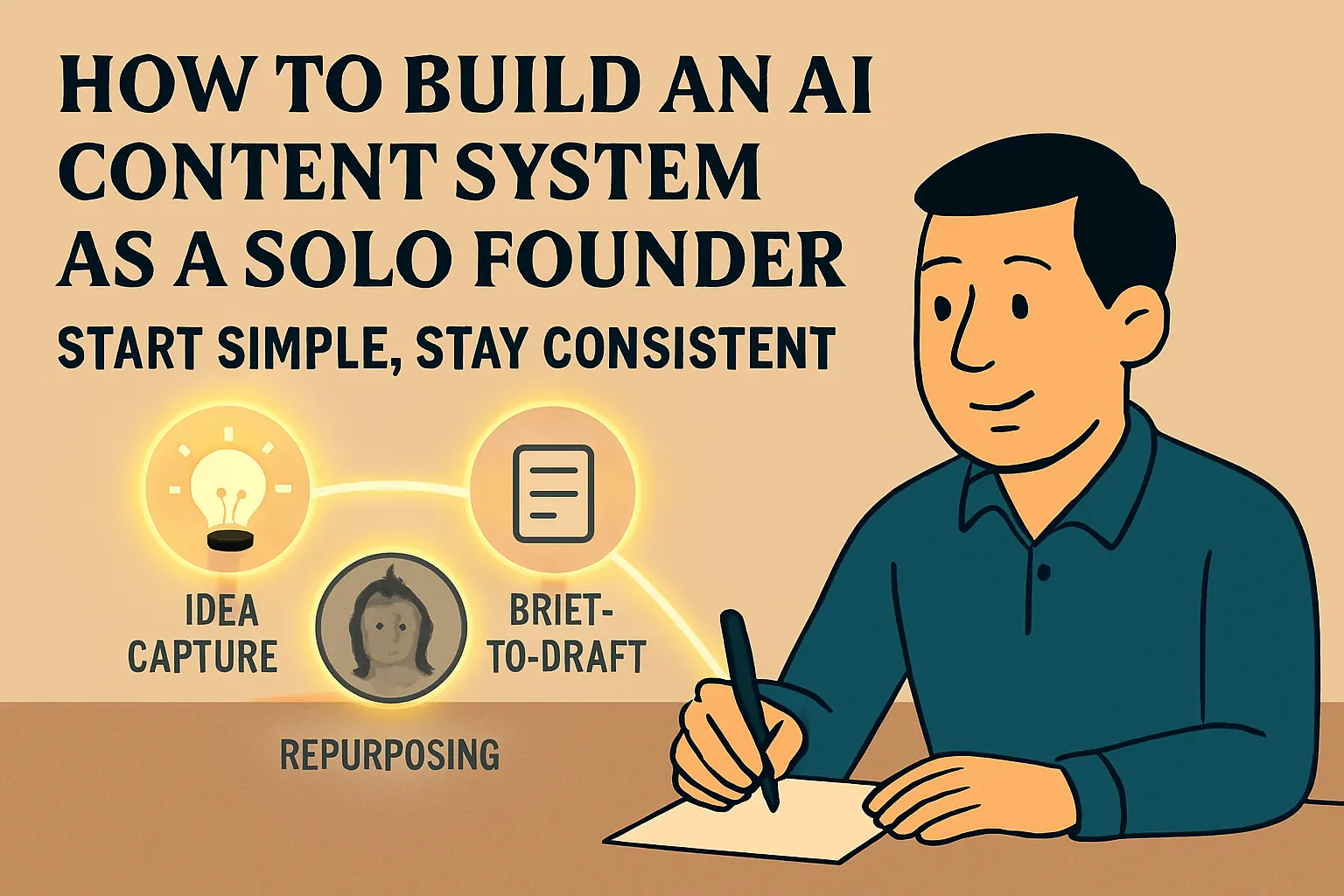
Build a content system if content is part of how you attract clients → How to Build an AI-Powered Content System as a Solo Founder
Check whether you're ready for intermediate content → Signs You're Ready to Move Beyond AI Basics
Or go straight to the advanced hub if you know you want the full picture → Ops & Automation · AI Content Creation
The one thing that determines whether this works
Every founder who's done something like this and found it transformative, and every founder who tried and found it underwhelming, did something differently in week one.
The ones who found it transformative used AI on real work from day one. They sent the actual emails. They used the actual proposal drafts. They ran the real tasks through the tools and let the results be judged by whether they actually saved time on actual work.
The ones who found it underwhelming used AI on test scenarios. They tried hypothetical emails to fictional clients. They experimented without stakes. The outputs were fine but nothing changed in how they worked, because they never let the tool touch anything real.
The difference isn't the plan. It's whether you run it on your actual work or on practice tasks.
Start today: Take the next real piece of writing on your task list — the actual email, the actual document — open claude.ai or chatgpt.com, paste in your context block, and get a draft. That's day one.
This is the final article in AI Basics. You've covered all five pillars.
Ready to go deeper?
← Back to the Bridge to Intermediate main article
← Back to the full AI Basics hub
Explore the advanced hub: Ops & Automation →





Comments (0)
Leave a Comment