

AI Tools Mentioned in this page:




Most people don't know when they've graduated from AI basics. There's no certificate. No test. No moment where the tool says "you've unlocked the next level."
What there is, if you pay attention, is a set of specific things that start happening naturally when your AI habit has matured enough that the basics aren't where your growth is coming from anymore. You start noticing the ceiling. You start wanting more.
This article names those signals clearly — so you can recognize them when they show up — and tells you exactly what to build next based on which signal applies to you.
The six signals that you're ready
Signal 1: You use AI every day without thinking about it
Not occasionally. Not when you remember to. Every day, automatically, as a reflex.
When you sit down to write any significant email, you open Claude or ChatGPT before you open your email client. When a long document arrives, pasting it in for a summary is your first move, not an afterthought. When you need to think through something, talking it out with an AI assistant is part of how you process.
If AI use has become habitual rather than intentional — if you have to think about not using it rather than having to remind yourself to use it — the daily habit is established. That's the foundation everything else is built on.
If you're not there yet, the weekly AI routine is where to focus first.
Signal 2: You're editing AI outputs less, not more
In the first few weeks of using AI, you probably spent significant time editing every output — fixing the tone, restructuring the format, replacing phrases you'd never use, adding the context it missed.
Over time, as your prompting instinct sharpens, that editing time shrinks. Your prompts are more specific. Your context blocks are richer. Your exclusion lists mean the things you always deleted stopped appearing. You get to a usable output in fewer iterations.
When you notice your editing time has dropped significantly — when you're refining rather than rewriting — your prompting fluency has developed. That's not the ceiling. It's a plateau, and the next level of skill involves more complex prompting patterns and multi-step workflows that basic prompting doesn't cover.
If outputs still regularly need heavy editing, the prompting guide will close more of that gap before you go further.
Signal 3: You've successfully run at least one automation
Not planned one. Not researched one. Actually built it, tested it, had it run on real triggers, and had it work reliably for at least a few weeks.
The gap between understanding automations conceptually and having one running in your business is significant. Once you've crossed it — once you've felt the experience of something happening in your business without you doing it — your intuition for what should be automated next develops quickly.
The founders who haven't run a single automation yet aren't ready for complex multi-step workflows. The ones who've had one working reliably for a month usually find the second one takes half the time and the third one takes even less.
If you haven't built your first automation yet, the no-code automation guide walks through five specific ones you can start with. Meeting transcription (Fireflies.ai + your calendar) is the fastest first automation and the best place to start.
Signal 4: You know which tasks AI doesn't help with in your specific business
This is the most underrated readiness signal and the one most beginners skip past.
Knowing what AI doesn't do well for your specific work is as important as knowing what it does well — because it tells you that your mental model of the tool is accurate, not just optimistic. A founder with an accurate mental model makes better decisions about where to invest time building AI workflows.
If you've never consciously identified the tasks in your business where AI creates more work than it saves, or where you don't trust the outputs enough to use them, you're still forming that model.
When AI Doesn't Actually Help gives you the general framework. The specific version for your business comes from paying attention to which AI outputs you never end up using and why.
Signal 5: You're thinking about AI at the system level, not the task level
Early AI use is task-level: "I need to write this email, so I'll use AI." Intermediate AI use is system-level: "What if I built a workflow where this whole category of email type is handled AI-first every time, without me having to decide to use it?"
The shift from task to system is the clearest marker of readiness for intermediate content. You stop seeing AI as a tool you reach for on specific occasions and start seeing it as infrastructure — something that shapes how your business runs, not just something you use when you remember to.
If you've started noticing recurring patterns in your work and thinking "there should be a system for this," that instinct is exactly right. It's what the bridge content in this pillar is built around.
Signal 6: The time savings have plateaued
When you first established your AI habit, the time returns were dramatic and obvious. Emails that took 20 minutes took 5. Proposals that took 90 minutes took 25.
At some point — typically after two to three months of consistent use — those gains level off. Not because AI stopped being useful, but because you've captured most of the low-hanging time savings available from basic AI assistance. The next layer of time savings comes from automation, from systems, and from more sophisticated workflows — not from doing the same basic tasks slightly better.
If you feel like the gains have plateaued and you're looking for the next level — that plateau is the signal. You've extracted the beginner value. The intermediate and advanced content exists precisely because there's significantly more available at the next layer.
What to tackle next based on which signal applies
Not everyone is ready for the same next step. Here's where to go based on your specific situation.
If Signal 1 applies (daily habit established): build your personalized AI assistant
If you're using AI every day, the highest-return next step is a Claude Project or Custom GPT calibrated to your business — so every conversation starts from a foundation that already knows your context without you re-explaining it.
The AI assistant build guide covers this step by step. The setup takes under an hour. The return is permanent — every future AI conversation in that workspace is better calibrated from the start.
If Signal 2 applies (editing less): move to more complex prompting patterns
Basic prompting gets you to 70–80% of the way to a usable output. More advanced prompting — role assignment, chain-of-thought prompting, multi-turn workflows where you use AI output as input for the next prompt — gets you closer to 90–95%.
The next automation article in this pillar introduces multi-step AI workflows. That's the natural progression from single-prompt tasks.
If Signal 3 applies (first automation running): build your second
The second automation always goes faster than the first. You've already established your Zapier or Make.com account, you understand how triggers and actions work, and your instinct for what's automatable has developed.
The pattern to follow: identify the next most time-consuming manual task that has a consistent trigger and a consistent output format. That's your next automation candidate. The no-code automation guide has four more options after the first one you built.
For founders ready to go further — combining AI and automation into a single workflow — Your First AI Workflow That Actually Runs on Its Own is the next article in this pillar.
If Signal 4 applies (you know AI's limits in your work): focus on content systems
Knowing where AI helps and where it doesn't in your specific business means you have a clear picture of where to build versus where to leave things manual. That clarity is exactly what you need before building more complex systems.
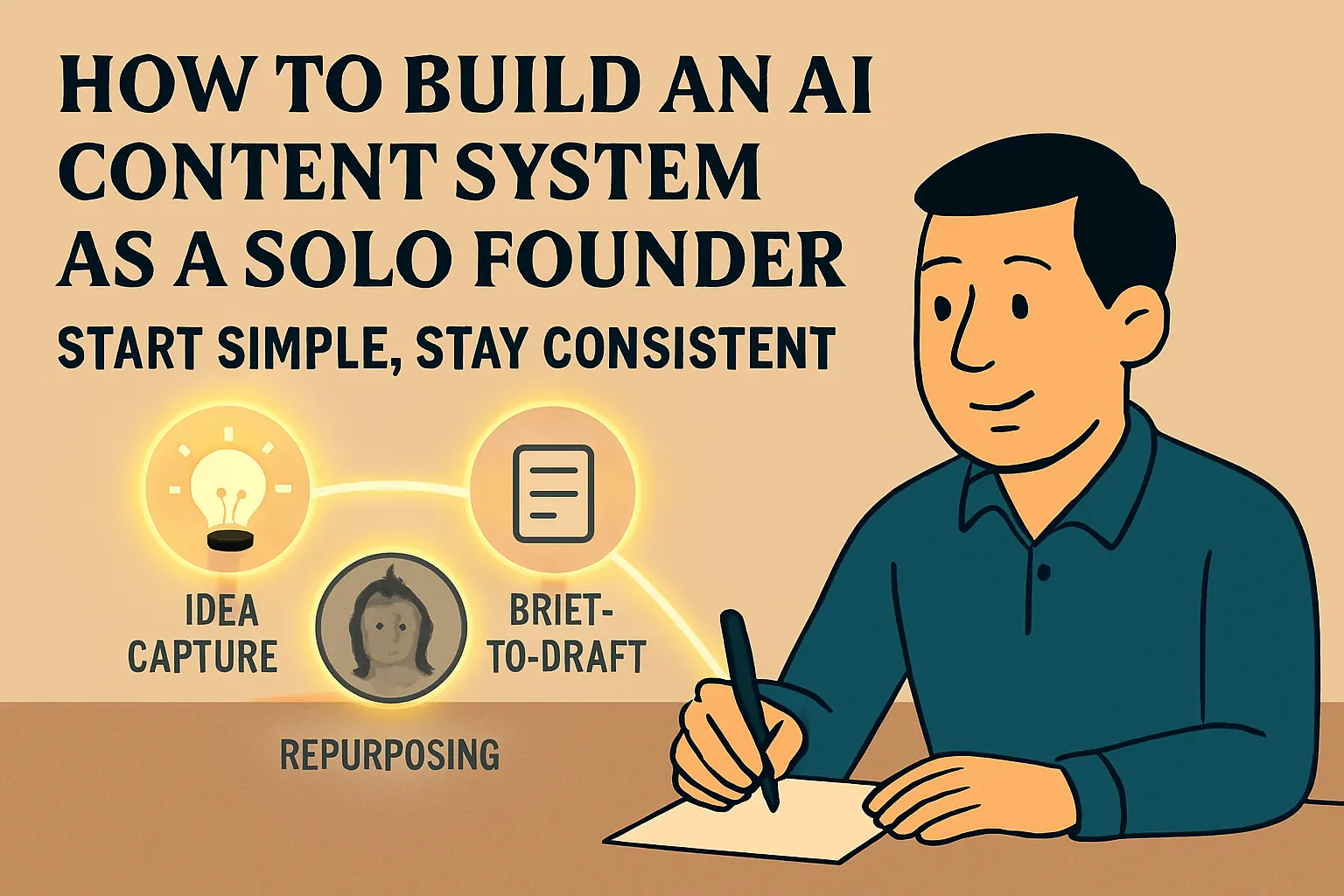
If content is part of your business — articles, newsletters, LinkedIn, email sequences — the content system article in this pillar is your next step. It introduces how to turn individual AI-assisted content pieces into a repeatable system that produces consistent output without starting from scratch each time.
How to Build an AI-Powered Content System as a Solo Founder is where that starts.
If Signal 5 applies (thinking at the system level): go to the ops and automation section
System-level thinking is the readiness marker for intermediate operations content. You're not just running individual automations — you're thinking about how your business's recurring processes could be connected and automated end-to-end.
That's what the advanced hub's operations and automation section covers. The bridge article that connects where you are now to that content is Your First AI Workflow That Actually Runs on Its Own.
If Signal 6 applies (gains have plateaued): you need the 30-day implementation plan
A plateau after consistent basic AI use almost always means you've maxed out the single-task gains and the next layer — systems, automation, connected workflows — hasn't been built yet. The gap between those two layers is where most intermediate founders get stuck.
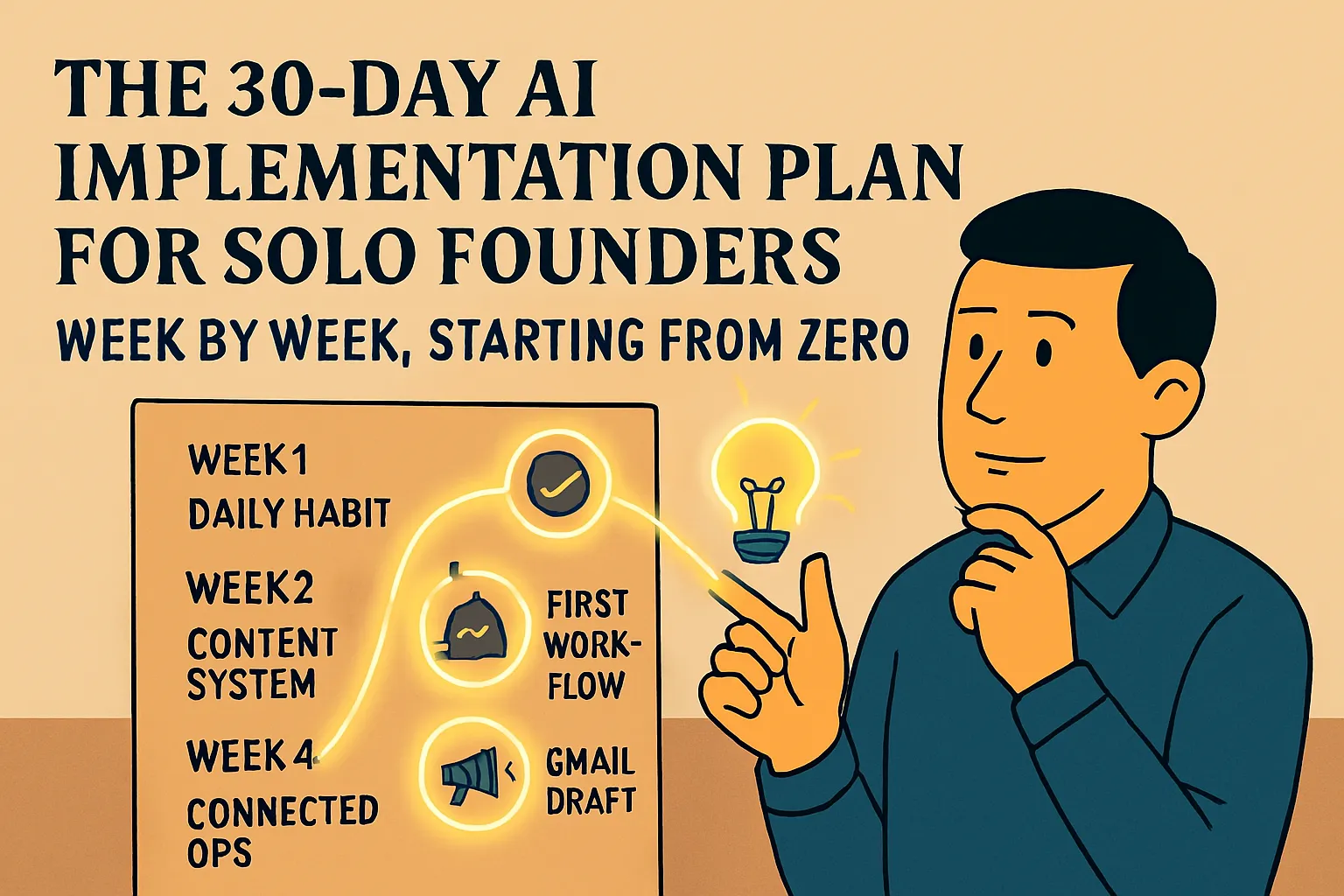
The 30-day AI implementation plan maps the intermediate layer clearly: what to build in week one, week two, week three, and week four to move from a collection of individual AI habits to an actual AI-supported operation. That article is the structured path if you know you want to go further but aren't sure what the sequence is.
A note on not rushing this
It's worth being honest about something: most of the people who read this article won't be ready for all six signals yet. That's not a problem.
The point of AI basics isn't to get through it as fast as possible. It's to build a foundation that's solid enough that the intermediate layer works. Founders who rush to intermediate content before establishing the daily habit, before developing prompting instinct, before running a single automation — they typically hit friction earlier and harder than the ones who built the foundation properly.
If you recognize two or three of the six signals above but not all of them, you're in the right place. Focus on the signals you haven't hit yet before moving on. The intermediate content will still be here.
If you want a structured path through everything — basics to intermediate, week by week — the 30-day implementation plan is the most complete roadmap for that transition.
Do this now: Which of the six signals applies to you today? Go to the specific next step for that signal. Not the whole list — the one that matches where you actually are. That's the next article to read.
Continue in Bridge to Intermediate:
Your First AI Workflow That Actually Runs on Its Own →
Or go back to the pillar: ← Bridge to Intermediate



Comments (0)
Leave a Comment