

Tools mentioned in this page:






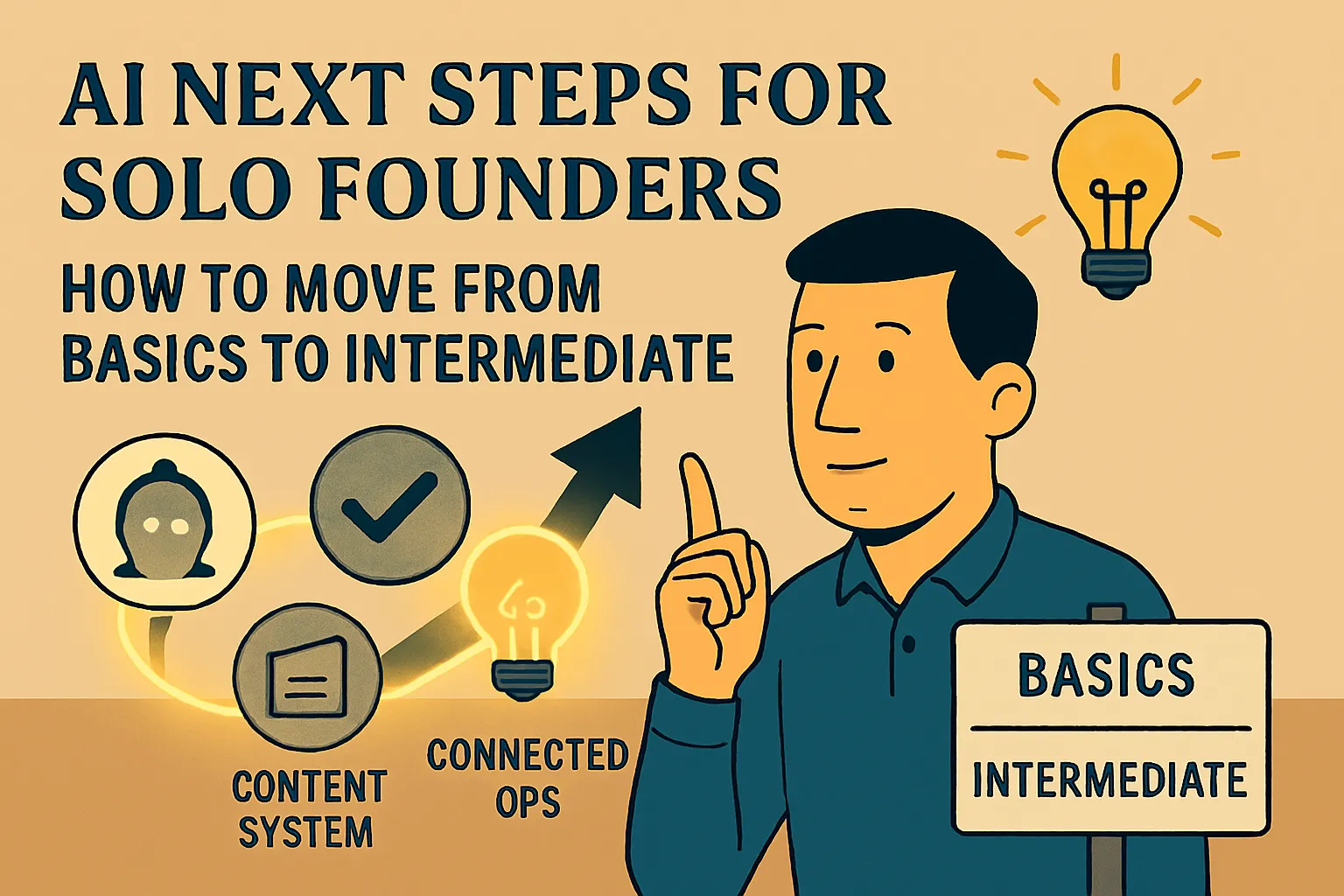
The AI Basics section of this hub exists to get you from zero to a working foundation — daily habit, first automations, personalized assistant, honest picture of what AI does and doesn't do well. If you've worked through the previous four pillars, or you've been using AI consistently for a month or two and built some of that foundation on your own, you're at a specific inflection point.
The basics are working. The next layer isn't more basics — it's a different kind of work.
This section is the bridge. It covers the four things that connect where you are now to the more advanced content in the hub: checking whether you're actually ready, building your first workflow that runs on its own, setting up a content system if content is part of your business, and a structured 30-day plan that sequences everything into a coherent path.
You've done the basics. What comes next?
Here's what the transition from basic to intermediate AI use actually looks like in practice.
Basic AI use is task-level. You have a piece of work to do. You open your AI assistant, give it context, get a draft, edit it, use it. The tool is something you reach for when you need it. It helps. It saves time. It's genuinely useful.
Intermediate AI use is system-level. Instead of reaching for a tool on individual occasions, you start thinking about how recurring patterns in your business could be handled differently — not task by task, but as designed workflows that run consistently without you deciding to initiate them each time.
The difference matters because the returns are different. Task-level AI use saves you time on individual pieces of work. System-level AI use builds infrastructure that compounds — something that handles a whole category of work automatically, every time it occurs, without requiring your attention.
That infrastructure is what this section starts to build.
Check: are you actually ready to move on?
Not everyone reading this is in the same place. Some founders arrive at this pillar having built a solid foundation over several weeks. Others arrive having read the Basics content but not yet put it into consistent practice.
The readiness check gives you six concrete signals to check against your actual experience:
You use AI every day without thinking about it. You're editing outputs less, not more. You've successfully run at least one automation. You know which tasks AI doesn't help with in your specific business. You're thinking about AI at the system level. The time savings from basic use have plateaued.
If you're hitting four or more of these, you're ready for this section. If you're hitting two or three, the readiness article tells you specifically which foundations to solidify first — and which article in the previous pillars closes each gap.
Rushing intermediate content before the foundation is solid is one of the most common reasons AI implementation stalls at the 60-day mark. The readiness check is worth five minutes.
→ Signs You're Ready to Move Beyond AI Basics (And What to Tackle Next)
Your first workflow that runs without you
Everything in the First Wins Series was AI-assisted work — you initiated it, you ran it, you used the output. The Automations article in that section connected apps directly: form submission to spreadsheet, calendar to transcription tool. Useful. But still mechanical — moving data, not processing it.
The next level combines AI and automation in the same workflow. Something triggers. AI processes it. An output appears — a draft, a brief, a response — without you having done anything. The workflow has intelligence, not just connectivity.
The P5-02 article builds two of these from scratch:
Workflow 1: New enquiry form submission → AI generates personalized response draft → saves to Gmail drafts. Response time problem solved. You open Gmail, find the draft, review it, send in two minutes. The lead never waited an hour for a response.
Workflow 2: New calendar event → AI generates meeting prep brief → emails to you 30 minutes before. You arrive at every qualifying meeting prepared without having done any manual research.
Both use Zapier's built-in AI step — no separate API key, no additional billing setup, included in existing Zapier plans. Both are buildable in under an hour. Both produce something genuinely useful from the first run.
Time to build: Under an hour each. Cost: Zapier Starter at $19.99/month (annual) for multi-step Zaps. Free tier works for testing.
→ Your First AI Workflow That Actually Runs on Its Own (Beginner Automation Guide)
A simple content system that produces consistent
If content is part of how you attract or retain clients — articles, newsletters, LinkedIn, any regular publishing — you need a content system before you need advanced content strategy. The system is what makes the strategy executable.
A content system at the solo founder scale isn't a pipeline or a production schedule. It's a repeatable process: a way of going from idea to published piece that removes the blank page problem and makes weekly output consistent rather than sporadic.
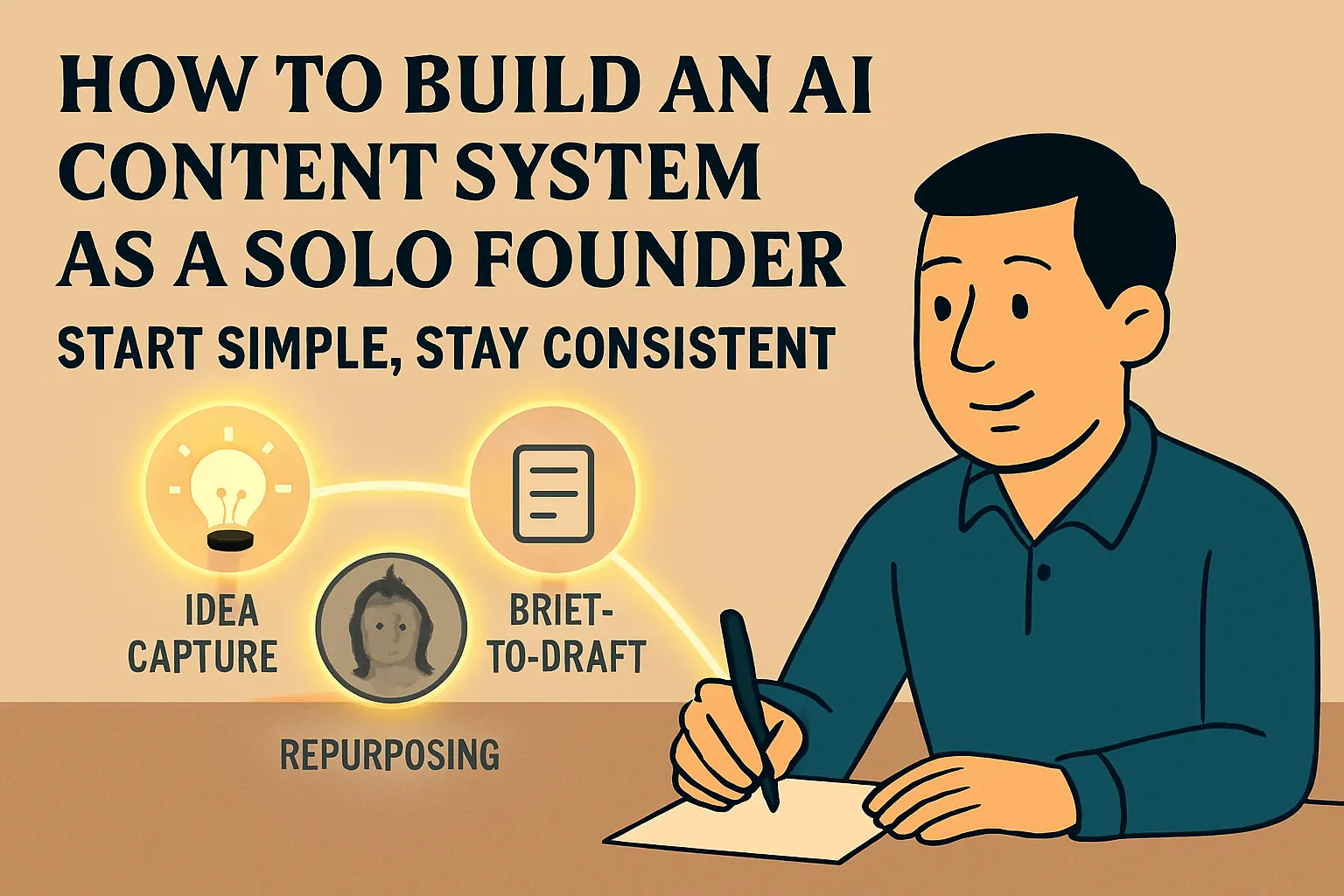
The P5-03 article builds it in three layers:
Layer 1: Idea capture and storage. A simple table with four fields — topic, angle, who it's for, why now. Every content idea gets stored before it disappears. The "why now" field is the one that separates useful captures from generic ones: it forces the real-world observation or client question that grounds the content before the brief is written.
Layer 2: Brief-to-draft workflow. A one-page brief template filled in per piece, plus a prompt that converts it to a structured first draft in under five minutes. Your job shifts from writing to editing. Total time from brief to edited draft: 20–25 minutes per piece.
Layer 3: Repurposing engine. One original piece → three LinkedIn posts + one short email + one quotable short-form version, generated in a single prompt session. Combined with Buffer's free tier for scheduling, one 35-minute content session produces a week of consistent output across platforms.
What this doesn't cover (and where those pieces live): SEO-driven content research, performance tracking, and advanced repurposing workflows are in the full AI Content Creation section of the hub. Build this foundation first. The advanced content section makes more sense once this layer is running.
→ How to Build an AI-Powered Content System as a Solo Founder (Start Simple)
The 30-day plan that ties it all together
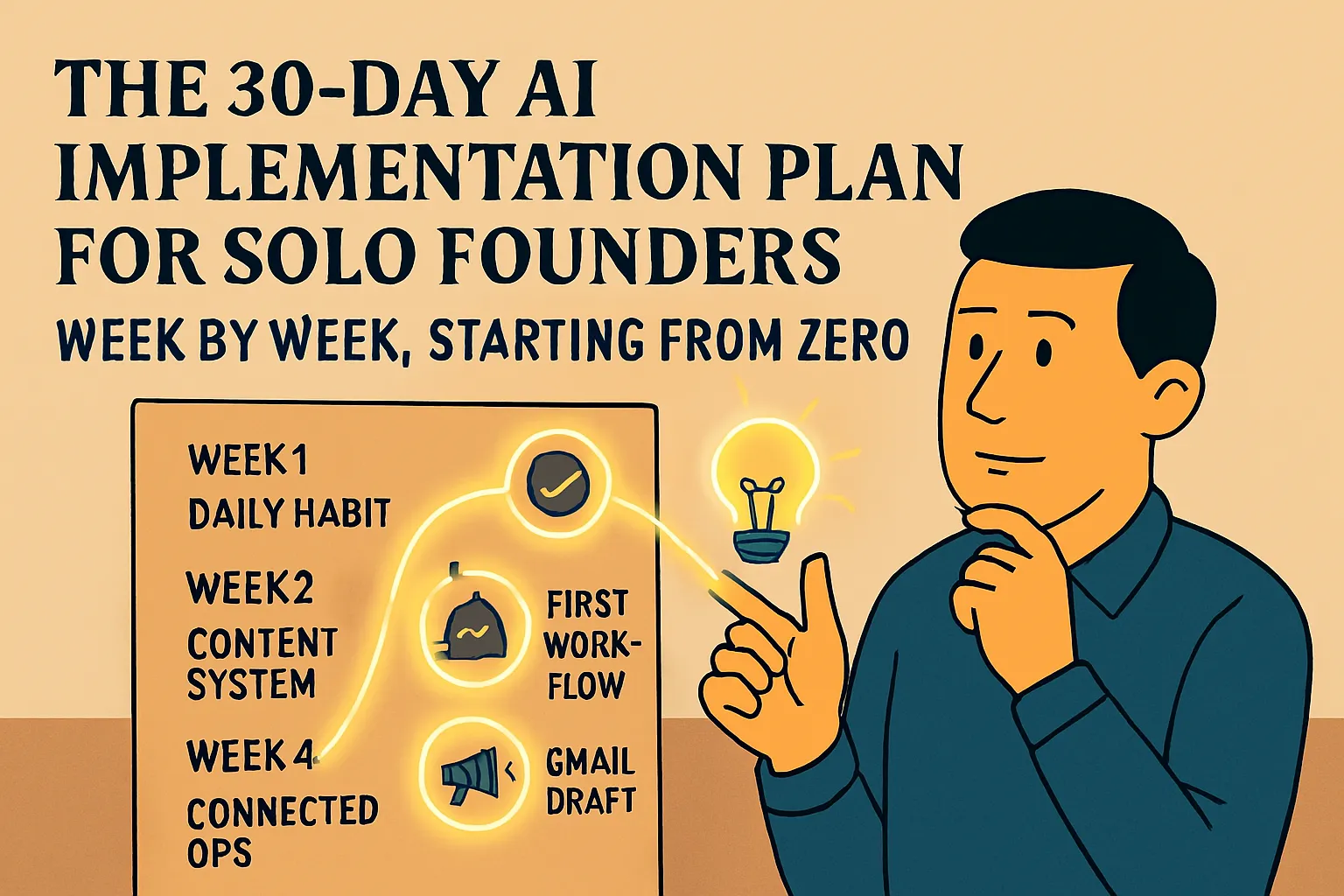
If you want a structured path through everything — from zero AI habits to a working AI-supported foundation — the 30-day implementation plan is the most complete roadmap in this section.
It sequences the entire AI Basics journey week by week:
Week 1: Build the daily habit. One tool, one behavior — AI-first on every significant email. Nothing else. The habit is the foundation; everything else builds on it.
Week 2: Extend to your other high-frequency tasks. Identify the 3–5 recurring tasks that take the most time, build a reusable prompt template for each, test each on real work. By end of week two you have a working prompt library.
Week 3: Build your first automation. One — not five. The goal is the experience of something running reliably without you, which changes how you think about what to automate next. Meeting transcription via Fireflies.ai is the recommended first if you have regular calls.
Week 4: Build your personalized AI assistant — a Claude Project or Custom GPT configured with your business context, tone, and example documents. Week four is the right time because after three weeks of daily use, your context descriptions are calibrated by real experience rather than guesswork.
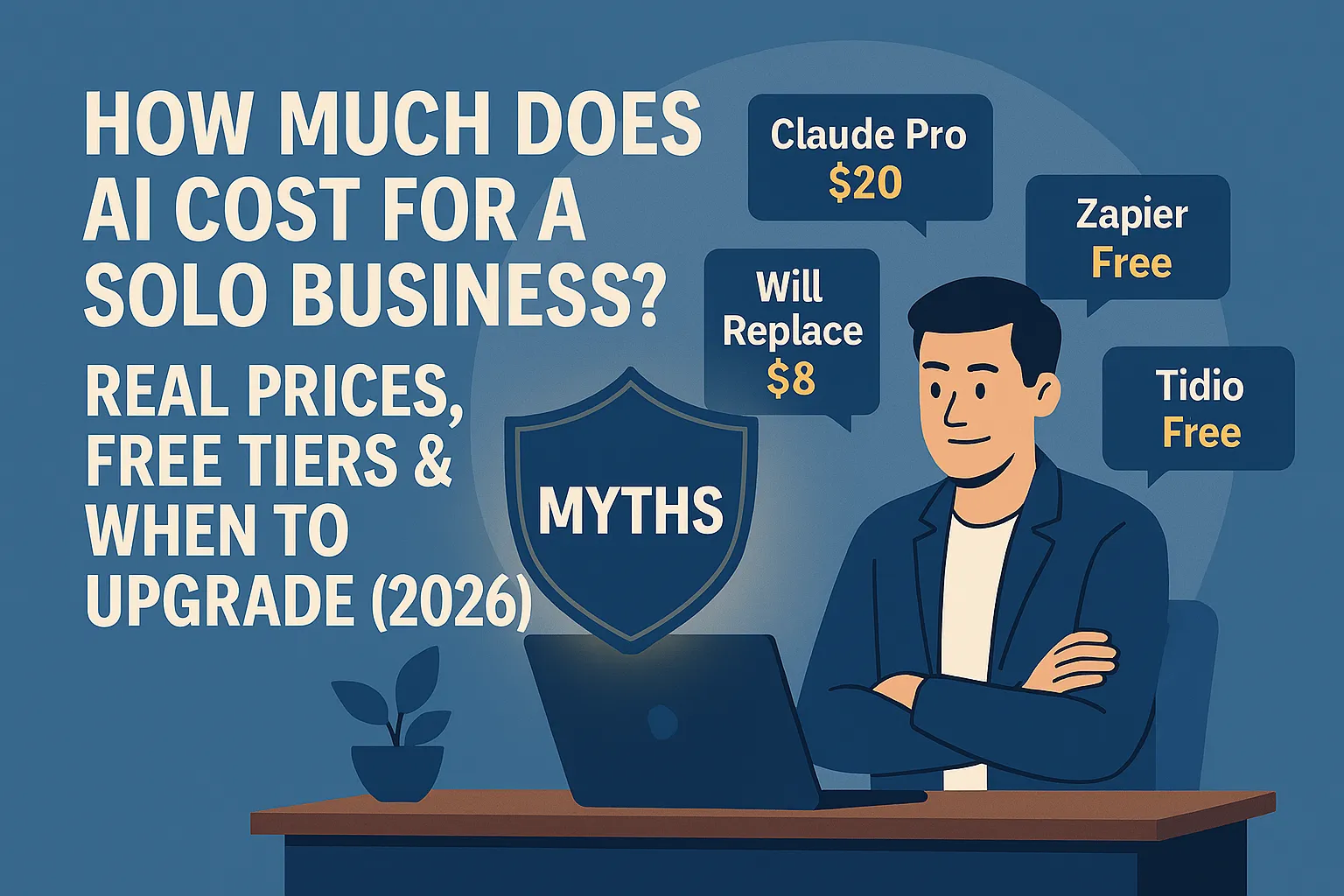
What you have at day 30: Daily AI writing habit saving roughly 90 minutes/week. Prompt template library for 3–5 common tasks. One automation running. One personalized assistant built. Total cost: $20/month. Total time saved per week: 4–6 hours.
→ The 30-Day AI Implementation Plan for Solo Founders Starting From Zero
Where to go based on your business type
The four articles in this section are universally useful — but the order of priority differs based on what your business actually looks like.
If you're a service provider (consultant, designer, strategist, coach, any work billed per project or retainer): Start with P5-02 — the self-running enquiry response workflow has the most direct impact on conversion for service businesses where response time matters. Then P5-04 if you want the full structured path.
If you produce content regularly (newsletter, LinkedIn, blog, any publishing): Start with P5-03 — the content system gives you the repeatable process that makes consistent publishing sustainable before you need the more advanced content strategy in the AI Content Creation section.
If you're starting from zero and want a clear sequence: Start with P5-01 (the readiness check), then follow P5-04 (the 30-day plan) which sequences everything else for you.
If you're already using AI daily and just want the next thing to build: Go straight to P5-02. The self-running workflow is where the infrastructure layer starts.
Where this section connects to the advanced hub
This is the last section of AI Basics. Everything built here — the daily habit, the prompt library, the first automations, the personalized assistant, the content system — is the foundation for the advanced content.
Ops & Automation picks up from the self-running workflow in P5-02 and goes significantly further: multi-step connected workflows, CRM integration, client onboarding automation, and the operational infrastructure of a fully AI-supported solo business.
AI Content Creation picks up from the simple content system in P5-03 and covers the full playbook: SEO-driven content research, content calendars, distribution strategy, and the more sophisticated workflows for founders who produce content as a primary channel.
Both sections assume the foundation built in AI Basics is in place. If you arrive at either section with the daily habit, a prompt library, at least one automation running, and a personalized assistant — you'll find the advanced content immediately applicable rather than overwhelming.
All articles in this series
Bridge to Intermediate — the full reading path:
Signs You're Ready to Move Beyond AI Basics (And What to Tackle Next) → — Six concrete signals that say you're ready, with specific next steps for each.
Your First AI Workflow That Actually Runs on Its Own (Beginner Automation Guide) → — Two buildable workflows combining AI and automation. Enquiry response drafts and meeting briefs, both running without you.
How to Build an AI-Powered Content System as a Solo Founder (Start Simple) → — Idea capture, brief-to-draft workflow, repurposing engine. One 35-minute session, a week of consistent content.
The 30-Day AI Implementation Plan for Solo Founders Starting From Zero → — Week-by-week roadmap from zero to a working AI-supported foundation. The capstone article for the entire AI Basics section.
You've reached the end of AI Basics. Here's where the advanced hub picks up:
Ops & Automation: Build the Infrastructure of a Solo-Run Business →
AI Content Creation: The Full Playbook for Content-Led Growth →
Or go back to the full AI Basics hub: ← AI Basics for Solo Founders



Comments (0)
Leave a Comment