

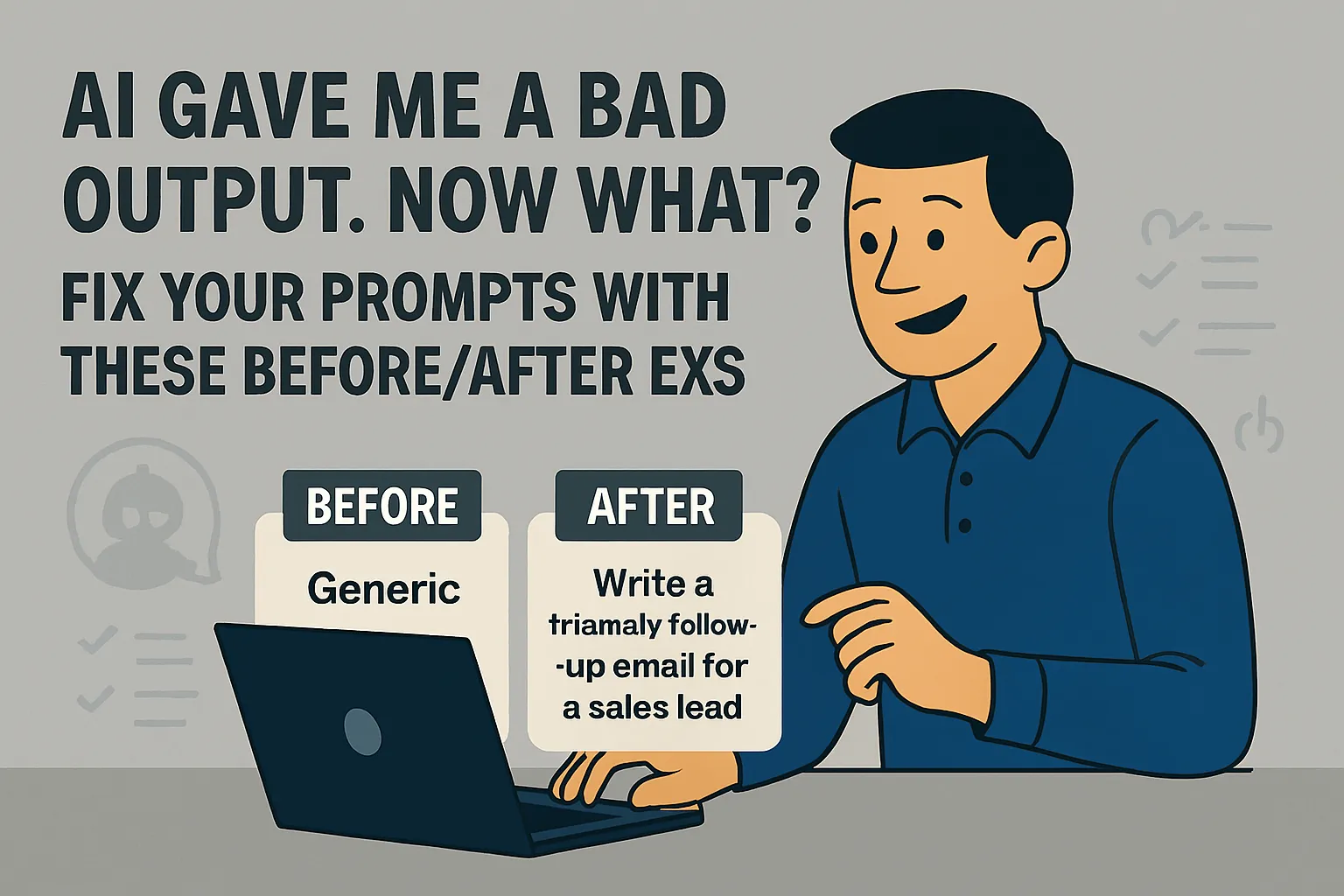
You asked AI for something. What came back was generic, too long, the wrong tone, or just not what you meant. You tried again with slightly different wording. Same kind of result.
Here's the thing: that's almost never the tool's fault. It's the prompt. And the gap between a bad prompt and a good one is smaller than most people think — once you know what to look for.
This isn't a theory lecture on prompt engineering. You don't need to learn about chain-of-thought techniques or XML tags or how large language models process tokens. You need to know why your specific output was bad and what to change about the thing you typed.
That's what this article covers. Five specific prompt problems, what causes them, and the exact fix — each one with a before/after example from a real solo founder task so you can see precisely what changes.
How to use this article
Read the output you got. Then scan the five problems below for the one that matches what went wrong. Go straight to that section, apply the fix, try again.
You don't need to read all five. Find yours.
Problem 1: The output is too generic — it could be about any business, not mine
What it looks like: You asked for help with your client proposal and got back something that reads like it was written for a fictional consulting company. Nothing in it reflects your actual clients, your actual service, or how you actually communicate.
Why it happened: You didn't give AI enough information about your specific situation. Without that context, it produces something plausible but universally applicable — which is the opposite of useful for a one-person business where everything is specific.
The fix: Add context before the request. Not a little context — real context. Who you are, who your clients are, what makes your situation specific to you.
Before:
Write a proposal introduction for a branding project.
After:
I'm a brand strategist who works with early-stage tech founders in the UK.
My clients are typically 1-3 years into their business, have gotten early
traction, and now need to look more credible to attract bigger clients or
investors. They're smart but not brand-literate — they know something feels
off but can't name it.

I'm writing a proposal for James, who runs a 2-year-old B2B SaaS company.
He said in our call that he's losing deals to competitors who "seem more
established" even though his product is better. His budget is around £4k.

Write a proposal introduction that reflects his specific situation back to
him and positions my approach as the right fit for exactly where he is.
What changed: The after version gives AI a real client, a real situation, a real pain point, and a real outcome to aim for. The output it produces will sound like it was written for James — because it was.
The rule: The more specific your context, the more specific the output. Vague in, vague out. Real situation in, usable draft out.
Problem 2: The output is the wrong tone — too formal, too casual, too corporate, not me
What it looks like: The draft is technically fine but it doesn't sound like you. It's too stiff, too salesy, too polished, or uses words you'd never use. You'd have to rewrite the whole thing to make it sound human.
Why it happened: You didn't tell AI how you communicate. Without tone instructions, it defaults to a "professional business writing" register — which is blandly formal and applies to no one in particular.
The fix: Add a tone description to your prompt. Don't just say "professional" — that's what it's already doing. Be specific about what your tone actually is and what it isn't.
Before:
Write a follow-up email to a client after a strategy session.
After:
Write a follow-up email to a client after a strategy session.

My tone: direct and warm, like a trusted advisor not a service provider.
Conversational but not casual. I never use corporate phrases like "as per
our discussion," "please don't hesitate," "I hope this email finds you well,"
or "best practices." I write short paragraphs. I sign off with just my name.

The client is Maya, founder of a food brand. We talked through her Q3
launch plan. She's feeling stretched and I want the email to feel
reassuring without being sycophantic.
What changed: The after version tells AI exactly what to aim for and — crucially — what to avoid. The "never use" list is often more useful than the positive description. AI defaults to common phrases; explicitly excluding them forces it to find your actual voice.
One useful trick: Paste in a real email you've written that you were happy with and add "Match the tone and style of this email" to your prompt. Showing beats describing when it comes to tone.
Problem 3: The output is the wrong length or format — too long, wrong structure, not what I needed
What it looks like: You wanted a short email and got four paragraphs. You wanted bullet points and got flowing prose. You wanted a structured proposal and got a wall of text. The content might be fine but the shape is wrong and reformatting it takes as long as writing from scratch.
Why it happened: You didn't specify format. AI makes its best guess at what a reasonable format looks like for the task — which may not match what you actually need.
The fix: Be explicit about format in your prompt. Not "keep it short" — that means different things to different people. Specific numbers, specific structure, specific constraints.
Before:
Write a LinkedIn post about the lessons I've learned from working with
early-stage founders.
After:
Write a LinkedIn post about the lessons I've learned from working with
early-stage founders.

Format requirements:
- Under 220 words total
- No bullet points or numbered lists — flowing prose only
- First sentence must be a hook that makes someone stop scrolling
- No hashtags
- No "I" as the first word
- End with a question that invites comments
- Line breaks between short paragraphs for readability
What changed: The after version removes every formatting decision from the AI's discretion. It knows exactly how long, what structure, what to avoid, and how to end. The output arrives already shaped correctly — not as raw material you have to reshape.
Format instructions that work:
"Under X words" (not "short" or "concise")
"X paragraphs, each under 3 sentences"
"Numbered list of exactly 5 items"
"No bullet points — write in prose"
"Include a subject line, opening paragraph, body, and single call to action"
"Table format with columns: [name them]"
Problem 4: The output goes off-topic or misunderstands what you wanted
What it looks like: You asked for one thing and got something adjacent but wrong. You asked for help writing a proposal and got a template for a different type of service. You asked for competitive research and got a general overview of the industry instead.
Why it happened: Your prompt was ambiguous and AI made a reasonable but incorrect interpretation. It didn't misunderstand you maliciously — it filled in the blanks with the most probable meaning, and the most probable meaning wasn't what you meant.
The fix: State the task, then state what you don't want. Constraints eliminate wrong interpretations before they happen.
Before:
Help me research my competitor Notion.
After:
I run a project management consultancy for solo founders and small teams.
I want to understand how Notion positions itself and what gaps it leaves
that I could speak to in my own positioning.

Specifically:
1. How does Notion describe its own value proposition on its website?
2. What do users commonly complain about in Notion reviews (look at the
   context I've provided below)?
3. Based on those complaints, what is Notion NOT solving well for small
   teams and solo users?

I'm NOT asking for a general overview of what Notion is — I'm familiar
with the product. I want a positioning and gap analysis.

Here are 10 Notion reviews I've collected: [paste reviews]
What changed: The after version eliminates the generic interpretation by stating exactly what it wants, breaking it into numbered questions, explicitly saying what it doesn't want, and providing the raw material for the analysis rather than expecting AI to retrieve it. Each of those four additions closes a different route to the wrong output.
The most useful phrase in prompting: "I'm NOT asking for [wrong interpretation]. I want [what I actually mean]." This single addition stops a lot of off-topic outputs before they happen.
Problem 5: The output is close but not quite right — and you're not sure what to change
What it looks like: The draft is maybe 70% there. The structure is right, the content is mostly right, but something is off and you can't articulate exactly what. You edit it, it still feels off, you're going in circles.
Why it happened: The first output got close but landed on a default interpretation for something you care about that you didn't specify in the original prompt. The fix isn't to edit the output — it's to go back to the prompt and add the missing specification.
The fix: Don't edit in circles. Diagnose what's off, then add that specific instruction to the prompt and regenerate.
The diagnosis questions:
Read the output and ask:
Does it sound like me? If not, go to Problem 2 (tone). Add your tone description and regenerate.
Is the structure wrong? If not, go to Problem 3 (format). Add explicit format constraints and regenerate.
Is something important missing? Add "also include [the missing element]" and regenerate from the original prompt, not from the edited draft.
Is something wrong that shouldn't be there? Add "do not include [the element]" and regenerate.
Before (trying to fix by editing the output): Spending 20 minutes rewriting a draft that keeps feeling slightly off without ever fixing the underlying issue.
After (fixing the prompt instead):
[Original prompt]

Additional constraints:
- The opening paragraph should acknowledge the client's specific frustration
  (that they've tried rebranding before and it didn't stick) before
  moving into the proposal
- Don't frame this as a "transformation" — she's allergic to that word
- The investment section should present the price without any justification
  paragraph — just state it clearly and move to next steps
What changed: Instead of editing the output, you identified the three specific things that were off and added them as constraints. Regenerate from the updated prompt. The new output addresses all three.
The general principle: Every unsatisfying output has a specific cause. Find the cause, fix the prompt, regenerate. Editing a bad output is slower and less reliable than regenerating from a better prompt. Most people learn this backward — they edit first, then eventually go back to the prompt when editing stops working.
The one habit that fixes most prompting problems
All five problems above have a common root: the prompt assumed AI knew things it didn't know.
It didn't know your clients. It didn't know your tone. It didn't know the format you needed. It didn't know what you didn't want. It didn't know the specific thing that was missing.
The habit that fixes most of this: before you type your request, spend 30 seconds asking yourself what AI would need to know to give you exactly what you want. Then put that in the prompt.
Not everything — just the things that would change the output if they were missing. Your clients, your tone, the format, the specific constraints, what to exclude. That 30 seconds of thinking about the prompt before writing it is worth more than any prompting framework.
You don't need to learn prompt engineering. You need to give AI the information it needs to do the specific job you're asking it to do.
Do this now: Take the last AI output that disappointed you. Identify which of the five problems above it matches. Add the fix from that section to your original prompt. Regenerate. That single attempt — diagnosing and fixing a bad prompt rather than giving up or editing in circles — is how prompting intuition actually develops.
Next in Navigate the Friction: Is It Safe to Use AI for My Business? What Solo Founders Need to Know →
Or step back to: Why Most Solo Founders Quit AI Tools in Week 2 →
Or go back to the main article: ← Navigate the Friction



Comments (0)
Leave a Comment