

Tools Mentioned in this page:


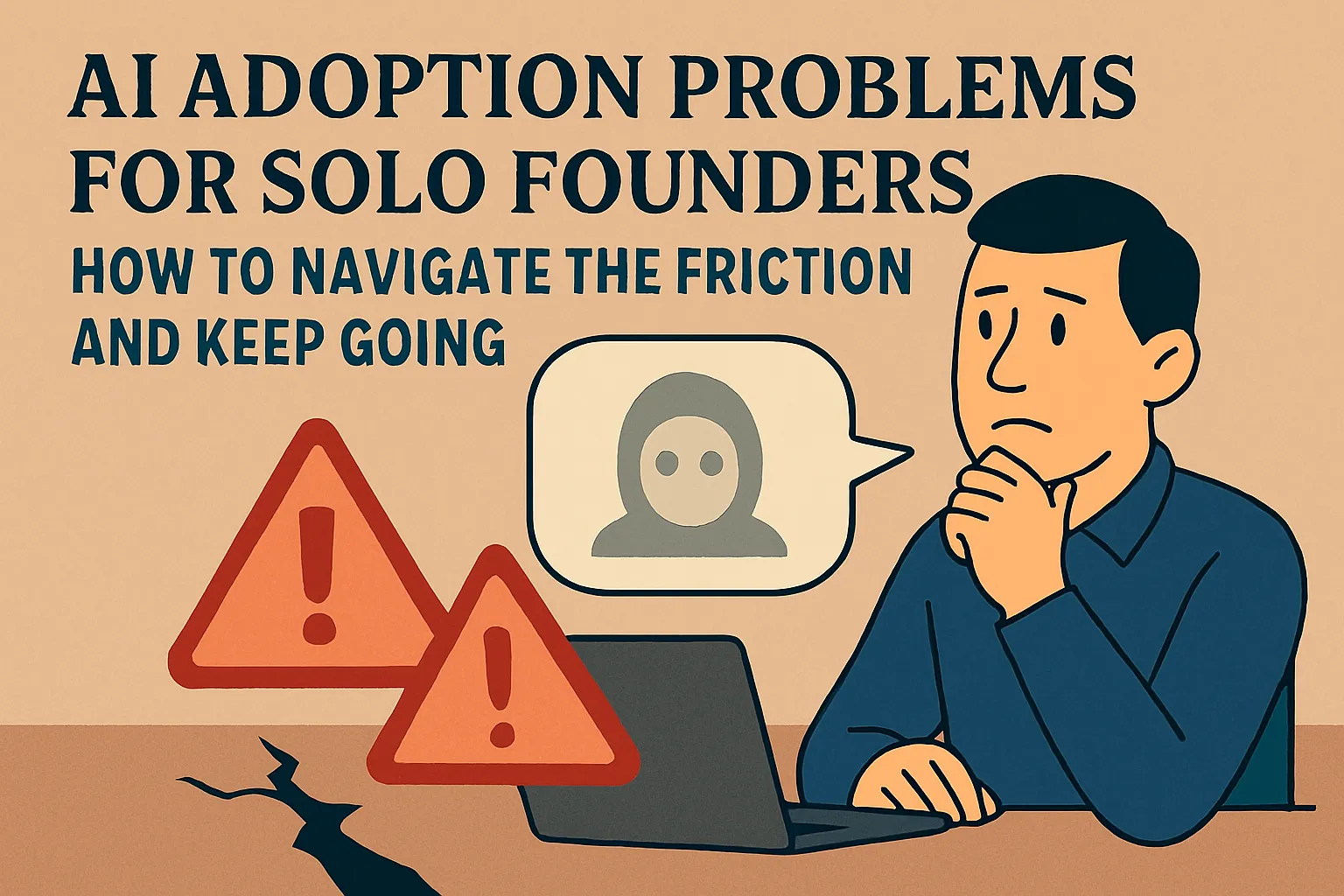
The most common reason solo founders give up on AI tools isn't that they don't work.
It's that something went wrong in the first two weeks — one bad output, a setup that took longer than expected, a privacy question that felt unanswered, a vague sense of not knowing whether they were doing it right — and nobody explained what happened or what to do next.
That's what this section is for. Every article here addresses a specific friction moment that causes beginners to abandon AI tools. Not in theory — specifically. With the exact cause, the exact fix, and the honest picture of what's actually going on.
If you're reading this having already tried AI and found it underwhelming, you're in the right place. The tools probably work fine. The friction point is almost certainly identifiable and fixable.
Why friction kills AI habits — not capability
Here's what the research consistently shows about AI adoption at the small business level: the primary barrier isn't technical skill, cost, or tool quality. It's knowledge gaps — not knowing where to start, not knowing whether you're using it right, not knowing what to do when something goes wrong.
When that uncertainty combines with one frustrating experience, the typical response is to conclude that AI isn't for you and move on. The tool goes unused. The habit never forms. The potential value never materializes.
What makes this frustrating is that almost every friction moment has a specific, identifiable cause and a straightforward fix. The problem isn't capability — it's orientation. You hit a wall, and there was nothing nearby that explained what the wall was or how to get past it.
This section is that explanation.
Week 2: the most common quitting point and why
If there's one friction point that accounts for more AI abandonment than any other, it's this: something goes wrong in the first two weeks, the founder doesn't know why, and the natural conclusion is that AI isn't worth the effort.
The actual cause is almost always one of four things — and none of them are evidence that AI doesn't work for your business.
Wrong tool for the job. Using a general AI assistant for a job that needs an automation tool, or trying to use an automation tool for a job that needs a generative AI assistant. The mismatch produces failure that gets attributed to AI broadly when it's actually a category error.
No specific outcome in mind. Opening an AI tool with the vague intention of "trying AI" rather than a concrete task produces generic outputs from generic prompts. That experience doesn't prove AI isn't useful — it proves generic inputs produce generic outputs.
Comparing week two to someone else's year two. The polished AI success content circulating right now shows finished systems built over months of iteration. Trying to replicate those systems in week two is like watching a professional chef and attempting the same dish as your first time in a kitchen. The failure is a sequencing problem, not a capability problem.
Expecting results without building the habit. AI outputs improve significantly as your prompting instinct develops — typically around weeks four to six of consistent daily use. Judging the tool at week two is measuring it at its worst point.
All four are fixable. The detailed breakdown of each failure mode and its specific fix →
Bad outputs: what's actually wrong and how to fix it
"AI gave me a bad output" is one of the most common frustrations beginners report. It's also the most fixable, once you understand what "bad output" actually means diagnostically.
Every disappointing AI output has a specific cause — and the cause is almost always in the prompt, not the tool. The five most common problems:
Generic output that could be about any business. Cause: no business context in the prompt. Fix: add context before the request — who you are, who the output is for, what the specific situation is.
Wrong tone — too formal, too corporate, not you. Cause: no tone description. Fix: describe your tone specifically, including what you never say. The exclusion list is often more useful than the positive description.
Wrong length or format. Cause: format not specified. Fix: add explicit constraints — exact word count, number of paragraphs, structure requirements, what to exclude.
Off-topic or misunderstood. Cause: ambiguous prompt filled in with the most probable interpretation. Fix: add "I'm NOT asking for [wrong interpretation]. I want [what you actually mean]."
Close but not quite right — editing in circles. Cause: trying to fix the output rather than fix the prompt. Fix: diagnose what's off, add the missing constraint, regenerate.
The most useful habit: before typing a prompt, spend 30 seconds asking what AI would need to know to give you exactly what you want — then put that in the prompt.
Full guide with before/after examples for each problem →
Privacy: what's actually true and what to do about it
Privacy is the friction point that stops some founders from using AI tools at all, and causes others to use them carelessly. Both responses come from the same thing: not having an accurate picture of what actually happens to your data.
Here's the honest summary:
What actually happens: Your conversations are processed on company servers, stored for varying lengths of time depending on your plan and settings, and — on default consumer accounts — may be used to train future versions of the model. Human employees can review conversations in specific circumstances. Your data is not sold or publicly exposed.
The critical 2025 update for Claude: Anthropic updated its consumer terms in late 2025. Training is now opt-in but defaults to ON for consumer accounts (Free, Pro, Max). If you haven't changed this setting, your conversations may be used for training and stored for up to five years. The opt-out is in Settings → Privacy → Privacy Settings → turn off model training.
ChatGPT: Same situation on personal plans (Free, Plus, Pro). Opt out in Profile → Settings → Data Controls → "Improve the model for everyone" → toggle off.
Business plans for both tools (Claude for Work, ChatGPT Team/Enterprise) explicitly exclude data from model training. Right choice if you regularly handle client confidential information.
What you should never put in either tool regardless of settings: Client personal data with identifying details, passwords and credentials, legally privileged material, information under strict NDA, regulated data (HIPAA, certain financial data).
What's fine to use AI for — which is most things: drafting your own outreach, proposals, follow-ups, templates, SOPs, content, research using public information, anything involving your business approach rather than your clients' private data.
Full privacy guide with exact settings steps for both tools →
7 mistakes that explain most beginner frustration
Most beginner AI frustration traces back to one or two of the same recurring mistakes. Here they are in order of how commonly they appear:
1. Using AI like a search engine. AI generates from training data — it doesn't retrieve live information. Use it for creation and synthesis, not for factual lookup with current answers.
2. No context — just the request. Generic input produces generic output. The fix is always more specific context: who you are, who this is for, what the specific situation is.
3. Accepting the first output. The first output is a starting point. For anything that matters — a client proposal, an important email, anything public-facing — regenerate at least once with whatever refinements the first output revealed you needed.
4. Building automations before understanding the process. Automation executes a defined sequence reliably. If the sequence isn't clear in your head first, the automation is fragile and hard to fix when it breaks. Run every process manually 5–10 times before automating it.
5. Wrong tool category. AI assistants generate language. Automation tools connect apps and run workflows. Specialist tools do one specific job. Using any of them for a job outside their category produces failure attributed to the tool.
6. Tool-hopping. AI outputs improve as your prompting instinct develops — which only happens with consistent use of one tool. Four tools tried for two weeks each produce no fluency. One tool used daily for 90 days produces real capability.
7. Not excluding what you don't want. Every time you delete the same element from an AI output twice — a sign-off you hate, a phrase you never use, a disclaimer you always remove — add "never include [X]" to your prompt. Excludes it permanently.
Full article with specific fixes for each mistake →
When AI genuinely isn't the right tool
Not every friction moment is a fixable mistake. Some situations genuinely aren't well-served by AI — and knowing which ones matters as much as knowing where AI works well.
The situations where AI creates more work than it saves or produces results you can't safely use:
Real-time or highly current information. AI knowledge has a cutoff. It produces confident answers about current pricing, competitors, and regulations that may be significantly outdated. Use search for anything where recency matters.
First contact with a new prospect. AI-drafted cold outreach is detectable in a way that costs conversions. Write first-contact messages yourself; use AI to tighten them afterward.
Strategic decisions about your business. AI answers strategy questions fluently and builds recommendations on generic patterns, not your specific market and situation. Use it to stress-test thinking you've already done, not to do the thinking for you.
Content where your expertise is the point. AI produces technically competent content that hits expected beats without the specific perspective that makes your content worth following. Give AI your insight to structure — don't ask AI to generate the insight.
Sensitive client relationship moments. Clients who've worked with you long enough to know how you write can detect AI-assembled responses. For anything where the human dimension matters, write it yourself.
Processes you don't fully understand yet. AI-drafted SOPs and documents for poorly understood processes look finished but codify the uncertainty. Run the process manually until it's clear, then use AI to document it.
Judgment-based work your clients are paying for. AI can draft the recommendation. The recommendation needs to come from your judgment and experience — because when clients ask why, the honest answer has to be yours.
Full article on when not to use AI, with specific guidance for each situation →
Find the article that matches your specific friction
Six friction points, six specific guides. Go directly to the one that matches what you're dealing with.
"I tried AI and I've basically stopped using it. I'm not sure it's worth it."
Start with the week-two quit article. It names the four specific failure modes that cause most abandonment and gives the exact fix for each. The cause is almost certainly one of those four — and once you know which one, the reset takes less than an hour.
→ Why Most Solo Founders Quit AI Tools in Week 2 (And How to Not Be That Person)
"I keep getting outputs that aren't quite right and I don't know what I'm doing wrong."
The prompting guide. Five specific output problems with before/after examples from real solo founder tasks. Find the one that matches your output and apply the fix.
→ AI Gave Me a Bad Output. Now What? Beginner's Guide to Prompting Better
"I'm not sure what AI does with my business data and whether it's safe to use."
The privacy guide. Covers what actually happens to your inputs, the current settings for Claude and ChatGPT (including the 2025 policy changes), what you should never type in, and what's completely fine to use AI for. Factual, not alarmist.
→ Is It Safe to Use AI for My Business? What Solo Founders Need to Know
"AI feels generally underwhelming but I can't pinpoint what I'm doing wrong."
The mistakes article. Seven specific mistakes that explain most beginner frustration, each with a concrete fix. Scan them — one will match what you're experiencing.
→ 7 Beginner AI Mistakes Solo Founders Make (And the Simple Fixes)
"I'm not sure which tasks are actually worth using AI for."
The limitations article. Covers the specific situations where AI creates more work than it saves or produces results you can't trust — so you can direct your effort to where AI actually helps.
→ When AI Doesn't Actually Help: Honest Situations Where It's Not Worth It
All articles in this section
Navigate the Friction — the full reading path:
Why Most Solo Founders Quit AI Tools in Week 2 (And How to Not Be That Person) → — The four failure modes behind most AI abandonment, with the specific fix for each.
AI Gave Me a Bad Output. Now What? Beginner's Guide to Prompting Better → — Five output problems with before/after examples. Find yours and fix it.
Is It Safe to Use AI for My Business? What Solo Founders Need to Know → — What actually happens to your data, what to change in your settings, what never to type in.
7 Beginner AI Mistakes Solo Founders Make (And the Simple Fixes) → — The recurring mistakes behind most beginner frustration, each with a specific fix.
When AI Doesn't Actually Help: Honest Situations Where It's Not Worth It → — Where AI genuinely isn't worth it — and what to use instead.
Already past the friction? Head to the next section: Build Your Stack: The Tools That Actually Work for Solo Founders →
Or revisit what you've built so far: ← First Wins: Get AI Working in Your Business This Week
Or go back to the full AI Basics hub: ← AI Basics for Solo Founders



Comments (0)
Leave a Comment