

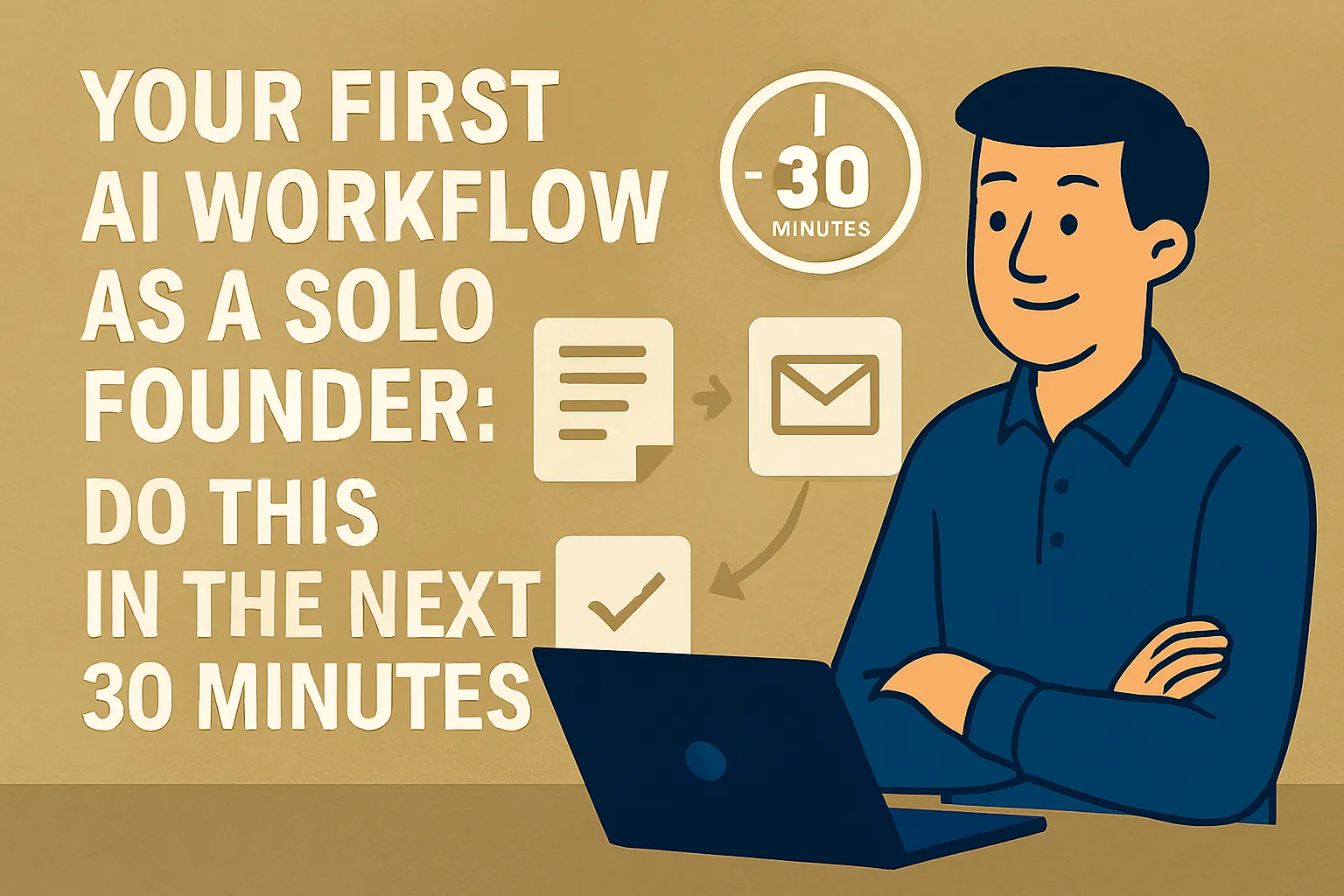
You've read enough about AI. You know it's probably useful. You just haven't actually done anything with it yet — or you've poked at it once or twice without getting a result that felt worth repeating.
This article is not more reading. It's one workflow, step by step, that you can complete in the next 30 minutes using free tools you already have access to. By the end of it you'll have something real: a reusable AI-assisted email template for the most common email you write in your business.
That's it. Not a system. Not a stack. One thing, done properly, that saves you time starting today.
Why this workflow first
There are dozens of ways to start using AI. This one was chosen for three specific reasons.
Every solo founder writes emails. Doesn't matter if you're a designer, a consultant, a product founder, or a coach — you write client emails, prospect emails, follow-up emails, proposal emails. It's universal.
It takes under 30 minutes with zero setup. No integrations, no paid tools, no technical knowledge. A browser and a free Claude account is all you need.
And the result is immediately reusable. You're not just doing a one-off experiment. You're building a template you'll use every week from here. That's the difference between a demo and an actual workflow.
What you're building
By the end of this you'll have:
A reusable AI prompt that drafts your most common business email in under two minutes
A saved template you can reach for every time that email type comes up
A clear sense of how to adapt this to other email types — which takes five minutes once you've done it once
The email type we're using as the example: a follow-up email after a sales or discovery call. If that's not your most common email, you can swap in whatever is — the process is identical. Proposal follow-up, client update, new enquiry response — same steps, different context.
Before you start: two things to have ready
1. A free Claude account. Go to claude.ai and sign up if you haven't. Takes two minutes. The free tier handles everything in this workflow with no payment required.
2. Notes or memory from a recent real call. You need an actual example to work with — not a hypothetical. Think of the last discovery or sales call you had. Who was it with, what did you discuss, what's the next step you want them to take? Hold that in your head or jot it down. Real context produces a usable draft. Generic context produces a generic draft.
Step 1: Build your context block (5 minutes)
Before you write a single prompt, you're going to write a short context block that tells Claude who you are and how you communicate. You only do this once — you'll reuse it every time.
Open a Google Doc, Notion page, or even a Notes file. Paste in the following and fill in the blanks:
MY BUSINESS CONTEXT (for AI use):

I'm a [what you do] who works with [type of clients].
My tone in emails is [pick 2-3: warm / direct / professional / conversational / concise].
I never use [any phrases or styles to avoid — e.g. "corporate jargon," "excessive enthusiasm," "sign off with 'Best regards'"].
My typical email length is [short (under 150 words) / medium (150-250 words) / depends on situation].
My name is [your name] and I sign off as [how you sign emails].
Example filled in:
MY BUSINESS CONTEXT (for AI use):

I'm a brand strategist who works with early-stage founders and small businesses.
My tone in emails is warm, direct, and conversational.
I never use corporate jargon, excessive enthusiasm, or sign off with "Best regards."
My typical email length is short to medium (under 200 words usually).
My name is Sam and I sign off as just "Sam."
Save this somewhere you can find it. This is your context block. It takes five minutes to write and you'll paste it into every AI email prompt you write from here.
Step 2: Write your first AI email prompt (5 minutes)
Now open claude.ai. Start a new conversation.
Paste in your context block first, then add the specific request below it. Here's the full prompt structure:
[PASTE YOUR CONTEXT BLOCK HERE]

Now draft a follow-up email with these details:

Who I'm emailing: [name and company if relevant]
What we discussed: [2-3 sentences on what the call covered]
Their situation: [what they're dealing with or trying to solve]
What I'm proposing: [the next step you want them to take]
Any specific detail to include: [anything that personalizes it — a thing they mentioned, a concern they raised]
Tone reminder: [warm and direct / professional but not stiff / whatever fits]

Keep it under [X] words. End with a clear, single next step — not multiple options.
Example filled in:
I'm a brand strategist who works with early-stage founders and small businesses.
My tone in emails is warm, direct, and conversational.
I never use corporate jargon or excessive enthusiasm.
My typical email length is short to medium (under 200 words).
My name is Sam and I sign off as just "Sam."

Now draft a follow-up email with these details:

Who I'm emailing: Jamie, founder of a sustainable skincare brand
What we discussed: Their current brand positioning feels generic, they've been in business 18 months and want to stand out before a product launch in Q3
Their situation: They're doing okay on sales but losing customers to more distinctive competitors
What I'm proposing: A brand audit — 2-hour session plus a written brief, $800
Any specific detail to include: They mentioned they admire how Aesop communicates — understated, intelligent, not trend-chasing
Tone reminder: Warm but not salesy. They seemed a bit burned by a previous agency experience so I want to feel like a person, not a pitch.

Keep it under 180 words. End with a clear, single next step.
Hit enter. Read what comes back.
Step 3: Edit the output (10 minutes)
Here's what most people get wrong at this stage: they either accept the output unchanged or they dismiss it because it's not perfect.
Neither is right.
The output is a strong first draft — probably 70–80% of the way there. Your job is to close the remaining gap. Read it once and ask three questions:
Does it sound like me? If there are words or phrases you'd never use, replace them. Don't accept a version that doesn't sound like you, even if it's technically fine.
Is the core message right? Did it capture what you actually want to communicate? If something important is missing or something irrelevant got included, fix it.
Is the next step clear? The email should end with one clear action — not three options, not a vague "let me know what you think." One ask. If it's muddy, tighten it.
Most edits take 3–5 minutes. If you find yourself rewriting most of it, the issue is usually insufficient context in your prompt — not the tool. Go back and add more detail, then regenerate.
Step 4: Save the prompt as a reusable template (5 minutes)
This is the step that turns a one-off experiment into an actual workflow.
Go back to the Google Doc or Notion page where you saved your context block. Paste in the prompt structure you just used — with the specific details removed and replaced with placeholders. It should look like this:
[CONTEXT BLOCK]

Now draft a follow-up email with these details:

Who I'm emailing: [name / company]
What we discussed: [2-3 sentences]
Their situation: [what they're dealing with]
What I'm proposing: [your next step]
Specific detail to include: [personalization]
Tone reminder: [any adjustment]

Keep it under [X] words. End with one clear next step.
Label it "Discovery call follow-up prompt" and save it somewhere you'll actually find it — your email drafts folder, a pinned Notion page, a note on your phone. The faster you can get to it, the more you'll use it.
Next time you need to write this email, you open this template, fill in the blanks in 2 minutes, paste it into Claude, and have a draft in 30 seconds.
Step 5: Test it on your next real email (right now if possible)
Don't wait for a theoretical future use case. If you have a call follow-up to write today or this week, use the template on it now. The second time is faster than the first, and the third time it's habit.
If you don't have a follow-up email queued, pick the next most common email type you write. Proposal email? Onboarding welcome? New enquiry response? Run the same four steps with that email type. You'll have a second template in 15 minutes.
What to do when the output isn't right
Two common problems and their fixes:
The output sounds generic or hollow. Almost always a context problem. Go back to your prompt and add more specific detail — a real thing they said, a specific concern they raised, a concrete next step. The more real information you give, the less AI has to invent.
The output is the wrong length or structure. Add it explicitly to the prompt. "Under 150 words, three short paragraphs, no bullet points, no sign-off line before my name." AI follows explicit format instructions reliably.
If you've added detail and it's still not working, try one thing: paste in a previous email you wrote that you were happy with and say "Match the tone and style of this email." That gives Claude a concrete reference point that's more effective than description alone.
Where to go from here
You've done one workflow. That's the foundation.
The natural next step is to build templates for your other most common email types — proposals, client check-ins, new enquiry responses. Each one takes 15 minutes to build and saves you meaningful time every week once it exists.
After that, the next layer is automating the repetitive manual connections between your tools — which is what 5 Things You Can Automate This Week Without Any Coding → covers.
If you want to build something that feels like your own personal AI assistant — one that knows your business context without you pasting it every time — that's covered in How to Build a Simple AI Assistant for Your Business →.
But don't jump ahead yet. Do this first. Finish the template. Use it on your next real email. That single experience — getting a usable draft in two minutes on something you'd normally spend 20 minutes on — is what makes everything else in AI basics click.
Do this now: Open claude.ai. Write your context block. Draft your follow-up email prompt. Edit the output. Save the template. The whole thing takes 30 minutes, and you'll never write that email from scratch again.
Next in First Wins: How to Use ChatGPT for Your Business: A Beginner's Practical Guide (Not the Generic One) →
Or go back to the pillar: ← First Wins: Get AI Working in Your Business This Week




Comments (0)
Leave a Comment