

The principle that shapes everything
Before the tools and the timeline, there's one principle worth understanding because it changes the order of everything else.
AI creates the most value when it's applied to something that already exists — an existing task, an existing process, an existing piece of content. It creates the least value when it's applied speculatively, before you have any signal about what your business actually needs.
This means the order is always: do the thing manually first, understand what you're doing, then use AI to make it faster. Not: use AI first to figure out what the thing should be.
The founders who tell you AI helped them build their business from zero are almost always describing how AI helped them execute faster on things they already understood. The ones who try to use AI as a substitute for understanding their business — using it to write content before they know what to say, using it to automate processes before they've run those processes manually — tend to build faster in the wrong direction.
Start with clarity. Then use AI to go faster. That sequence shapes everything below.
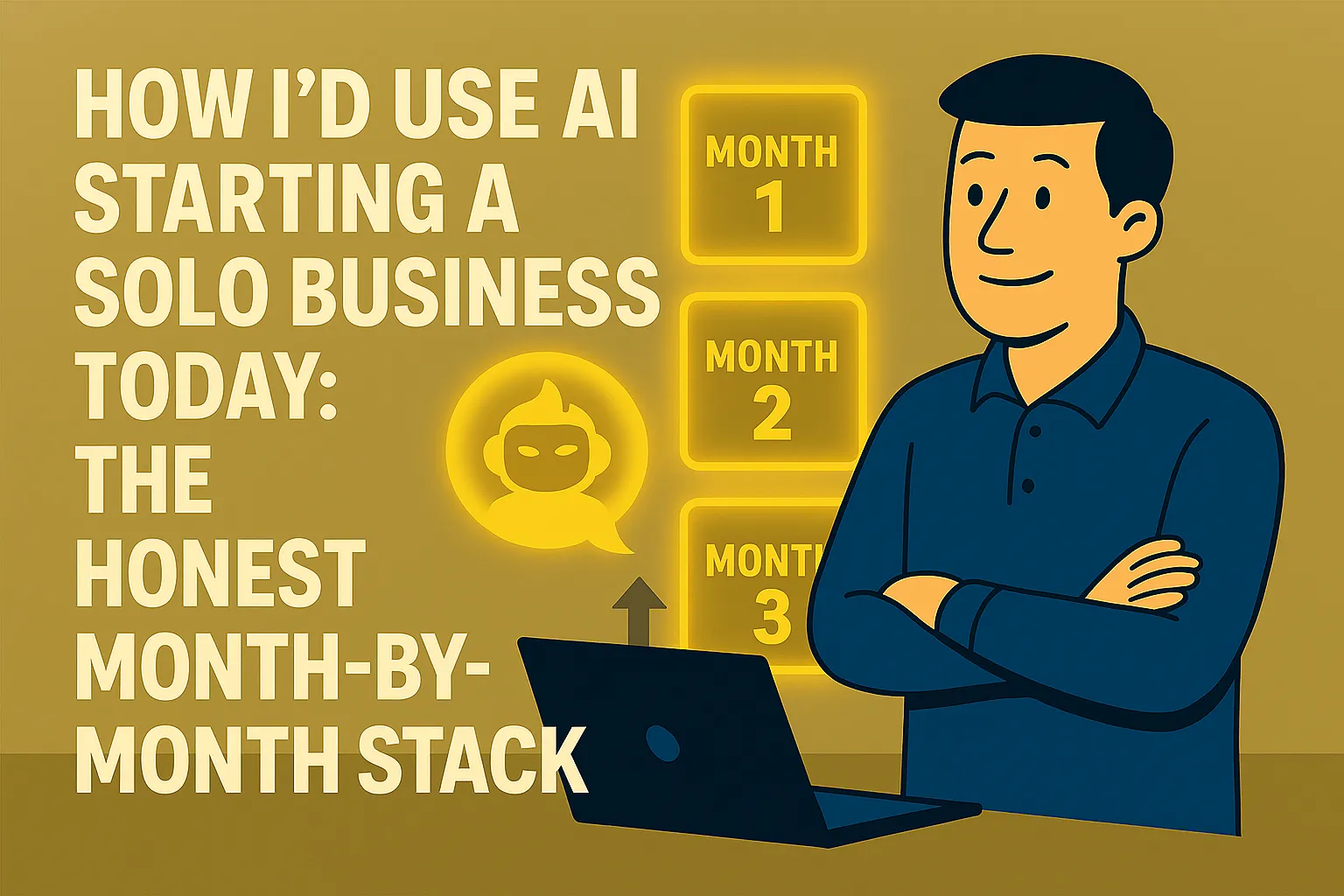
Month 1: One tool, one habit, one task
In the first month I'd make exactly one AI commitment: build a daily habit with a single AI assistant.
Not five tools. Not a stack. One.
I'd sign up for Claude.ai or ChatGPT — both have free tiers, both work. I'd pick the one I felt more comfortable with after an hour of trying both and I'd stop worrying about which is technically better. The difference between them matters far less than the difference between using one consistently and switching between both inconsistently.
The commitment is simple: for every piece of writing I produce in month one — every email, every proposal draft, every piece of content, every document — I open the AI assistant first. I describe what I need, give it context, and use the output as my starting point. No exceptions for small things. The habit forms from repetition, not from saving it for important tasks.
Here's what this looks like in practice across a typical founding month:
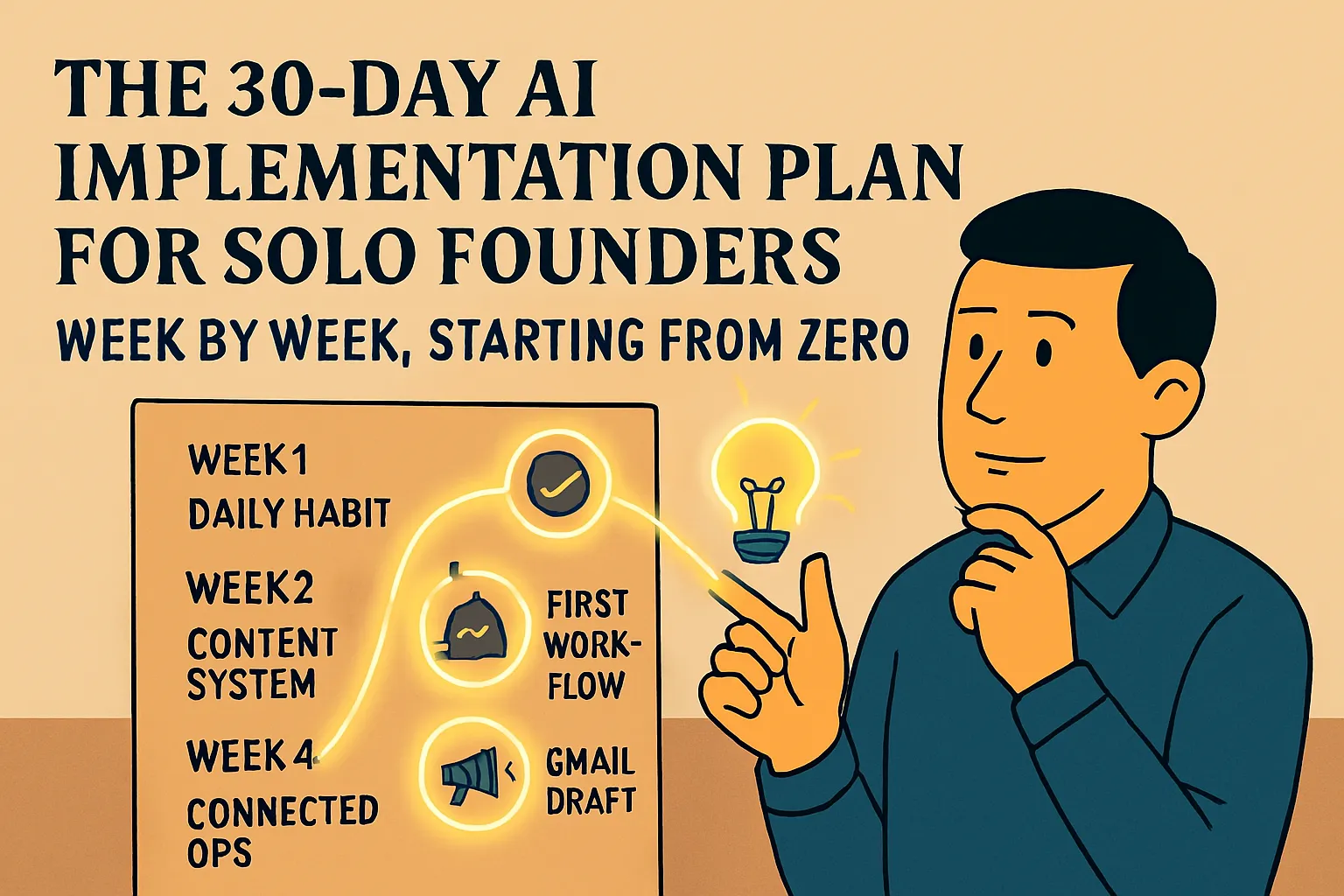
Week 1: First client outreach emails. Instead of writing from scratch, I describe who I'm reaching out to, what I'm offering, and what I want to achieve. I get a draft in 90 seconds. I edit it to sound like me. I send it. I notice the draft is 70% there and I only wrote the context, not the email. That's the moment the habit starts.
Week 2: First client enquiry comes in. Instead of drafting a response from scratch, I describe the enquiry and what I want to communicate. 60 seconds, workable draft, light editing, done. I also use the assistant to research the potential client before a call — I paste in what I know about their business and ask for a meeting brief.
Week 3: I need to put together a simple proposal. I open the assistant, paste in my rough notes from the discovery call, describe what I want to offer and at what price. I get a draft structure. I edit it. What would have taken 90 minutes of staring at a blank page takes 25 minutes of editing a draft.
Week 4: I have enough experience of what I'm doing manually that I can start recognising patterns. What types of emails come up every week? What information do I explain repeatedly? Those are the starting candidates for month two.
Cost in month 1: $0. The free tiers of both Claude and ChatGPT handle everything above without hitting meaningful limits in the first few weeks of a new business.
What I don't do in month 1: Set up any automations. Build any custom assistants. Sign up for specialist tools. Buy anything. The only goal is to establish the daily habit of reaching for AI before writing anything from scratch. Everything else waits.
Month 2: Name your patterns, automate one thing
By month two, you have real data. You've been running the business manually for a month. You know what you do every week. You know which tasks repeat in the same structure. You know which things take more time than they should. You know what you explain to clients over and over.
That knowledge is what makes month two work. Without it, you're automating or building based on guesses. With it, you're solving real, identified problems.
The first thing I'd do: Write down the five emails I've sent most often in the past month. Then build a reusable prompt template for each one — the context block approach from the first AI workflow article. This takes two hours and saves 20–30 minutes every week the business runs. It's the highest return-on-time activity in month two.
The second thing: Set up one automation. Not five. One. The one that saves the most time on the most repeating trigger. For most new solo businesses, that's either meeting transcription or lead capture.
Meeting transcription: Go to Fireflies.ai, connect it to your calendar, done. It joins every call automatically, transcribes, summarizes, pulls action items. Free tier handles 800 minutes/month — more than enough at this stage. The time this returns (15–20 minutes of post-call notes per meeting) is immediately significant when you're having multiple calls a week.
Lead capture: If you have a contact form on your site, set up a Zapier or Make.com automation that puts new submissions directly into a Google Sheet. Never copy-paste a lead manually again. Zapier's free tier handles this with no cost.
I'd pick whichever one of these represents the bigger time drain right now and do that first. Month two is not the time to build a complex automation stack. It's the time to prove to yourself that one automation can run reliably and save you real time.
Cost in month 2: Still likely $0. If you hit the free tier limits on your AI assistant — which typically happens after four to six weeks of consistent use — that's your signal to upgrade to Claude Pro or ChatGPT Plus at $20/month. Not before.
What I don't do in month 2: Build a custom AI assistant yet. You don't know your business well enough after one month to write good instructions for one. You don't have enough example documents. Wait until month three.
Month 3: Build something that knows your business
By month three you have something genuinely valuable: two months of real business operation. You know your clients, your process, your tone, what questions come up repeatedly, what your proposals look like, what your best emails look like. You have documents.
This is when I'd build a personalized AI assistant — either a Claude Project or a Custom GPT — configured with everything I know about my business so far.
The setup takes an hour and is covered in detail in How to Build a Simple AI Assistant for Your Business. The short version: you write a business description, a tone guide, and upload a handful of your best example documents (proposals, emails, client guides). The assistant then knows your business without you re-explaining it every conversation.
The difference this makes in month three versus month one is significant. In month one, you'd have written vague instructions because you didn't know enough about your patterns yet. In month three, you can write specific instructions: "My clients are typically early-stage founders in the UK, two to five years into their business, dealing with positioning problems after initial growth. My proposals always have these five sections in this order. I never use the word 'leverage.' My emails sign off with just my first name."
That specificity makes the assistant calibrated rather than generic. And calibrated is where the real time savings live.
Cost in month 3: $20/month. If you've been on the free tier until now, this is the month to upgrade. By month three you should be using your AI assistant daily, which means you're hitting free tier limits regularly. The $20/month for Claude Pro or ChatGPT Plus is the first spending decision, and it's an easy one — one hour of saved drafting time in a week covers it.
What the honest starter stack actually looks like
After three months of doing this sequentially, here's what you'd have:
A daily AI writing habit — every email, proposal, and document starts from an AI-assisted draft. You've recovered roughly an hour per day that was previously spent on blank-page generation.
One meeting transcription tool running automatically — you haven't taken manual notes in two months. Every call has a summary and action item list waiting when it ends.
One lead automation — every form submission goes directly where it belongs with no manual handling.
A personalized AI assistant — calibrated to your business, your clients, and your voice, so every conversation starts from a foundation that knows your context.
Total monthly cost: $20/month for the AI assistant paid plan. Everything else runs on free tiers at this volume.
Total time to build: Three months of gradual addition, each piece added when the previous one is working reliably. No single overwhelming setup week. No speculative infrastructure built for a scale you haven't reached yet.
The things I'd deliberately not do
This list matters as much as the things above.
I wouldn't build complex automations before I understood the process I was automating. Running a process manually for a month before automating it tells you what actually needs to happen and where the edge cases are. Automating before that produces fragile workflows that break in ways you don't fully understand.
I wouldn't sign up for a tool because it sounded impressive. Every month there are new AI tools with compelling demos. The question is always the same: what specific manual task does this take off my plate, and how long does setup take? If you can't answer that specifically, it's not the right time for that tool.
I wouldn't use AI to figure out what my business should be. AI is excellent at execution and terrible as a substitute for the founder judgment that determines what's worth doing. Your strategy, your positioning, your pricing, your client choices — those need to come from you, from talking to real potential clients, from trying things and observing what happens. AI can help you execute on those decisions faster. It can't make them for you.
I wouldn't measure success by tools used. One tool used every day that saves you 45 minutes is worth more than five tools you log into twice a month. The metric that matters is time recovered and reliability of output. Not stack size.
The honest bottom line
If I were starting today, my month-one self would have one AI habit, no paid subscriptions, and no automations. My month-three self would have three or four things running reliably, one paid subscription at $20/month, and a clear sense of where AI fits in my specific business — and where it doesn't.
That's not a seven-figure blueprint. It's a solid foundation that compounds. Every week the tools get slightly more calibrated to how I work. Every month I add one thing that makes the next month slightly more efficient. The gap between doing this and not doing it isn't dramatic in month one. It becomes dramatic by month twelve.
Do this today: If you haven't started yet, the only decision is which AI assistant to open — claude.ai or chatgpt.com. Both are free. Open one now, write your next email using it, and you've started. Everything else in this article follows from that first use.
Next in First Wins: Save 5 Hours a Week With AI: The Beginner Routine for Solo Founders →
Or step back to: How to Build a Simple AI Assistant for Your Business →
Or go back to the pillar: ← First Wins: Get AI Working in Your Business This Week




Comments (0)
Leave a Comment