Real-time generative visual suite for professional creatives
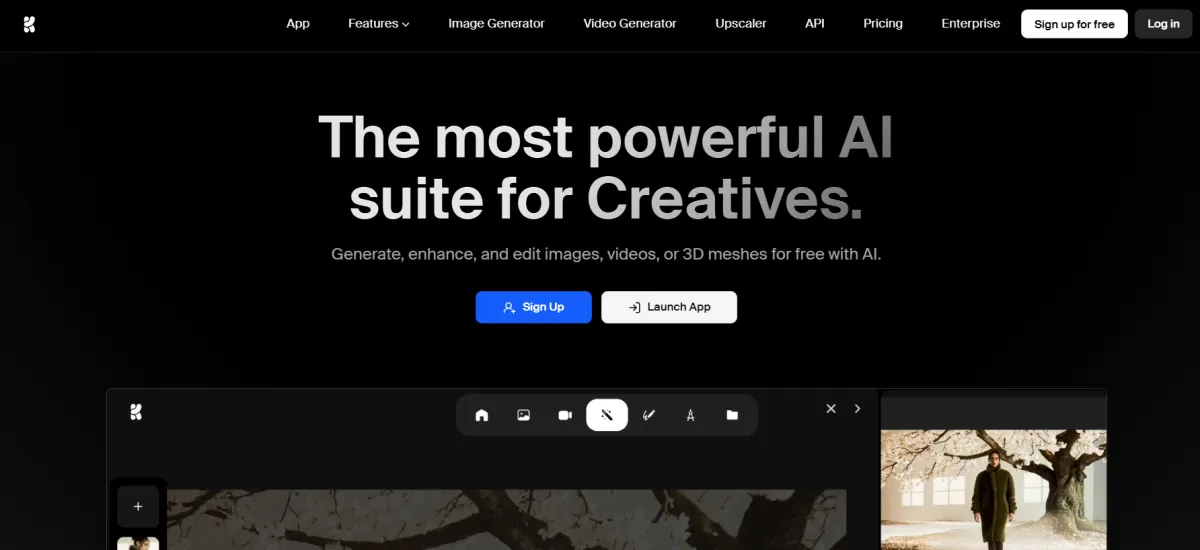
Krea AI is a creative AI platform founded in 2022 in San Francisco. It bundles more than 60 AI models from different labs (including Google, OpenAI, Runway, ByteDance, and Kuaishou) into one interface, alongside its own open-source model, Krea 2. The company's own site states that more than 30 million users from 191 countries use the platform.
Krea is known for real-time generation speed, with its realtime canvas producing an image in under 50 milliseconds as you type or draw, which the company describes as the fastest iteration loop in the category. Customers listed on Krea's own site include Lego, Samsung, Nike, Microsoft, and Shopify.
The most common use is generating marketing images or video with whichever model fits the task, instead of subscribing to a separate tool for each one. You describe what you want, pick from dozens of image and video models, and Krea returns a result in seconds.
Designers and content creators use the generative image editor to add or remove objects from an existing photo, or change an expression or the lighting, using models like Nano Banana and Flux Kontext. Anyone who needs to repeat a specific character, product, or visual style uses LoRA training to teach the model to recognize it from just a handful of images.
Krea Agent, a new feature, takes a single goal from you and plans, generates, and iterates across models on its own, without needing direction at every step. E-commerce sellers use the upscaler to push product photos up to 22K resolution, or restore old low-quality images.
Choose between Veo 3.1, Sora, Kling, Flux, Nano Banana, Ideogram, Runway, and Luma, plus Krea's own Krea 2 model, all under one subscription instead of separate bills for each.
Generates an image in under 50 milliseconds as you type or draw, the fastest iteration loop in the category, according to the company's own description.
Give it a single goal, and it plans, generates, and iterates across models on its own, without needing step-by-step direction from you.
Pushes images up to 22K resolution and video up to 8K with frame interpolation to 120fps, using both Topaz and Krea's own models.
Trains a model on your own face, product, or visual style from just a handful of images, so it can generate it on demand in any future design.
Want every major model in one subscription instead of five to fit different stylistic and creative needs.
Generating product visuals, marketing assets, or concept video efficiently on a limited budget.
Need centralized billing and model access control across a shared workspace with a flat price for multiple seats.
Text-to-Image, Realtime Image Generation, Text-to-Video, Motion Transfer, Text-to-3D, Image-to-3D, Krea 2 (proprietary open-source model), Krea Agent
Generative image editor (Nano Banana, Flux Kontext, Qwen), image upscaling up to 22K, video upscaling up to 8K with frame interpolation, video style transfer, background remover, lipsync
Image LoRA fine-tuning, video LoRA fine-tuning, LoRA sharing
Krea Nodes (visual workflow builder), App Builder (turn a workflow into a reusable app), Nodes Agent (build workflows with natural language), asset manager, Slack integration
API access, MCP (Model Context Protocol) support, After Effects plugin, ChatGPT plugin, iOS app
Up to 50 seats at one flat price (Business plan), SAML Single Sign-On, custom roles and permissions, per-member spend limits, audit logs (Enterprise, coming soon)
Free Plan: No credit card needed. Gives you 100 compute units a day, with limited access to image, video, and 3D models, limited LoRA training (50 images), and upscaling capped at 2K.
Pro: $21/month (billed annually) or $35/month billed monthly. 20,000 compute units a month. Full access to all image and video models, upscaling up to 22K, the workflow-building tools, and a commercial license.
Max: $63/month (billed annually) or $105/month billed monthly. 60,000 compute units a month. Unlimited LoRA training (up to 2,000 images), and unlimited generations on supported in-house models once your allowance runs out.
Business: $160/month (billed annually) or $200/month billed monthly. 80,000 compute units a month, up to 50 seats at one flat price with no extra per-seat cost, SAML Single Sign-On, custom roles and permissions, and an explicit no-training clause.
Note: Paying annually cuts the price by 40% on every paid plan. Cost per unit varies a lot by model. A single image on a basic model can cost under 100 units, while one video on an advanced model like Veo 3 can run around 740 units.
If you're paying for several separate image and video generation subscriptions, Krea AI replaces all of them, since it bundles more than 60 models under one compute-unit budget instead of multiple bills.
It also replaces a separate upscaling tool, since paid plans include 7 different upscaling models, including Topaz Photo and Topaz Gigapixel.
It doesn't replace precise manual editing software like Photoshop or Illustrator, and it doesn't replace a ready-made ad layout tool like Kittl, since Krea is built around generating and enhancing individual assets, not laying out a finished, multi-element ad.
Usage Note: Video generation burns through your monthly allowance far faster than images, and compute-unit costs vary a lot depending on which model you choose.
No reviews yet. Be the first to review this tool!
Explore alternatives and similar solutions in the same category.
An AI-powered design generator that turns text and images into professional visual content instantly.

A family of generative AI models designed for creative professionals with commercial safety at its core.
An AI-powered graphic design app that creates stunning visuals from simple text descriptions.
State-of-the-art multimodal AI with frontier reasoning and massive context
Save tools to your account.
