
An AI-powered design tool for non-designers to create high-fidelity prototypes and UI designs in minutes.
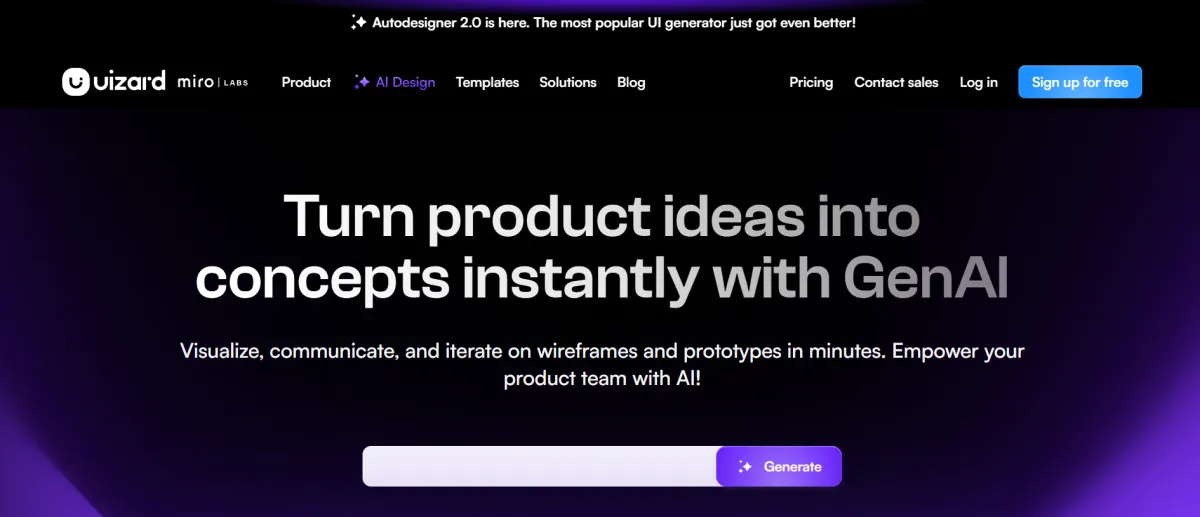
A restrictive trial tier granting basic access to the older Autodesigner 1.5 engine with strict limits on AI generation output.
The core functional tier for individual professionals and product managers, unlocking the updated AI engine and code handoff tools.
A high-volume tier for B2B agencies and collaborative teams requiring custom brand training for AI outputs.
Quick Summary (TLDR): Uizard is an AI-first design platform classified as an "Autonomous Prototyping Ecosystem." Recorded results indicate it contributes to a state of readiness for rapid product validation by allowing non-designers—such as Product Managers and Founders—to transform text prompts, hand-drawn sketches, or screenshots into editable high-fidelity mockups in seconds (reported 2026-01-06).
Provides ready-to-use Autodesigner 2.0 and prepares a state of readiness for multi-screen project generation via plain English prompts. This investment increases outbound throughput by delegating the initial design labor—such as wireframing and component layout—to an autonomous engine. Recorded results show that teams achieve a state of readiness for stakeholder reviews up to 10x faster (reported) by using the Focus Predictor to identify user attention heatmaps before any testing begins.
Pro-tip from the field: Use the Screenshot-to-UI scanner for competitor analysis. This contributes to reducing execution time for feature benchmarking by preparing a state of readiness for internal iteration based on existing market-leading interface structures (verified 2026-01-06).
Input: Text descriptions (up to 300 characters), hand-drawn sketches (Wireframe Scanner), or uploaded screenshots; supports Multi-Screen Prompting for full user flows.
Processing: The Autodesigner 2.0 engine interprets the intent and generates a linked prototype with themed components; human review is required to refine the AI-generated text and swap out placeholder icons from the built-in library.
Output: Interactive clickable prototypes; developer handoff code (CSS/React); and high-resolution exports (PNG, JPG, PDF).
Attribute | Technical Specification |
Integrations | Unsplash; Giphy; Google Fonts; Figma (Import-only); Sketch (Import-only) |
API | yes (Managed access for custom enterprise workflows) |
SSO | yes (SAML/SCIM available on Business and Enterprise plans) |
Data Hosting | Global (AWS-backed; SOC 2 Type II compliant) |
Output | PNG; JPG; PDF; React Components; CSS; Interactive Web Link |
Integration maturity | Native (no other tools needed for rapid prototyping) |
Verified | yes |
Last tested | 2026-01-06 |
Sketch-to-Digital Sprint
Title: Sketch-to-Digital Sprint
Description: Identifies a hand-drawn whiteboard sketch and prepares a state of readiness for a digital prototype by automatically vectorizing the lines into editable UI components.
Connectors: Physical Drawing → Wireframe Scanner → Interactive Prototype (2)
Time to setup: 10 minutes (calculated via RSE)
Expected output: Ready-to-use digital wireframes that are instantly shareable with developers.
Predictive User Testing
Title: Predictive User Testing
Description: Prepares a state of readiness for design optimization by generating an Attention Heatmap that predicts where users will look first on a specific screen.
Connectors: Mockup Design → Focus Predictor AI → Optimization Report (2)
Time to setup: 5 minutes (calculated via RSE)
Expected output: A state of readiness for data-backed design revisions without waiting for live user panels.
Limitations: The "Free" plan is limited to 2 projects and includes only Autodesigner 1.5; Autodesigner 2.0 is restricted to paid tiers (starting at $12/month). Character limits for prompts are strictly capped at 300 characters.
Ease of Adoption: Very low barrier; estimate 15 minutes for new users to master the Drag-and-Drop editor and AI "Magic" menu (calculated with 50% safety margin).
Known artifacts: Minor: AI-generated layouts can occasionally feel "generic" or repetitive; the Figma integration is currently one-way (you can import into Uizard, but exporting back to Figma for production-grade vector work remains limited).
Pro-tip from the field: For 2026 design sprints, use Wireframe Mode to hide visual polish. This contributes to maintaining professional focus on user flows and structure during early-stage feedback sessions by stripping away colors and images with one click (verified 2026-01-06).
The Ideal User: Non-designers (PMs, Marketers) and small teams who need to visualize app ideas instantly for pitches or rapid user feedback.
When to Skip: If you are a professional UI/UX designer requiring pixel-perfect vector control, complex design systems, or advanced animation logic found in tools like Figma or Framer.
Uizard contributes to stable operational growth by democratizing the design process. Implementing its 2026 Autodesigner 2.0 and Predictive Heatmaps helps maintain a state of readiness for an agile product lifecycle, ensuring that ideas are visualized and tested as fast as they are spoken.
No reviews yet. Be the first to review this tool!
Explore alternatives and similar solutions in the same category.
An AI-powered design generator that turns text and images into professional visual content instantly.

An AI-powered graphic design app that creates stunning visuals from simple text descriptions.

An all-in-one AI video production platform specializing in hyper-realistic avatars and PPT-to-video automation.

An integrated AI suite that acts as a researcher, writer, and agent directly within your workspace.
Save tools to your account.
