An AI-powered design generator that turns text and images into professional visual content instantly.
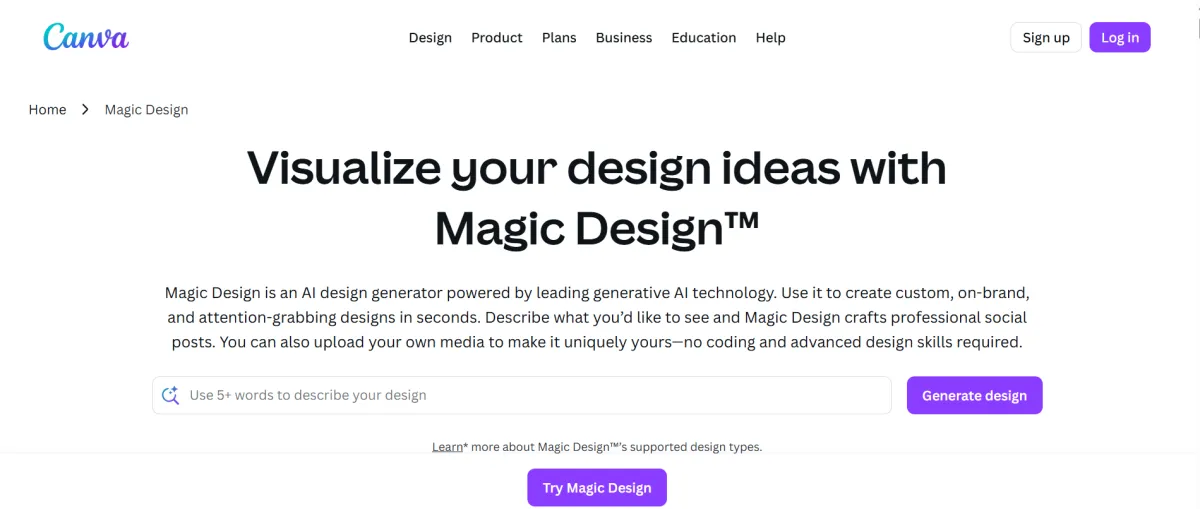
Canva Magic Design is an AI design generator built into Canva, the design platform used by more than 200 million people. It works by turning a short text prompt — or an uploaded photo or document — into a complete draft layout, using Canva's own template and asset library to fill in colors, fonts, and imagery. Launched in 2023 as the centerpiece of the "Magic Studio" AI suite, it solves one specific problem: getting a non-designer from a blank page to a usable, on-brand layout in seconds, instead of starting from scratch or hunting through a template library by hand.
The most common use case is turning a rough idea into a ready-to-edit social media post. Describing the desired outcome yields several draft layouts with matched colors and imagery already in place. From there, it is frequently used to build presentation decks from a topic or pasted outline, generate marketing flyers and ads for local promotions, repurpose one design into multiple formats for different platforms, and draft brand-consistent templates once a Brand Kit is set up. Every output stays fully editable, allowing users to swap images, adjust colors, and rewrite text after generation.
Generates multiple complete draft layouts from a text prompt, pulling in Brand Kit colors and fonts automatically. A prompt yields multiple editable drafts in seconds, though output can look generic without deliberate customization.
Takes one finished design and re-lays it out for a different format (e.g., Instagram square to LinkedIn post) instead of just cropping it. This is a critical feature for multi-platform publishing.
An AI copywriting assistant built into text boxes for drafting captions and slide bullets quickly. It serves best as a first draft rather than final copy.
Generates images and short video clips directly from a prompt. Quality is serviceable for illustrations and backgrounds but trails behind dedicated image generators for realistic people or hero photography.
Converts a design into another language while preserving the original layout, cutting multi-language formatting down to minutes.
Produces regular social media graphics and repurposes single designs across multiple platforms instantly without manual formatting.
Creates flyers, ads, and promotional materials quickly without the need to hire dedicated design staff.
Builds investor or client-facing presentation decks rapidly from a topic or pasted outline, letting the AI handle slide structure.
Magic Design, Magic Write, Magic Media (Dream Lab), Magic Charts, and Conversational AI (chat-to-design).
Magic Eraser, Magic Edit, Magic Expand, Magic Grab, Background Remover, and Magic Layers.
Magic Resize (Magic Switch), Magic Translate, Brand Kit, template locking, and real-time collaboration.
Free Plan: Includes 1.6M+ templates, 5GB storage, and a limited monthly pool of AI credits. Enough to test the tools, but not for regular use.
Canva Pro ($18/month or $12/month billed annually): Full Magic Studio suite, 100M+ premium assets, 100GB storage, and 5 Brand Kits. Provides 500 AI credits per month, covering regular daily use.
Canva Business ($25/user/month): Adds admin controls, approval workflows, and expanded Brand Kits. Relevant when delegating design work to a team.
Replaces the design half of a marketing stack: a freelance designer for routine social graphics, a separate stock photo subscription, and dedicated background-removal tools like remove.bg.
Dedicated AI writing tools and dedicated AI image generators. Magic Write's copy still requires a rewrite pass, and Magic Media's images trail specialized tools like Midjourney in overall quality.
If already using Canva's regular editor and template library, Magic Design does not add a new subscription — it is included in the Pro plan. If Canva is not currently in the stack, this serves as a genuine addition rather than a direct swap.
No reviews yet. Be the first to review this tool!
Explore alternatives and similar solutions in the same category.
An AI-powered graphic design app that creates stunning visuals from simple text descriptions.

An AI-powered design tool for non-designers to create high-fidelity prototypes and UI designs in minutes.
An all-in-one AI video production platform specializing in hyper-realistic avatars and PPT-to-video automation.
An all-in-one AI-powered podcast production and hosting suite that automates editing and content creation.
Save tools to your account.
