
Professional-grade AI video generation with cinematic consistency and physics-based motion.
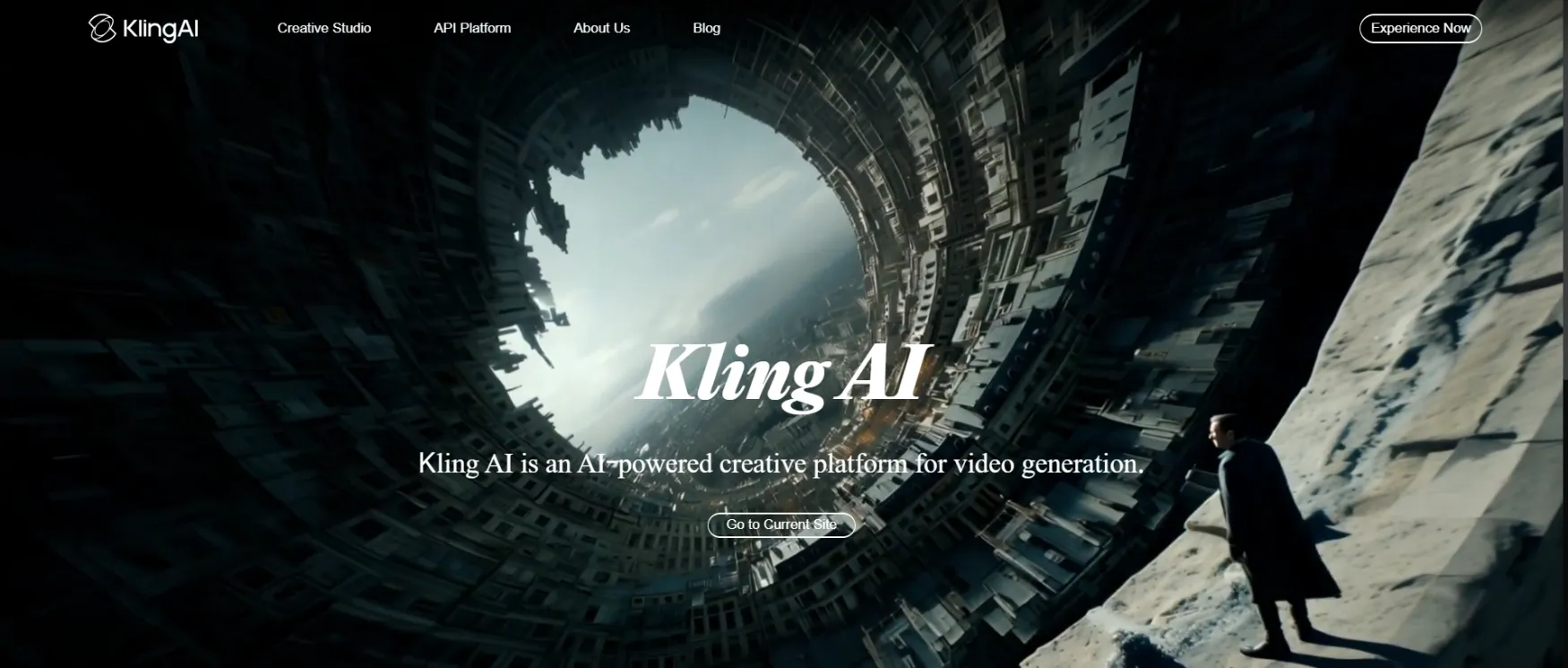
Kling AI is an AI video and image generator built by Kuaishou Technology, a publicly listed Chinese tech company. You give it a text prompt or upload a photo, and it produces a video clip — typically 5 to 10 seconds per generation, chainable up to roughly 2 minutes via the Video Extension feature.
It was released globally in June 2024 and is accessible through a browser at app.klingai.com and via a mobile app on iOS and Android. No software installation is required. The platform runs a credit-based system — you buy or earn "Spirit Units" and spend them on each generation.
As of March 2026, Kling AI runs multiple model versions including Kling V3, Kling V2.6 (with native audio), and Kling Video O1. The active model version affects both output quality and credit cost per generation.
The most common use case is short-form social video. Marketers and content creators use Kling AI to produce 5 to 30-second clips for TikTok, Instagram Reels, and YouTube Shorts — either from a written scene description or by animating a product photo or illustration.
A second common use case is creative concept visualization. Filmmakers and designers use it to test visual ideas, camera movements, and scene compositions before committing to production. The tool handles camera direction in prompts (pan, zoom, static) and can maintain character consistency across clips using the Multi-Elements Editing feature.
A third use case is product imagery and animated ads. Users upload product photos and animate them — a skincare product being picked up, a sneaker rotating slowly — for use in ads or e-commerce listings.
Kling AI is not a video editing tool. It generates clips from scratch or from a source image. If you need to edit existing footage, trim video, or add voiceover to a recorded video, this is the wrong tool.
Write a scene description and Kling AI generates a video clip. Prompts support specific detail: lighting, camera movements, weather, subject action, and setting. The more specific the prompt, the more controlled the output. Vague prompts produce usable but generic results.
Upload a photo or illustration and Kling AI adds realistic motion. A portrait becomes a speaking or breathing figure. A product shot becomes animated. Output quality depends heavily on the quality of the source image. This is one of the most-used workflows on the platform for e-commerce and social content.
Combine up to four reference images to define a character or scene, then generate video that maintains consistency across those elements. This is the main tool for creators who need the same character to appear across multiple clips without visual drift.
Select specific areas of an image and define what moves and how — a wave crashing, a flag flapping, smoke rising. The rest of the image stays still. This gives fine-grained control over which parts of a scene animate.
The current flagship model includes AI-generated voice, sound effects, and ambient audio built into the video output. Generating with native audio costs significantly more credits than silent video — a 10-second video with full audio can consume 100 to 200 credits versus 20 credits for silent Standard mode.
Creators who need 5 to 30-second clips for TikTok, Reels, or YouTube Shorts regularly. The credit system is most cost-effective when you're generating consistently each month, not occasionally.
If you have good product photos and need short animated clips for ads or listings, Image-to-Video delivers fast. The workflow is upload, prompt, generate — no production setup required.
Testing visual concepts, camera angles, and scene compositions before committing to a shoot. At this use case, the cinematic output quality is genuinely useful and the cost is low relative to the alternative.
The tool rewards specificity. Users who invest time in prompt craft get meaningfully better results. Users who expect good output from vague inputs will be disappointed.
Write a scene description and Kling AI generates a video clip. Supports specific prompt detail: lighting, camera movements, weather, subject action, and setting.
Upload a photo or illustration and Kling AI adds realistic motion. Used for animating product shots, portraits, and illustrations for social and e-commerce content.
Extend an existing generated clip by chaining additional generations, up to roughly 2 minutes total.
Combine up to four reference images to define a character or scene, then generate video that maintains consistency across those elements.
Select specific areas of an image and define what moves and how. The rest of the image stays still, giving fine-grained control over which parts of a scene animate.
Animate a face to match audio or a script. Works on generated clips and uploaded images.
Standard mode is lower cost per credit. Professional mode produces higher quality output at roughly 3.5x the credit cost per generation.
AI-generated voice, sound effects, and ambient audio built into the video output. Costs 50 to 200 credits per 10-second video depending on settings.
Prompt-based image generation for stills, product imagery, and creative reference.
Style or content transformation from a source image.
Reasoning-enhanced image generation. Available on Pro and Premier plans.
Reasoning-enhanced video generation for more controlled outputs. Available on Standard plan and above.
Multiple active model versions accessible from the creation interface. Model choice affects quality, credit cost, and audio support.
Full HD watermark-free export available on all paid plans. Free tier is limited to 360p–540p with watermark.
Included on all paid plans (Standard and above). Free tier is personal use only.
Available on iOS and Android. Core generation features match the browser experience.
Developer-tier API with separate pricing at klingai.com/global/dev/pricing for building generation workflows.
Kling AI runs a credit system using "Spirit Units." Credit cost per generation depends on model, duration, quality mode, and whether audio is included. The headline credit counts in plan names reflect Standard mode output; Professional mode and the Kling 2.6 native audio model consume significantly more credits per video.
Free — $0/month Daily credits (exact daily amount varies). Output limited to 360p–540p resolution with mandatory watermarks. Professional mode limited to 3 trials before requiring a paid plan. No credit card required to start.
Standard — $6.99/month (or $6.60/month billed annually) 660 credits/month. 1080p resolution, watermark-free exports, Professional mode access, priority queue, commercial use rights. At Professional mode rates, 660 credits produces roughly 9 to 18 usable videos per month — not the 33 videos that the Standard mode calculation implies. Verify what you'll actually produce at your intended quality setting before committing.
Pro — $25.99/month (or $24.42/month billed annually) 3,000 credits/month. Adds Kling Image O1 access. Larger credit bank for higher-volume production or experimentation.
Premier — $64.99/month (or $60.72/month billed annually) 8,000 credits/month. Priority processing. At this price point, Runway's unlimited plan ($95/month) is worth evaluating directly — the $30 difference may be offset by removing per-video credit constraints entirely.
Ultra — $180/month (or $119.16/month billed annually) 26,000 credits/month. Highest processing priority. Note: Ultra was introduced in August 2025 at $128/month and increased to $180/month by January 2026.
One pricing note before subscribing: Credits for paid plans include a 20% rollover on unused monthly subscription credits. Promotional credits and purchased credit packs (top-ups) expire separately and do not roll over. There are no refunds for credits consumed by failed or rejected generations. Verify the current rollover and expiration terms at app.klingai.com/global/membership/membership-plan before purchasing.
Pricing last verified March 2026. Confirm at app.klingai.com before subscribing.
Basic stock video subscriptions for founders who were paying for stock footage clips to use in social posts or ads. Kling AI generates custom clips from scratch, which eliminates the need for a library of pre-shot footage.
Simple animation tools for lightweight animated social content (Canva video, CapCut AI effects). Kling AI's output quality is higher for cinematic motion, though the workflow is less template-driven.
Paid UGC-style video creation for e-commerce sellers who were outsourcing product animation. Image-to-Video replaces some of that workflow for static product shots.
Video editing software Kling AI generates raw clips, not finished videos. Most users export the clip and bring it into CapCut, Adobe Premiere, or DaVinci Resolve for cuts, captions, and final export.
AI avatar tools (HeyGen, Creatify) Kling AI doesn't have a purpose-built talking-head or UGC ad workflow. Users who need a consistent AI presenter speaking to camera still use HeyGen or Creatify alongside Kling.
Voiceover and audio tools Kling 2.6's native audio handles some use cases, but users who need precise voiceover control (specific script, specific voice clone) still use separate tools like ElevenLabs.
Kling AI replaces stock footage and outsourced animation for specific use cases. It does not replace a full video production workflow. Most users use it as a clip generation layer inside a broader editing setup, not as a standalone end-to-end video tool.
No reviews yet. Be the first to review this tool!
Explore alternatives and similar solutions in the same category.
HeyGen generates professional videos using AI avatars, voice cloning, and multilingual dubbing. You write a script, pick an avatar, and get a finished video — no filming required.

All-in-one AI video editor for professional-grade social media and marketing content
A professional-grade generative AI creative suite specializing in high-fidelity video production and editing.

An idea-to-video platform that combines professional camera control with playful, physics-based AI effects.
Save tools to your account.
