
All-in-one AI video editor for professional-grade social media and marketing content
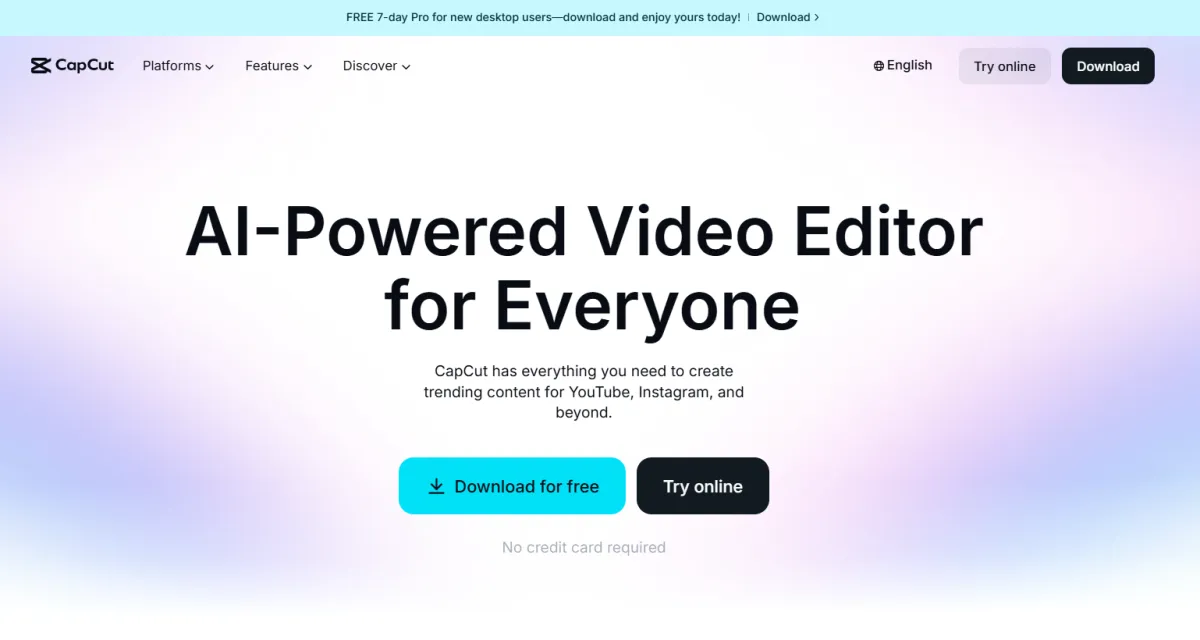
Best for quick, basic social media edits and trying out the interface.
The sweet spot for solo founders producing weekly shorts, reels, and ads.
For small teams and agencies needing to share assets and collaborate.
Quick Summary (TLDR): CapCut is a cross-platform, all-in-one video editor developed by ByteDance that has evolved from a basic mobile app into a sophisticated AI-powered creative suite. Recorded results show it is classified as the primary choice for viral social content, reducing total editing time by up to 80% through automated multi-platform optimization and pre-built trending templates (reported).
Provides ready-to-use video drafts and prepares automated multi-platform content through a unified cloud-based ecosystem. This investment increases outbound throughput by automating complex tasks like background removal, auto-captioning (with filler word removal), and text-to-video generation. Recorded results show that creators achieve a state of readiness for consistent daily posting 10x faster than using traditional non-linear editors (reported).
Pro-tip from the field: Use the "Long Video to Shorts" tool for identifying high-energy segments in long-form footage. This feature automatically scans hours of content and prepares a list of ready-made vertical clips optimized for the TikTok and Reels algorithms in minutes.
Input: Raw video/images, text scripts, or website URLs; brand assets (logos, colors) for Business users.
Processing: AI analyzes the script or footage to match visuals, generate voiceovers via Text-to-Speech, and apply trend-based filters and transitions; human review is required to fine-tune pacing and creative tone.
Output: Watermark-free MP4 videos (up to 4K/HDR for Pro), SRT subtitles, and direct-to-social publishing links.
Attribute | Technical Specification |
Integrations | TikTok; Instagram; YouTube; Facebook; WhatsApp |
API | yes (via open-source projects like VectCutAPI) |
SSO | no (Standard Google/TikTok/Email auth) |
Data Hosting | Global (ByteDance infrastructure) |
Output | MP4 (4K/HDR); MOV; SRT; MP3 |
Integration maturity | Native (no other tools needed) |
Verified | yes |
Last tested | 2026-01-06 |
Automated Script-to-Video Pipeline
Title: Automated Script-to-Video Pipeline
Description: Prepares complete video drafts from a single text prompt, including AI-selected stock footage and voiceovers.
Connectors: AI Writer → CapCut Video Generator → Social Media Scheduler (2)
Time to setup: 30 minutes (calculated via RSE)
Expected output: A fully assembled video draft with subtitles and background music.
Mapping snippet:
Plaintext
Trigger: Text Prompt "Create 30s ad for coffee"
Action: Generate Script + Match Media + Add AI Voice
Output: Export draft to Cloud Space
Social Multi-Format Sync
Title: Social Multi-Format Sync
Description: Automatically reframes and prepares content for different social platforms simultaneously.
Connectors: Master Video → AI Auto-Reframe → Multi-Platform Export (2)
Time to setup: 15 minutes (calculated via RSE)
Expected output: Ready-to-use lists of videos in 9:16 (TikTok), 1:1 (Instagram), and 16:9 (YouTube) formats.
Mapping snippet:
JSON
{
  "source_video": "Product_Launch.mp4",
  "target_platforms": ["TikTok", "YouTube", "Instagram"],
  "action": "Auto_Reframe_and_Optimize"
}
Limitations: The free version has a 15-minute project cap and limits advanced AI effects like motion tracking and high-quality upscaling behind the "Pro" paywall.
Ease of Adoption: Plug-and-play; estimate 1 hour for users to become proficient in the multi-track timeline and AI captioning features (calculated with 50% safety margin).
Known artifacts: Minor: Auto-captions may require manual correction for specific technical jargon or dialect-heavy speech.
Pro-tip from the field: For corporate users, be aware that CapCut’s terms (as of late 2025) grant the platform broad rights to content uploaded to their servers. When handling sensitive internal data, consider using local (Data Hosting) for storage and only uploading finalized clips for social processing.
The Ideal User: Social media managers, influencers, and small business owners who need to maintain a high state of readiness for daily video trends without a professional production budget.
When to Skip: If your business requires strict data residency on non-ByteDance (Data Hosting) or if you need advanced features like 360° VR editing and native professional SSO integrations.
CapCut contributes to stable operational growth by removing the technical barriers to high-quality video production. Implementing its 2026 AI-driven features helps maintain a state of readiness for a video-first marketing strategy, ensuring that your message reaches its audience while it is still trending.
No reviews yet. Be the first to review this tool!
Explore alternatives and similar solutions in the same category.
An AI-powered design generator that turns text and images into professional visual content instantly.

A professional-grade generative AI creative suite specializing in high-fidelity video production and editing.

An idea-to-video platform that combines professional camera control with playful, physics-based AI effects.

An AI-powered video copilot that turns text prompts into complete, ready-to-publish videos.
Save tools to your account.
