A modern scheduling platform that helps you automate the process of connecting with others.
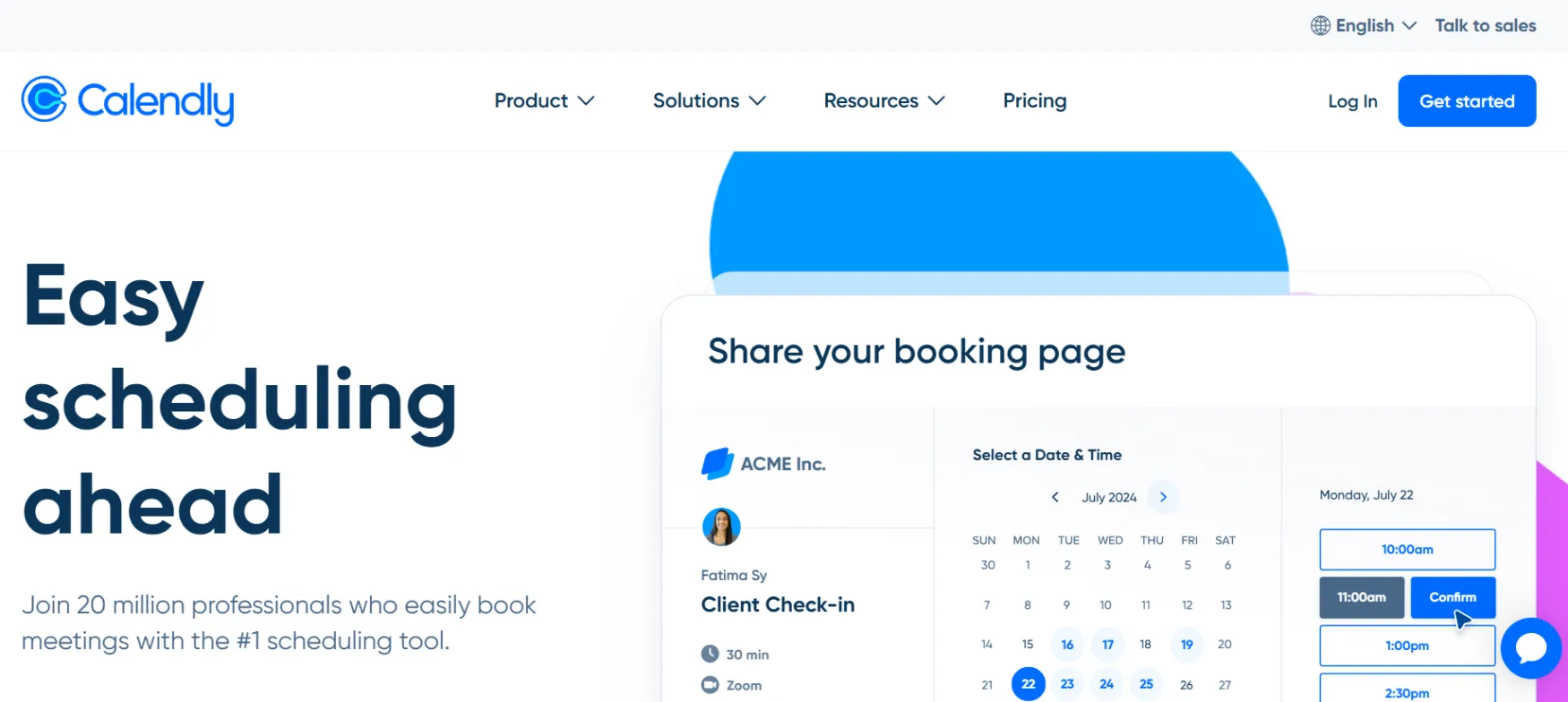
Calendly is a scheduling platform, founded in 2013 by Tope Awotona in Atlanta. It's one of the more well-known bootstrapped SaaS success stories—Awotona reportedly self-funded the company for years, including maxing out personal credit cards, before it reached profitability and later took growth investment in 2021 at a roughly $3 billion valuation.
The company says it's trusted by over 100,000 organizations, including 86% of the Fortune 500. Calendly has recently expanded past pure scheduling into Notetaker, an AI meeting assistant that generates recaps and action items, and Contacts, a lightweight relationship-management layer, positioning itself as more than a booking link now.
The most common use case is replacing the scheduling email thread entirely. Instead of proposing times back and forth, you share one link, and the other person books directly into a slot that's actually open on your calendar.
A solo consultant sets up separate event types for a free 15-minute discovery call and a paid 60-minute strategy session, each with its own booking questions and buffer time. A founder running client onboarding uses a booking form that screens invitees based on their answers before the meeting is even confirmed, filtering out a poor-fit lead before it takes up calendar time.
Round-robin distribution and meeting routing, available on Teams and up, automatically send an inbound booking to the right team member based on availability or lead data, useful once a solo founder brings on a first contractor handling some of the calls.
The free plan allows unlimited actual meetings booked, but only 1 event type and 1 connected calendar, a structural limit that surfaces the moment you want to offer two different kinds of meetings.
Booking forms can screen invitees based on their answers before confirming a meeting, and route qualified leads to the right team member automatically on Teams and up.
An AI assistant that generates recaps and action items from your meetings, a newer addition to Calendly's core scheduling product.
Connects up to 6 calendars (Google, Outlook, Exchange) on paid plans and syncs with major video conferencing tools, keeping availability genuinely real-time rather than manually maintained.
Native connections to Salesforce, HubSpot, Zapier, Stripe, PayPal, Slack, and more, letting a booked meeting trigger actions elsewhere without manual follow-up.
Ideal for those who want to eliminate manual scheduling back-and-forth and offer multiple types of bookable calls (discovery, paid consultations, check-ins) with custom buffers.
Perfect for embedding screening questions into booking forms to qualify prospects before confirmed meetings take up valuable calendar space.
Great for utilizing round-robin distribution and meeting routing to send inbound bookings automatically to the right available team member.
Event types (1 on Free, unlimited on paid), calendar connections (1 on Free, 6 on paid), meeting polls, one-off meetings, availability controls, cancellation policies, screening forms.
Round-robin distribution, meeting routing, collective and group event types, book on behalf of others.
Google, Microsoft, and Outlook calendar sync, Zoom/Meet/Teams video conferencing, Stripe and PayPal payments, HubSpot and Mailchimp automations, Salesforce CRM sync (Teams and up), Zapier and webhooks, full API access.
Custom branding (paid plans), remove Calendly branding (paid plans), custom confirmation page links.
Team scheduling analytics, organization-wide branding enforcement, SAML SSO (add-on on Teams, included on Enterprise), SCIM provisioning (Enterprise), domain control (Enterprise), audit logs (Enterprise).
Help center and community (Free), 24/7 email and chat support (Standard and up), phone support and dedicated account support (Enterprise).
Calendly offers a free tier alongside tiered paid plans based on seats, calendar connections, and routing capabilities.
Note on Invoicing: Invoice payment is available on Standard and Teams only with a $5,000 minimum annual spend, or Enterprise at $15,000. Otherwise, payments are processed via credit card or PayPal.
⚠️ Worth knowing: The free plan's single event type is the wall almost every solo founder hits first. If you want a free intro call and a separate paid consultation booked through Calendly, that alone requires Standard, even before touching branding, integrations, or reminders.
Prices last verified August 2026. Monthly (non-annual) figures are estimated from the disclosed annual discount percentages; confirm exact monthly rates directly on Calendly's pricing page.
No reviews yet. Be the first to review this tool!
Explore alternatives and similar solutions in the same category.

A flexible all-in-one productivity platform for managing tasks, docs, chat, and goals in one place.
An all-in-one customer service platform that combines live chat, AI chatbots, and ticketing.

An AI-powered research and note-taking assistant grounded in your own documents.

A real-time search engine for B2B sales leads that helps you find everyone's contact information.
Save tools to your account.
