B2B sales intelligence and data enrichment platform with an extensive professional contact database.
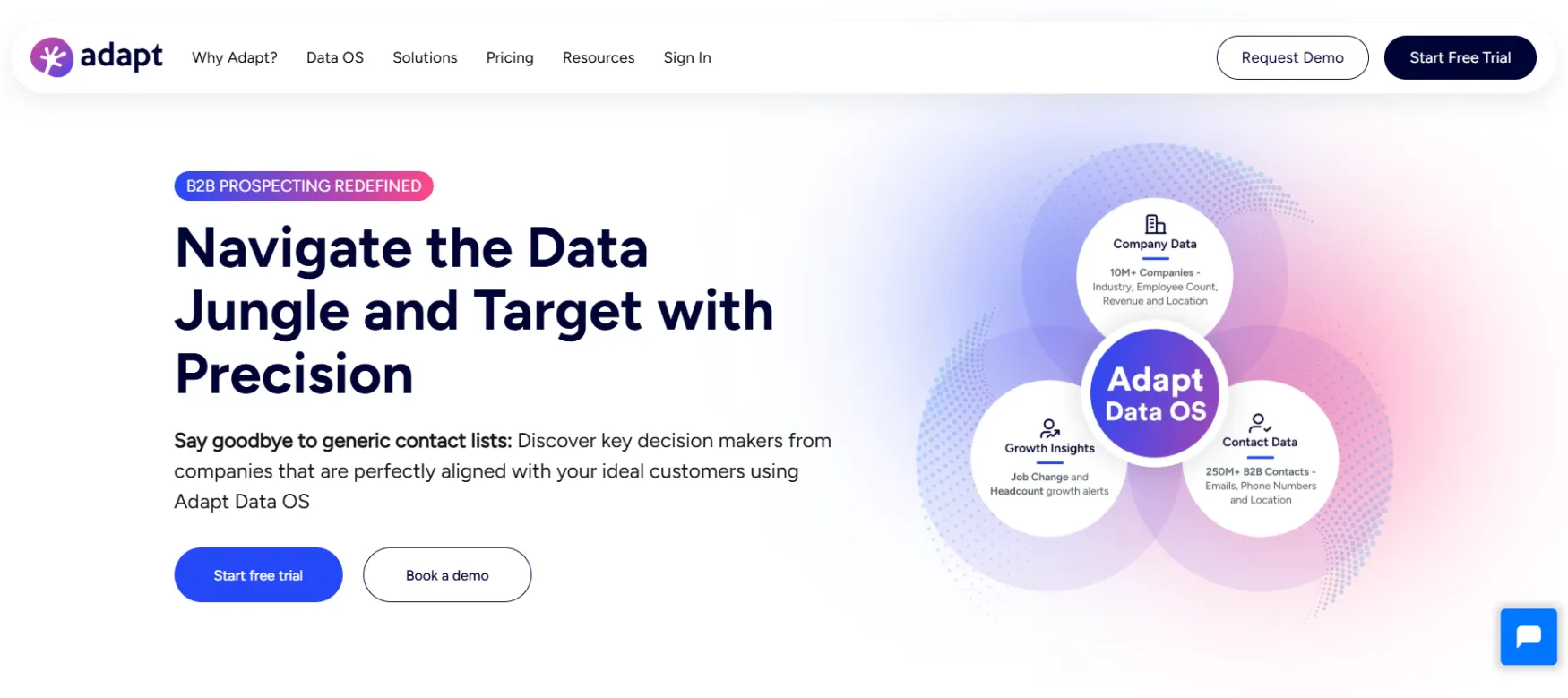
Adapt.io is a B2B lead intelligence platform that gives solo founders and sales teams access to a database of 250M+ verified contacts and 12M+ company profiles. You search by job title, industry, location, company size, or technology used, then export the contact data you need for outreach.
Founded in 2014 and headquartered in Wilmington, Delaware, Adapt was built to solve one specific problem: finding accurate contact information for decision-makers without paying enterprise prices. The database is refreshed with 5M+ records updated daily, uses ZeroBounce email verification, and covers over 3,000 industry categories including granular technology sectors.
The product comes in two access points: a web dashboard for building and exporting lists, and a Chrome extension called Adapt Prospector that surfaces contact data as you browse LinkedIn or company websites.
Building targeted prospect lists before an outbound campaign. A solo consultant targeting fintech SaaS companies in the US with 50 to 200 employees can filter by that exact combination, pull a list of verified decision-maker emails, and export to CSV in under 20 minutes. No manual LinkedIn searching required.
Enriching an existing contact list. You upload a CSV of partial records and Adapt fills in missing job titles, email addresses, phone numbers, and company data against its database.
Finding contact details while browsing LinkedIn. The Chrome extension surfaces verified emails and direct dials on any LinkedIn profile page without leaving the browser. This is how most solo founders use Adapt day-to-day rather than building large lists in the dashboard.
Keeping CRM records current with Adapt Alerts. When a saved search turns up new contacts or a contact changes roles, Adapt sends an alert so your outreach list stays accurate. This is useful for solo founders who rely on a small, high-quality list rather than volume.
Identifying companies using a specific technology. The technology sector filtering lets you build a list of, for example, companies currently using HubSpot as their CRM, which is useful for targeting accounts where your product integrates or competes.
A filter-based search interface across the full 250M+ contact database. You narrow by job title, seniority, department, location, company size, revenue range, industry, and technology stack. Results show verified emails with a deliverability confidence score. The list exports to CSV or pushes directly to connected CRMs. The daily contact limit applies here: 50 per day on Starter and 100 per day on Basic.
Installs in the browser and activates on any LinkedIn profile or company website page. Click the extension icon and it returns the contact's verified email, phone number if available, job title, and company information without leaving the page. The free version of the extension gives 100 email views per month and 10 downloads. This is the lowest-friction entry point and the feature most solo founders use most often.
Upload a CSV of partial records and Adapt fills in missing fields across 50+ data attributes: email, phone, job title, department, company size, revenue, LinkedIn URL, and more. You can also trigger enrichment automatically via CRM sync or API. Useful if you have a lead list from a trade show, a webinar sign-up, or a referral with incomplete contact information.
Set up saved searches and receive notifications when new contacts match your criteria or when existing contacts change jobs. This is a useful passive lead source for a solo founder who targets a narrow, well-defined niche. New hires in a target role at target companies show up automatically rather than requiring a manual re-search every month.
Over 3,000 industry categories including granular sub-categories for the technology sector: Fintech SaaS, HRTech SaaS, eCommerce SaaS, AI companies, and more. Standard industry filters on most competitors cap out at broad SIC codes. This level of granularity lets you build lists that match a specific ICP without manually filtering out irrelevant companies after export.
Use Adapt to build targeted contact lists for cold email campaigns without paying ZoomInfo prices. The typical workflow is: define ICP filters, export 50 to 100 verified contacts, load into an email sequence tool. The per-account pricing model means no extra cost as the business grows.
Use the Chrome extension to pull contact details from LinkedIn profiles during research sessions. They are not running high-volume campaigns. They need accurate contact data for 10 to 30 specific people per month, and the free plan or Starter tier handles that comfortably.
Use Adapt as a database layer that feeds into their CRM and outreach tools. The per-account pricing model makes it more economical than tools that charge per user seat once the team has two or more members.
Lead Builder, Advanced Filters, Technology Sector Targeting, ABM List Building, Saved Searches, Adapt Alerts, Contact Confidence Score, ZeroBounce Email Verification
Email Finder, Direct Dial Phone Numbers, Mobile Numbers, Company Profiles, Department-Level Employee Count, Job Change Tracking
Adapt Prospector, LinkedIn Email Finder, Website Contact Extraction, Mail Tracker for Gmail open tracking
Data Enrichment, CSV Upload and Export, CRM Auto-Sync, Suppression Lists on Custom plan, Per-Company Contact Limits for ABM
HubSpot, Salesforce, Zoho CRM, Pipedrive, Outreach, Marketo, Zapier, REST API on Custom plan only
Multi-Seat Access, Monthly Credit Allocation Rules on Custom plan, Advanced Reporting on Custom plan, Dedicated Account Manager on Custom plan
Free Plan: 25 email credits, 25 enrichment credits, and 25 contacts per day. Includes the Chrome extension, advanced filters, and list-building. No credit card required. CSV export and saved searches are not included on the free plan.
Starter, $49/month (or $490/year, roughly a 17% saving on annual billing): 500 email credits per month, 500 enrichment credits per month, 50 contacts per day maximum. Includes CSV export, saved searches, and ABM list building. No phone numbers on this plan. Priority email support. This is the plan most solo founders start with for targeted outbound.
Basic, $99/month (or $990/year): 1,000 email credits per month, 1,000 enrichment credits per month, 100 phone credits per month, 100 contacts per day maximum. Adds direct dial phone numbers, CRM export, and per-company contact limits for ABM campaigns. This is the plan you need if phone outreach is part of your workflow.
Custom: Contact sales for pricing. Removes daily contact limits, adds suppression lists, job change alerts, department-level growth tracking, team management, advanced reporting, and API access.
Annual vs. Monthly: Annual billing saves roughly 17 to 20% across both published tiers. No features are locked behind annual-only billing. Starting monthly is a reasonable option while you confirm the data quality matches your ICP.
If You Cancel: You retain access through the end of your current billing period. Cancellation is handled by emailing support, not self-serve in the account settings. Exported contacts and CSV files are yours to keep.
Worth knowing: Credits are separated into three distinct buckets: email, enrichment, and phone. You cannot convert unused enrichment credits into email credits when one runs out before the other. On the Starter plan, phone numbers are not available at all regardless of remaining credits.
Prices last verified March 2026. Check Adapt.io's pricing page for current rates before subscribing.
For a solo founder currently piecing together contact data from LinkedIn manually, Adapt replaces that manual research time. A process that takes 30 to 60 minutes per batch of contacts typically takes under 5 minutes inside Adapt.
If you are paying for Hunter.io primarily for email finding, Adapt overlaps heavily with that use case while adding company-level filters and a larger database. Hunter.io starts at $34/month for 500 email finds. The Adapt Starter at $49/month gives 500 email credits plus enrichment credits and the full filter interface.
If you are using Apollo.io and primarily need the prospecting database without the built-in email sequencing, Adapt is a lighter, lower-cost alternative. Apollo charges per user seat. Adapt charges per account, which matters once you add even one teammate.
Adapt does not replace your CRM. It feeds your CRM. The workflow is: find and verify contacts in Adapt, export to CSV or push directly to HubSpot, Salesforce, Pipedrive, or Zoho, then work those contacts through your existing outreach process.
Adapt also sits alongside whatever email sequencing tool you use, such as Instantly, Lemlist, or Outreach. Adapt is the sourcing layer. Your sequencing tool is the sending layer. The two connect via CSV export or native integration.
Honest note: whether Adapt replaces Apollo depends entirely on how you use Apollo. If you use Apollo primarily for its built-in email sequences and reply tracking, Adapt will not feel like a natural swap. If you use Apollo mainly as a contact database and export contacts into a separate outreach tool, Adapt does that job for less money per account.
No reviews yet. Be the first to review this tool!
Explore alternatives and similar solutions in the same category.
A B2B prospecting tool with a 95% data accuracy guarantee and real-time email verification.

A real-time search engine for B2B sales leads that helps you find everyone's contact information.

AI-powered prospecting search engine for discovering and verifying B2B contact data.

High-accuracy B2B sales intelligence and contact enrichment platform.
Save tools to your account.
