

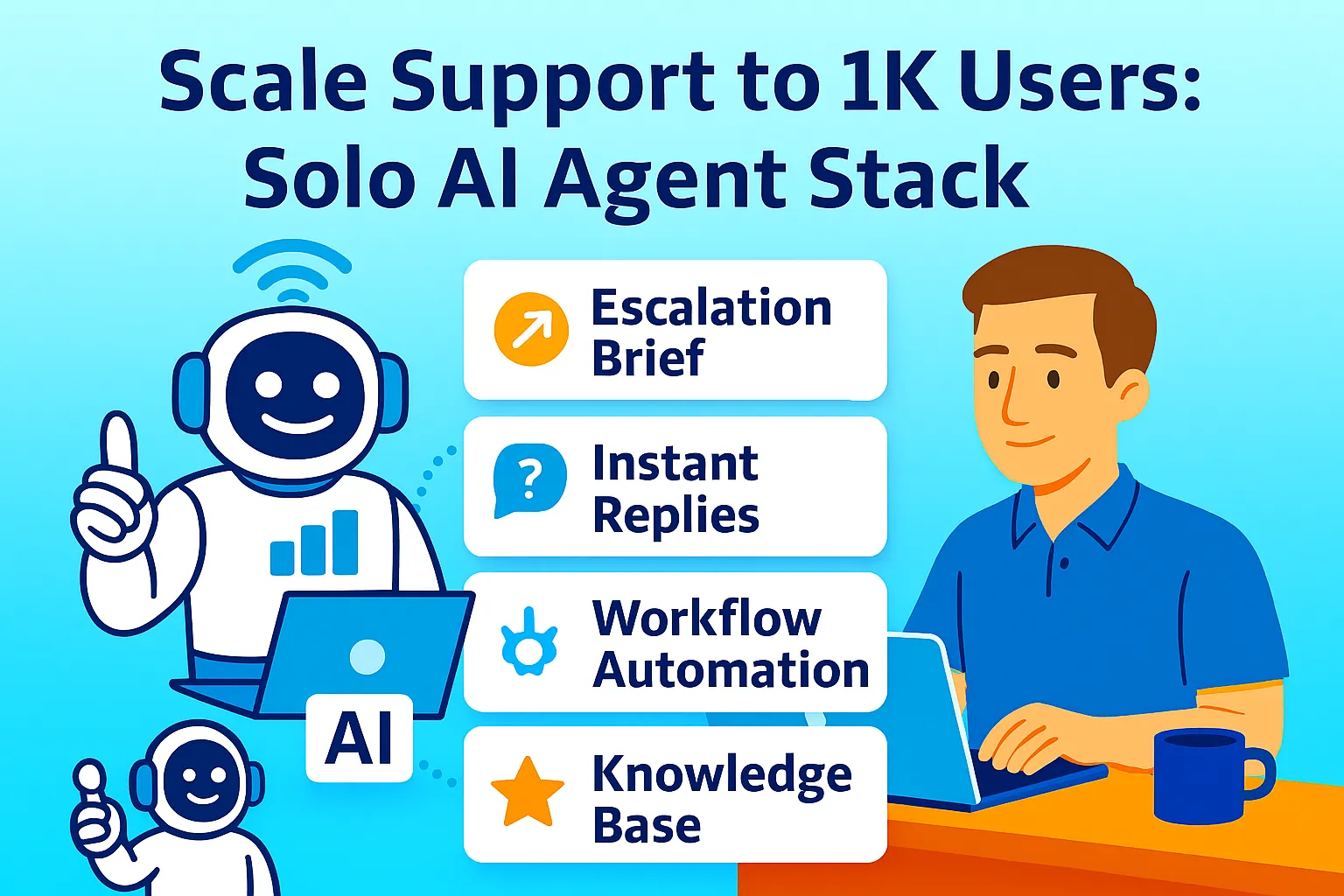
At 100 users, you answer every support question personally. It takes 4-6 hours per week. Manageable.
At 500 users, support takes 15-20 hours per week. You're spending half your time on tickets.
At 1,000 users, support becomes a full-time job — except you're still building the product, talking to customers, managing marketing. Something breaks.
The scaling path for solo founders is well-documented: 100 users need no infrastructure changes, 1K users require system upgrades, 10K users need dedicated resources. For support specifically, the inflection point arrives at 500-800 users — where single-agent AI (one chatbot handling everything) hits its ceiling and multi-agent architecture becomes necessary.
This article builds the multi-agent stack: specialized agents for billing, technical support, and onboarding working together but handling different query types, Intercom + Stripe context sync that gives each agent full payment and usage history, and the founder-review layer that handles 10x query volume without 10x founder time.
Why Single-Agent AI Breaks at Scale
Most AI support articles assume one bot handles everything. That works at 100 users. At 1,000 users, three patterns emerge that single-agent can't handle:
Pattern 1: Context specialization Billing questions require Stripe data (subscription status, payment history, invoice details). Technical questions require product usage data (what features they've accessed, error logs, integration status). Onboarding questions require progress tracking (setup steps completed, activation events triggered). A single agent trying to access all three contexts performs poorly on all three — the knowledge base becomes unwieldy, response confidence drops, escalation rate climbs above 30%.
Pattern 2: Response quality specialization Billing agents need to be conservative (never promise refunds outside policy, escalate disputes immediately). Technical agents need to be exploratory (walk through troubleshooting, test hypotheses, ask clarifying questions). Onboarding agents need to be encouraging (celebrate progress, reduce overwhelm, provide next steps proactively). One agent can't maintain three distinct personalities without confused responses.
Pattern 3: Routing intelligence At 100 users, you can review every AI interaction. At 1,000 users with 200 tickets per week, reviewing everything takes 10+ hours. Multi-agent architecture enables selective review: billing agents escalate only high-value disputes, technical agents escalate only bugs, onboarding agents never escalate (they're purely educational). The founder reviews 15-20% of total volume instead of 100%.
The Three-Agent Architecture
Each agent specializes in one domain, has its own knowledge base, and escalates using domain-specific rules.
Agent 1: Billing Agent Handles: Subscription questions, invoice requests, payment failures, plan changes, cancellation requests, refund inquiries. Knowledge base: Pricing page, refund policy, subscription terms, payment FAQ, billing email templates. Stripe integration: Reads customer.subscription, invoice history, payment_intent status. Can generate invoice links, customer portal links. Escalation rules:
Refund request > $[threshold] → escalate
Subscription cancelled → log + send to retention pipeline
Payment dispute → escalate immediately
Plan downgrade request → offer to book call
Agent 2: Technical Support Agent Handles: How-to questions, troubleshooting, feature questions, integration help, bug reports. Knowledge base: Product documentation, integration guides, troubleshooting flowcharts, known issues list, feature changelog. Product integration: Reads usage data (last active, features used, setup completion %), can see error logs if available. Escalation rules:
"Bug" keyword → escalate with context
Three failed troubleshooting attempts → escalate
Enterprise customer (MRR > $X) → escalate on first contact
Integration question for documented integration → handle, log
Integration question for undocumented integration → escalate
Agent 3: Onboarding Agent Handles: Getting started questions, setup assistance, activation coaching, progress encouragement. Knowledge base: Getting started guide, setup checklist, activation milestones, best practices, video walkthroughs. Product integration: Reads onboarding progress (setup steps completed, activation event triggered yes/no). Escalation rules:
Never escalates (purely educational)
Flags "stuck on step X for 7+ days" for proactive outreach
Success trigger: activation event fired → congratulations message + offer advanced features guide
Intercom + Stripe Context Sync
The multi-agent architecture only works when each agent has access to relevant customer context. Intercom's native Stripe integration pulls payment data directly into conversations.
One-time setup (30 minutes):
In Intercom Settings → Integrations → Stripe:

1. Connect Stripe account (OAuth)
2. Configure what data syncs:
   ✅ Customer lifetime value
   ✅ Subscription status
   ✅ MRR
   ✅ Most recent invoice
   ✅ Payment method status
   ✅ Plan name

3. Set custom data attributes:
   Create: "Days Since Last Payment"
   Formula: Today - Last Invoice Date

   Create: "Churn Risk"
   Rule: If subscription_status = "past_due"
         OR days_since_last_payment > 35
         Set: High

4. Configure Fin AI access:
   Allow Billing Agent to read:
   - customer.subscription.status
   - customer.subscription.current_period_end
   - customer.subscription.plan.amount
   - invoice.payment_intent.status
What this enables:
When a customer asks "Why was I charged twice?" the Billing Agent sees:
Their plan: Pro ($49/month)
Last invoice: January 15, $49 (paid)
Previous invoice: December 15, $49 (paid)
Payment status: Active, no issues
The agent responds: "I see one charge of $49 on January 15 (your monthly renewal) and one on December 15. Your subscription renews on the 15th of each month. Could you share the date of the second charge you're seeing? I'll look into it."
Without Stripe integration, the agent says: "Can you provide your invoice number?" — which creates friction and lowers resolution rate.
Building the Multi-Agent Setup in Intercom
Intercom's Fin AI doesn't natively support "three separate agents" — but it supports routing rules and context segmentation that achieves the same outcome.
Implementation strategy:
STEP 1: Create three Fin AI workflows
(Workflows are Intercom's automation builder)

Workflow 1: "Billing Triage"
Trigger: New conversation
Condition: Message contains ["invoice", "billing",
  "charge", "refund", "cancel", "subscription",
  "payment", "plan"]
Action: Tag conversation "Billing"
Action: Assign to Fin with instructions:
  "You are the Billing Agent. Use Stripe data
  to answer billing questions. Never promise
  refunds without checking policy.
  Escalate disputes over $[threshold]."

Workflow 2: "Technical Triage"
Trigger: New conversation
Condition: Message contains ["how to", "not working",
  "error", "bug", "integration", "setup", "feature"]
  AND NOT tagged "Billing"
Action: Tag conversation "Technical"
Action: Assign to Fin with instructions:
  "You are the Technical Support Agent.
  Walk through troubleshooting. Reference docs.
  Escalate bugs immediately."

Workflow 3: "Onboarding Triage"
Trigger: New conversation
Condition: Customer attribute "Onboarded" = false
  OR "Days Since Signup" < 30
  AND NOT tagged "Billing" OR "Technical"
Action: Tag conversation "Onboarding"
Action: Assign to Fin with instructions:
  "You are the Onboarding Agent. Encourage progress.
  Reference getting started guide.
  Never escalate — always help."
STEP 2: Create specialized knowledge bases
Each agent accesses a filtered subset of your full documentation:
Billing Agent knowledge base:
- Pricing page
- Refund policy
- Subscription FAQ
- Invoice generation guide
- Plan comparison chart

Technical Agent knowledge base:
- Full product documentation
- Integration guides (all)
- Troubleshooting flowcharts
- Known issues changelog
- Feature usage guides

Onboarding Agent knowledge base:
- Getting started guide (priority)
- Setup checklist
- Activation milestone definitions
- Video walkthroughs
- Best practices for first 30 days
Upload these as separate content sources in Intercom, then assign each to the appropriate workflow via "Content restrictions."
STEP 3: Test routing accuracy
Send 10 test messages per agent type:
"Why was I charged?" → should route to Billing
"How do I connect to Zapier?" → should route to Technical
"I just signed up, what's next?" → should route to Onboarding
Routing accuracy target: 90%+. Below 90%, expand the keyword lists in workflow conditions.
The Founder Review Layer (20% Touch Rate)
At 1,000 users with 200 support conversations per week, the three agents handle 160-170 conversations autonomously. You review 30-40.
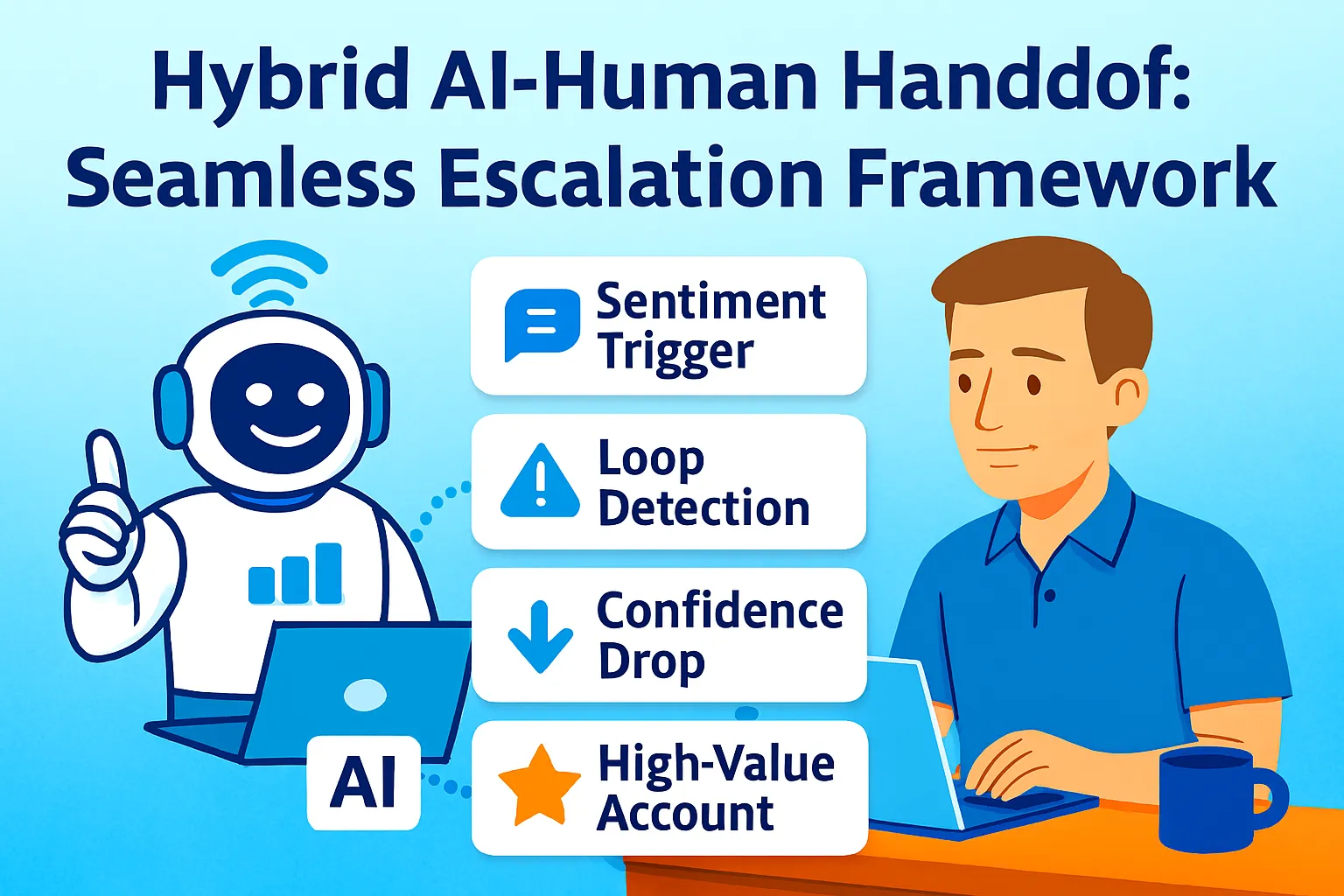
What triggers founder review:
FROM BILLING AGENT:
- Refund request > $[threshold]
- Subscription cancelled (logged, not blocked)
- Payment dispute flagged
- High-MRR customer (> 2x average) contacts

FROM TECHNICAL AGENT:
- Bug keyword detected
- Three failed troubleshooting attempts
- Enterprise/high-MRR customer
- Integration question for undocumented feature

FROM ONBOARDING AGENT:
- None (onboarding agent never escalates)
- Proactive flag only: "User stuck on step X
  for 7+ days" → founder outreach queue
Daily review ritual (20-30 minutes):
STEP 1 (10 min): Review escalated queue
Intercom filter: Tag = "Escalated"
  AND Status = Open

For each:
- AI draft already generated? Review + send (60 sec)
- Complex issue? Write personal response (3-5 min)
- Already resolved by agent but flagged?
  Mark resolved, no action needed

STEP 2 (10 min): Skim resolved conversations
Intercom filter: Resolved today,
  Sample 10 random

Quality check:
- Any responses incorrect?
- Any tone issues?
- Any missed escalations?

STEP 3 (5 min): Update agent instructions
If patterns emerged: update workflow instructions
  or add KB article to close gap
Cost Structure at 1K Users
INTERCOM ESSENTIAL PLAN:
$29/seat/month (1 seat):              $29
Fin AI resolutions ($0.99 each):
  160 AI resolutions/week × 4.3 weeks
  = 688 resolutions/month              $681
Total Intercom:                        $710/month

STRIPE:
Standard processing (already paying):  $0 add-on
Billing integration (native):          $0

AI DRAFTING (escalated tickets):
Claude Pro:                            $20/month

TOTAL STACK:                           $730/month

VALUE DELIVERED:
200 conversations/week × 4.3 = 860/month
AI handles 80% = 688 conversations
At 8 min average per conversation manual:
  688 × 8 ÷ 60 = 91.7 hours saved/month
At $75/hour founder rate:              $6,878/month

NET ROI: $6,878 - $730 = $6,148/month
ROI %: 843%
At $730/month, the stack pays for itself 8x over in time saved — and that's before accounting for the CSAT improvement and churn reduction from <5 minute response times.
When to hire:
The multi-agent stack scales to approximately 2,500-3,000 users before hitting human capacity limits. At that volume:
400-500 conversations/week
80-100 escalations/week to founder
10-15 hours/week on escalated reviews
Cost: $1,200-1,500/month (Fin AI usage scales linearly)
At 3K users, hire a part-time support contractor (20 hrs/week, $20-25/hr = $1,600-2,000/month) to handle the escalated queue. You review only the escalations from the contractor (highest complexity or highest value) — approximately 15-20% of their queue, or 3-4 hours/week of founder time.
Common Mistakes
1. Building three separate Intercom bots
Intercom charges per Fin AI instance. Three bots = 3x cost. Use one Fin AI with three routing workflows instead — same specialization, fraction of the cost.
2. Not testing routing before launch
Routing accuracy below 90% means customers get bounced between agents or receive wrong answers. Test extensively with real example questions before connecting to live support.
3. Setting Fin AI resolution cost expectations too low
At $0.99 per AI resolution, 160 resolutions/week costs $681/month. Budget for this — it's still 8-10x cheaper than human support at that volume, but founders who expect "free AI support" get surprised by the bill.
4. Allowing onboarding agent to escalate
Onboarding questions are never urgent and rarely require founder judgment. An onboarding agent that escalates creates unnecessary founder interruptions. Set it to never escalate, only flag patterns for proactive outreach.
5. Not calibrating escalation thresholds quarterly
"Refund > $X" and "High-MRR > $X" thresholds should adjust as your business grows. Quarterly review: are too many tickets escalating (threshold too low) or too few (threshold too high)?
The Real Talk
Single-agent AI worked when you had 50 users. At 1,000 users, it doesn't — not because AI capability plateaued, but because context requirements, response quality expectations, and routing intelligence all fragment across three distinct support domains.
The multi-agent stack isn't more sophisticated AI. It's better architecture — specialized agents with access to the context they need (Stripe data for billing, product usage for technical, progress data for onboarding) and escalation rules tuned to what actually requires founder judgment.
The result: 10x query volume handled with 2x founder time (from 4 hours/week at 100 users to 8 hours/week at 1,000 users) instead of 10x founder time. That's the scaling curve that makes solo-founder SaaS viable at 1K users.
Build the three agents. Connect the context. Set the escalation rules.
That's it.




Comments (0)
Leave a Comment