

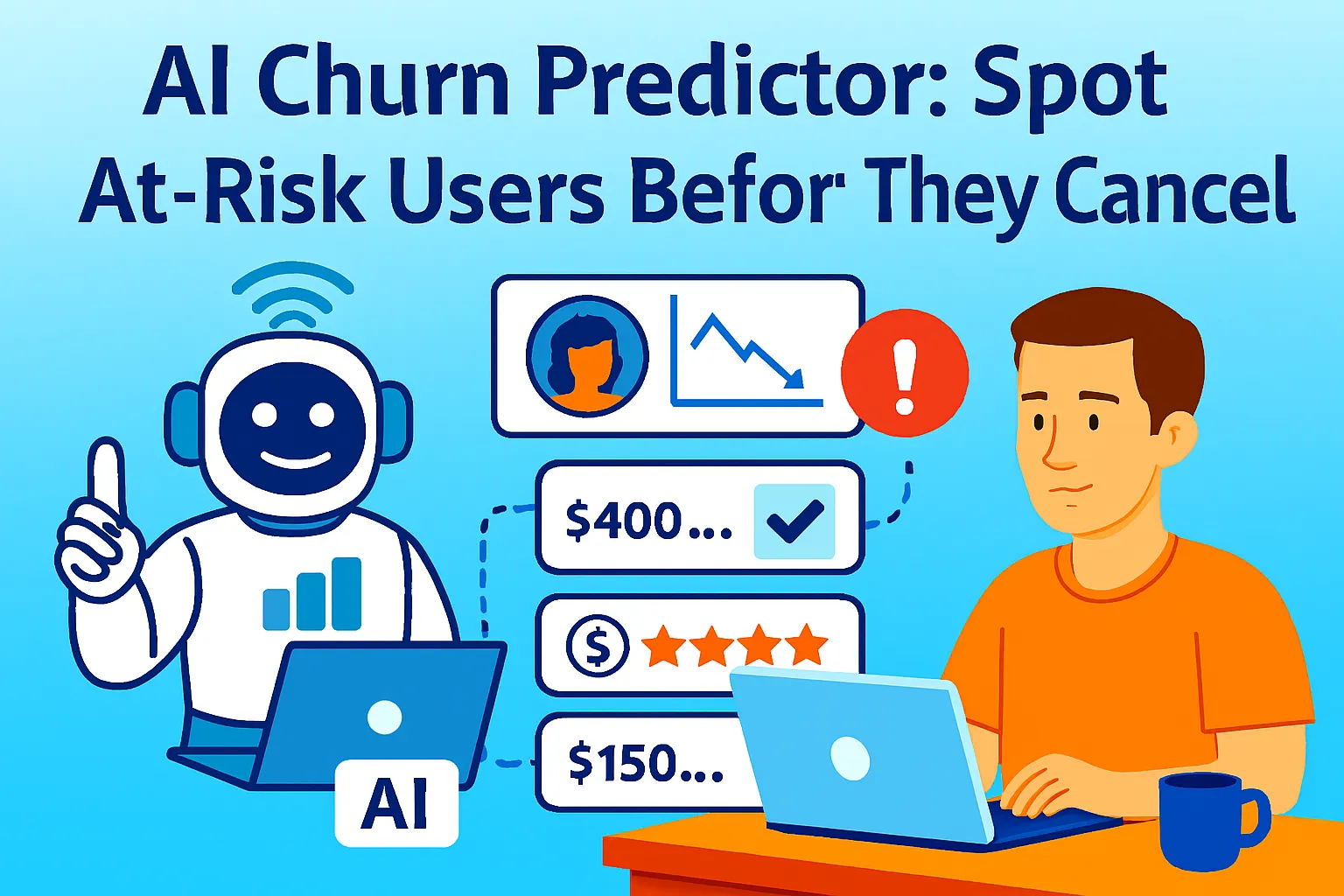
By the time a customer emails to cancel, the decision was made weeks ago.
AI systems can identify dissatisfaction signals up to 90 days before actual churn occurs. The signals are there — a daily user who starts logging in every other day, a customer who stops using the one feature that defines activation, a subscription payment that fails once and doesn't immediately retry. None of these scream "I'm leaving." All of them, tracked and weighted together, form a pattern that predicts departure well before the cancellation request arrives.
Most solo founders respond to churn the same way: reactively. The customer cancels, you send a "sorry to see you go" survey, you read the reason, you file it mentally, you move on. Sometimes you offer a discount. It's too late. The decision was made a month ago when their usage quietly dropped off and nobody noticed.
A 5% increase in retention can boost profits by 25–95%. Enterprise churn prediction tools — Gainsight, ChurnZero, Amplitude — exist to capture that upside, and they cost $2,500/month and up. They're not for solo founders. What solo founders can build, in a weekend, with tools they already have or can access for under $50/month, is a churn scoring system that catches 70–80% of what those enterprise tools catch — and triggers personalized win-back sequences automatically.
This article builds that system.
What Churn Signals Actually Look Like
Before building a detection system, understand what you're detecting. Churn signals fall into three categories — and each requires different data sources.
Activity signals — changes in how often they show up:
Login frequency declining (daily → every other day → weekly)
Days since last active session increasing
Session duration shortening
Feature exploration narrowing (using fewer capabilities over time)
Engagement signals — changes in what they do when they're there:
Core feature usage dropping (the feature that defines "activated")
Users who don't engage with core features during their first 30 days are 60% more likely to churn — and that pattern continues post-onboarding
Workflow completion declining (starting processes but not finishing)
API calls or output volumes falling (for usage-based products)
Billing and sentiment signals — changes in their commercial relationship:
Invoice payment failure (even one failed attempt is a signal)
Downgrade from higher to lower tier
Cancellation of annual → monthly (reducing commitment)
Support ticket frequency spiking (repeated frustration)
Support ticket sentiment shifting negative (language in tickets changing)
The critical insight: combining multiple weak signals creates stronger predictive power than relying on obvious indicators. One missed login means nothing. One missed login + reduced feature usage + a support ticket with frustrated language = a high-risk customer who needs attention this week.
Building Your Churn Scorecard
Enterprise tools use machine learning models to weight signals. Solo founders use a simpler but nearly as effective tool: a scorecard. Assign points to each signal. Total above a threshold = at risk.
Step 1 — Define your signals and weights:
Build a churn scorecard for my product.

MY PRODUCT: [Description — what it does,
  subscription or usage-based,
  primary value metric]

MY TYPICAL USAGE PATTERN:
  Active customer: [How often they log in,
  what features they use regularly]
  Churned customer (if known):
  [How their usage looked 30-60 days before cancelling]

BUILD A SCORECARD:

For each signal below, assign a risk score (1–5):
5 = strong churn predictor for my product
1 = weak or irrelevant signal

ACTIVITY SIGNALS:
• Days since last login (>7 days)
• Login frequency dropped >50% vs prior 30 days
• Session duration down >50% vs baseline
• No activity in last 14 days

ENGAGEMENT SIGNALS:
• Core feature [X] not used in 14+ days
• Onboarding incomplete (if recent customer)
• Workflow completion rate falling
• Usage volume dropped >40% vs baseline

BILLING SIGNALS:
• Payment failed (any attempt)
• Downgraded plan in last 30 days
• Annual → monthly switch
• Discount applied >60 days ago (engagement may fade)

SENTIMENT SIGNALS:
• Support tickets: 3+ in last 30 days
• Negative language in last support ticket
• NPS score <6 (if tracked)
• No response to last 2 outreach emails

THRESHOLD DEFINITION:
At what total score should a customer be flagged?
  HIGH RISK: Total ≥ [X] — immediate outreach
  MEDIUM RISK: Total [Y–X] — nurture sequence
  LOW RISK: Total ≤ [Y] — monitor only

Output: Completed scorecard with weights
specific to my product type.
Recommended thresholds.
The top 3 signals that matter most for my ICP.
Step 2 — Define "churn" for your product:
Before tracking anything, write one sentence that defines what churn means for your specific product. For subscriptions: cancellation or non-renewal. For usage-based: inactivity for N days (pick N based on typical usage cycles — daily-use products: 7 days. Weekly-use: 21 days. Monthly-use: 45 days). Document this and don't change it — consistency matters more than perfection.
Data Sources: What to Track and Where It Lives
The scorecard only works if the signals feed it automatically. Here's where each signal type comes from for a solo founder's typical stack.
PostHog (free up to 1M events/month) — activity and engagement signals:
PostHog tracks user sessions, feature usage, and custom events. The setup: instrument three to five key events in your product — the ones that define "this customer is getting value." Examples: "report generated," "integration connected," "document exported," "project published." These are your activation metrics. A customer who stops triggering these events is showing engagement signal decay.
PostHog's "Cohorts" feature lets you define a segment: "users who haven't triggered [key event] in 14 days." Combine with "were active in the prior 30 days" to filter out genuinely new customers. This cohort is your engagement signal alert list.
Stripe — billing signals:
Stripe's webhook events tell you immediately when: a payment fails (payment_intent.payment_failed), a subscription is downgraded (customer.subscription.updated with lower price), or a customer switches from annual to monthly (customer.subscription.updated with interval change). These are the three highest-weight billing signals. A Zapier trigger on each fires automatically into your churn scoring system.
Help Scout / Gmail — sentiment signals:
Support ticket frequency is trackable via Help Scout's API: customers with >3 tickets in 30 days enter a monitoring state. Sentiment analysis requires an AI step — paste the last ticket's content into an AI prompt and ask for sentiment classification (Positive / Neutral / Frustrated / Angry). Frustrated or Angry = add sentiment points to the scorecard.
The weekly scoring prompt (runs every Monday):
Run my weekly churn risk assessment.

CUSTOMER DATA THIS WEEK:
[Paste or describe your at-risk signals —
 can be structured from PostHog/Stripe export
 or a manual weekly check]

FORMAT PER CUSTOMER:
Name/ID | Last login | Days inactive |
Core feature last used | Payment status |
Support tickets (30 days) | Any other signals

SCORECARD WEIGHTS:
[Paste your completed scorecard from Step 1]

For each customer:
1. Calculate total risk score
2. Classify: HIGH / MEDIUM / LOW risk
3. Identify the PRIMARY signal driving the score
   (the one signal most worth addressing)
4. Recommend: Personal outreach / Nurture sequence /
   Monitor / No action

Output:
HIGH RISK customers: [Name | Score | Primary signal | Action]
MEDIUM RISK: [Name | Score | Primary signal | Action]

Flag immediately: Any HIGH RISK customer
with MRR > $[X] — these get personal
attention before any automated sequence.
The Automated Win-Back Sequences
Detection without action is just observation. The win-back sequences are what convert a churn signal into a retention intervention. Three sequences for three risk levels.
Sequence A: Personal outreach (HIGH risk — automated trigger, personal delivery)
This is not an automated email sequence. It's a prompt that generates a draft personal email you review and send yourself. High-risk, high-MRR customers should receive something that sounds like you wrote it at 9 AM, not something that sounds like a retention campaign fired.
Trigger: Customer classified HIGH RISK in weekly scoring

AI STEP — Generate personal outreach draft:

Prompt: "Write a personal check-in email
for [customer name] who has been [primary signal —
e.g., less active in the last three weeks /
hasn't used [feature] recently].

DO NOT:
- Mention that we noticed their usage dropped
- Sound like a retention email
- Use phrases like 'we value your business'
- Reference data or tracking

DO:
- Open with genuine curiosity about how things are going
- Ask one specific question about their goals or situation
- Offer something concrete: a call, a quick resource,
  a feature they might not have tried
- Sound like it was written in 2 minutes by a
  person who genuinely cares

Under 100 words. First name sign-off only.
Subject: Include their name. No 'checking in'."

→ Save as Gmail draft
→ Slack DM to yourself: "Draft ready for [Name] — review before sending"
The manual review step is non-negotiable for high-risk customers. AI-generated personal emails read as personal only after a human reads and adjusts them. The draft saves 90% of the writing time. Your 30-second review catches the 10% that needs your voice.
Sequence B: Value-first nurture (MEDIUM risk — fully automated, 3-email sequence)
Medium-risk customers respond to value delivery, not check-in calls. Three emails over 12 days, each delivering something useful without any retention framing.
Trigger: Customer classified MEDIUM RISK in weekly scoring
→ Add to ConvertKit / Beehiiv automated sequence:
   "Re-engagement — Value Series"

Email 1 (Day 0): Feature spotlight
Subject: "A [Product] feature most people miss"
Content: One genuinely useful feature or workflow
  they may not be using, explained concretely.
  No "hope things are great."
  Just: here's something useful.

Email 2 (Day 5): Customer story or use case
Subject: "How [similar customer type] uses [Product] for [outcome]"
Content: Real or representative example of
  the outcome your product enables.
  Specific enough to be recognizable.
  No CTA except "reply if you want to talk through your setup."

Email 3 (Day 12): Direct offer
Subject: "Quick question about [Product]"
Content: One honest question:
  "Is [Product] still useful for what you're working on?
  If it's not the right fit anymore, that's fine —
  but if there's something I could help with,
  I'd like to know."
  Reply CTA only. No discount. No urgency.

IF no engagement after Email 3:
→ Downgrade to LOW RISK monitoring
→ Log outcome in churn tracker
Sequence C: Billing recovery (payment failure — immediate, automated)
A failed payment is the most urgent signal and the most mechanical to address. Three emails, increasing directness, with direct payment link in each.
Trigger: Stripe webhook — payment_intent.payment_failed

Email 1 (Day 0 — within 1 hour of failure):
Subject: "Payment issue for your [Product] subscription"
Content: "We couldn't process your payment today.
  Update your payment info here: [Stripe link].
  Takes 30 seconds — nothing will change on your account."
Tone: Helpful, no blame, no urgency language.

Email 2 (Day 3 — if still failed):
Subject: "Your [Product] access — quick action needed"
Content: "Still having trouble with your payment.
  [Link] — if you want to switch payment methods
  or have questions, just reply."
Tone: Slightly more direct. Still helpful.

Email 3 (Day 7 — if still failed):
Subject: "Last chance to keep your [Product] account"
Content: Honest: "Your account will be paused [date]
  if payment isn't resolved.
  [Link] to fix it in 30 seconds,
  or reply if you want to talk options."
Tone: Direct. Kind. Clear consequence.

IF Day 7 payment still failed:
→ Pause account per your subscription terms
→ Flag in Notion churn tracker:
   "Payment failure — unresolved"
→ Slack DM to yourself: "Manual follow-up: [Name]"
Important: Stripe's own dunning management (Stripe Billing retry logic) handles payment retries automatically. These emails run alongside retries — they're the human communication layer over Stripe's automated retry logic. Don't disable Stripe's retries to run these manually.
The Churn Tracker: Your Retention Intelligence System
Every at-risk customer, every intervention, every outcome logs to one Notion database: "Churn Radar."
DATABASE PROPERTIES:

Customer: [Name / ID]
MRR: $[X]
Risk Level: HIGH / MEDIUM / LOW / Resolved
Primary Signal: [The main trigger]
Score: [Total scorecard points]
Sequence Triggered: Personal / Nurture / Billing / None
Outreach Date: [Date]
Outcome: [Still active / Churned / Upgraded / Responded]
Churn Reason: [If churned — what they said or implied]
Date Resolved: [Date]
Two views to build:
Active risks: Filter: Outcome is empty AND Risk Level ≠ Resolved. This is your weekly work queue.
Outcomes log: All records, sorted by date. Used for monthly churn analysis.
The monthly churn analysis prompt:
Analyze my churn data for the last 30 days.

CHURN TRACKER DATA:
[Paste your Notion churn database export —
 all records from last 30 days with outcomes]

Analyze:

1. SIGNAL ACCURACY: Which signals most reliably
   predicted actual churn?
   Which appeared frequently but customers
   didn't churn (false positives)?

2. SEQUENCE EFFECTIVENESS:
   Of customers who received Personal outreach:
   what % are still active?
   Of customers who received Nurture sequence:
   what % are still active?
   Of customers who received Billing recovery:
   what % resolved?

3. CHURN REASON PATTERNS:
   Of customers who churned: what reasons or
   signals appeared most?
   Is there a product problem (specific feature
   frustration appears repeatedly)?
   Is there an ICP problem
   (certain customer types churning consistently)?
   Is there a pricing problem
   (downgrade then churn pattern)?

4. MRR AT RISK vs RECOVERED:
   MRR that was at high risk this month: $[X]
   MRR recovered (still active after intervention): $[X]
   MRR lost: $[X]
   Recovery rate: [%]

5. SCORECARD CALIBRATION:
   Should any signal weights be adjusted
   based on this month's data?
   Any signal to add?
   Any to remove (not predictive)?

Output: Adjusted scorecard recommendations
and the one most important thing
to fix next month.
This monthly calibration is what turns a static scorecard into an improving system. After three months of data, the weights are tuned to your specific product and customer base — not generic industry benchmarks.
Tools and Cost
USAGE TRACKING:
PostHog (free to 1M events/month): $0
(Login events, feature usage,
 custom events for activation metrics)

BILLING SIGNALS:
Stripe (already in your stack):   $0
(Webhook triggers for payment
 failure and subscription changes)

AUTOMATION:
Zapier Starter ($29/month):       $29
(Stripe webhooks → scoring,
 ConvertKit sequence triggers,
 Gmail draft creation)

EMAIL SEQUENCES:
ConvertKit ($29/month) or
Beehiiv ($33/month):              $29
(Nurture sequence delivery)

AI FOR SCORING + DRAFTS:
Claude Pro or ChatGPT Plus:       $20
(Weekly scoring prompt,
 personal outreach drafts,
 monthly analysis)

CHURN TRACKER:
Notion (free):                    $0

TOTAL:                            $78/month

WHEN TO UPGRADE TO DEDICATED TOOLS:
Churn Assassin ($49+/month) —
  when you have 50+ customers and
  need automated scoring without
  running the weekly prompt manually
ProfitWell Retain (free <$10K MRR) —
  for billing recovery specifically;
  best-in-class dunning management
  that often pays for itself in
  recovered failed payments
The 25–30% Churn Reduction Target
The headline claim — 25–30% churn reduction — is achievable with this system under three conditions:
1. Detection is early enough. The system needs to flag customers at least 14–21 days before they cancel — enough time for the nurture sequence to complete or the personal outreach to land. If your scoring only catches signals 3 days before cancellation, the sequences can't work. Weekly scoring cadence and 14-day signal thresholds create sufficient lead time for most products.
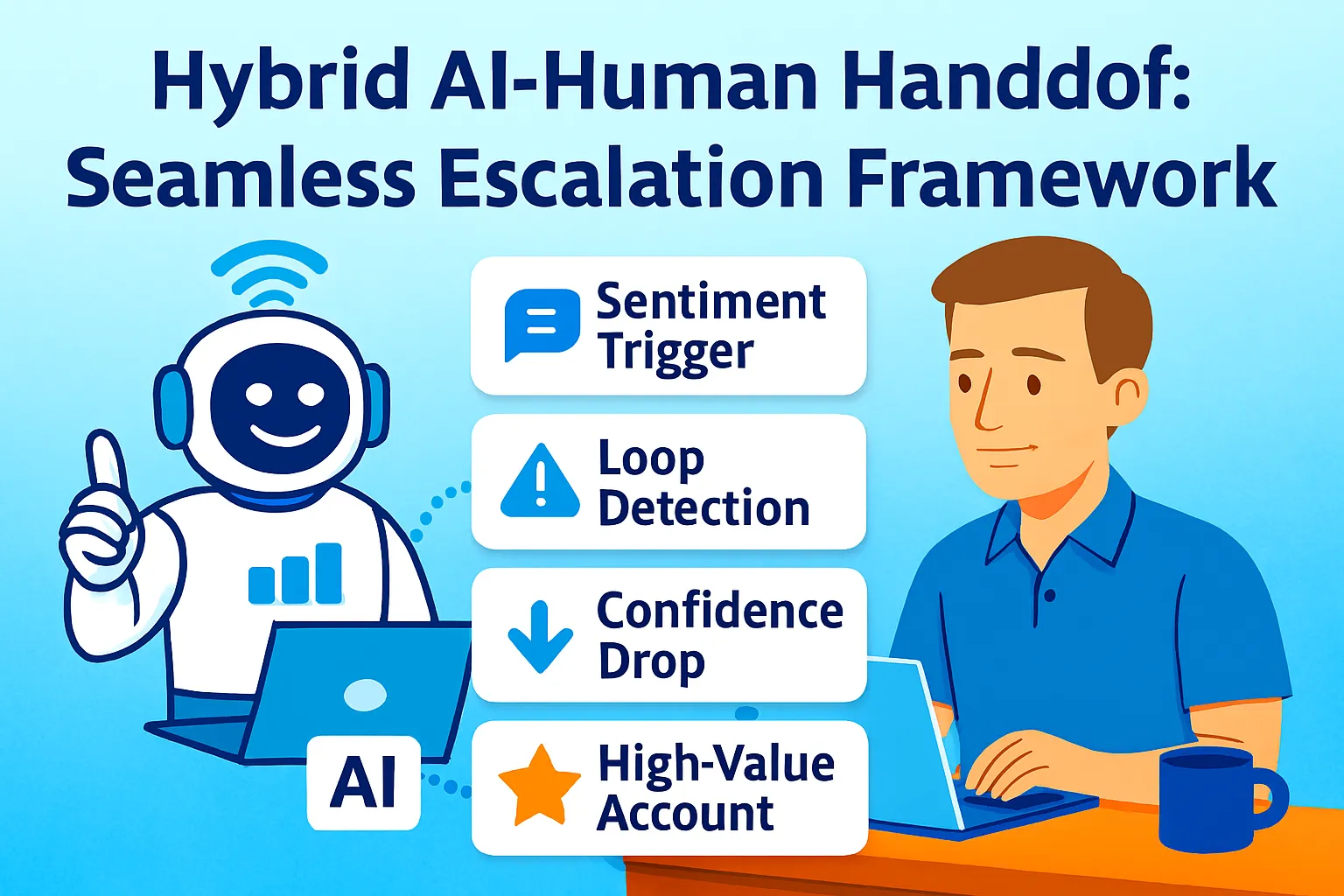
2. Interventions are personal enough. Churn prediction is only as good as the interventions it triggers — different customer segments respond to different retention tactics. High-value customers need personal outreach. Mid-tier customers respond to value delivery. Generic "we miss you" emails move nobody. The three-sequence architecture above is calibrated to this — personal for high risk, value-first for medium risk, direct for billing failure.
3. The scorecard improves over time. Month one, your weights are estimates. Month three, they're tuned to your actual churn patterns. The monthly calibration prompt is what drives improvement — each month's data adjusting the system to be more accurate than the last.
Companies implementing real-time churn scoring see 35% improvement in retention campaign effectiveness. The weekly cadence in this system isn't real-time — it's weekly — which is sufficient for monthly subscription products. If your product has daily engagement patterns (productivity tools, communication tools, high-frequency SaaS), increase to a twice-weekly scoring cadence.
Common Mistakes
1. Tracking vanity signals instead of value signals
Login frequency is a proxy metric. What matters is whether customers are completing the actions that deliver the value you promised. A customer who logs in daily but never uses the feature that makes your product worth paying for is at risk — and login frequency alone won't catch them. Instrument your activation metric (the one event that signals "this customer got value today") and weight it highest in your scorecard.
2. Over-automating high-risk interventions
High-risk customers should receive something personal — not an automated sequence labelled "personal." A sequence that fires automatically the moment someone hits the HIGH threshold, regardless of their specific situation or history, will read as automated to anyone who's been a customer long enough to have context. Manual review of the AI draft before sending is the line between effective and counterproductive for your highest-value customers.
3. Treating churn reasons as individual instead of systemic
When three customers churn citing the same reason in the same month, that's a product signal, not three individual decisions. The monthly analysis prompt specifically looks for patterns — the same feature frustration appearing repeatedly, the same customer type churning consistently, the same pricing trigger appearing before cancellation. Individual churn is inevitable. Systemic churn is fixable.
4. Running the system without a calibration loop
A churn scorecard tuned to generic SaaS benchmarks and never adjusted to your specific product will miss your specific patterns. The monthly calibration prompt is the mechanism that makes the system improve. Skip it and the scorecard stays as accurate as it was on day one — which is not very accurate.
5. Starting before you have enough customers
Under 20 active customers, a churn scorecard is over-engineering. Below that threshold, you know every customer by name and should be having monthly conversations with all of them anyway. Build this system when you have 20–30+ active customers and personal attention to all of them has become impractical.
The Real Talk on Churn
Churn is not primarily a retention problem. It's a value delivery problem. The customers who churn aren't usually making a deliberate decision to leave — they're gradually disengaging because the product stopped delivering the value that justified the subscription. By the time they cancel, disengagement started weeks ago.
The churn system in this article catches the disengagement. But the long-term churn reduction comes from understanding why disengagement happens — which the monthly analysis reveals — and fixing the product, onboarding, or positioning that causes it. Win-back sequences recover at-risk customers. Product improvement reduces the number who become at-risk in the first place.
Build the system. Run the monthly analysis. When the same churn reason appears three times, fix the thing causing it.
That's it.



Comments (0)
Leave a Comment