

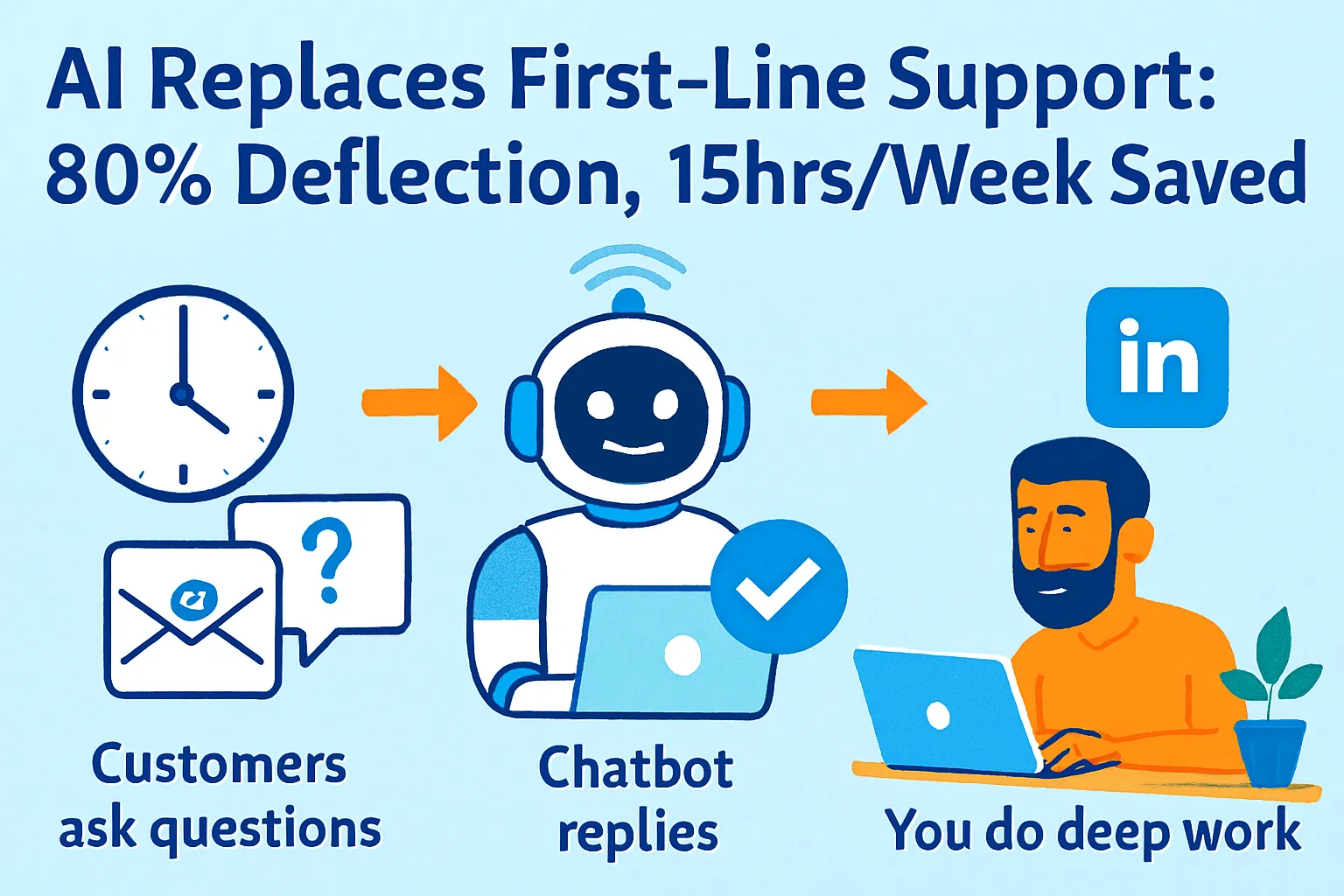
You're answering 50 support tickets a week. Billing questions. Password resets. "How do I export my data?" Refund requests. The same 20 questions, over and over.
That's 8+ hours every week. One full work day. Gone.
Not on building features. Not on acquiring customers. Not on anything that moves your business forward. On copy-pasting answers you've typed 40 times before.
Here's the thing: 80% of those tickets don't need you. They need a well-trained AI that knows your product, your policies, and how to escalate the 20% that are genuinely complex. One solo founder at PDFMerge.io ($12K MRR) cut support time from 18 hours per week to 6 hours using this exact system. Another hit 86% AI resolution rate and didn't need to hire a support person until $50K MRR.
This guide shows you how to set up a Tier-1 AI support system, auto-resolve billing and password issues, route complex tickets to a priority email queue, and hit 15 hours saved per week. With real pricing, honest tradeoffs, and no vendor hype.
First, Let's Clear Up the Tool Confusion
Before we get into setup, there's a naming issue you'll run into immediately.
Most articles say "Intercom Lyro" as if it's one thing. It's not. Lyro is Tidio's AI. Fin is Intercom's AI. Different companies, very different price points, very different use cases for solo founders.
Here's the honest breakdown:
Intercom Fin ($99/month + usage fees)
Resolves 65% of conversations end-to-end
Best-in-class product, genuinely impressive
Makes sense at $15K+ MRR
Below that, you're overpaying for features you don't need
Tidio Lyro ($49/month, Starter tier)
67% average resolution rate (highest in the industry per Tidio's data)
Powered by Claude (Anthropic) and Tidio's own models
Purpose-built for small teams and solo founders
Sweet spot: $2K-$15K MRR
One founder at PDFMerge.io handles 800+ conversations/month on it
Crisp ($25/month)
52% deflection rate (lower, but costs 1/4 of Intercom)
Full suite: chat + CRM + email in one
Best if budget is the primary constraint
Sweet spot: <$5K MRR or pre-revenue
Which one should you pick?
Under $5K MRR: Start with Crisp ($25/month) or Tidio free tier
$5K-$15K MRR: Tidio Lyro ($49/month) is the sweet spot
$15K+ MRR: Intercom Fin ($99/month+) starts to make sense
This article uses Tidio Lyro as the primary example (best fit for most solo founders) but the workflow applies to all three.
The 80% Deflection Framework
Before touching any tool, understand what "80% deflection" actually means and what it takes to get there.
What deflection means:
Out of 100 support tickets:
80 answered by AI without you touching them
15 partially handled (AI gathers context, you write the final response)
5 complex issues routed directly to you with full context
What the data actually says:
Tidio Lyro: 67% average resolution rate (money-back guarantee if under 50%)
Intercom Fin: 65% average resolution rate
GameBoost (real case): 86% resolution using Lyro
Axioma UK: 89% resolution after tuning their knowledge base
The difference between 67% and 86% is almost entirely about training quality. More specific FAQs = higher resolution.
The 80% formula:
Strong knowledge base (30+ specific FAQs)
+ Correct escalation triggers
+ 2-week tuning period
= 75-85% consistent deflection
No magic. Just setup, training, and iteration.
Step 1: Build Your Tier-1 Knowledge Base (2-3 Hours)
The AI is only as good as what you teach it. This is the most important step and the one most founders rush.
What Tier-1 support actually is:
Tier-1 = routine, repeatable, doesn't require judgment.
Classic Tier-1 questions:
Billing:
"How do I cancel my subscription?"
"Why was I charged twice?"
"Can I get a refund?"
"How do I update my payment method?"
"Where's my invoice?"
Account:
"How do I reset my password?"
"I can't log in"
"How do I change my email address?"
"How do I add a team member?"
"How do I delete my account?"
Product:
"How do I export my data?"
"Does this work on mobile?"
"What integrations do you support?"
"How do I connect to Zapier/Slack/HubSpot?"
"Is there an API?"
Policy:
"What's your refund policy?"
"Do you offer discounts for nonprofits/startups?"
"What's your uptime guarantee?"
"Where are you hosted/is my data safe?"
How to extract your real Tier-1 tickets:
Go to your email or help desk. Export or search last 90 days. Copy the subject lines of every support ticket into a spreadsheet. Sort by frequency. Your top 20 = your must-have FAQs.
AI FAQ Writer Prompt:
Write clear, concise FAQ answers for these support questions about my product.

Product: [Your product name and one-line description]
Relevant policies:
- Refund policy: [Your policy]
- Billing cycle: [Monthly/annual]
- Support hours: [When you're available]
- Response time: [How fast you typically respond]

Questions to answer:
1. How do I reset my password?
2. How do I cancel my subscription?
3. [Add all 20 questions]

For each answer:
- Be specific to my product (not generic)
- Include exact steps where applicable
- Under 100 words per answer
- Warm but direct tone

Format as:
Q: [Question]
A: [Answer]
What good FAQ answers look like:
Bad (vague): Q: How do I cancel my subscription? A: You can cancel your subscription in your account settings.
Good (specific): Q: How do I cancel my subscription? A: Log into your account → Click your name (top right) → Account Settings → Billing → Cancel Subscription. Your access continues until the end of your current billing period. No partial refunds, but you won't be charged again. If you're canceling because of a specific issue, reply here and I'll help fix it first — sometimes there's an easy solution.
See the difference? The good answer gives exact steps, sets expectations, and adds a retention attempt at the end. AI can generate these if you give it the right context.
Step 2: Set Up Tidio Lyro (45 Minutes)
Now you're building the system.
Account setup:
Sign up at tidio.com (free plan: 50 conversations/month, enough to test)
Create workspace for your product
Go to Lyro tab in left sidebar
Click "Add Knowledge Base"
Training your Lyro:
Option A: Upload your FAQ document
Create a Google Doc with your 20+ FAQs
Export as PDF
Upload to Lyro knowledge base
Lyro ingests in 2-3 minutes
Option B: Add website URLs
Add your help center URL
Add your pricing page
Add your terms/refund policy page
Lyro crawls and learns automatically
Option C: Direct text input
Paste FAQ text directly into the knowledge base editor
Fastest for quick updates
Best for small (<30 FAQ) initial training
Recommended: Do all three.
More training data = higher resolution rate. Start with your FAQ doc, add your website URLs, then manually enter anything the crawl might have missed (like internal policies not published publicly).
Configure your Lyro settings:
Response language: Auto-detect (handles 10+ languages)
Tone: Friendly and helpful [or match your brand voice]
Escalation trigger: When confidence < 70%
Max response length: 150 words (concise beats exhaustive)
Handoff message: "Great question — let me get [Your Name] on this for you."
Deploy to your website:
Go to Integrations → Website Widget
Copy embed code
Paste before
</body>in your siteCustomize: brand colors, position, greeting message
Greeting message examples:
Bad: "Hi! How can I help you today?" Good: "Hi! I can answer questions about billing, your account, or how the product works. What do you need?"
The second one sets expectations. Customers ask better questions when they know what the AI can handle.
Week 1 target: 50% deflection (Lyro's guaranteed minimum) Week 2-4 target: 65-70% as you tune the knowledge base
Step 3: Auto-Resolve Billing and Password Issues (30 Minutes)
These two categories alone account for 40-50% of solo founder support volume. Auto-resolving them gets you to 50% deflection before you do anything else.
Billing auto-resolution setup:
For Lyro to handle billing questions accurately, it needs to know your exact policies. Not vague summaries. Specific answers to every variation.
Build a billing FAQ block:
BILLING - CANCELLATION
Q: How do I cancel?
A: [Exact steps]

Q: What happens to my data after cancellation?
A: [Your data retention policy]

Q: Can I pause instead of cancel?
A: [If applicable, yes/no + how]

BILLING - REFUNDS
Q: What's your refund policy?
A: [Exact policy with timeframe]

Q: I was charged after canceling.
A: [Troubleshooting steps + escalation if needed]

Q: I need a receipt/invoice.
A: [How to download — usually Settings → Billing → Invoices]

BILLING - UPGRADES/DOWNGRADES
Q: How do I upgrade my plan?
A: [Exact steps + what happens to billing]

Q: Will I be charged immediately when I upgrade?
A: [Your proration policy]
Password auto-resolution:
Password issues are the highest-volume, lowest-complexity Tier-1 tickets. Lyro can resolve 95%+ of them automatically.
Required FAQ entries:
Q: I forgot my password.
A: Click "Forgot password" on the login page → Enter your email → Check inbox for reset link → Link expires in 24 hours. If you don't see the email in 5 minutes, check spam. Still nothing? Let me know and I'll trigger a manual reset.

Q: My reset email isn't arriving.
A: Check spam/junk folder first. If it's not there: (1) Make sure you're entering the email you signed up with. (2) Add noreply@[yourdomain].com to your contacts. (3) If still nothing, reply here with your email address and I'll look into it manually.

Q: I'm locked out of my account.
A: After 5 failed login attempts, accounts are locked for 30 minutes for security. Wait 30 minutes and try again. If you need access immediately, I can escalate this to [Your Name] who can unlock it manually.
Why the third answer matters: It validates the lock, gives a self-serve path, but also offers escalation. This is the pattern for handling edge cases without immediately dumping tickets on you.
Step 4: Build the Priority Routing Queue (30 Minutes)
The 20% of tickets that need you shouldn't land in a general inbox. They need to be prioritized, contextualized, and routed so you handle them fast without losing context.
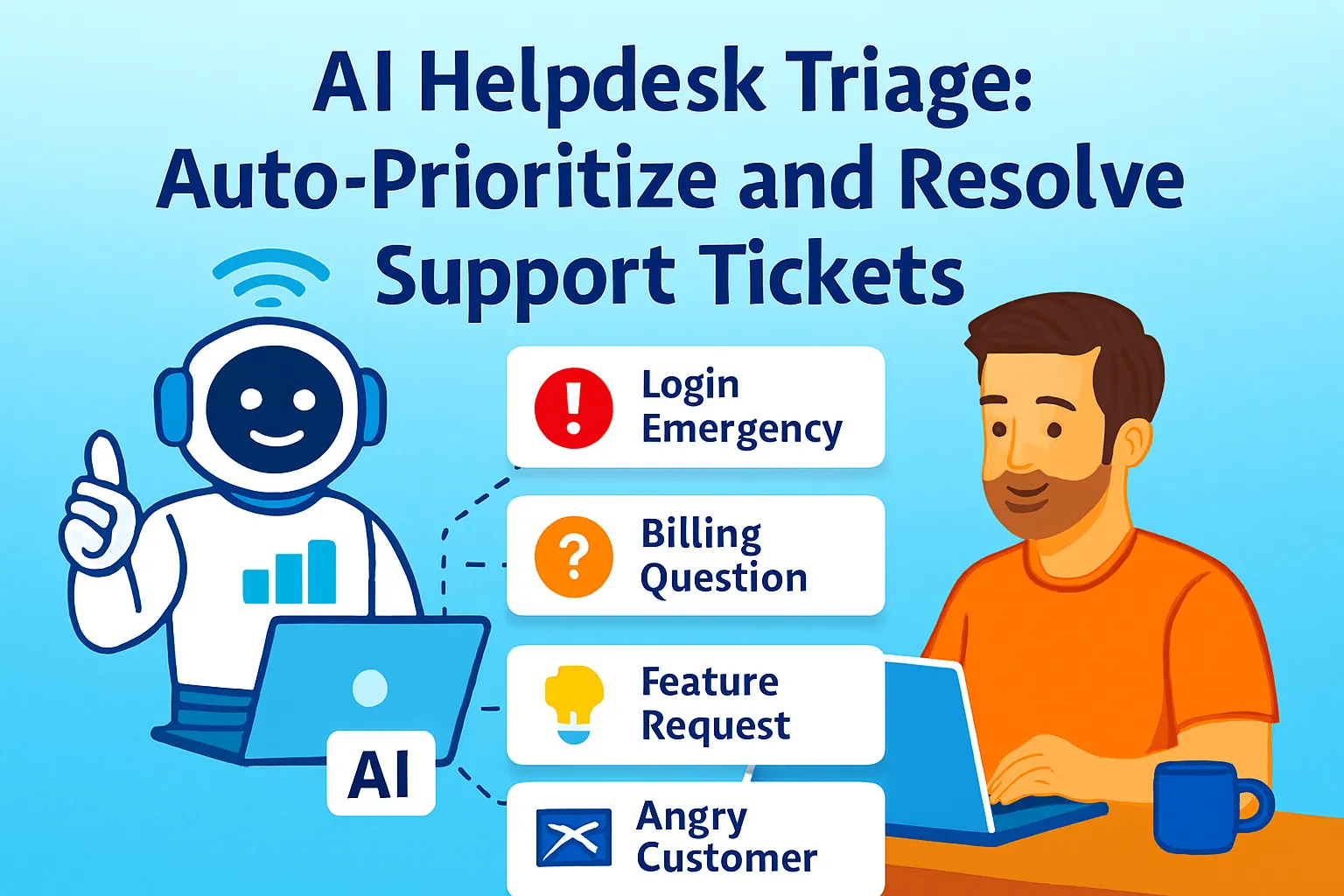
What should escalate (not auto-resolve):
HIGH PRIORITY (resolve same day):
- Billing disputes (charge errors, unauthorized charges)
- Data access requests (GDPR, account deletion)
- Critical bugs (product not working, data loss risk)
- Churn signals ("I'm canceling because..." or angry tone)

NORMAL PRIORITY (resolve within 24 hours):
- Feature requests with context
- Integration questions beyond basic documentation
- Account merge/transfer requests
- Team admin questions

LOW PRIORITY (batch and handle weekly):
- General feedback
- "When is X feature coming?"
- Partnership/collab inquiries
How Lyro handles escalation:
When Lyro's confidence drops below your threshold (set at 70%), it hands off automatically.
Configure your escalation message:
I want to make sure you get the best answer on this.
I'm flagging it for [Your Name] right now —
they'll have our full conversation and typically
respond within [2 hours / same business day / 24 hours].
Specific timeframe = fewer angry follow-ups.
Routing to priority email queue:
Use Gmail filters (free) or your email client to create visual priority:
Create label: "SUPPORT-HIGH," "SUPPORT-NORMAL," "SUPPORT-LOW"
Create filter: When escalation email arrives from Tidio → Apply label based on keywords
Keywords for HIGH: "billing dispute," "charge error," "cancel," "data deletion," "bug," "broken"
Keywords for NORMAL: "integration," "feature request," "transfer"
Everything else → LOW
Process in order: HIGH first, every morning. NORMAL by end of day. LOW batched on Fridays.
Zapier automation (optional, free tier works):
Trigger: New Lyro escalation email Action:
Parse subject/body for priority keywords
Label email in Gmail
If HIGH priority → Send Slack notification to yourself
Now you see critical issues within minutes, not hours.
Escalation Slack notification format:
🚨 HIGH PRIORITY SUPPORT
Customer: [email]
Issue: [Lyro's summary of conversation]
Conversation: [Link to Tidio inbox]
Waiting since: [Timestamp]
No switching apps to find context. Everything in one Slack message.
Step 5: Track Time Saved — The 15-Hour Target (15 Minutes Setup)
Don't just deploy and assume it's working. Track the actual time impact.
The benchmark: One solo founder went from 18 hours/week to 6 hours using Tidio Lyro on 800+ conversations/month. That's 12 hours saved. Your target is 15 hours.
How to calculate your baseline:
Before deploying, track one week manually:
SUPPORT TIME TRACKER (Week of [Date])

Monday:
- Ticket 1: [Topic] — Time: [X min]
- Ticket 2: [Topic] — Time: [X min]

[Continue for the week]

TOTAL TICKETS: ___
TOTAL TIME: ___ hours
AVERAGE TIME PER TICKET: ___ minutes
Key metrics to track post-deployment:
1. Deflection rate (weekly) Formula: (AI-resolved chats) / (Total chats) × 100 Target: 50% Week 1 → 70% by Week 4 → 80% by Month 2
2. Time saved (weekly) Formula: (Deflected tickets × avg resolution time before AI) Example: 35 deflected tickets × 10 min = 350 minutes = 5.8 hours/week
3. Resolution quality (CSAT) After each chat: "Was this helpful? 👍 or 👎" Target: 80%+ thumbs up on AI-resolved chats
4. Escalation quality Are escalated tickets actually complex or is Lyro punting easy questions? Check weekly: If easy questions are escalating, your knowledge base needs those FAQs added.
Solo Founder Tracking Spreadsheet:
Use Google Sheets, one tab per week:
Week | Total Tickets | AI Resolved | Escalated | Deflection % | Hrs Saved | CSAT |
|---|---|---|---|---|---|---|
1 | 50 | 25 | 25 | 50% | 4.2 hrs | 76% |
2 | 52 | 33 | 19 | 63% | 5.5 hrs | 81% |
3 | 48 | 36 | 12 | 75% | 6.0 hrs | 84% |
4 | 55 | 42 | 13 | 76% | 7.0 hrs | 85% |
Update every Monday. Takes 10 minutes.
Hitting 15 hours saved/week:
If you currently handle 90 tickets/week at 10 minutes each = 15 hours. 80% deflection = 72 AI-resolved + 18 you handle = 3 hours from you. That's 12 hours saved — close to the target.
To hit exactly 15 hours: you need either higher ticket volume OR higher deflection rate. Focus on improving your knowledge base to push deflection toward 85%.
The Tuning Cycle: Weeks 2-4
Deployment isn't the end. Week 1 deflection (50-60%) is just the floor. Here's how to push to 80%+.
Every Monday, do this:
1. Review unanswered questions (10 minutes)
In Tidio dashboard → Conversations → Filter by "Escalated" or "No resolution."
Look for patterns: What questions kept stumping Lyro?
If the same question escalated 3+ times: Add it to your knowledge base.
2. Review bad CSAT conversations (5 minutes)
Filter by 👎 feedback. Read those conversations.
Common failure patterns:
Lyro gave correct info but it was confusing → Rewrite the FAQ clearer
Lyro gave outdated info → Update the FAQ
Lyro escalated when it shouldn't have → Lower confidence threshold to 60%
3. Add 3-5 new FAQs each week
Week 1: 20 core FAQs → 50% deflection Week 2: 25 FAQs → 63% deflection Week 3: 30 FAQs → 72% deflection Week 4: 35 FAQs → 78% deflection
AI FAQ Generator from Escalated Tickets:
I have these escalated support tickets from last week.
Turn each into a specific FAQ entry for my knowledge base.

Tickets:
1. [Paste escalated conversation]
2. [Paste escalated conversation]
3. [Paste escalated conversation]

For each, write:
Q: [The actual question in natural language]
A: [Clear, specific answer with steps if applicable]

Use my product name and specific terminology.
Keep answers under 100 words.
Paste Monday's escalations. Get new FAQs in 2 minutes. Upload to Lyro. Done.
Tools and Budget Breakdown
Free Tier (test before committing):
Tidio Free: 50 conversations/month
Lyro Free: 10 Lyro conversations/month
Crisp Free: Unlimited agents, limited features
Total: $0/month (real-world cap: proves concept only)
Solo Founder Tier (recommended $2K-$15K MRR):
Tidio Growth: $49/month (250 conversations, Lyro AI included)
Gmail/Zapier free tier: $0
Google Sheets: $0
Total: $49/month
Scaling Tier ($15K+ MRR):
Intercom Essential: $99/month + Fin usage (~$0.99 per resolution)
Realistically $150-200/month at typical solo founder volumes
Total: $99-200/month
What the math looks like:
If your time is worth $100/hour and you save 12 hours/week:
Monthly time value saved: $4,800
Cost of Tidio: $49
Net value: $4,751/month
Even if your time is worth $30/hour:
Monthly time value saved: $1,440
Cost of Tidio: $49
Net value: $1,391/month
It pays for itself on Day 1.
Common Mistakes Solo Founders Make
1. Launching with 5 FAQs and expecting 80% deflection
You need at least 20 specific FAQs covering your real ticket distribution. Check your actual emails. The questions you think customers ask are different from what they actually ask.
2. Vague FAQ answers
"Check your account settings" is not an answer. "Go to Settings → Billing → Invoices to download your receipt" is an answer. Lyro can only be as specific as what you give it.
3. Setting escalation threshold too high
If Lyro escalates when confidence is below 80%, you'll escalate too much. Set it at 60-70%. Let Lyro try harder before giving up.
4. Not reviewing escalations weekly
Escalated tickets are a goldmine of missing FAQs. If you're not reviewing them, you're leaving 20% deflection improvement on the table.
5. Deploying and forgetting
Week 4 deflection should be 20% higher than Week 1. If you're not improving, you're not reviewing. Tune every week for the first month.
6. Hiding that it's AI
Don't pretend Lyro is a human named "Lisa." Customers increasingly know and accept AI support. Be upfront: "Hi! I'm an AI trained on [Product]'s docs. I can answer most questions instantly and escalate complex issues to [Your Name]."
Transparency reduces frustration when it doesn't know something.
When This System Stops Working
You'll know it's time to upgrade when:
Ticket volume exceeds 500/month and you're paying per-conversation pricing that makes Tidio expensive. At this scale, Intercom Fin ($0.99/resolution at ~70% deflection on 500 tickets = ~$350/month) or a custom build starts to make economic sense.
You need phone/voice support. Tidio doesn't do voice. Intercom does, or check out Retell AI which handles 80% of calls automatically.
Escalations need CRM context. When you need to see a customer's entire history (plan, usage, previous tickets) in one place before responding, you need Intercom or HubSpot Service Hub integrated with your CRM.
You hire your first support person. When you bring someone on, you need multi-agent workflows, assignment rules, and SLA tracking. Intercom handles this; Tidio's higher tiers do too.
But until then? $49/month. 80% deflection. 15 hours back per week.
Your Implementation Plan
Day 1 (2-3 hours):
☐ Pull last 90 days of support emails
☐ List 20 most common questions
☐ Write specific FAQ answers using AI prompt
Day 2 (1 hour):
☐ Sign up for Tidio free tier
☐ Upload FAQ document to Lyro
☐ Add website URLs to knowledge base
☐ Test with all 20 questions
Day 3 (1 hour):
☐ Deploy widget on website
☐ Configure greeting message and colors
☐ Set escalation threshold (70%)
☐ Set escalation message template
Day 4 (30 minutes):
☐ Set up Gmail priority labels
☐ Create Zapier escalation → Slack alert (optional)
☐ Create tracking spreadsheet
Day 5:
☐ Go live
☐ Watch first 10 conversations in real time
☐ Note what stumped Lyro
Week 2-4:
☐ Every Monday: Review escalations, add 3-5 FAQs, retrain
☐ Track deflection rate weekly
☐ Target: 75%+ by end of Week 4
The Real Talk on AI Support
Look, no AI handles 100% of tickets. Anyone who tells you otherwise is lying.
What's real: 67-80% deflection for well-trained systems. Meaning you still answer 20-33% of tickets manually. The goal isn't eliminating support — it's eliminating the work that doesn't need you.
"How do I reset my password?" doesn't need you. An AI trained on your docs handles it perfectly and instantly at 11 PM when you're asleep.
"Your Stripe webhook is sending duplicate events and I think it's corrupting my order history" — that needs you. And when Lyro escalates it, you get the full conversation, the customer's email, and all their previous messages. You can dive straight into solving it without asking them to repeat themselves.
That's the real win. Not zero tickets. It's zero boring tickets, and fast context when complex ones arrive.
Most solo founders delay this because setup feels daunting. It isn't. Two focused evenings and you have a system that runs 24/7, handles customers in 10+ languages, and frees up your Monday mornings permanently.
Start today. Pull your support emails. Find your top 20 questions. Write the answers. Upload to Lyro.
You'll save 15 hours by next week.
That's it.





Comments (0)
Leave a Comment