

Tools mentioned in this page:


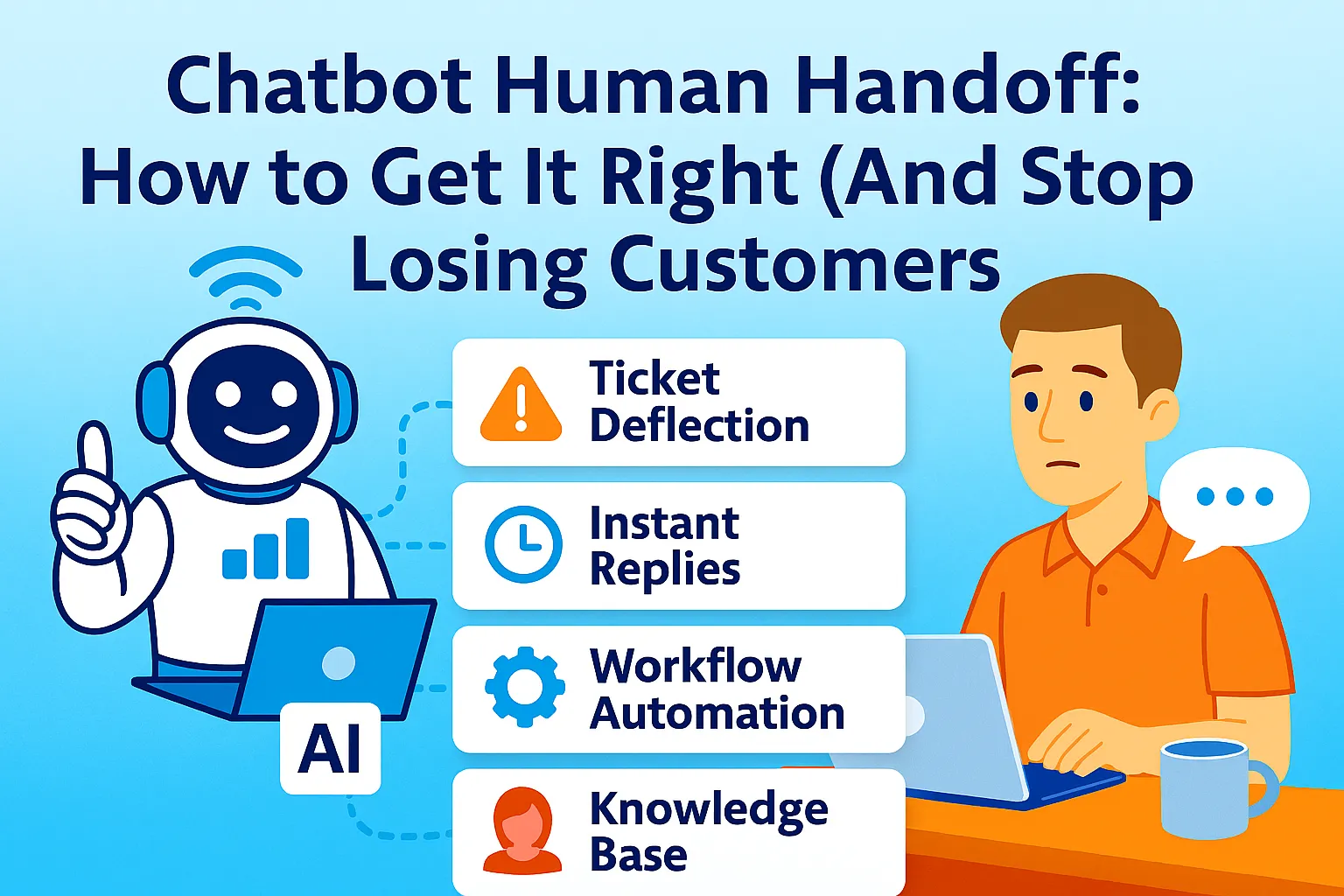
Your chatbot handles 70% of conversations without a problem.
The other 30% is where customers either stay or leave. Not because the bot failed — but because the moment it handed off to a human, everything broke. No context. Blank agent. Customer repeating the whole thing from scratch.
That broken moment costs more than you think. Research shows 63% of customers leave a company after just one poor experience. If that experience is a dead-end chatbot with no human backup, they're gone.
This guide covers exactly how to design a handoff that works — what triggers it, how to preserve context, and what the UX looks like from the customer's side.
Why the Handoff Is the Most Important Part of Your Support Flow
Most teams obsess over the chatbot itself. They fine-tune intents, write fallback messages, test edge cases. Then they bolt on the human handoff at the end and call it done.
That's backwards.
The handoff is the moment trust is won or lost. When a customer reaches it, they're already in friction. They tried the bot. It didn't fully solve their problem. Now they need a person. If that transition is clunky, slow, or forces them to explain everything again — you've made a frustrated customer into a churned one.
Done right, it's the opposite. A smooth handoff — where the agent already knows the context and immediately addresses the issue — can actually increase satisfaction above what a human-only system would achieve. The bot does the triage. The human does the resolution. Neither one gets in the other's way.
The Three Phases Every Handoff Goes Through
Before getting into triggers and tools, it helps to understand the structure. Every chatbot-to-human handoff moves through three phases.
Phase 1: Trigger. The system recognizes — or the customer requests — that a human is needed. This is the decision point.
Phase 2: Wait. The customer is aware a transfer is happening. They're in queue. This is the most overlooked phase and the one most likely to cause abandonment.
Phase 3: Takeover. The human agent joins the conversation. Context has been passed. The agent greets the customer and confirms the issue without asking them to repeat anything.
Most systems get phase 1 right, ignore phase 2, and botch phase 3. Fix all three and you have a handoff that actually works.
When to Trigger the Handoff: The Four Scenarios That Matter
Not every trigger is equal. Some are obvious. Others require your bot to be smarter.
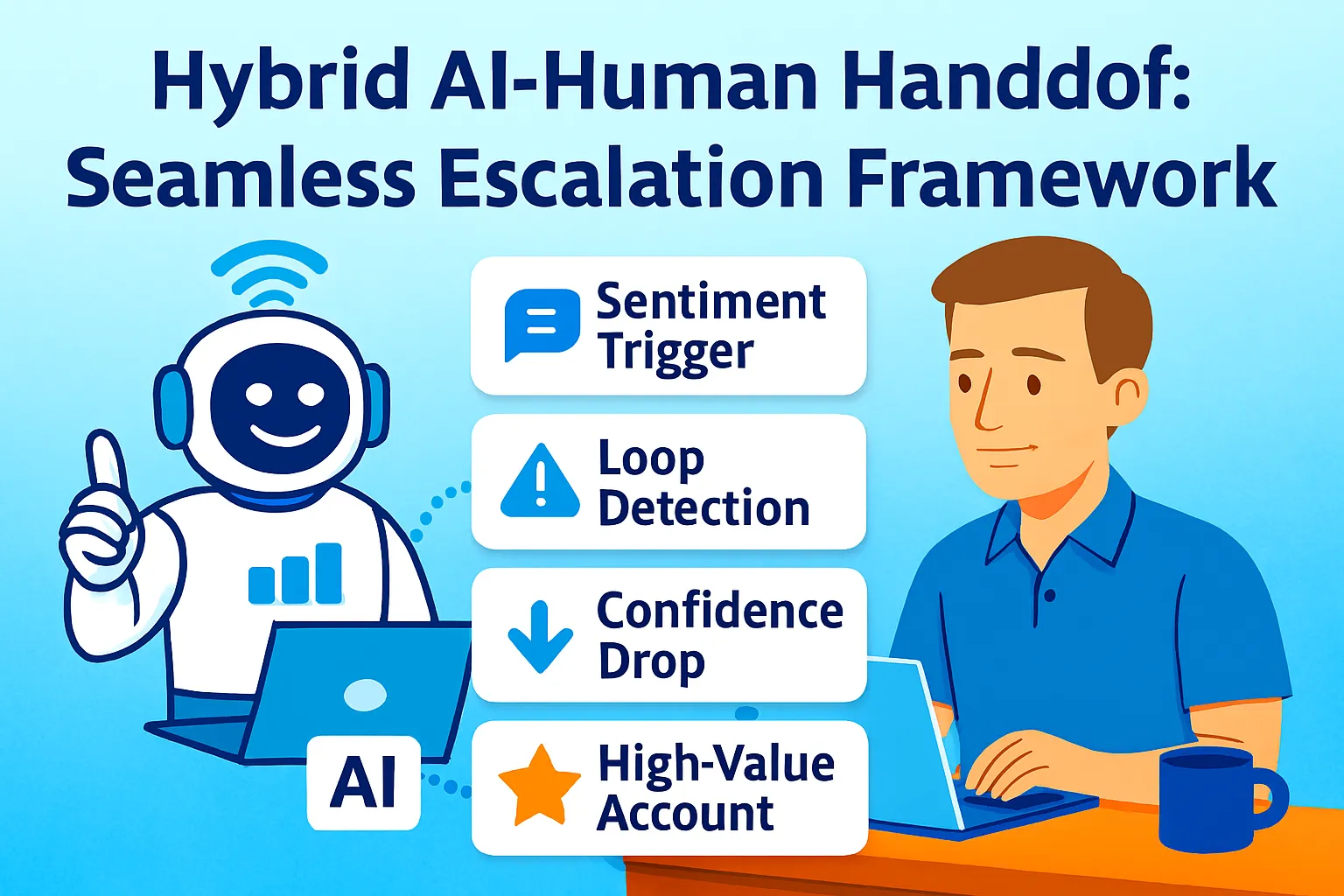
Explicit request. The customer types "talk to a person," "agent," or clicks a "Chat with a human" button. This one is non-negotiable. If your bot ignores a direct request for a human, you've already failed. Make this option visible from the start — not buried after three failed bot replies. Amazon's "visible lifeboat" approach works: a persistent button that's always on screen.
Repeated failure. The bot has given an unhelpful or incorrect response two or three times. The customer keeps rephrasing the same question. That's a loop — and loops kill trust. Set a threshold: after two failed attempts, escalate automatically. Don't wait for the customer to hit their limit.
Negative sentiment. Messages like "this is useless" or "I'm getting annoyed" are data. Modern NLP can flag them. When sentiment drops below a threshold, the bot should acknowledge it and offer a human — not keep trying to answer. "I'm sorry this hasn't been helpful. Let me connect you with someone who can assist."
High-stakes issue type. Billing disputes, legal complaints, account closures, medical queries. For these categories, don't make the customer prove they need a human. Route them there by default. The cost of the bot failing on a billing dispute is far higher than the cost of a human handling it from the start.
How to Preserve Context So the Customer Never Repeats Themselves
Context transfer is the single biggest failure point in most handoff systems. The bot knows everything. The agent knows nothing. The customer has to start over.
The fix is a full conversation transcript passed to the agent before they type their first message. This isn't technically complex — most modern platforms handle it natively. What's missing is usually the process: agents aren't trained to read the transcript before engaging.
Build this into your agent workflow: the first thing a human agent does when taking over is read the bot transcript. Not skim it. Read it. Then their opening message should reflect it.
A good opening after handoff: "Hi, I'm Sara. I can see you were asking about a refund for Order #1234 and the chatbot wasn't able to process it. I can take care of that for you now."
That one message does two things: it proves the customer doesn't have to repeat themselves, and it confirms the agent has the right information. Both matter enormously.
How to Handle the Wait Phase Without Losing People
This is the gap nobody designs for. The customer knows a human is coming. They're waiting. And if there's no feedback during that wait — no indication of position, no estimated time, no acknowledgment — they assume they've been forgotten.
Show queue position, not estimated time. "You're #3 in line" feels more honest than "approximately 8 minutes." Estimated times are often wrong. Position is factual and updates in real time.
Give regular updates. "You're still in queue. We haven't forgotten you." Simple, but it works.
Offer an alternative if the wait is long. "Would you prefer we email you a response instead?" Some customers will take it. Others won't. But giving the choice removes the trapped feeling.
Never let the wait phase go silent. Silence is abandonment, even when it isn't.
The Tools That Handle This Natively
You don't need to build this from scratch. These platforms handle bot-to-human handoff with varying levels of sophistication.
Intercom is the most popular for product and SaaS teams. Its Fin AI handles conversations and escalates to inbox agents when needed. Transcript is passed automatically. Starts around $29/month for small teams, scales based on seat count.
Zendesk is the enterprise choice. Robust routing rules, full conversation history, and integrations with most major chatbot builders. More setup required, but more control over routing logic.
Tidio is a good option if you want something lightweight and fast to set up. It combines a live chat widget with AI-powered responses and lets agents take over with one click. Starts free, paid plans from $19/month.
GPTBots works if you've built a custom AI chatbot and need to route to Intercom or a webhook. The handoff is configured visually — no code required for the escalation rules.
For teams building more custom flows, Microsoft Bot Framework supports handoff via a protocol standard, which means it can route to virtually any agent hub. It requires more technical setup but is the most flexible.
The Four Mistakes That Break Handoffs
Hiding the human option. If customers can't easily find a way to escalate, they don't engage with the bot in the first place — or they give up entirely. The option should be visible throughout the conversation.
Routing without context. Transferring the conversation without the transcript is the equivalent of handing off a phone call and saying nothing to the next person. It's the number one reason customers report bad handoff experiences.
No agent availability planning. A handoff trigger that fires at 2am when nobody is available is worse than a bot that keeps trying. Set up out-of-hours messaging clearly. "Our team is available 9am–6pm. We'll follow up by email." That's better than silence.
Never closing the loop. After the human resolves the issue, there's an opportunity to hand the conversation back to the bot for a satisfaction survey or follow-up. Most teams skip this. It's where you get data on what the bot consistently fails at — which is how you improve it over time.
What to Measure to Know If It's Working
Handoff rate. What percentage of conversations are escalated? If it's above 40%, your bot needs better coverage. If it's below 5%, your triggers might be too strict.
Abandonment during wait. How many customers drop off between the escalation trigger and the agent joining? This tells you directly how well your wait phase is designed.
Repeat-explanation rate. Ask agents: did the customer repeat information the bot had already collected? This is a direct measure of context transfer quality.
Post-handoff CSAT. Satisfaction scores specifically for conversations that included an escalation. This tells you whether the handoff is actually fixing the experience or just delaying the failure.
The Right Mindset for Designing This
A chatbot with a bad handoff is often worse than no chatbot at all. It builds expectation, fails to deliver, and then fails again at the transition.
The handoff should feel like a relay, not a dropout. The bot sprints the first leg — fast, available, handling volume. Then it passes the baton cleanly, with everything the human needs already in hand. The customer barely notices the exchange.
When you build it that way, something counterintuitive happens: customers trust the bot more, not less. They engage with it more willingly because they know a real person is one step behind it. The escape hatch being visible makes them less likely to need it.
Start with the triggers. Add context transfer. Design the wait phase. Test with real agent feedback. Then measure what breaks.
That's the whole system.



Comments (0)
Leave a Comment