

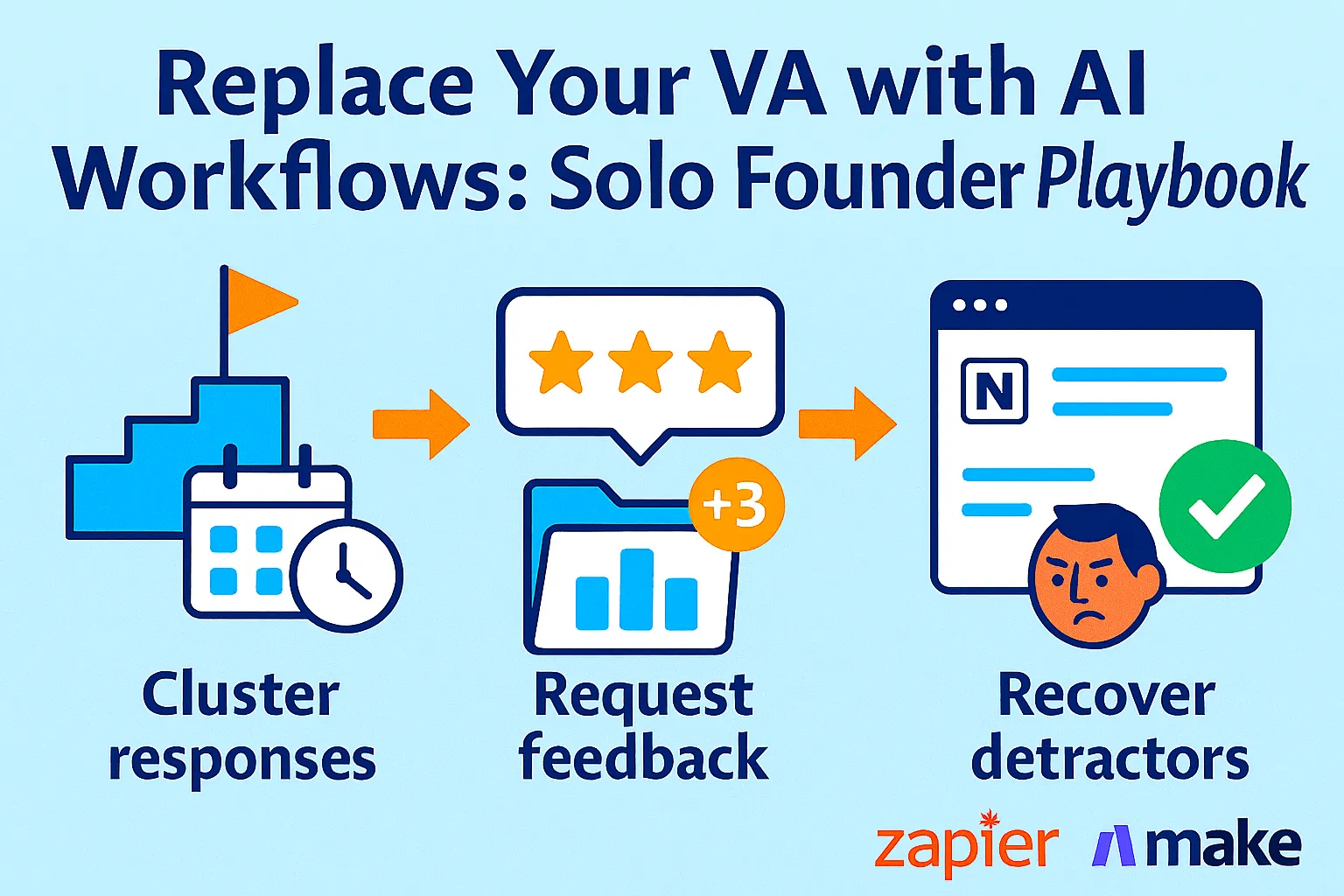
You hired a VA two years ago. Paid them $800/month to schedule calls, follow up on proposals, organize files, and send weekly reports. Then you felt guilty micromanaging. Or they quit. Or the $800 became hard to justify.
Now you're doing all of it yourself. Scheduling. Following up. Organizing. Reminding. The work that doesn't require your brain but eats your brain anyway.
Here's what's changed in 2026: you don't need a human to do any of that. Not because VAs aren't valuable — they are. But because the category of tasks a VA used to handle (scheduling, follow-ups, file organization, recurring admin, reminders) is now fully automatable with AI workflows that cost $50/month instead of $800/month and work 24 hours a day without Slack messages or sick days.
One team of three using Zapier described it as feeling like a team of ten. For a solo founder, the math is even better. AI workflows handle the administrative layer of your business so you can spend every working hour on the two things only you can do: building and deciding.
This guide maps your most repetitive tasks into a complete AI "VA" stack, shows you how to build each workflow with Zapier or Make, and sets up a weekly review ritual so you stay in control without doing any of the grunt work.
The Task Audit: What a VA Actually Does for Solo Founders
Before building any automation, you need to know exactly what you're replacing. Most founders think their VA does "admin." When you break it down, it's actually 6-8 specific recurring task categories.
Run this audit yourself (15 minutes):
For one week, every time you do a repetitive task, write it down. Subject line, how long it took, whether it required judgment or was pure execution.
What you'll find:
Most solo founders spend 8-12 hours per week on tasks that fall into five categories:
1. Scheduling (2-3 hours/week)
Responding to "when are you free?" emails
Coordinating time zones
Sending calendar invites and reminders
Rescheduling when people cancel
2. Follow-ups (2-3 hours/week)
Chasing proposal responses
Following up on overdue invoices
Nudging stalled partnerships
Sending "checking in" emails to prospects
3. File organization (1-2 hours/week)
Renaming uploaded documents
Moving files to correct folders
Creating meeting-specific docs
Archiving completed project files
4. Recurring reports (1-2 hours/week)
Compiling weekly metrics from 4 sources
Writing update emails to contractors
Summarizing previous week's activity
5. Reminders and triage (1-2 hours/week)
Flagging time-sensitive emails
Setting follow-up reminders
Sorting support vs. sales vs. partnership inquiries
Total: 7-12 hours per week on tasks that require zero creativity.
That's one full workday every week. The AI VA stack gives it back.
The AI VA Stack: 5 Workflows That Replace 80% of Admin
Here's the architecture. Each workflow handles one task category.
Workflow 1: Scheduling on Autopilot
The problem: You reply to 12 "when are you free?" emails per week. Each one takes 5 minutes — reading, checking calendar, composing availability, sending. That's a full hour, minimum.
The AI VA solution:
Use Calendly (free tier) or Cal.com (free, open source) as the front door for all scheduling. No more email back-and-forth.
But raw scheduling links feel transactional. The workflow makes them feel personal.
Zapier Workflow: Smart Meeting Confirmation
Trigger: New Calendly booking created

Step 1: AI by Zapier
Prompt: "Write a warm, brief confirmation message for a meeting with
[Guest Name] scheduled for [Date/Time]. Mention I'm looking forward
to discussing [Meeting Type]. Under 60 words. Sign as [Your Name]."

Step 2: Gmail
Send confirmation email with AI-generated message to guest

Step 3: Google Calendar
Create prep reminder 30 minutes before meeting with agenda template

Step 4: Notion (optional)
Create meeting note page pre-populated with guest name, company,
meeting type, and agenda section
Cost: Calendly free + Zapier free tier (handles 100 tasks/month)
Time saved: 60+ minutes per week. Every meeting confirmation, prep reminder, and note setup happens automatically.
Advanced: Rescheduling flow
Trigger: Calendly meeting cancelled

Step 1: AI by Zapier
Prompt: "Write a brief, understanding reply acknowledging the
cancellation of [Meeting Name] and suggesting they rebook via
my calendar link. Warm but not needy. Under 50 words."

Step 2: Gmail
Send AI-generated reply with calendar link
No more manual "no worries, feel free to rebook" emails.
Workflow 2: Follow-Up Sequences That Run Themselves
The problem: You send a proposal. Three days pass. You feel awkward following up. You do it anyway, manually, 15 clients × 2-3 follow-ups = 45 individual emails per month. Each takes 5 minutes to personalize.
The AI VA solution:
Trigger-based follow-up sequences that send automatically when you move a deal to a specific stage — and stop the moment the person replies.
Tool options:
Streak (free tier): CRM inside Gmail, trigger-based sequences
HubSpot CRM (free): More powerful, pipeline-based
Lemlist ($39/month): Best for outbound follow-up sequences
Zapier Workflow: Proposal Follow-Up Automation
Trigger: New row added to Google Sheets "Proposals Sent" tab
(You add a row whenever you send a proposal)

Step 1: Delay — 3 days

Step 2: Check Gmail (using filter)
"Has [Client Name] replied to any email in last 3 days?"
→ If YES: Stop workflow
→ If NO: Continue to Step 3

Step 3: AI by Zapier
Prompt: "Write a brief follow-up email checking in on the proposal
sent to [Client Name] at [Company] for [Project Type]. Reference
their specific situation: [Context from spreadsheet].
Sound human, not automated. Under 80 words."

Step 4: Gmail
Send from your account (not a tool — your actual Gmail)

Step 5: Delay — 5 more days

Step 6: Check Gmail again
→ If replied: Stop
→ If not: Send one final follow-up, then close
Why sending from your Gmail matters: Follow-ups from automation tools feel automated. Follow-ups from your own Gmail address feel personal, even when they're AI-written.
Time saved: 45 manual follow-up emails per month → 0. You only write emails when people reply.
Workflow 3: File Organization That Runs Overnight
The problem: Your Downloads folder has 847 files. Clients send you "final_v3_FINAL_USE_THIS.pdf." You spend 20 minutes organizing after every project meeting.
The AI VA solution:
Two-layer system. Layer 1: auto-sort by file type and source. Layer 2: AI renames files into consistent naming conventions.
Make Workflow: Smart File Organizer
Make (formerly Integromat) handles complex file logic better than Zapier for this use case.
Trigger: New file added to Google Drive "Inbox" folder
(Train yourself to drag everything here first)

Step 1: Make — Get file metadata (name, type, size, date)

Step 2: OpenAI (ChatGPT API)
Prompt: "Rename this file following the convention:
[YYYY-MM-DD]-[Client/Project]-[DocumentType]-[Version]
Original filename: [filename]
Context clues: [extract from filename what you can]
Return ONLY the new filename, nothing else."

Step 3: Make — Rename file with AI output

Step 4: Make — Move file to correct folder
Logic:
- PDF + "invoice" in name → /Finance/Invoices/2026/
- PDF + "contract" in name → /Legal/Contracts/
- Image files → /Assets/[current month]/
- Video files → /Content/Raw/
- Spreadsheets → /Data/

Step 5: Slack/Telegram notification
"Organized: [new filename] → [destination folder]"
Cost: Make free tier (1,000 operations/month) + OpenAI API (~$2/month for file renaming volume)
Time saved: 90 minutes/week of manual file organization → 5 minutes reviewing the daily summary.
Workflow 4: Weekly Reports That Write Themselves
The problem: Every Monday morning you spend 45 minutes pulling numbers from Stripe, Google Analytics, your email tool, and support inbox to write a "what happened last week" summary — for yourself, for contractors, or for accountability partners.
The AI VA solution: One workflow pulls all data sources and writes the summary for you.
Zapier Workflow: Weekly Business Report
Trigger: Schedule — Every Monday 7:00 AM

Step 1: Stripe API (via Zapier)
Fetch: New MRR, new customers, churn count from last 7 days

Step 2: Google Analytics API (via Zapier)
Fetch: Sessions, top pages, conversion events from last 7 days

Step 3: Gmail/Help Scout
Fetch: Support ticket count from last 7 days (via label or tag)

Step 4: Notion Database
Fetch: Tasks completed, tasks added from last 7 days

Step 5: AI by Zapier
Prompt: "Write a concise weekly business summary using this data:
Revenue: [Stripe data]
Traffic: [GA data]
Support: [ticket count]
Tasks: [Notion data]

Format:
→ 3 headline numbers (MRR, sessions, support volume)
→ 1 paragraph on what went well
→ 1 paragraph on what needs attention
→ 3 priorities for this week (infer from trends)

Tone: Direct, for a solo founder reviewing their own business.
Under 250 words."

Step 6: Gmail
Send to yourself (and contractors if applicable)

Step 7: Notion
Save as a weekly snapshot page
Time saved: 45 minutes every Monday → zero. You receive the report. You read it. Done.
What this replaces: A VA who spent Monday morning doing exactly this data compilation. You still make the decisions. You just don't gather the inputs.
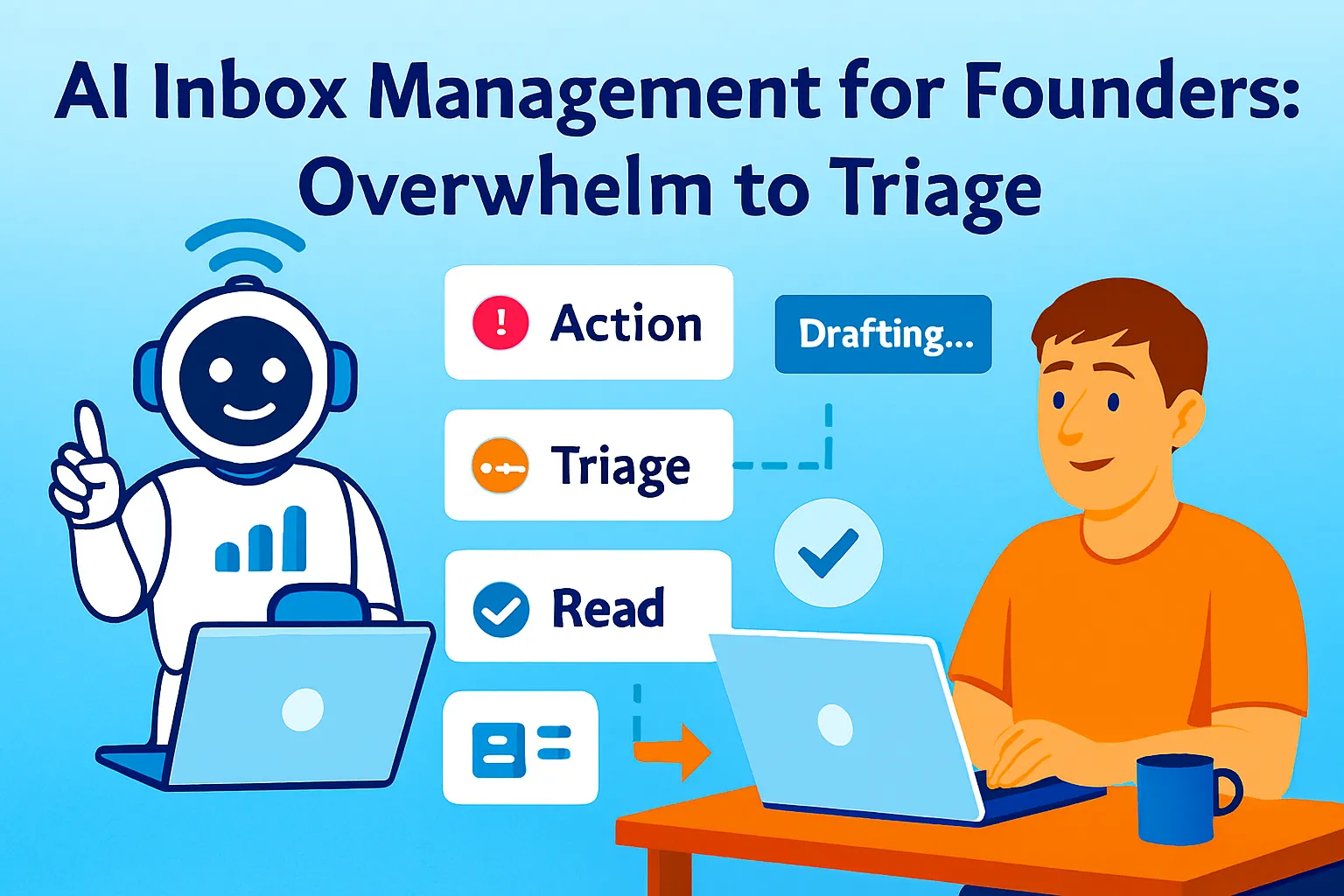
Workflow 5: Email Triage and Smart Prioritization
The problem: Your inbox has 200+ emails. Some need same-day response. Most don't. You spend 30 minutes every morning just sorting — deciding what's urgent, what can wait, what can be deleted.
The AI VA solution: AI reads, categorizes, and labels every email before you open your inbox.
Zapier Workflow: Inbox Triage Agent
Trigger: New email received in Gmail

Step 1: Filter (exclude newsletters, notifications)
Condition: Email is not from [known newsletter domains]
Condition: Not automated notification (contains "noreply", "no-reply")

Step 2: AI by Zapier
Prompt: "Categorize this email into exactly one category:
URGENT: Needs response today (time-sensitive, paying customer, legal)
FOLLOW-UP: Needs response within 48 hours (prospect, partner, contractor)
REPLY-WHEN-READY: No urgency (general inquiry, feedback, FYI)
READ-ONLY: No response needed (updates, confirmations, receipts)
DELEGATE: Should be handled by a VA or contractor

Email from: [sender]
Subject: [subject]
Preview: [first 200 characters of body]

Return ONLY the category name, nothing else."

Step 3: Gmail — Apply label based on AI output
URGENT → red label "🔴 Today"
FOLLOW-UP → yellow label "🟡 48hrs"
REPLY-WHEN-READY → green label "🟢 Queue"
READ-ONLY → blue label "📖 Read"
DELEGATE → purple label "🟣 Delegate"

Step 4: If URGENT → Send Slack notification to yourself
"🔴 Urgent email: [Subject] from [Sender]"
Cost: Zapier Starter ($29/month handles this volume) + your existing Gmail
Time saved: 30 minutes of morning inbox sorting → 0. You open Gmail and see pre-sorted, color-coded priorities. Urgent items also hit your phone via Slack.
What this replaces: A VA who used to triage your inbox and flag what needed attention.
The Weekly Review: Stay in Control Without Doing Grunt Work
The risk with full automation is disconnect. Your AI workflows are running perfectly but routing something wrong and you don't notice for three weeks.
The fix is a weekly review ritual — 20 minutes, every Friday afternoon.
The Friday 20-Minute Review:
Minutes 1-5: Check workflow health
Did all 5 workflows run this week?
Any failed Zaps or Make scenarios? (Both tools email you on failure)
Any automation that sent something obviously wrong?
Minutes 6-10: Spot-check outputs
Read 3 random AI-generated follow-ups. Does the tone still sound like you?
Read Monday's business report. Accurate?
Check file organization log. Anything misfiled?
Minutes 11-15: Review delegated items
Any emails labeled "🟣 Delegate" that need actual action?
Any stalled proposals (30+ days, no reply) to close or archive?
Any follow-up sequences that should stop (closed deal, lost deal)?
Minutes 16-20: Adjust one thing
Improve one prompt, add one filter, or fix one edge case
This is how the system gets smarter over time — one small improvement per week
What this review replaces: Having a weekly check-in call with your VA. Same function — verify work quality, catch errors, give updated direction. No $800 cost, no scheduling.
The Full Stack: Tools and Costs
Minimum viable AI VA ($0-29/month):
Zapier Free (100 tasks/month — enough for small volume)
Calendly Free (scheduling)
Streak Free (Gmail CRM for follow-ups)
Google Drive (file storage)
Gmail (triage with manual labels)
Total: $0/month
Recommended stack ($50-80/month):
Zapier Starter ($29/month: 750 tasks, multi-step Zaps)
Make Free (1,000 ops/month for file organization)
Calendly Standard ($10/month for team features + routing)
OpenAI API ($5-10/month for file renaming + report writing)
Total: $44-59/month
Full stack ($100-150/month at $15K+ MRR):
Zapier Professional ($73/month: unlimited tasks, premium apps)
Make Core ($9/month: 10,000 ops)
Calendly Teams ($16/month)
OpenAI API ($10-20/month)
Total: $108-118/month
The ROI is not subtle:
VA cost: $800-1,500/month AI VA stack: $50-120/month Tasks automated: 70-80% of what a VA does Availability: 24/7, no sick days, no turnover
The 20-30% of VA work that AI can't replace (judgment calls, relationship management, anything requiring context not in the workflow) you either do yourself or hire for specifically. But you're not paying $800/month for that 20%.
Zapier vs. Make: Which One for What
Both platforms appear throughout this guide. Here's when to use each:
Use Zapier when:
You want maximum app compatibility (8,000+ integrations)
You're new to automation (better UX, more templates)
You need AI steps built in (AI by Zapier is native)
Speed of setup matters more than cost efficiency
Use Make when:
You need complex logic (multiple branches, loops, error handling)
You're dealing with large data volumes (more cost-effective per operation)
You want visual workflow mapping (Make's canvas is exceptional)
You're comfortable with slightly more complexity
Real-world split for most solo founders:
Zapier: Scheduling, follow-ups, email triage, notifications
Make: File organization, data transformation, complex multi-step ops
You don't have to choose one. Use both. They're complementary, not competing.
Common Mistakes Solo Founders Make
1. Automating before auditing
Building automations for tasks you think are repetitive instead of tasks you've verified are repetitive. Spend one week tracking first. Then build.
2. Letting AI send emails without spot-checking
Set up any email automation to send from a draft for the first 2 weeks. Review every draft before it sends. Once you've verified tone and accuracy, switch to auto-send. Never skip this calibration period.
3. Building 20 workflows at once
Start with one. Get it working perfectly. Add the second. You'll spend more time debugging a complex system you don't understand than the time you would have saved.
4. Not handling failures
Every automation fails sometimes — API timeout, unexpected email format, missing data field. Build failure notifications into every workflow so you know immediately when something breaks.
5. Forgetting the weekly review
Automations drift. You change your email domain, your Calendly link, your folder structure. If you don't review weekly, you'll discover a workflow silently sending broken emails for three weeks.
6. Replacing judgment with automation
The goal is automating execution, not decision-making. Your follow-up sequence should stop and notify you when a prospect replies with something nuanced. Your triage should escalate genuinely ambiguous emails rather than mis-categorizing them.
When You've Outgrown This System
You'll know it's time to upgrade when:
You're doing $30K+ MRR and need an actual EA. At this point, hire a part-time executive assistant for 10 hours per week and give them the AI workflows as tools, not replacements. They handle what the AI can't (relationship management, complex scheduling, anything requiring context).
You need voice-to-workflow automation. Tools like Siri Shortcuts, Zapier's voice integrations, and Lindy AI let you delegate tasks via voice message. "Create follow-up sequence for the Acme proposal I just sent" → AI handles it. Worth exploring at any stage.
You want a true AI agent, not just triggered workflows. Zapier Agents (currently in beta) let you build a persistent AI assistant that monitors your business, takes initiative, and completes multi-step tasks without explicit triggers. It's closer to a real EA than any workflow.
You're managing a team. Once you hire, your automation needs change — shared inboxes, approval chains, handoff flows. Standard Zapier/Make workflows start to creak. You'll want proper ops tooling.
But honestly? For most solo founders doing $0 to $50K MRR, this five-workflow stack replaces 80% of what a VA does. The $50-120/month cost is the clearest ROI calculation in this entire guide.
Your Implementation Plan
Day 1 (30 minutes): Audit
☐ Track every repetitive task you do this week
☐ Note: task name, time spent, judgment required? (yes/no)
☐ Identify your top 3 time-drains from the five categories
Day 2 (1 hour): Scheduling workflow
☐ Sign up for Calendly or Cal.com
☐ Build smart confirmation Zap
☐ Build cancellation/rescheduling Zap
☐ Test with your own calendar
Day 3 (1 hour): Follow-up workflow
☐ Set up Google Sheet "Proposals Sent" tracker
☐ Build 3-step follow-up Zap with reply detection
☐ Test with a real proposal (send to yourself first)
Day 4 (1 hour): Email triage
☐ Create Gmail labels (🔴 Today, 🟡 48hrs, 🟢 Queue, etc.)
☐ Build email triage Zap
☐ Set 2-week draft mode — review before auto-labeling
☐ Connect Slack alert for URGENT emails
Day 5 (1 hour): Weekly report
☐ Identify your 3-4 data sources (Stripe, GA, etc.)
☐ Build Monday morning report Zap
☐ Test output — does it read like something useful?
Week 2:
☐ Add file organization workflow (Make)
☐ Review all outputs from Week 1 workflows
☐ Fix any tone/accuracy issues
Friday Week 2:
☐ Run first weekly review
☐ Note what drifted
☐ Improve one prompt
Month 2:
☐ All 5 workflows running reliably
☐ Estimate actual time saved vs. before
☐ Add one advanced workflow based on your specific needs
The Real Talk on Replacing Your VA
Look, some things still need a human. Anything that requires relationship context ("what's the vibe with this client?"), nuanced judgment ("is this email passive-aggressive or just direct?"), or creative discretion ("which of these three proposals should we lead with?") — that's yours.
What AI handles: execution. Scheduled, triggered, repeatable execution. The same 12 tasks you do every week in exactly the same order using exactly the same logic.
The insight that changes how you think about this: a VA's value was never in doing the tasks. It was in freeing your attention so you could think. AI workflows do the same thing for 1/15th the cost.
The founders who'll scale fastest in the next three years aren't the ones who hire earliest. They're the ones who automate earliest and stay lean longest — maintaining the speed and focus advantage of a solo founder while operating with the output of a small team.
Zapier makes a team of three feel like a team of ten. Imagine what it does for a team of one.
Start with one workflow this week. Scheduling is the easiest. Build the Calendly confirmation Zap. See what an hour of saved time per week feels like when it compounds across 52 weeks.
Then build the next one.
That's it.




Comments (0)
Leave a Comment