

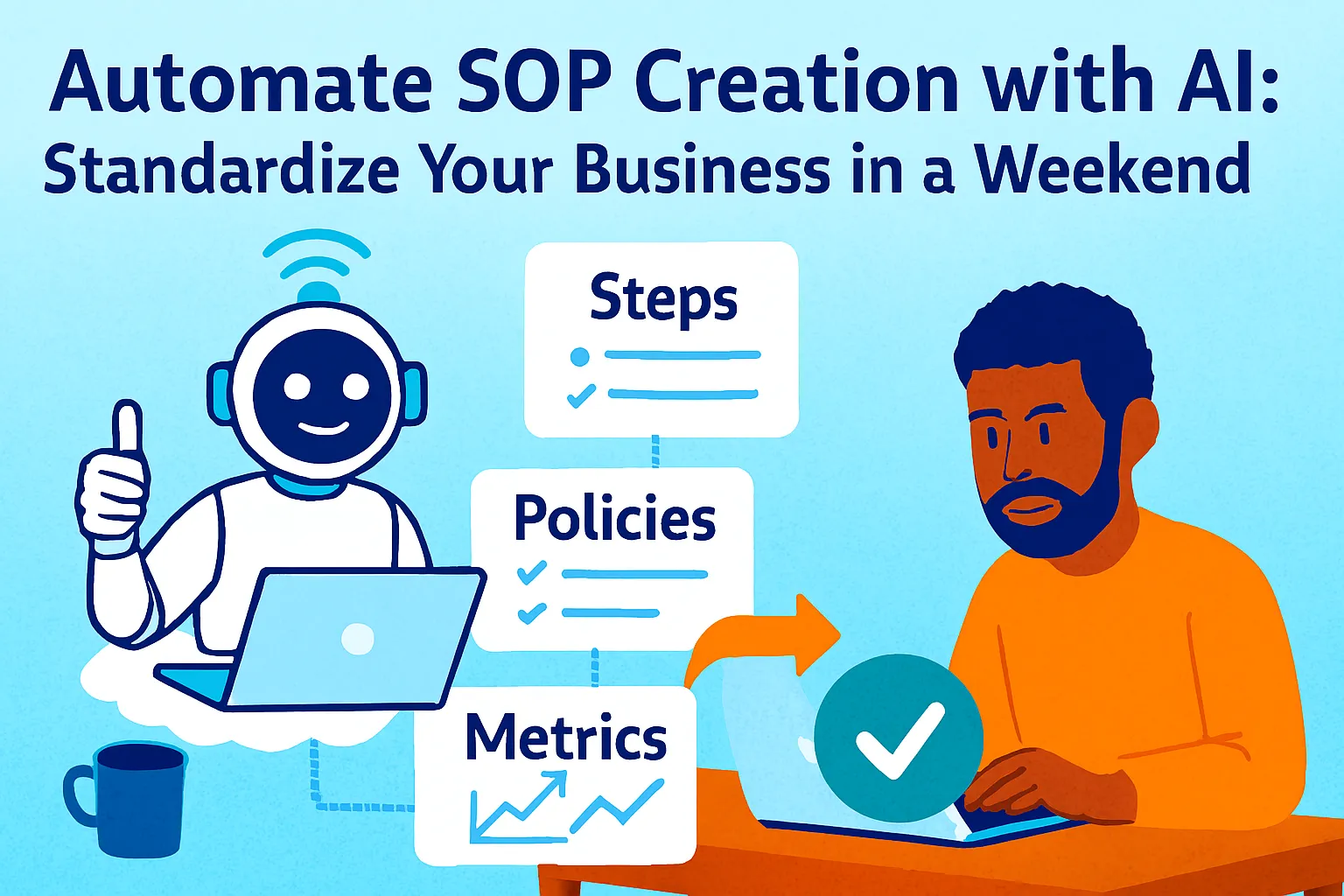
Every solo founder has a documentation debt.
It accumulates quietly. There's the onboarding process that lives in your head and a three-year-old email thread. The invoicing workflow that exists as four bullet points in a Notes app file titled "process - FINAL (2)." The content publishing sequence that you've explained to three different contractors in three different ways, each time differently, each time hoping they got it. The client handoff checklist that you started once, abandoned when things got busy, and now exists as a half-finished Notion page with a note at the top that says "finish this."
You know what's in all of these. You can execute them correctly because the knowledge lives in you. But the moment you're not there — when a contractor takes over, when you're sick, when you want to sell the business, when you just want a week off — the absence of real documentation becomes the single most expensive thing in your company.
The reason documentation debt accumulates isn't laziness. It's the economics. Writing a proper SOP from scratch takes two to four hours per process. You have twenty processes. That's forty to eighty hours of work sitting between you and a documented business — and that time never feels available when there's actual work to do.
AI changes the economics completely. A coaching business owner who spent four to five hours onboarding each new client recorded her process and let AI create the SOP. Onboarding time dropped to thirty minutes — saving twenty-plus hours a month from a single process. The bottleneck wasn't her knowledge. It was the production cost of turning that knowledge into usable documentation.
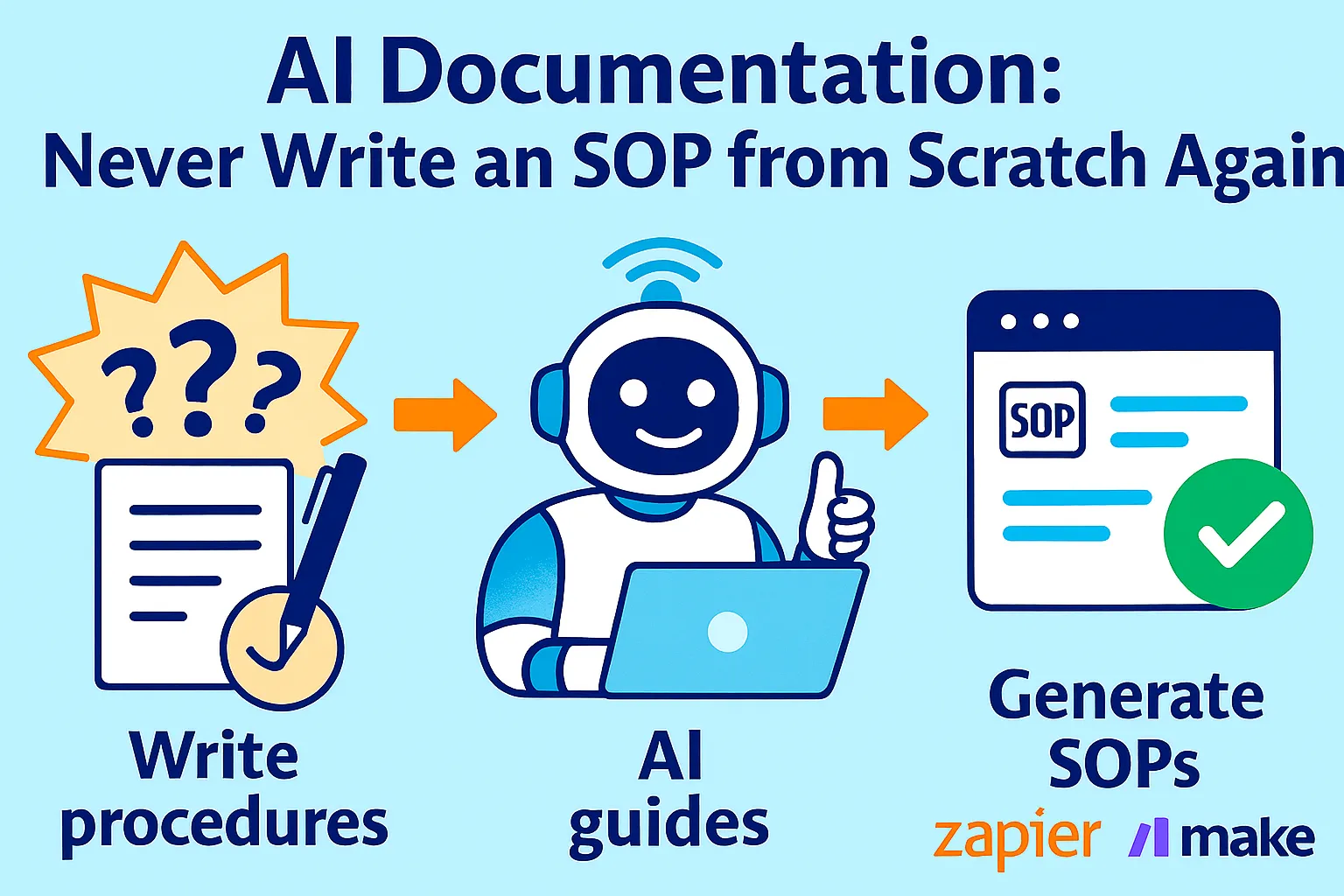
This article is the weekend sprint that closes your documentation debt. Not by writing SOPs the hard way — but by starting from whatever you already have (messy notes, partial Looms, voice memos, bullet-point brain dumps) and using AI to transform that raw material into standardized, versioned, maintainable documentation in two days.
The "Good Enough" Doctrine
Before the sprint, a principle that determines whether you finish or give up.
Most founders who attempt a documentation sprint fail for the same reason: they try to write perfect SOPs. They agonize over phrasing. They rebuild the Notion template three times. They record a Loom, decide it's not quite right, re-record it, transcribe it, revise it, and three hours later have one SOP that they're still not satisfied with.
Perfect SOPs are the enemy of documented processes. A "good enough" SOP — one that's 80% complete, covers the main steps accurately, includes a basic checklist, and exists as a written artifact — is infinitely more valuable than a perfect SOP that doesn't exist yet.
The standard for this weekend:
Good enough means: Someone who has never done this process before could complete it correctly using only this document.
Good enough does not mean: Every edge case covered, every screenshot captured, every nuance explained, every contingency documented.
Edge cases get added in version two. Version two gets written when the process runs incorrectly because an edge case wasn't documented. That's the right time to document edge cases — when they've actually caused a problem — not speculatively, before you know which edges matter.
The weekend sprint produces first drafts that meet the "good enough" standard. They're incomplete in places. They'll need updating. That's fine. An 80% SOP published today beats a 100% SOP planned for next quarter indefinitely.
What You Already Have (The Raw Material Audit)
Before writing a single prompt, audit what already exists for each process you want to document. Most founders are surprised how much raw material they already have — it's just not in usable form.
The five raw material types:
Type 1: Screen recordings or Looms Recordings where you walked through a process — even informally, even to explain something to a contractor, even if the narration is rambling.
Type 2: Bullet-point notes Partial documentation in notes apps, Notion drafts, Google Docs, or sticky notes. Even a three-bullet summary of a process counts.
Type 3: Email or Slack explanations Times you explained a process to someone in writing. Search "can you" and "here's how" in your sent emails and Slack history — you've probably explained most of your core processes in writing at least once.
Type 4: Voice memos If you've ever recorded yourself explaining how to do something while driving or walking. Transcribe these (Otter.ai or your phone's native transcription) and they become Type 2.
Type 5: Mental models only Processes that exist entirely in your head with no artifact. These require a fresh Loom recording or a brain-dump session — the most work but still faster than writing from scratch.
The raw material audit prompt:
Help me audit my documentation debt before
starting an SOP sprint.

MY BUSINESS: [Description]
MY STAGE: [Pre-revenue / Early / Growing]

LIST OF PROCESSES I NEED TO DOCUMENT:
[Write out every process you can think of —
 don't filter, just list. Aim for 15-25.]

For my sprint this weekend, help me:

1. TRIAGE by impact:
   Which 5-7 processes, if properly documented,
   would have the highest impact on:
   - My ability to delegate
   - Consistency of client experience
   - My own time (processes I repeat most often)

2. SORT by raw material available:
   For each priority process, which type
   of raw material do I likely have?
   (Recording / Notes / Email explanation /
    Voice memo / Mental model only)

3. SEQUENCE for the weekend:
   Given that Type 1-4 processes are faster
   to document than Type 5 (mental model only),
   suggest a weekend sequence that maximizes
   the number of completed SOPs.

4. IDENTIFY the mental-model-only processes:
   Which priority processes require fresh
   recording time this weekend?
   Estimate: how long to record each?

Output: Prioritized sprint list with
raw material type and time estimate per process.
A well-run sprint documents five to eight processes. That's enough to meaningfully close documentation debt for most solo founders at early stage — and enough to produce the template library that makes every subsequent SOP faster.
Day 1: Capture Everything (5-6 Hours)
Saturday is capture day. You are not writing SOPs today. You are generating raw material for every priority process on your sprint list.
For processes with existing recordings (Type 1):
If you have Loom recordings, use Loom AI's built-in SOP generator first. After you record a video, Loom AI will automatically turn it into a text document based on the content of your transcript, with templates including SOP, step-by-step guide, and more — automatically incorporating screenshots from your recording into the relevant steps.
This is your starting point, not your finished product. Loom AI produces a usable first draft that needs normalization, checklist addition, and gap-filling — which happens in the Sunday prompts. Don't edit the Loom output manually; paste it into the Sunday process as raw material.
For processes with notes or email explanations (Types 2-3):
Collect everything you have on this process into one document. Don't clean it up. Paste in the bullet points, the email explanation, the Slack thread. Raw and messy is fine — the AI synthesis handles normalization.
For processes with only a mental model (Type 5):
Record a fresh Loom. This is the most important recording technique for mental-model-only processes:
The "explain it to a smart new hire" method:
Before recording, imagine you've just hired someone smart but completely new. They're sitting with you. You're going to walk them through this process. Record exactly that — not a polished tutorial, not a demo, a real explanation. Talk through what you're doing, why you're doing it, and what to watch out for. Rambling is fine. Tangents are fine. Hesitation is fine. The AI handles cleanup.
Target: five to eight minutes per process. Under ten minutes is the constraint — longer recordings are harder to transcribe usefully. If a process takes longer than ten minutes to explain, it should be broken into two SOPs.
The recording prompts (say these out loud while recording):
Open your recording with: "This SOP covers [process name]. The purpose is [one sentence]. You'd run this process when [trigger]. The end result should be [outcome]."
Walk through each step: "Step one is [action]. The reason we do it this way rather than [alternative] is [reasoning]. The most common mistake here is [mistake]."
End with: "That's the full process. The most important thing to get right is [critical step]. If something goes wrong, the first thing to check is [troubleshooting start]."
This structure — purpose, trigger, steps with reasoning, common mistake, critical step, troubleshooting start — gives the AI everything it needs for a complete SOP without you having to think about SOP format while recording.
Day 1 target: All raw material collected for your five to eight priority processes. Everything lives in a single Notion page per process: recording link, transcript (if available), notes, and email snippets pasted in. No editing, no cleaning up. Just collection.
The Master SOP Prompt (Core of the Sprint)
This prompt runs on every piece of raw material you collected Saturday. It's the normalization engine — the single prompt that transforms any input type (transcript, notes, email thread, bullet points) into a standardized SOP.
Convert this raw material into a complete,
standardized SOP.

PROCESS NAME: [What this process is called]
BUSINESS CONTEXT: [One sentence — what kind of
  business this is and who might run this SOP]
FREQUENCY: [How often this process runs]
WHO RUNS IT: [You / Contractor / Future hire]

RAW MATERIAL:
[Paste everything: transcript, notes,
 email explanations, bullet points.
 Don't clean it up first.]

Produce a complete SOP using this exact structure:

---
SOP: [Process Name]
Version: 1.0
Created: [Date]
Last Updated: [Date]
Owner: [Name]
Frequency: [How often]
Estimated Time: [Minutes/hours to complete]
---

PURPOSE
One sentence: what this process accomplishes
and why it matters.

WHEN TO RUN THIS
The specific trigger or situation that
initiates this process.
(Not "when needed" — the specific event
or schedule that makes this the right time.)

PREREQUISITES
What must be true or ready before starting:
- Access to [tools/accounts]
- Information you need before step 1
- Anything that must be complete first

STEPS
For each step:
[Step number]. [Clear action verb] + [what to do]
   ↳ Why: [One sentence on why this step matters
     or why it's done this way]
   ↳ Common mistake: [What goes wrong here and
     how to avoid it]
   ↳ Verification: [How to confirm this step
     was done correctly]

TROUBLESHOOTING
If [specific problem]: [specific resolution]
If [specific problem]: [specific resolution]
If [specific problem]: [specific resolution]
(Cover the 3-5 most likely failure points
 — not exhaustive, just most common)

QUICK REFERENCE CHECKLIST
[ ] Step 1 summary (5 words max)
[ ] Step 2 summary
[ ] Step 3 summary
[...continue for all steps]

NOTES AND EXCEPTIONS
Anything that doesn't fit the standard steps.
Edge cases you know about.
Decisions that require judgment
(flag these explicitly —
"this step requires your judgment because...")

---

After the SOP, add:

GAP ANALYSIS:
What information was missing from the raw material
that a complete SOP would need?
List each gap as: [Gap] — [How to fill it]

CONFIDENCE LEVEL:
For each major section:
High (raw material was clear) /
Medium (inferred from context) /
Low (assumed — verify before using)
The Gap Analysis and Confidence Level sections are what make this prompt better than a generic SOP generator. They tell you exactly what to verify before the SOP goes live — which means you can publish the draft now and fix the gaps in a focused 20-minute review, rather than spending three hours trying to make it perfect before publication.
Day 2: Normalize and Version (4-5 Hours)
Sunday is transformation day. Run the Master SOP Prompt on every piece of raw material from Saturday. Then run the normalization and quality passes below.
The format normalization prompt (after Master SOP):
When you have multiple SOPs, inconsistent formatting makes them harder to use and maintain. Run this once you have three or more drafts:
I have several SOP drafts produced from different
raw material types. Normalize their format
so they're consistent and professional.

SOP 1: [Paste]
SOP 2: [Paste]
SOP 3: [Paste]

Normalize across:

1. LANGUAGE CONSISTENCY
Same tense throughout (imperative: "Click Save"
not "You should click Save").
Same voice (second person "you" or
instruction-direct — pick one and apply everywhere).
Jargon: Replace any unclear abbreviations
with full terms, or add a glossary note.

2. STEP GRANULARITY
Are steps consistently sized?
(Some SOPs have 3 giant steps, others have
20 micro-steps — normalize to similar granularity
across the set)
Flag any step that's doing two distinct things
and should be split.

3. CHECKLIST QUALITY
Are checklist items parallel in structure?
Do they use action verbs?
Are they specific enough to verify completion
vs. vague enough to be skipped?

4. HEADER CONSISTENCY
Ensure every SOP has exactly: Purpose,
When to Run, Prerequisites, Steps,
Troubleshooting, Quick Reference Checklist,
Notes and Exceptions.
Flag any section missing from any SOP.

5. TONE CHECK
Should sound like a knowledgeable colleague
explaining clearly — not a legal document,
not a casual chat.
Flag any section that's too formal or too casual.

Output: Normalized versions of all three SOPs
plus a style guide summary I can use
for all future SOPs.
The style guide output is the artifact that makes every subsequent SOP faster. After Saturday's sprint, you have a documented standard — and every future SOP (from a Loom, from notes, from anything) gets normalized against it automatically when you paste it into the next prompt.
The checklist quality pass:
Checklists are where most SOPs fail in practice. Generic checklist items ("complete the step") tell you nothing. Well-written checklist items are specific enough to verify, short enough to scan, and sequenced so that completing them in order guarantees the process ran correctly.
Review and rewrite the checklists in these SOPs.

[Paste the Quick Reference Checklists
from your normalized SOPs]

For each checklist, check every item against
these criteria:

SPECIFIC: Can someone confirm this is done
without interpretation?
("Email sent to client" = specific.
 "Communicate with client" = not specific.)

ACTION VERB: Does it start with an
unambiguous action verb?
(Click, Send, Upload, Save, Confirm,
 Copy, Delete, Tag — these are action verbs.
 "Make sure," "Check that," "Ensure" —
 these are weak openers that get skipped.)

SCANNABLE: Under 8 words?
Anything longer than 8 words is a step,
not a checklist item.

SEQUENCED: Does completing them in order
guarantee the process ran correctly?
Or can items be completed out of order
and still miss something critical?

Rewrite any item that fails two or more criteria.
Flag any step that's too complex to be
a single checklist item
— these should become 2-3 items instead.
The "first-timer test" prompt:
Before any SOP goes live, run this final quality check:
Test this SOP for usability by someone
who has never run this process before.

[Paste complete SOP]

Simulate a first-timer running through it:

1. CLARITY TEST:
   Is there any step where the first-timer
   would stop and not know what to do?
   Flag each ambiguous step with:
   "UNCLEAR: [what's missing]"

2. ASSUMPTION TEST:
   Does the SOP assume knowledge the reader
   might not have?
   (Tool access, terminology, context
    about why this process exists)
   Flag each assumption:
   "ASSUMED: [what's being assumed]"

3. SEQUENCE TEST:
   Is there any step that depends on
   something done in a previous step
   that isn't referenced?
   Flag any hidden dependencies.

4. COMPLETION TEST:
   After running through all steps and
   checking all checklist items,
   would the first-timer be confident
   the process was done correctly?
   If no: what's the missing confirmation signal?

Output: Specific edits needed, not general feedback.
Every flag this prompt produces is a ten-minute fix — a sentence added to a step, a prerequisite made explicit, a checklist item split into two. These fixes are what transform a "good enough" SOP into one that actually runs correctly when you're not there to explain it.
The Versioning System
SOPs without versioning become unreliable over time. You update a process, forget to update the SOP, and three months later your contractor is following instructions for a tool you've migrated away from. Versioning makes the history of process changes explicit — who changed what, when, and why.
The version numbering convention:
1.0: First published draft. May have gaps. Not yet confirmed by someone else running it.
1.x: Minor update. Step wording clarified, checklist item added, small process change. (1.1, 1.2, 1.3...)
2.0: Major update. Process changed significantly, new tool introduced, step sequence altered, or fundamental approach revised.
ARCHIVED: Process no longer in use. Keep in the knowledge base for reference but clearly marked.
The SOP header versioning block (add to every SOP):
---
SOP: [Name]
Current Version: [X.X]
Status: [Active / Under Review / Archived]

VERSION HISTORY:
v1.0 | [Date] | Initial draft from [source]
v1.1 | [Date] | [One-line description of what changed]
v2.0 | [Date] | [Major change description]

NEXT REVIEW DATE: [First Monday of month,
  90 days from last update]
REVIEW TRIGGER: Run this process differently
  than this SOP describes? Update immediately.
---
The update trigger rule (the most important rule in the versioning system):
Every time you run a process differently than the SOP describes — you take a shortcut, you discover a better approach, a tool changes its interface, you realize a step was unnecessary — update the SOP within 24 hours of noticing the discrepancy.
Not next week. Not in the next SOP sprint. Within 24 hours.
This rule sounds ambitious. In practice, the update takes five minutes:
Update this SOP section.

CURRENT VERSION: [Paste the relevant section]
WHAT CHANGED: [Describe the process change
  in plain English — one paragraph]

Produce:
1. Updated section with the change incorporated
2. One-line version history entry
   ("v1.x | [Date] | [What changed in 8 words]")
3. Anything else in the SOP that needs
   updating because of this change
   (dependencies, prerequisites, checklists)
Five minutes. Version bumped. SOP accurate. The 24-hour rule is what prevents the accumulation of new documentation debt the moment the sprint ends.
The quarterly SOP review (20 minutes, first Monday of each quarter):
Review my SOP library for staleness.

[List all SOPs with: name, version,
 last updated date, tools mentioned]

Flag each SOP as:
✅ CURRENT — Probably still accurate
⚠️ REVIEW RECOMMENDED — Not updated in
   90+ days, or mentions tools that may
   have changed
❌ LIKELY OUTDATED — Major tool or
   process change known, not yet updated

Criteria for flagging:
- Any SOP last updated more than 6 months ago
- Any SOP that references a tool you've
  changed or upgraded
- Any SOP where the process is
  "I don't follow this anymore"
- Any SOP you've explained differently
  to someone recently than it says

Output: Review queue with priority order.
The flagging criteria matter because they're specific. "Any SOP you've explained differently to someone recently than it says" is the clearest signal that a version update is overdue — you've already updated the process in your head, just not in the document.
The SOP Knowledge Base Structure
SOPs only create value if people (including future-you) can find them. A knowledge base without structure is a documentation graveyard.
The Notion structure:
One database: "SOPs and Processes"
Properties per SOP:
Name: Process name
Category: Operations / Client Work / Finance / Marketing / Tech / Content / HR
Status: Active ✅ / Under Review ⚠️ / Outdated ❌ / Draft 🔵 / Archived 📦
Version: Current version number
Last Updated: Date
Tools: Multi-select of tools mentioned (critical for "if I switch tools, which SOPs need updating?")
Estimated Time: How long to run this process
Loom Link: Original recording if available
Owner: Who runs this
Four views to build:
View 1 — Active SOPs (default view): Filter: Status = Active ✅. Grouped by Category. This is the daily reference view.
View 2 — Needs Review: Filter: Status = Under Review OR Last Updated > 90 days ago. This is the maintenance queue.
View 3 — By Tool: Filter by tool name. When you switch a tool, filter this view to see every SOP that needs updating. This view alone justifies the "Tools" property.
View 4 — Draft Pipeline: Filter: Status = Draft 🔵. Everything in progress during a sprint.
The SOP page template:
Every SOP lives in its own Notion page using the versioning header template plus the full SOP structure from the Master SOP Prompt. The Loom link embeds the original recording directly in the page — so every SOP has both the written steps and the video walk-through available in one place.
The Weekend Sprint Schedule
Saturday (Capture Day — 5-6 hours):
Morning (2-3 hours):
Run the raw material audit prompt
Prioritize your five to eight processes
Collect all existing raw material into Notion (one page per process)
Afternoon (3 hours):
Record fresh Looms for mental-model-only processes
Export Loom transcripts or use Loom AI's built-in SOP generator as first draft
Paste all raw material into respective Notion pages
End of Saturday: Every priority process has a Notion page with raw material. Nothing cleaned up. Nothing written. Just collected.
Sunday (Transform Day — 4-5 hours):
Morning (2-3 hours):
Run Master SOP Prompt on each process
Run Format Normalization Prompt across all drafts
Extract and save the style guide output
Afternoon (2 hours):
Run Checklist Quality Pass on all SOPs
Run First-Timer Test on each SOP
Apply all flagged fixes
Populate the Notion SOP database with all completed SOPs
Set NEXT REVIEW DATE for each
End of Sunday: Five to eight complete, versioned, standardized SOPs live in your knowledge base. Documentation debt reduced by 60-80% for most solo founders.
Tools and Cost
SCREEN RECORDING:
Loom free (25 videos):              $0
Loom Starter ($12.50/month):        $12.50
(Worth upgrading for unlimited videos
 and transcripts during the sprint)

AI TRANSCRIPTION:
Loom AI (included in Starter):      included
Otter.ai free (300 mins/month):     $0

AI SYNTHESIS:
Claude Pro or ChatGPT Plus:         $20/month

KNOWLEDGE BASE:
Notion free:                        $0

SPECIALIZED SOP TOOLS (optional):
Scribe ($29/month):                 $29
(Auto-generates from screen activity,
 not video — good for click-by-click
 software processes)
ScreenApp ($19/month):              $19
(Converts uploaded video to SOP
 including screenshot capture)

WEEKEND SPRINT TOTAL:               $32.50
(Loom Starter + Claude Pro)

ONGOING MONTHLY:                    $20
(Claude Pro only —
 Loom free tier sufficient
 for occasional SOP updates)
When to upgrade to Scribe: For software-heavy SOPs where step-by-step screenshots of every click are important — customer support processes, software walkthroughs, tool configuration guides. Scribe's auto-capture of every click action beats manual screenshot insertion. Below ten software SOPs, the free tier handles it.
Common Mistakes in the SOP Sprint
1. Trying to write perfect SOPs instead of good-enough ones
The sprint standard is "a new person could complete this correctly." Not "this is comprehensive, polished, and covers every edge case." Chasing perfection on SOP one means SOP five never gets written.
2. Recording processes you haven't stabilized yet
Documenting a process you're still figuring out produces a SOP that's wrong from day one. Pre-revenue founders: document processes you've run at least three times the same way. First run = figuring it out. Second run = refining. Third run = the process is stable enough to document.
3. Building the knowledge base before you have SOPs to put in it
Database architecture without content is procrastination wearing productivity's clothes. Build the structure after the first sprint, not before. One week of structure-building followed by zero documented processes is worse than zero structure and five completed SOPs.
4. Skipping the Gap Analysis output
The Master SOP Prompt produces a Gap Analysis for every SOP. Most founders read it, nod, and don't fill the gaps. These gaps are the places where the SOP will fail the first time someone else runs it. Fill every flagged gap before marking the SOP as Active.
5. Not enforcing the 24-hour update rule
The versioning system only works if updates happen near the time the process changes — not in the next quarterly sprint. Two months of running a process differently than documented, then spending a day updating everything, produces a knowledge base that's always behind. Small, immediate updates keep it accurate continuously.
6. Forgetting the Tools property
When you switch from one invoicing tool to another, or migrate your CRM, or change your project management platform — you need to know immediately which SOPs reference the old tool. The Tools property in Notion makes this a five-second filter. Without it, tool migrations silently invalidate documentation.
The Real Talk on Documentation
Nobody loves writing SOPs. They feel like administrative overhead — bureaucracy for a business too small to need it, paperwork that slows you down instead of speeding you up.
The reframe that makes it worth doing: SOPs are not for your business as it is now. They're for your business as it will be — when you're handing a process to a contractor for the first time, when you're sick and a client needs something done, when you're trying to take a real vacation, when someone is considering acquiring what you've built.
The business that exists only in your head cannot be delegated, cannot be sold, and cannot survive you not showing up. The business that's documented can do all three.
One coaching founder now completes in thirty minutes what used to take four to five hours — per client, per onboarding — because she recorded the process once and let AI build the SOP. Twenty hours returned to her every month from one documented process.
You have five to eight processes this weekend. That's a similar payoff compounded across all of them.
Start with the messiest one. Record it. Paste the transcript. Run the prompt.
That's it.



Comments (0)
Leave a Comment