
A comprehensive financial management platform for automating accounting, invoicing, and tax tracking.
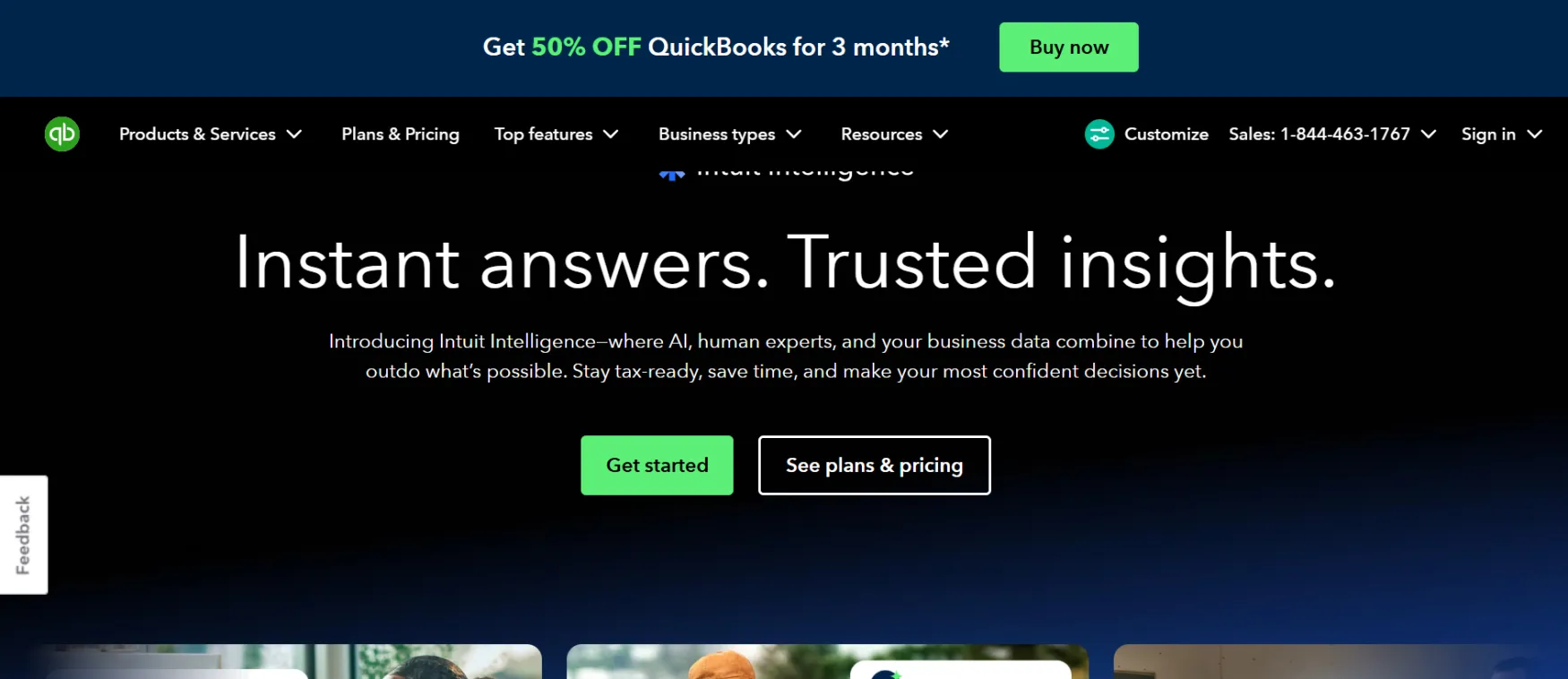
QuickBooks is accounting software from Intuit, a company with roughly 28 years of small business software experience and millions of customers globally. It handles bookkeeping, invoicing, expense tracking, and tax preparation, and now layers in Intuit Intelligence, a set of AI features for categorizing transactions, drafting insights, and flagging inconsistencies.
Intuit runs QuickBooks as two overlapping product lines: QuickBooks Solopreneur (Free, Lite, and a shared Simple Start tier) built specifically for one-person businesses, and QuickBooks Online (Simple Start through Advanced) built for businesses adding employees and complexity. Many of the newer AI features, like AI Chat and automated categorization, are still labeled "Beta" across the pricing page, worth knowing before you rely on them for anything high-stakes.
The most common use case is replacing manual bookkeeping and spreadsheet tracking with software that automatically categorizes transactions as they come in. QuickBooks connects to your bank and credit cards, learns how you categorize income and expenses, and starts matching future transactions to the same pattern.
A solo consultant sends invoices customers can pay online directly, with deposits landing as soon as the next business day. A freelancer uses automatic mileage tracking through the mobile app, syncing trips to expense categories without manually logging each drive.
At tax time, Business Tax AI suggests deduction opportunities, and Expert Assisted Tax (powered by TurboTax) connects you with a human reviewer who checks your return before filing, available as a pay-per-file add-on rather than bundled into the subscription price.
Learns your categorization patterns from past transactions and automatically matches and records new ones going forward, reducing manual entry over time.
Ask questions like "what's driving my profit" in plain language and get a contextual answer. Capped at 25 questions per month on every plan, including the highest tier, and currently labeled Beta.
Send invoices customers can pay online via card, bank transfer, Apple Pay, PayPal, or Venmo, with next-business-day deposit on eligible payments.
Automatically tracks mileage via phone GPS and matches captured receipt photos to transactions, reducing the manual data entry that eats into tax-deduction accuracy.
Connects to Shopify, PayPal, Square, Amazon, HubSpot, and hundreds of other tools, syncing sales and expense data without manual re-entry.
Solo founders and freelancers who want automated bookkeeping and invoicing without hiring a bookkeeper immediately, especially those already spending hours a month on manual expense tracking.
Growing solo businesses about to hire their first contractor or employee, since the Solopreneur and Online product lines share the same Simple Start tier as a natural upgrade path.
Automated transaction categorization, bank and credit card sync, profit & loss and balance sheet reports, cash flow tracking, budgeting (Plus and up), custom management dashboards (Advanced)
Online-payable invoices, recurring payments, in-person payments, instant deposit, bill pay automation with ACH, batch invoicing (Advanced)
Automated sales tax calculation, Schedule C deduction tracking, Expert Assisted Tax via TurboTax (pay per file), Business Tax AI deduction suggestions
AI Chat (25 questions/month, all plans, Beta), expense categorization AI, Accounting AI (reconciliation, anomaly detection), Payments AI, Sales Tax AI, Customer AI (Plus and up), Project Management AI and Finance AI (Advanced, Beta)
1 to 25 users depending on plan, 2-3 free accountant seats depending on plan, custom user permissions (Advanced)
Mobile app (receipt capture, mileage tracking), 800+ third-party integrations, Excel sync (Advanced)
Free Plan (Solopreneur): 1 user, no accountant access, no Intuit Intelligence. Limited to 2 invoices/month, 2 receipts/month, 5 mileage trips/month, 1 contractor managed. Genuinely free forever, no credit card required.
Lite — $20/month (regular list price): Everything in Free, plus unlimited invoices, receipts, and mileage tracking, manage 3 contractors, mobile app, automated bill pay, app integrations. No accountant access, no full Intuit Intelligence suite.
Simple Start — $38/month (regular list price, shared by both Solopreneur and Online lines): Full Intuit Intelligence (AI Chat, expense categorization, deduction maximizing), accountant access, general business reports, cash flow history, recurring and in-person payments, lending access, 1 sales channel connection, unlimited contractors.
Essentials — $85/month (regular list price): 3 users, everything in Simple Start plus enhanced reports, employee time tracking on invoices, customer referral and feedback capture, lead capture forms, calendar scheduling.
Plus — $140/month (regular list price), marked "Customer Favorite": 5 users, everything in Essentials plus comprehensive reports, budgeting, project profitability tracking, inventory management, Sales Tax AI, Customer AI, 40 classes/locations.
Advanced — $340/month (regular list price): 25 users, everything in Plus plus custom KPI dashboards, automated workflows, Excel sync, custom user permissions, cash flow forecasting, batch invoicing, priority support, unlimited classes/locations.
Current Promotion: As of this writing, QuickBooks is running a 90% off for 3 months promotion across every paid tier, meaning Simple Start shows as $3.80/month, Essentials as $8.50/month, and so on, for the first 3 months only.
Annual vs. Monthly: An annual billing option exists ("Save with annual" toggle), though the exact discount percentage wasn't clearly displayed during research. Confirm the annual rate directly before committing to a year upfront.
If You Cancel: No annual contract required, cancel anytime. You can invite an accountant to collaborate for free and revoke their access at any time.
⚠️ Worth knowing: the promotional price is not the real price. Simple Start's advertised $3.80/month becomes $38/month after 3 months, a 10x jump. Budget for the full list price from month four onward, not the promotional rate, when deciding if a plan fits your monthly costs.
Prices last verified August 2026. QuickBooks pricing and promotions change; confirm current rates directly before subscribing.
A spreadsheet-based bookkeeping system, since transactions sync and categorize automatically instead of manual entry.
A separate invoicing tool, since QuickBooks generates, sends, and tracks payment status on invoices directly.
A basic mileage-tracking app, since the mobile app logs trips automatically using your phone's GPS.
A human bookkeeper or accountant for anything beyond routine categorization. QuickBooks lets you invite an accountant to collaborate for free, but it doesn't replace their judgment on complex tax situations.
Your payment processor relationship. QuickBooks Payments handles invoice payments, but larger e-commerce operations often still run a dedicated platform like Shopify alongside it, synced through one of QuickBooks' 800+ integrations.
No reviews yet. Be the first to review this tool!
Explore alternatives and similar solutions in the same category.

A flexible all-in-one productivity platform for managing tasks, docs, chat, and goals in one place.

A video messaging platform for the workplace that allows you to record and share screen and cam videos instantly.
The primary event-based analytics platform for deep user behavior insights and real-time product decisions

High-accuracy B2B sales intelligence and contact enrichment platform.
Save tools to your account.
