
An AI-powered video copilot that turns text prompts into complete, ready-to-publish videos.
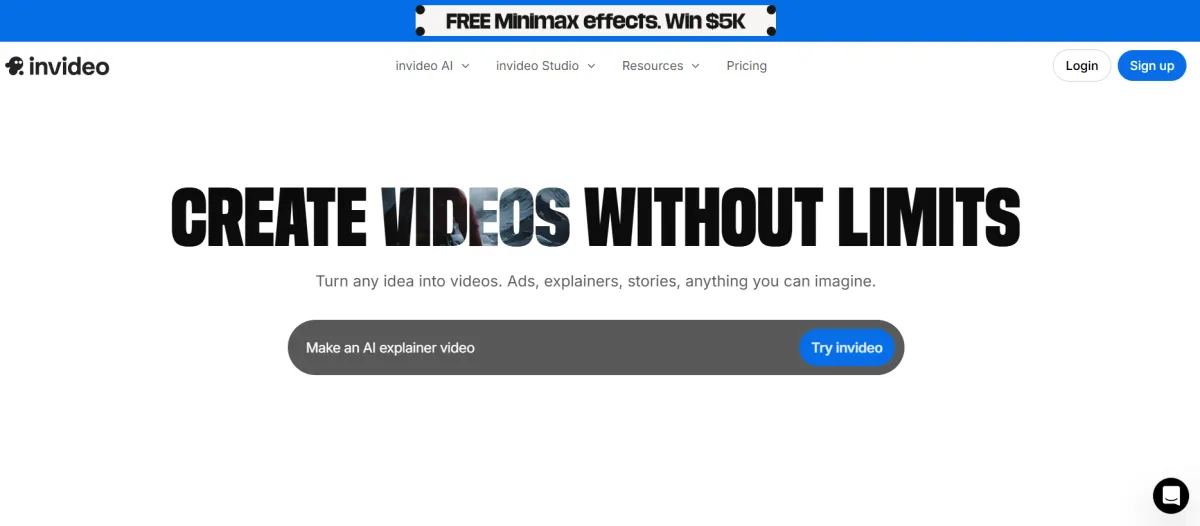
invideo AI is an AI-powered video generation platform: you type a prompt describing the video you want, and it writes the script, sources or generates visuals, adds an AI voiceover, and assembles a finished video.
It's built by invideo, a company founded in 2017 in San Francisco by Sanket Shah and co-founders, originally as a template-based online video editor. The platform pivoted in 2023 toward prompt-driven AI generation, what it now calls invideo AI, while keeping the original template editor available as invideo Studio for people who want to build videos by hand.
Both products live under the same account and the same credit system. The core problem it was built to solve: producing publish-ready video without filming equipment, editing software, or a production budget.
The most common solo founder use case is turning a written idea, like a product description, a blog post, or a rough script, into a short marketing or social video without recording anything on camera.
You type what you want, choose the platform (YouTube, Instagram, TikTok), and invideo AI drafts a full video with visuals, voiceover, subtitles, and music. Beyond that starting point, solo operators commonly use it for: Product ads and UGC-style ad videos for a small e-commerce shop, without hiring a videographer.
Explainer or how-to videos for a service business, using an AI avatar instead of appearing on camera. Repurposing a blog post or script into a short-form video for social channels. Multilingual voiceovers for reaching an audience beyond English, using the platform's 50+ language voice library. It is not built for feature-film production or frame-by-frame editing control since that's a different (and much more expensive) part of the product, covered below.
Create your account directly on their site. Setup is entirely self-serve, and you can test your first workflow in under 5 minutes.
Turns a text prompt into a full video: script, AI-generated or stock visuals, voiceover, subtitles, and music, assembled automatically. A solo founder can go from an idea to a rough draft video in one prompt, then request edits ("change the voiceover accent," "delete this scene") in plain language instead of using a timeline editor.
Clone yourself from a YouTube link or a 60-second uploaded video, then have your avatar deliver any script you write. Useful for founders who want a consistent on-camera presence without recording new footage every time, as Express avatars are faster to generate, Pro avatars are higher fidelity but take more setup.
Clone your own voice or choose from a large voice library, then generate voiceovers in over 50 languages and accents. Solo founders serving non-English-speaking markets can produce localized video without hiring voice talent, though cloned voices and avatars are tied to your invideo account and aren't exportable if you cancel.
Paid plans include access to third-party generative models (Google Veo 3.1, Sora 2, Kling, Nano Banana Pro, and others) inside one workspace, rather than subscribing to each separately. These are billed against your credits at the model provider's own list price, so heavy use of premium models drains credits faster than standard generation.
16 million-plus stock photos and videos from iStock, Storyblocks, and Shutterstock are built into the editor. This matters for founders who want polished B-roll without generating everything from scratch, which is both faster and cheaper on credits than AI-generating every visual.
Solo founders and small e-commerce or service businesses producing marketing and social video without a production budget; solo content creators publishing regularly to YouTube, Instagram, or TikTok who want to skip manual editing; course creators and educators needing explainer-style video from a script.
Small agencies producing video for multiple clients can use it, but will likely need a Team plan for seat-based collaboration rather than an Individual plan. Filmmakers and narrative creators can use the more advanced Agent One workflow, though that sits at a materially higher price and skill level than what a typical solo founder needs.
AI Video Generator, Text to Video, Image to Video, AI Clip Generator, AI Movie Maker, AI Ad Generator, UGC-style Ad videos, AI Animation Generator, Link to Video (URL-to-video), Video GPT.
AI Avatar Generator (Express and Pro avatars), Human/Pro actor library, AI Voice Cloning, AI Voice Generator, Text to Speech, 50+ language voiceovers.
AI Image Generator, AI Art Generator, Image to Image, AI Thumbnail Maker, AI Image Enhancer, Face Swap, Face Swap Video.
Online Video Editor (invideo Studio), Video Collage Maker, Picture Video Maker, AI Subtitle Generator, Video Translator, Video Trimmer, Video Compressor, Add Music to Video.
YouTube Video Editor, Instagram Reels Maker, Facebook Video Editor, TikTok Video Editor.
Google Veo 3.1, Sora 2, Kling AI, Wan AI, Pixverse AI, Hailuo AI, Seedance, Nano Banana Pro, Ideogram, Seedream, Flux Kontext, Eleven Labs, Minimax. Multiplayer real-time editing, Storyboarding, custom agent roles (scriptwriter, cinematographer, colorist, etc.), long-term project memory/context.
Free Plan Limited weekly credits, watermarked exports, and no credit card required. This is good for testing the workflow but not for publishing anything commercial.
Plus at $20/month ($17/month billed annually) for exploring Provides 75 credits/month, which is enough for roughly 300 Nano Banana Pro or 600 Nano Banana 2 generations. This includes access to all AI models (Seedance 2.0, Veo 3.1, Kling 3), all AI workflows, AI video trends, 4 AI avatars and voice clones, limited concurrency, 20 GB storage, 100 iStock assets, and unlimited watermark-free exports. This is the plan most solo founders testing the tool seriously would start on.
Max at $100/month ($85/month billed annually) for occasional use and invideo's "Most popular" tier Provides 390 credits/month, which is enough for roughly 1,560 Nano Banana Pro or 3,120 Nano Banana 2 generations. Features the same model access as Plus, along with 16 AI avatars and voice clones, 2x the concurrency, 100 GB storage, and 200 iStock assets.
Generative at $200/month ($170/month billed annually) for daily use and invideo's "Best value" tier Provides 800 credits/month, which is enough for roughly 3,200 Nano Banana Pro or 6,400 Nano Banana 2 generations. Adds 40 AI avatars and voice clones, 10x the concurrency of Plus, 2 TB storage, and 1,000 iStock assets.
Elite at $1,000/month ($900/month billed annually) for power creators Provides 4,250 credits/month, which is enough for roughly 17,000 Nano Banana Pro or 34,000 Nano Banana 2 generations. Includes 200 AI avatars and voice clones, 20x the concurrency of Plus, 10 TB storage, and 5,000 iStock assets. This tier is built for high-volume studios and agencies rather than a one-person business. The jump from the Generative tier to Elite only makes sense at real production scale.
If You Cancel Per invideo's Help Center, you keep your plan's access until the end of the current billing period and then drop to the Free plan. You are not locked out, and anything you have already exported stays yours. AI avatars and voice clones you have built stay inside your invideo account and are not exportable elsewhere.
⚠️ Worth knowing For a solo founder, Plus at $20/month is the realistic starting point. Max at $100/month is a significant price jump for occasional users, so do not upgrade until you are consistently running out of credits. Note that credits, AI avatars and voice clones, iStock assets, and storage are separate quotas that scale together tier by tier, but none of them roll over month to month.
Prices last verified from the live pricing page provided. Reconfirm at invideo.io/pricing before subscribing, as invideo's own terms state credit and model pricing can change without notice.
Create your account directly on their site. Setup is entirely self-serve, and you can test your first workflow in under 5 minutes.
If you're currently paying a freelancer or contractor for basic talking-head or promo video production, invideo AI is what replaces that spend for straightforward, script-driven video, not custom cinematic work.
It doesn't replace a real camera and studio setup if you already film your own content; it's an alternative path for founders who don't want to appear on camera or don't have filming time. It also doesn't replace dedicated screen-recording tools like Loom for quick internal or async client walkthroughs, as those are a different job entirely.
If you're not currently producing any video at all, invideo AI is an addition to your stack, not a substitution, and the ROI case rests entirely on whether video is a channel you actually need for client acquisition or content marketing.
It's a genuine free tier, not a time-limited trial, so no credit card is required to start. The trade-off is a small weekly credit allocation and a watermark on every export, which makes it useful for testing the workflow but not for publishing anything commercial.
A first rough draft typically takes 15–20 minutes from prompt to preview, since the platform generates the script, visuals, and voiceover automatically. Getting a genuinely publish-ready result usually takes a couple of edit rounds using plain-language commands, not a steep learning curve.
It depends heavily on how specific your prompt is and which generation quality tier (Basic, Pro, or Ultra) you select, as vague prompts produce generic-looking results that need editing. For straightforward social and marketing video with a clear script, most solo founders get a workable result within a couple of prompt refinements; for narrative or brand-critical work, expect to spend real time refining.
You keep access to your account and previously exported files, and your account drops to the Free plan rather than disappearing. Custom AI avatars and cloned voices are stored inside invideo and are not something you can export to use elsewhere, so factor that into any long-term commitment.
The honest answer: the credit-pool structure is the main thing to watch. invideo's marketing emphasizes speed and simplicity, but the separate, non-rolling credit pools for AI minutes, stock assets, and voice clones mean your effective cost-per-video depends heavily on how often you regenerate scenes rather than getting it right the first prompt.
No reviews yet. Be the first to review this tool!
Explore alternatives and similar solutions in the same category.

An AI-first video platform that automates the entire production process from script to final edit.

An end-to-end AI ad agent that transforms URLs into high-performing video creatives in minutes.
An all-in-one AI video production platform specializing in hyper-realistic avatars and PPT-to-video automation.

An AI-powered graphic design app that creates stunning visuals from simple text descriptions.
Save tools to your account.
