
A comprehensive toolkit for social media scheduling, engagement, and analytics.
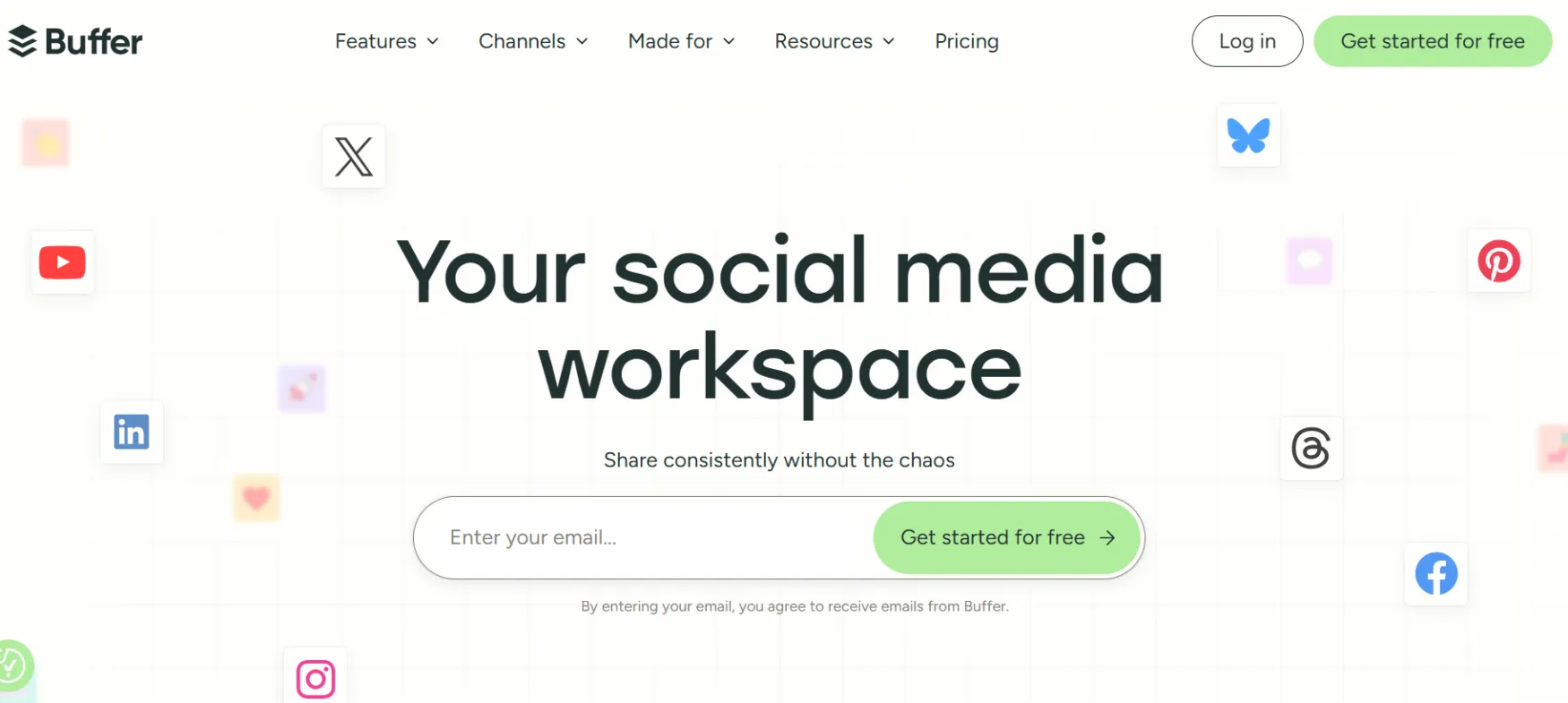
Buffer is a social media scheduling and management platform, founded in 2010 by Joel Gascoigne. It was one of the first tools built specifically to queue and schedule social posts in advance.
Buffer now covers Instagram, Facebook, LinkedIn, X, TikTok, YouTube, Threads, Pinterest, Bluesky, Mastodon, and Google Business Profile. It runs as an open company, publishing its revenue, salaries, and pricing decisions publicly since 2013.
The most common use case for a solo founder is scheduling a week of content in one sitting across LinkedIn and Instagram, then letting Buffer handle publishing while they get back to client work.
Buffer's AI Assistant drafts, rewrites, and repurposes a post into platform-specific versions, so one idea becomes a LinkedIn post and an Instagram caption without rewriting from scratch. The Community tool pulls comments from every connected channel into one inbox, so replying doesn't mean checking five apps separately.
A consultant building a personal brand uses the Start Page as a simple link-in-bio hub. A founder tracking what's actually working uses Insights to see which posts drove follower growth, not just likes.
Generates, rewrites, and repurposes post drafts, included on every plan including Free. Free-tier AI replies are capped at 5 per week; paid plans get unlimited replies and drafting.
Tracks follower growth, engagement, and impressions per post, built directly next to the content it measures. Free plan gets 30-day history; paid plans get unlimited history plus exportable reports.
Pulls comments from every connected channel into one place to reply from. Available on all plans, including Free.
You only pay for the specific accounts you connect, and the per-channel rate drops once you pass 10 channels. This matters if you're running multiple brands or client accounts, less so if you're one founder on three platforms.
Lets you connect Buffer to Claude, n8n, or other automation tools directly. This is a newer addition aimed at people building their own workflows on top of Buffer, not something most solo founders will touch on day one.
Solo founders and creators managing 3-10 social accounts who want predictable, per-channel pricing and don't need agency-level team tools. Consultants and coaches building a personal brand across LinkedIn and Instagram at the same time.
Small agencies managing multiple client brands, since Buffer bills per channel rather than per client. Nonprofits get a 50% discount on paid plans.
Ideas library, tags, drafts, templates, AI Assistant, board view, browser extension
Unlimited scheduled posts (paid plans), threaded posts, visual content calendar, Start Page, duplicate posts, link shortening, first comment scheduling, channel groups, hashtag manager, custom video covers
Reply to comments, comment score, AI replies, saved replies, comment insights, turn comments into posts
Insights, performance overview, custom analytics, takeaways, exportable reports (CSV, PDF, markdown), custom UTM parameters, branded reports
Multi-user access (Team plan), two-factor authentication, notes, approval workflows, custom access permissions
Canva, Unsplash, Dropbox, Google Drive, OneDrive, Zapier, IFTTT, WordPress, Feedly, Pocket, Bitly, API/MCP access
Free Plan: Connect up to 3 channels, 10 scheduled posts per channel, 100 saved ideas, AI Assistant (5 AI replies/week), 30-day analytics history. Forever free, no credit card required.
Essentials — $6/month per channel (billed monthly) / $5/month per channel (billed yearly): Unlimited scheduled posts, unlimited AI Assistant use, unlimited analytics history, exportable reports, hashtag manager, first comment scheduling. This is the plan most solo founders posting across multiple platforms will need.
Team — $12/month per channel (billed monthly) / $10/month per channel (billed yearly): Everything in Essentials, plus unlimited team members at no extra per-seat cost, approval workflows, and custom access permissions.
Annual vs. Monthly: Annual billing saves roughly 17-20% per channel on both paid plans. You can switch between monthly and annual anytime, with prorations applied automatically.
If You Cancel: Reports can be exported as CSV, PDF, or markdown before you leave, available on Essentials and Team. The Free plan doesn't include exportable reports.
⚠️ Worth knowing: Buffer counts each social account as a separate channel. One brand running LinkedIn, Instagram, and X is 3 channels, not 1, so your real monthly cost depends entirely on how many platforms you actually post to.
Prices last verified August 2026. Check Buffer's pricing page for current rates before subscribing.
If you're manually posting to LinkedIn, Instagram, and X separately, Buffer replaces that routine with one queue and one calendar.
It also replaces basic spreadsheet content planning, since the Create space stores and organizes post ideas before they're scheduled.
Buffer integrates with Canva, Dropbox, and Google Drive instead of building image editing in-house.
No reviews yet. Be the first to review this tool!
Explore alternatives and similar solutions in the same category.

An AI-powered social media automation platform that combines content creation, scheduling, and analytics.

An all-in-one LinkedIn tool for content creation, engagement automation, and lead generation.

An AI-powered social media assistant that automates content scheduling and audience growth.

A visual-first social media marketing platform for scheduling, analytics, and link-in-bio tools.
Save tools to your account.
