

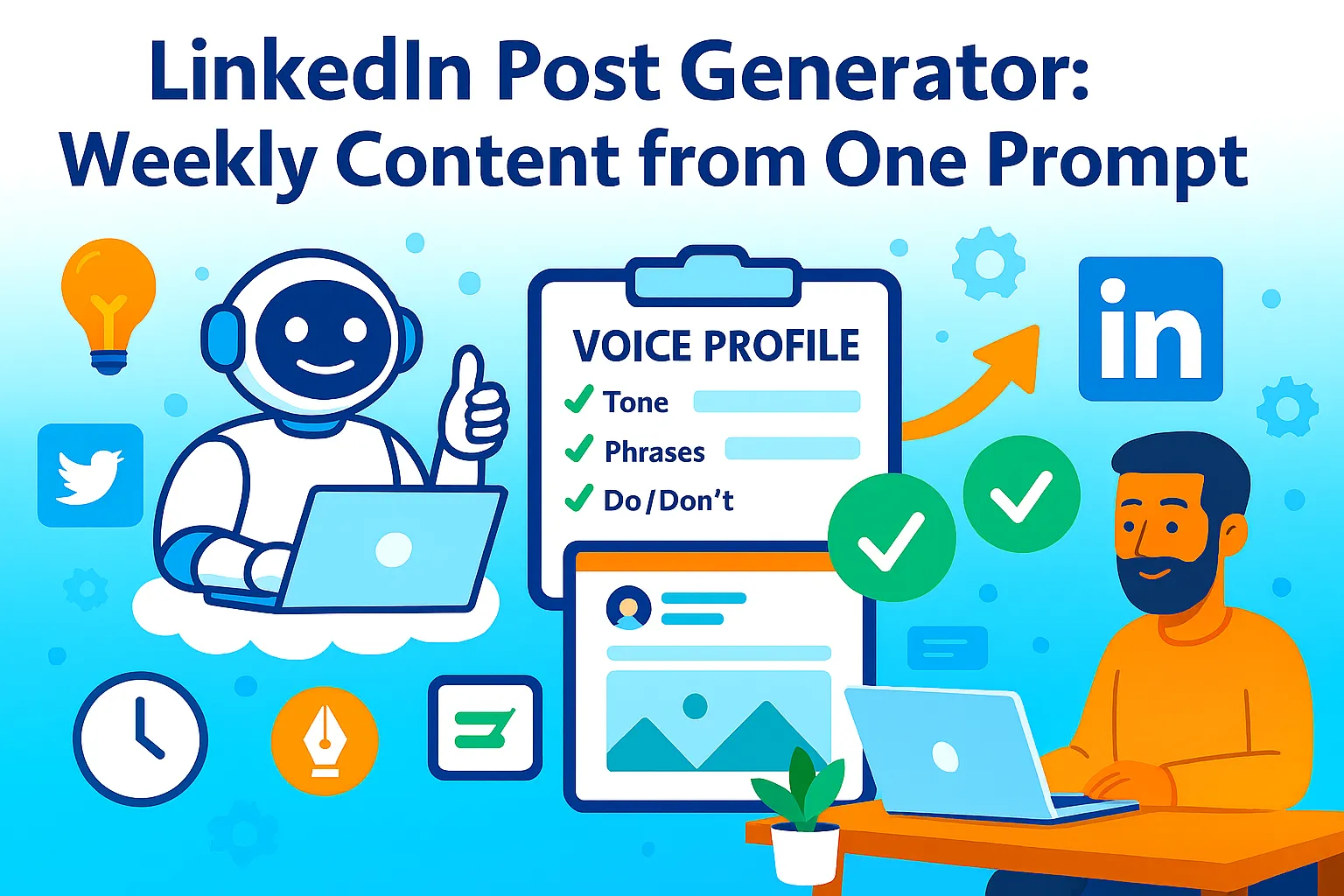
You're spending 2 hours every Sunday writing LinkedIn posts for the week.
You agonize over hooks. You research trending topics. You write, rewrite, delete, start over.
Then Monday hits. Your post gets 47 views and 2 likes. One is your mom.
Here's what's actually happening: you're creating content blind. You don't know which hooks work for your audience. You don't know which formats LinkedIn's algorithm rewards. You're guessing instead of using data.
The top 1% of LinkedIn creators don't write different content every week. They use proven templates, analyze what their audience engages with, and batch-create a week's worth of content in one sitting using AI that knows their voice.
This guide shows you how to generate 7 LinkedIn posts (text posts, threads, and carousels) from one master prompt, analyze your audience data to optimize hooks, auto-schedule with Buffer so you never manually post, and 3x your reach in 30 days. All in 10 minutes per week.
Why Most LinkedIn Content Gets Ignored
Before we get into the system, let's talk about why your posts probably aren't reaching anyone.
The brutal LinkedIn algorithm truth:
Reach isn't about follower count
You have 500 connections but posts reach 50 people
LinkedIn shows your content to ~10% of your network first
If those 50 don't engage in the first hour, your post dies
The algorithm rewards specific behaviors:
Comments > Likes > Shares (LinkedIn wants conversation)
Native content > External links (LinkedIn hates when you send people away)
Longer dwell time > Quick scrolls (posts that make people stop and read)
Most posts fail because:
Weak hooks (first line doesn't stop the scroll)
Wrong format (text-only when carousels perform 3x better)
Bad timing (posting at 6 PM when your audience is offline)
No engagement bait (nothing to comment about)
Generic content (sounds like every other post in the feed)
What changes everything: A system that generates content based on what already works for your audience, formats it for maximum algorithm favor, and posts it when your network is most active.
The One-Prompt Weekly Content System
Here's how to generate 7 high-performing LinkedIn posts in 10 minutes.
Step 1: Analyze Your Audience Data (One-Time Setup, 15 minutes)
Before AI can create content that works, it needs to know what works for your audience.
Data to collect:
From LinkedIn Analytics (available to everyone):
Your top 5 performing posts (last 90 days)
What time your audience is most active
Which post formats get the most engagement (text vs carousel vs article)
How to access:
Go to LinkedIn homepage
Click "Me" → "View Analytics"
Click "Creator mode" (turn it on if not already)
Check "Posts" tab → Sort by "Impressions" or "Engagement rate"
What to note:
Post type (text, carousel, article, poll)
Hook structure (question, bold claim, story)
Length (short 100-word posts vs long 1,000-word posts)
Topic (what subjects got the most engagement)
Engagement pattern (lots of likes vs lots of comments)
AI Audience Analysis Prompt:
Analyze these 5 top-performing LinkedIn posts and identify patterns.

POST 1:
[Paste your best post]
Impressions: [Number]
Engagement rate: [%]

POST 2:
[Paste second-best post]
Impressions: [Number]
Engagement rate: [%]

[Continue for all 5 posts]

Based on these posts, identify:
1. What hook structures work best (question, bold claim, story, contrarian)?
2. What topics get the most engagement?
3. What post length performs best (word count)?
4. What call-to-action drives comments (if any)?
5. What tone resonates (professional, casual, data-driven)?

Output as:
AUDIENCE PROFILE
- Best hook type: [Type]
- Best topics: [List 3-5]
- Optimal length: [Word count]
- Best CTA: [Type]
- Tone: [Description]
Example Output:
AUDIENCE PROFILE FOR [YOUR NAME]

Best hook type: Question hooks (60% of top posts)
Best topics: AI automation, solo founder productivity, LinkedIn growth
Optimal length: 800-1,200 words (long-form performs 2x better)
Best CTA: "What's your experience with X?" (drives 3x more comments than "Follow for more")
Tone: Direct, founder-to-founder, no corporate fluff

Performance patterns:
- Carousels get 2.5x more impressions than text posts
- Posts with personal stories get 40% more comments
- Data-driven insights (with numbers) get 2x more shares
Save this profile. You'll use it every week to generate content.
Step 2: Create Your Master Prompt (5 minutes)
Now you're building one prompt that generates a full week of content.
The Master Weekly Content Prompt:
Generate 7 LinkedIn posts for the coming week based on my audience profile.

AUDIENCE PROFILE:
[Paste your audience profile from Step 1]

TOPICS TO COVER THIS WEEK:
1. [Topic 1]
2. [Topic 2]
3. [Topic 3]
4. [Topic 4]
5. [Topic 5]

POST REQUIREMENTS:
- Mix of formats: 3 text posts, 2 threads (multi-slide), 2 carousel ideas
- All posts should use proven hooks from my audience profile
- Vary length: 2 short posts (300-500 words), 5 long posts (800-1,200 words)
- Each post ends with engagement-driving CTA
- Tone matches my audience profile
- Include specific examples or data points

For each post, output:
Day: [Monday - Sunday]
Format: [Text Post / Thread / Carousel]
Hook: [First line]
Full post: [Complete text]
CTA: [Call to action]
Why this works: [Brief explanation based on audience data]
What you're getting: 7 posts formatted exactly how your audience responds best, with explanations of why each should perform.
Time saved: Manually writing 7 posts = 3+ hours. AI generates in 2 minutes. You edit in 15 minutes.
Step 3: Generate Platform-Specific Formats (5 minutes)
LinkedIn rewards different formats differently. Text posts are good. Carousels are better.
Format Performance Hierarchy (based on 2025-2026 data):
Carousels (PDFs): 2-3x more impressions than text
Threads (long-form): 1.5-2x more impressions than short text
Text posts with images: 1.3x more impressions than text-only
Text-only posts: Baseline
External links: Worst (LinkedIn suppresses them)
AI Carousel Generator Prompt:
Turn this post into a 10-slide LinkedIn carousel.

POST:
[Paste one of your generated posts]

REQUIREMENTS:
- Slide 1: Hook (must grab attention in 5 words)
- Slides 2-8: Break down key points (one idea per slide)
- Slide 9: Summarize or provide action steps
- Slide 10: CTA (follow, comment, or visit profile)

For each slide:
- Headline (5-8 words, large text)
- Body (15-25 words max)
- Visual note (what image or icon fits)

Output as:
Slide 1: [Headline] | [Body] | [Visual note]
Slide 2: [Headline] | [Body] | [Visual note]
etc.
Then use free carousel tools:
Taplio Carousel Generator (Free):
Paste AI-generated slide text
Pick template
Download as PDF
Upload to LinkedIn
Canva (Free):
Use "LinkedIn Carousel" template
Copy-paste slide text
Export as PDF
aiCarousels (Free tier):
Input slide content
AI designs automatically
Download and post
Pro tip: Create 2 carousels per week. They'll be your highest-reach posts.
Step 4: Auto-Schedule with Buffer (10 minutes one-time setup)
You've got 7 posts. Don't manually post them every day. Automate.
Buffer Setup (Free: 3 posts per channel):
Connect LinkedIn:
Sign up for Buffer (free tier)
Connect your LinkedIn profile
Allow Buffer to post on your behalf
Find optimal posting times:
Go to LinkedIn Analytics → "Visitor demographics"
Note when your audience is most active
Common best times: Tuesday-Thursday, 8-10 AM, 12-2 PM
Schedule your 7 posts:
Monday: Text post #1 (8 AM)
Tuesday: Carousel #1 (9 AM)
Wednesday: Text post #2 (8 AM)
Thursday: Thread (10 AM)
Friday: Carousel #2 (9 AM)
Saturday: Text post #3 (10 AM)
Sunday: Thread (9 AM)
Buffer alternatives:
Hootsuite (Free: 2 social accounts, 5 scheduled posts) Later (Free: 10 posts per social profile) Publer ($12/month for unlimited + best time suggestions)
Scheduling strategy:
Don't post at random times. Use this hierarchy:
Best times for engagement:
Tuesday-Thursday, 8-10 AM (people arrive at work, check LinkedIn)
Tuesday-Thursday, 12-2 PM (lunch break)
Wednesday, 5-6 PM (end of workday)
Worst times:
Weekends after 2 PM (engagement drops 60%)
Mondays before 10 AM (people dealing with email backlog)
Fridays after 4 PM (people checked out)
Pro tip: Post carousels on Tuesday or Wednesday morning. They take longer to consume, so algorithm gives them more time to accumulate engagement.
Step 5: Triple Your Reach with Engagement Tactics (5 minutes per post)
Posting isn't enough. You need to trigger the algorithm.
The First-Hour Rule:
LinkedIn decides if your post goes viral based on engagement in the first 60 minutes. If you get 10+ comments or 30+ likes in the first hour, LinkedIn shows it to 10x more people.
How to hack the first hour:
1. First Comment Strategy (Add within 2 minutes of posting)
Post your content. Immediately add a first comment with:
Additional context
A question to drive more comments
Tagging 2-3 relevant people (not influencers, but colleagues/friends who'll engage)
Example: "Published this because I spent 6 months testing LinkedIn content systems. The biggest surprise? Carousels outperformed text posts 3:1. What's worked for you? Tag someone who needs to see this."
2. DM Notification Strategy
After posting, DM 5-10 close connections: "Just posted about [topic]. Would love your take — [link to post]"
Pick people who:
Regularly engage with your content
Have expertise in the topic
Will leave thoughtful comments (not just "Great post!")
3. Engagement Pod Strategy (Use sparingly)
Join a LinkedIn engagement pod (group of 10-20 creators who agree to comment on each other's posts).
How it works:
You post
Tag the pod in a group chat
Everyone comments within 15 minutes
Algorithm sees engagement spike, boosts post
Warning: LinkedIn can detect fake engagement. Only use pods with people in your niche who would naturally engage. Avoid generic "Great post!" comments.
Tools for engagement pods:
Telegram groups (search "LinkedIn engagement pod [your niche]")
Lempod (Chrome extension, $12/month)
UpfluenceComment (schedules pod engagement)
4. Reply to Every Comment (within 2 hours)
Every reply counts as additional engagement. If 10 people comment and you reply to each = 20 engagements.
Quick reply framework:
Thank them
Add value (answer their question or expand on their point)
Ask a follow-up question
Bad reply: "Thanks for sharing!" Good reply: "Thanks! Have you tried the carousel method? Curious if it works for your niche too."
Step 6: Analyze and Iterate Weekly (10 minutes)
After 7 days, check what worked and adjust.
Metrics that matter:
1. Impressions per post
How many people saw it
Target: 500+ for accounts under 1K connections, 2K+ for accounts over 5K connections
2. Engagement rate
(Likes + Comments + Shares) / Impressions
Target: 3-5% is good, 6%+ is great
3. Profile visits
Did your post drive people to click your profile?
This is the conversion metric that matters
4. Follower growth
How many new followers from each post?
Solo Founder Tracking:
Use Google Sheets (free):
Tab 1: Weekly Posts
Date | Post Type | Hook | Impressions | Engagement Rate | Profile Visits
Tab 2: What's Working
Best hook type this week
Best format (text vs carousel vs thread)
Best posting time
Best topic
Update every Monday: 10 minutes to review last week, note winners, adjust next week's prompt.
Refinement Prompt:
Based on this week's performance data, update my audience profile.

CURRENT PROFILE:
[Paste profile]

WEEK'S PERFORMANCE:
- Post with [Hook A] got 2,000 impressions
- Post with [Hook B] got 400 impressions
- Carousels outperformed text posts 3:1
- Posts about [Topic X] got 50% more comments

Update my profile to:
1. Emphasize what worked
2. Adjust hook recommendations
3. Note any new topic opportunities

Output revised audience profile.
Your content strategy evolves. Every 4 weeks, your audience profile should be sharper.
Tools You Actually Need (Budget Breakdown)
Free Tier (works for most solo founders):
ChatGPT free or Claude free (content generation)
LinkedIn Analytics (audience data)
Taplio Carousel Generator or Canva free (carousel creation)
Buffer free (3 posts scheduled per channel)
Google Sheets (tracking)
Total: $0/month
Upgrade Tier ($30-50/month when making revenue):
ChatGPT Plus ($20/month) for faster generation
Buffer Pro ($12/month) for unlimited scheduling
Canva Pro ($13/month) for brand kit + unlimited designs
Total: $45/month
Pro Tier ($100-150/month when scaling):
ChatGPT Plus ($20/month)
Taplio ($49/month) for all-in-one LinkedIn content + scheduling + analytics
Lempod ($12/month) for engagement pods
Total: $81/month
Don't buy until: You've posted consistently for 30 days using the free method. Tools don't fix inconsistency.
Common Mistakes Solo Founders Make
1. Posting at the wrong time
Your best content posted at 8 PM on Saturday gets 1/10th the reach of mediocre content posted at 9 AM Tuesday. Timing matters.
2. Never engaging with comments
If you don't reply, the algorithm thinks your post isn't valuable. Reply to every comment within 2 hours.
3. Using the same hook every week
"Here's how to..." works once. By the fifth time, your audience scrolls past. Rotate hook styles.
4. Posting carousels as images instead of PDFs
LinkedIn treats PDF carousels as "documents" and gives them higher reach. Images don't get the same boost.
5. Not analyzing what works
If you're not tracking which posts perform best, you're guessing. Track religiously for 90 days.
6. Editing AI content too much
AI gives you 80% there. Edit for voice and accuracy, but don't rewrite everything. You'll burn out.
When You've Outgrown This System
You'll know it's time to upgrade when:
You're getting 5,000+ impressions per post consistently and manual engagement management takes 30+ minutes per post. At this point, invest in Taplio ($49/month) for automated engagement tracking.
You want to post 3+ times per day and the free Buffer tier isn't enough. Upgrade to Buffer Pro or Publer.
You need team collaboration (ghostwriters, VAs). Tools like Supergrow ($39/month) or ContentIn ($29/month) handle multi-user workflows.
You want advanced analytics (follower demographics, competitor tracking). Invest in Shield Analytics ($15/month) or LinkedIn Premium ($60/month).
But honestly? Most solo founders never need this. The free one-prompt system works until you're doing $100K+/year from LinkedIn-sourced leads.
Your Weekend Implementation Plan
Saturday Morning (30 minutes):
☐ Go to LinkedIn Analytics
☐ Find your top 5 posts from last 90 days
☐ Run AI audience analysis prompt
☐ Save audience profile document
Saturday Afternoon (20 minutes):
☐ List 5 topics to cover this week
☐ Run master weekly content prompt
☐ Review AI-generated posts (does it sound like you?)
Sunday Morning (30 minutes):
☐ Edit 7 posts for voice and accuracy
☐ Pick 2 posts to turn into carousels
☐ Generate carousel slides with AI
Sunday Afternoon (20 minutes):
☐ Create 2 carousels in Canva or Taplio
☐ Set up Buffer account (if not already done)
☐ Schedule all 7 posts for the week
☐ Set best posting times (Tuesday-Thursday mornings)
During the week:
☐ Add first comment within 2 minutes of each post going live
☐ Reply to all comments within 2 hours
☐ DM 5 connections per post asking for their take
Next Sunday:
☐ Check LinkedIn Analytics for last week's performance
☐ Update Google Sheet with metrics
☐ Note what worked (hook type, format, topic)
☐ Adjust next week's prompt based on winners
Advanced Tactics (When You've Mastered Basics)
1. Repurpose Your Winners
If a post hits 2,000+ impressions, repurpose it:
Turn it into a carousel (visual version)
Expand into a long-form article
Break into a Twitter thread
Use as email newsletter content
One winner = 5 pieces of content.
2. Create Content Series
Instead of random posts, create a series:
"5 Mondays of AI Automation" (post every Monday for 5 weeks on AI)
"Wednesday Workflows" (weekly productivity system breakdown)
Series build anticipation. People wait for your next post.
3. Collab Posts
Tag other creators in your niche: "I asked 5 LinkedIn creators how they batch content. Here's what [Name 1], [Name 2], and [Name 3] said..."
Their audiences see your post. Your reach multiplies.
4. Controversial Takes
Safe posts = ignored. Hot takes = engagement.
"Unpopular opinion: LinkedIn carousels are overrated. Here's why threads perform better..."
(Even if you disagree, controversy drives comments.)
5. Before-After Posts
Show transformation: "6 months ago, my posts got 50 views. Today they average 2,000. Here's the exact system I used..."
People love case studies with numbers.
The Real Talk on LinkedIn Content
Look, generating a week of content in 10 minutes isn't magic. It's just:
Know your audience (analyze what worked before)
Use proven formats (carousels > threads > text)
Post at optimal times (Tuesday-Thursday mornings)
Engage in the first hour (reply to comments, DM connections)
Iterate weekly (double down on winners)
AI doesn't replace strategy. But it eliminates the blank page problem. It gives you 7 posts based on what already works for your audience, formatted for maximum reach, ready to schedule.
The hard part isn't generating posts. It's showing up every week and doing it again. Most solo founders quit after 30 days because manually writing 7 posts every Sunday is exhausting.
You won't quit. Because you're not writing from scratch. You're editing AI output that's already 80% there.
Start this weekend. Pull your top 5 posts. Run the audience analysis. Generate your first week of content. Schedule it.
You'll have more consistent, high-performing content live in 30 days than most solo founders post in 6 months.
That's it.



Comments (0)
Leave a Comment