

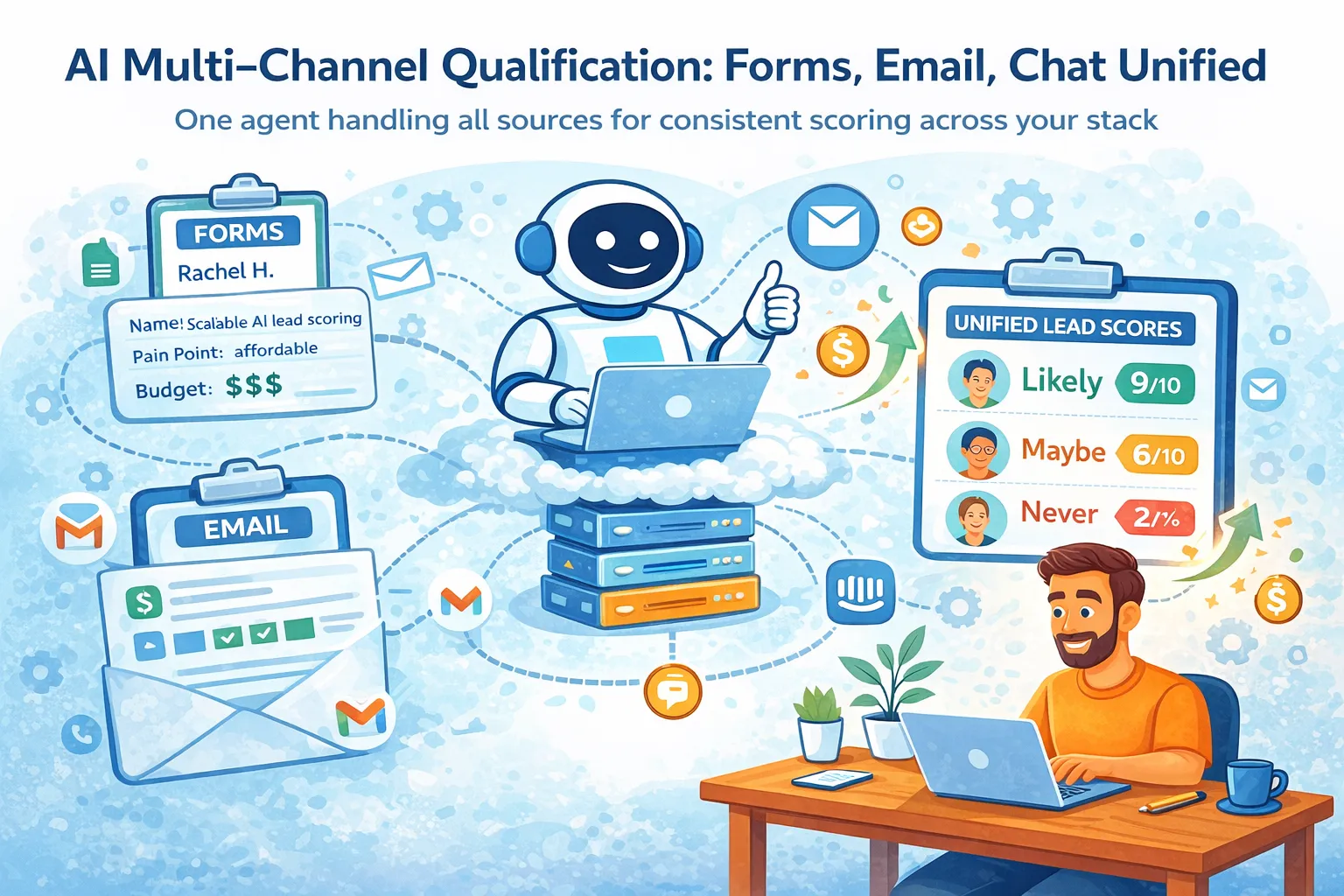
You’re getting leads from three places: website forms, inbound emails, and live chat.
Each one arrives in a different format, gets scored (or not scored) differently, and ends up in different places — or worse, the same place with conflicting information.
You waste hours every week trying to figure out which leads are actually worth talking to, and you still miss the hot ones because you were busy building.
Here’s the thing: you can stop doing detective work.
One AI agent can qualify leads coming from forms, email, and chat — using the exact same scoring logic every time — so you get a single, trustworthy number and reason no matter where the lead came from.
This setup costs $30–55/month and takes 4–8 hours to build the first time. After that it runs itself.
Let’s build it.
Why separate channels are quietly killing your pipeline
Most solo founders treat channels independently:
Form → lands in Google Sheet or Typeform dashboard
Email → sits in Gmail or Help Scout
Chat → lives in Tidio / Crisp / Intercom
You end up with three different mental models for “is this person serious?”.
That means:
You over-prioritize chat leads because they feel “hotter” (even when they’re students)
You ignore form leads because they look cold on paper
You double-work the same person who filled a form and then emailed you two days later
Result: inconsistent qualification → inconsistent follow-up → fewer real conversations.
A unified system fixes exactly that: same brain, same scorecard, same output — no matter the channel.
The architecture — three pieces only
Single scoring brain
Channel normalization layer
Deduplication & conflict resolver
That’s it. No complex microservices, no vector database, no $400/month enterprise platform.
1. The single scoring brain
Everything funnels into one prompt that lives in Claude, Grok, or OpenAI.
Your scoring brain is just a well-written prompt that takes structured input and spits out:
Score 1–10
One-sentence reason
Recommended next action (ignore / low-priority / schedule call / urgent)
Example prompt skeleton (copy-paste and customize):
text
You are a ruthless B2B lead qualifier for a solo SaaS founder.

Company: [Your product name]
Ideal customer: [paste 3–5 bullet points of your real ICP — company size, role, pain, budget signals]

Score this lead from 1 (completely irrelevant) to 10 (paying customer tomorrow).

Inputs:
- Name: {{name}}
- Company: {{company}}
- Email domain: {{email_domain}}
- Stated pain / message: {{message_text}}
- Budget mentioned: {{budget_mentioned_yes_no}}
- Timeline mentioned: {{timeline}}
- Source channel: {{form / email / chat}}

Output ONLY in this exact JSON format:

{
  "score": number 1-10,
  "reason": "one short sentence explaining the score",
  "next_action": "ignore" OR "low-priority follow-up" OR "schedule discovery call" OR "urgent — reply today",
  "confidence": "high" OR "medium" OR "low"
}

Be brutal. If they are a student, consultant, or tiny agency with no budget — score 1–3.
Cost: Claude 3.5 Sonnet or Grok-2-mini ≈ $15–25/month at moderate volume.
You call this prompt from Zapier or Make.com whenever a lead arrives (after normalization).
2. Channel normalization — make everything look the same
You need to turn wildly different inputs into the same fields the scoring prompt expects.
Typical sources and how to normalize them:
Channel | Typical raw data | Tool(s) used | Output fields you want |
|---|---|---|---|
Website form | Typeform / Tally / Frill → name, email, message | Zapier → AI parse | name, company, message |
Inbound email | Gmail / Help Scout → subject + body | Gmail trigger → AI extract | name, company, message, budget hints |
Live chat | Crisp / Tidio / Gorgias → transcript | Webhook → AI summarize + extract | name (if given), message, urgency signals |
Practical setup most solos use right now (2026):
Zapier (free tier or $20/mo Starter) or Make.com ($9/mo Core)
One “Parse with AI” step using Claude or OpenAI API
Example Zap:
Trigger: New Typeform entry
Action: Claude – “Extract name, company name, pain points, budget hints, timeline from this form response”
Output: structured row with name, company, message_text, budget_mentioned, etc.
Next step: send to scoring brain
Same pattern for email and chat.
Time to build the three zaps: 2–4 hours total.
3. Avoiding double counts & score conflicts
The fastest way to break trust in your own system: the same person submits a form, then chats two days later, and you get two different scores.
Solution: one central source of truth + email as the unique key.
Simplest 2026 solo stack:
Airtable (free tier or $20/mo Plus) or Google Sheets
Unique key = email address (lowercase, normalized)
Flow:
New lead arrives (any channel)
AI normalization step finishes
Check: does this email already exist in Airtable / Sheet?
Yes → update existing record with new data + rescore once
No → create new record + score
Store: score, reason, timestamp, source channel, raw message
Tools that handle this cleanly:
Airtable has “Find record” + “Update / Create” actions in Zapier
Google Sheets: use “Lookup” + conditional paths in Make.com
Most common conflict patterns and fixes:
Person fills form → emails same day → score changes from 6 → 8 → keep the latest score (usually better data)
Chat visitor gives fake email → real email later → treat as new until email matches
Step-by-step: build it this weekend
Write your ICP description and scoring prompt (1 hour)
Create a simple Airtable base or Google Sheet with columns: email, name, company, score, reason, next_action, last_source, last_updated
Build three Zaps / scenarios (one per channel) — each ends with:
Parse message → check for existing email → score or update → save (3–5 hours)
Send 10 real past leads through the system manually (paste into a test zap)
Tweak prompt until scores match what you would have decided (1–2 hours)
Turn zaps on
Total cost:
Claude API: $15–25/mo
Zapier Starter or Make Core: $9–20/mo
Airtable: $0–20/mo → $24–65/mo
Mistakes that burn most solo founders
Vague prompt → scores all over the place → fix: add 3–5 real example leads + scores in the prompt
No deduplication → duplicate records everywhere → fix: force email as key from day one
Forgetting to capture channel → you can’t see which source brings better leads → add “source” field
Never reviewing low-confidence scores → AI quietly starts hallucinating → spend 15 min/week looking at 3–5 lowest-confidence leads
Trying to score too many criteria → prompt becomes inconsistent → stick to 5–7 signals max
When this stops working
This exact setup handles 50–400 leads/month comfortably.
Signs you’ve outgrown it:
500+ leads/month → latency and cost go up; consider n8n self-hosted or Relay.app
Complex multi-person buying committee → simple 1–10 score isn’t enough
You want real-time bidding / enrichment → migrate to Clay + GPT + HubSpot
Until then, this is stupidly effective for the money and time invested.
Do this tomorrow morning
Open a doc and write your real ICP in 4–6 bullets (company size, role, pain, budget signal, red flags)
Paste the prompt skeleton above and customize it with your ICP
Create one Airtable table or Google Sheet with the columns listed
Build just the form → parse → score → save zap first (the easiest one)
Once that works on 5 test leads, add email, then chat.
You’ll have your first unified score by the end of the week — and you’ll stop wondering which inbox tab has the real money.
Let me know when you hit the first conflict or weird score — we can tighten the prompt together.






Comments (0)
Leave a Comment