An integrated AI suite that acts as a researcher, writer, and agent directly within your workspace.
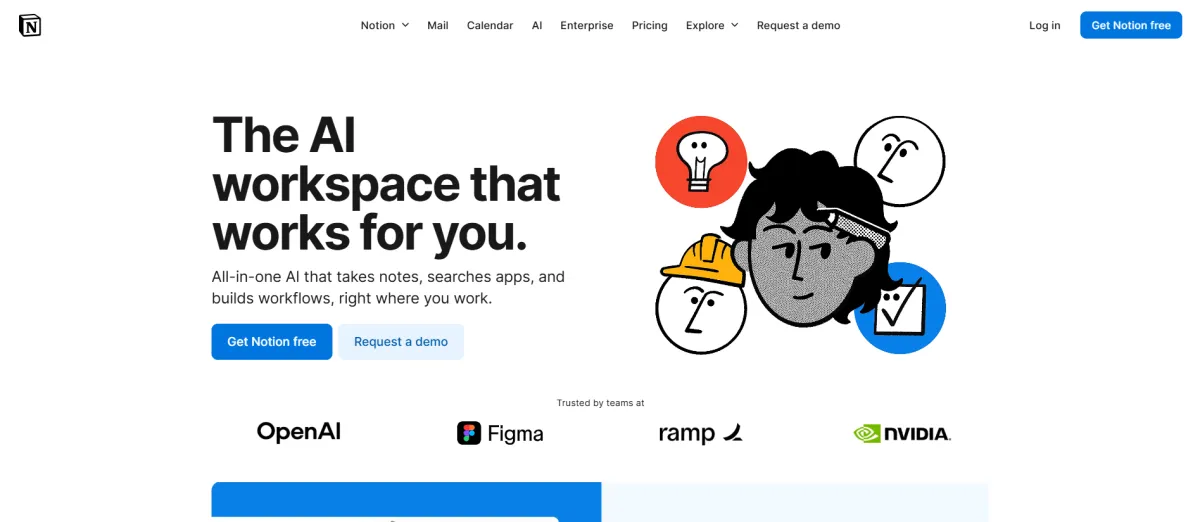
Notion is a workspace tool that lets you build pages, databases, and connected systems inside a single interface.
It handles notes and documents, project and task tracking, internal wikis and knowledge bases, and since late 2025 acts as an AI agent that can execute multi-step work across your workspace autonomously.
It has been around since 2016 and crossed 100 million users. The product shifted significantly with Notion 3.0 in September 2025, which introduced AI Agents capable of up to 20 minutes of autonomous work.
Notion 3.3, released February 2026, added Custom Agents: scheduled automation that runs 24/7 in the background without prompting.
These are shipped features, not roadmap items. The core product block-based pages and databases remains what most solo founders use every day.
The AI layer is now a real addition. But it requires the Business plan to access fully.
Solo founders and small teams use Notion for a handful of practical jobs:
Personal knowledge base. Meeting notes, research, ideas, and reference materials all in one searchable place. This is the most common solo use case and the one the free plan handles well.
Project and task tracking. Kanban boards, task lists, timelines, and simple sprint structures built inside databases. Not as purpose-built as Trello or Linear, but good enough for most one-person workflows without the extra subscription.
Client documentation. Project briefs, SOWs, proposals, and client communication logs stored in a linked database. Many consultants and freelancers use Notion as a lightweight client hub.
Content calendar management. Editorial pipelines built as a database: articles, social posts, or campaigns tracked by status, deadline, and channel. A popular use case with creators and marketers.
Meeting notes with AI. On the Business plan, the AI Meeting Notes feature transcribes calls and generates summaries automatically. Similar to Otter.ai or Fireflies, but the output lands inside your Notion workspace rather than a separate app.
Internal wiki. A structured knowledge base for processes, playbooks, and SOPs. Works solo and scales to a small team without rebuilding anything.
Create your account directly on their site. Setup is entirely self-serve, and you can test your first workflow in under 5 minutes.
Everything in Notion is a block: text, images, checkboxes, tables, embeds. Pages are built from blocks and can be organized, nested, and linked. Databases extend this to structured data with custom properties, multiple views (table, board, calendar, timeline, gallery, chart), and relations between different sets of information. You can display the same database as a Kanban board, a table, and a calendar simultaneously without duplicating anything.
On the Business plan, your personal Agent executes multi-step tasks across your workspace from a natural language instruction. It can build a project plan, break it into tasks, assign them, and draft the relevant documents in a single run of up to 20 minutes. It pulls context from your Notion pages and from connected tools including Slack, Google Drive, and GitHub. Available on desktop and mobile.
Available on the Business plan. Transcribes calls automatically and produces structured summaries, action items, and follow-ups. The output is a Notion page linked directly to your workspace. No bot joins the call. The meeting record sits alongside your other notes rather than in a separate transcription tool.
Launched February 2026. Scheduled automation that runs 24/7 without manual prompting. Set a trigger or a schedule and the agent handles the task in the background. Free to use through May 3, 2026. From May 4, 2026, Custom Agents require Notion Credits, a usage-based add-on for Business and Enterprise plans.
Three companion products included with Notion. Sites publishes Notion pages as public websites with custom domains. Calendar integrates with Google Calendar to manage time and tasks together. Mail syncs with Gmail for an AI-organized inbox. All three are available in basic form on the free plan.
If you're currently paying for Google Docs, Trello, and a standalone meeting notes tool, Notion Business at $20/month can replace all three. The consolidation case is real and specific. The free plan covers the knowledge base use case alone.
Linked databases let you connect client records, project briefs, meeting notes, and action items. Everything about a client is findable in two clicks. Works as a lightweight CRM for solo operators who don't need a full pipeline tool.
A content calendar database with status, deadline, channel, and linked draft pages is one of the most common Notion setups. It replaces standalone tools like Airtable or Trello for content workflow without adding a subscription.
If your work involves proposals, SOPs, client deliverables, or process documentation, Notion handles all of it in one place. The wiki structure scales from personal use to a small team without rebuilding anything.
Unlimited pages and sub-pages, nested hierarchies, synced blocks, rich text editing, code blocks with syntax highlighting for 60+ languages, math equations, image and file embeds
Table, board, calendar, timeline, gallery, chart, list, and feed views. Custom properties including text, number, date, select, formula, rollup, and relation. Subtasks and dependencies. Database automations. Forms with conditional logic on Business plan.
Autonomous multi-step task execution. Up to 20 minutes per run. Pulls context from Notion pages and connected tools. Available on Business and Enterprise plans.
Scheduled 24/7 background automation. Trigger-based or time-based. Free through May 3, 2026, then requires Notion Credits add-on.
Automatic call transcription with structured summaries and action items. Output is a Notion page. No bot required. Business and Enterprise only.
Search across Notion and connected apps including Slack, GitHub, Jira, Microsoft Teams, SharePoint, Google Drive, and Gmail from a single query. Business and Enterprise only.
Deep reasoning that produces detailed reports combining Notion content, connected tools, and live web data. Business and Enterprise only.
Choose GPT-5, Claude Opus 4.5, or Gemini 3 per task on Business and Enterprise plans.
Publish Notion pages as public websites. Custom domains at $8/month per domain billed annually or $10/month monthly. SEO metadata and search engine indexing on paid plans.
Google Calendar integration that connects events to Notion tasks and databases. Included free.
Gmail integration with AI triage and organization. Included free. AI capabilities require Business plan.
Slack, Google Drive on Plus. GitHub, Asana, Jira, and premium integrations on Business. MCP integrations including Figma, Linear, HubSpot, Perplexity, and Lovable. Public API with webhooks.
Desktop and mobile. Recent pages and favorites auto-download for offline use on all paid plans.
Full workspace export to HTML, Markdown, CSV, and PDF on all plans including free.
Notion has four plans. Prices below are for individual users billed annually. Prices verified March 2026 from the official Notion pricing page.
Free: $0/month. Unlimited pages and blocks for solo use. 5MB file upload limit per file. 7-day page history. Trial access to Notion AI (limited and unspecified when it cuts off). Notion Calendar and Notion Mail included. 10 external guest limit. No credit card required.
Plus: $10/user/month (billed annually) or $12/user/month monthly. Unlimited collaborative blocks, unlimited file uploads, 30-day page history, up to 100 guests. Basic integrations including Slack and Google Drive. Trial of Notion AI only — not full access.
Business: $20/user/month (billed annually) or $24/user/month monthly. Full Notion AI included: personal Agent, AI Meeting Notes, Enterprise Search, Research Mode. SAML SSO, private teamspaces, granular database permissions, 90-day page history, premium integrations. This is the plan where AI actually works.
Enterprise: Custom pricing. Adds user provisioning (SCIM), audit logs, zero data retention with LLM providers, workspace analytics, customer success manager. For teams with compliance or governance requirements.
Annual vs. monthly: Annual billing saves 20%. The difference on Plus is $24/year. The difference on Business is $48/year per user. Start monthly if you're unsure.
Education discount: Students and educators get the Plus plan free with a qualifying school email. No credit card required.
What happens if you cancel: All your content is exportable as HTML, Markdown, CSV, and PDF. Your data is yours and the export works cleanly. No meaningful lock-in compared to tools where your structure doesn't transfer.
Note on Custom Agents: Free to use through May 3, 2026. From May 4, 2026, Custom Agents will consume Notion Credits, a usage-based add-on for Business and Enterprise plans. Pricing per credit not yet fully published at time of writing.
Prices verified March 2026.
Create your account directly on their site. Setup is entirely self-serve, and you can test your first workflow in under 5 minutes.
Google Docs plus Drive for notes, documents, and file storage. Notion pages handle all of this with better organization and search.
Trello or Asana for basic task and project tracking. Notion's board and table views cover simple Kanban and list workflows without the extra subscription.
Confluence for internal wikis and team knowledge bases. Notion is cheaper, more flexible, and usable by a solo operator without an IT setup.
Otter.ai or Fireflies on the Business plan, Notion's AI Meeting Notes replaces standalone meeting transcription tools with output that lives directly in your workspace. Notion Calendar is included free and replaces basic standalone calendar scheduling tools.
Email clients Notion Mail syncs with Gmail but is not a full email replacement for most users. It works best as an AI-organized layer on top of Gmail, not as a standalone inbox.
Slack or team messaging Notion does not replace real-time communication. The Slack integration connects the two but doesn't eliminate the need for a messaging tool.
Specialized dev project management Jira and Linear handle complex sprint planning, advanced workflow automation, and team-level reporting better than Notion.
If your engineering workflow depends on those features, keep the dedicated tool.
Long-form writing tools Notion's block editor works for structured documents but is not ideal for long-form writing that requires clean export or publishing. Some writers still use Google Docs or Craft for long drafts.
Notion is one of the few tools that can actually reduce the number of apps you're paying for rather than adding to the pile.
Whether it replaces everything in your current stack depends on how complex your workflows are.
For a solo founder with straightforward needs, the consolidation case is strong.
For someone with complex dev workflows or specialized tooling, Notion sits alongside rather than replacing.
No reviews yet. Be the first to review this tool!
Explore alternatives and similar solutions in the same category.

An end-to-end AI ad agent that transforms URLs into high-performing video creatives in minutes.
An AI-powered design generator that turns text and images into professional visual content instantly.

An AI-powered design tool for non-designers to create high-fidelity prototypes and UI designs in minutes.

An idea-to-video platform that combines professional camera control with playful, physics-based AI effects.
Save tools to your account.
