An AI-powered video copilot that turns text prompts into complete, ready-to-publish videos.
Fast and genuinely useful for rough draft video, undermined by a credit system that punishes iteration and a refund policy that offers little real protection. The score is held up by real speed: a coherent first draft video from a single prompt in about 15 minutes is a genuine time saver for someone with no editing background. Bottom line: if you're producing one or two videos a month and can live with Basic quality output most of the time, Plus at $20/month is a reasonable bet.
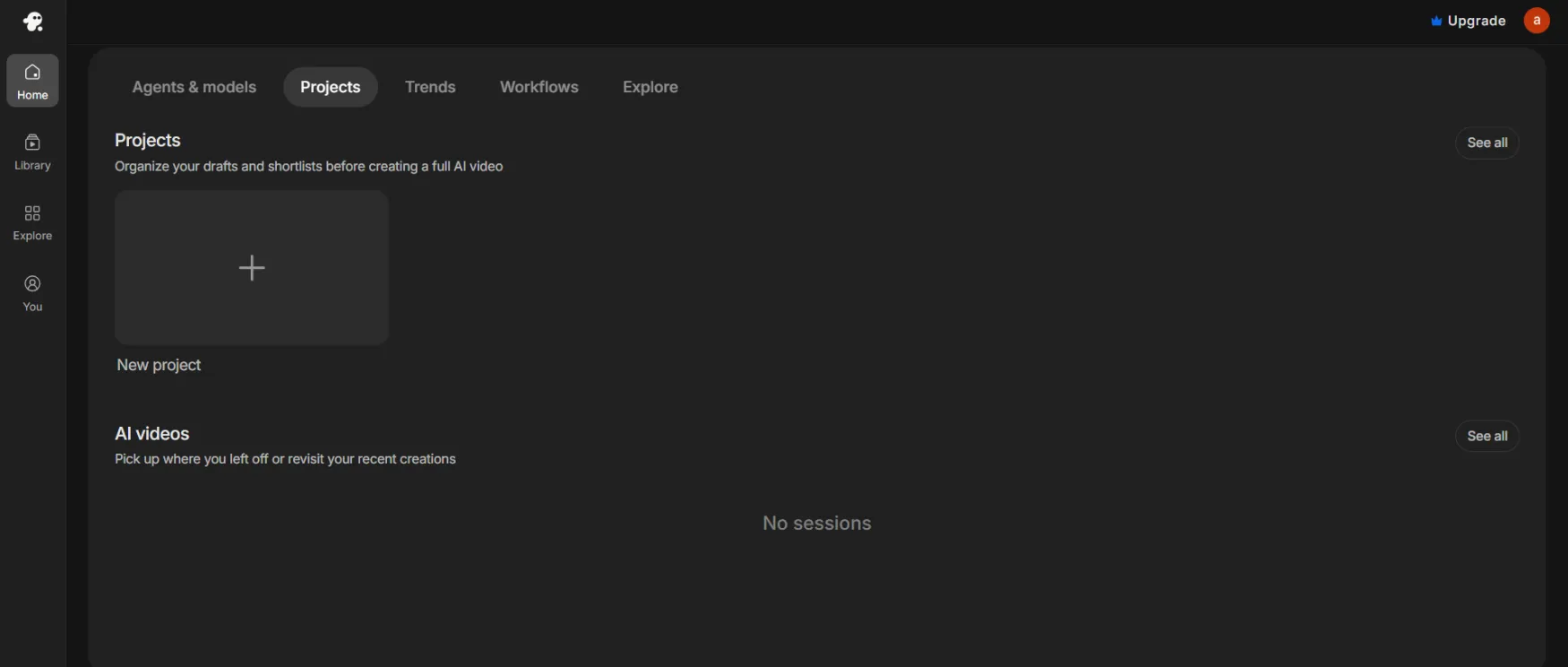
Create your account directly on their site. Setup is entirely self-serve, and you can test your first workflow in under 5 minutes.
We tested the free tier by generating a 45 second educational Short for a solo consultant.
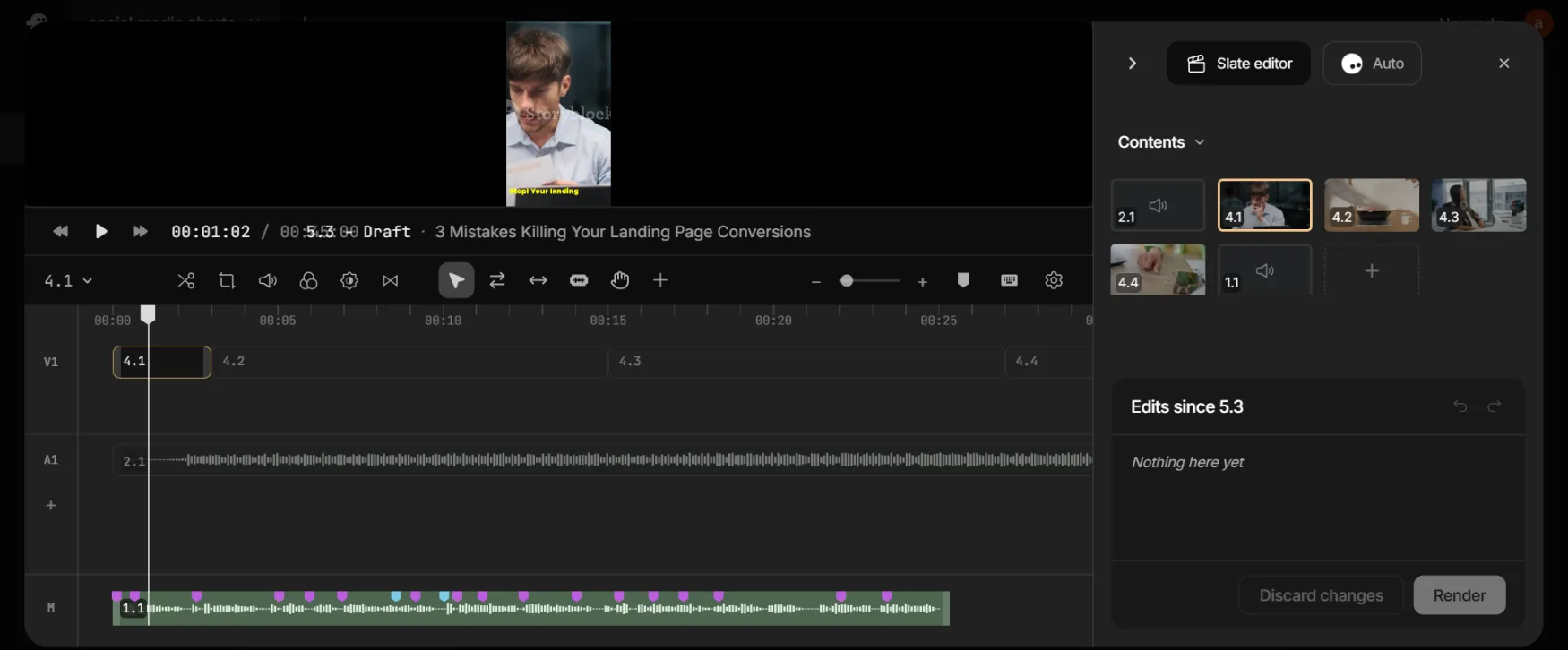
Input (2 minutes): We pasted a detailed prompt asking for a video on '3 Mistakes Killing Your Landing Page Conversions' formatted for YouTube Shorts, specifying an energetic American male voice, bold yellow captions, and modern workspace stock footage.
Generation (10 minutes): invideo assembled a full draft using standard stock assets and its built in text to speech engine on the first attempt. Refining (15 minutes): The script structure was solid, but the AI chose overly dramatic background music and one stock clip looked too corporate.
There are two options to perform edits. You can either use the edit tool that they have, keeping in mind it cannot be used to trim scenes since scenes can only be added or deleted, but you can edit and trim the background music and the voiceover.
Or, you can prompt it to make changes.
We used plain language commands like 'Change the music to upbeat lofi' and 'Replace the second scene with a minimalist desk setup' to fix it and we have been hit with a payment wall. 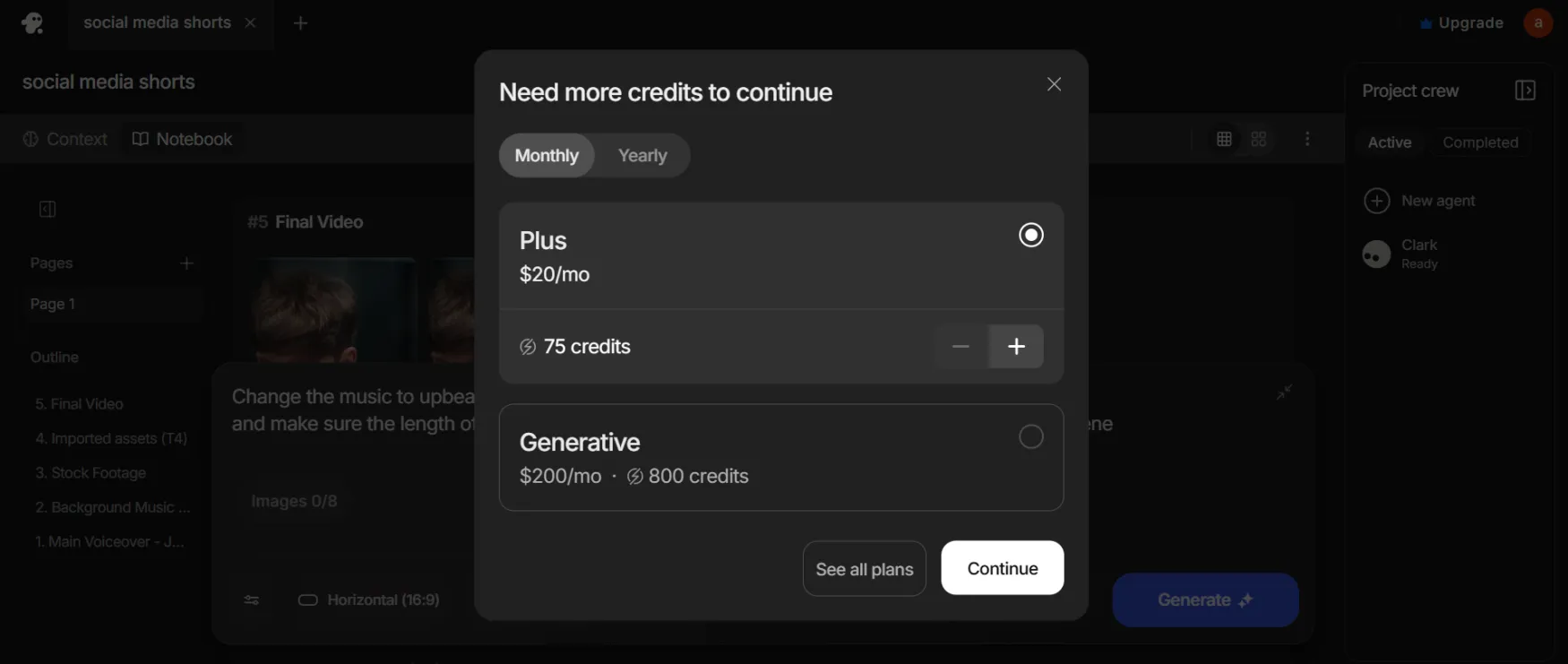
Total time: ~27 minutes from a blank screen to a finished, albeit watermarked, draft.
the result:
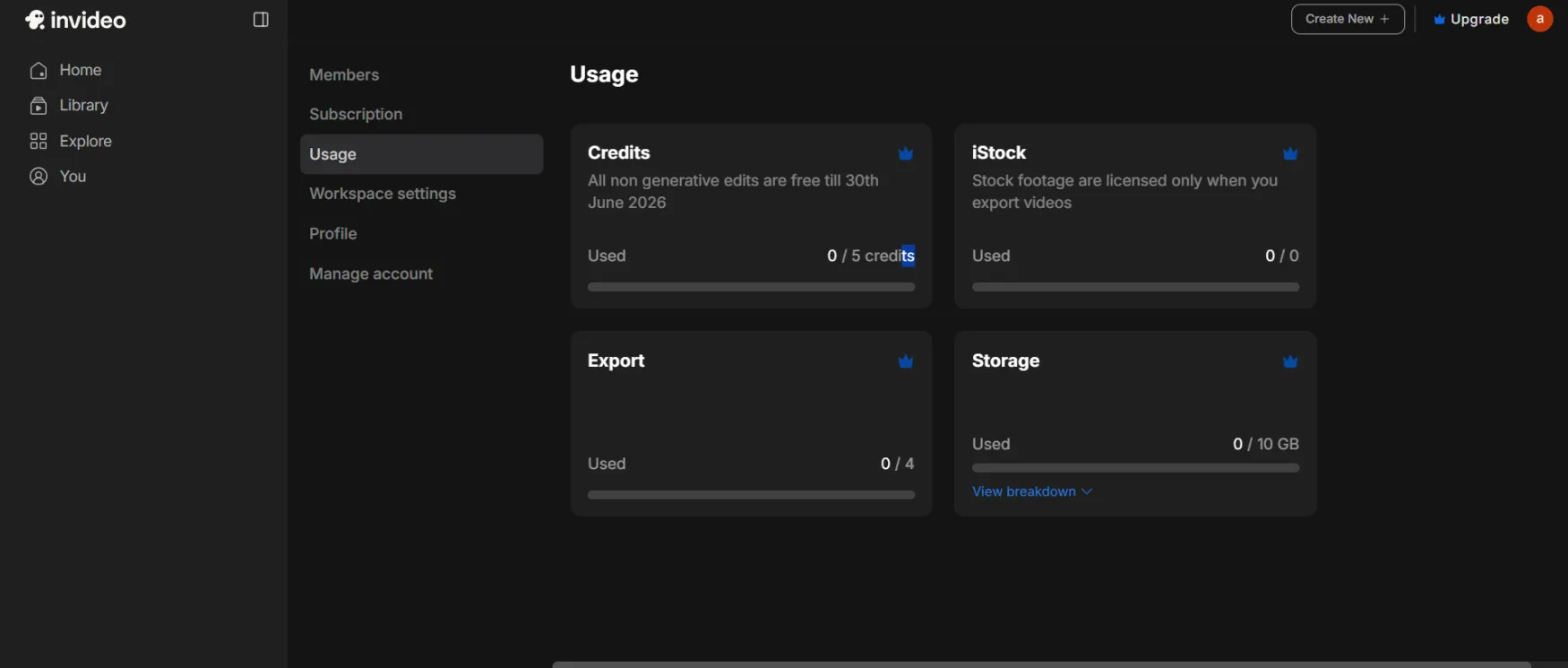
Free Plan: Limited weekly credits, watermarked exports, no credit card required. Fine for testing the prompt-to-video flow; not viable for anything you'd actually publish.
Plus — $20/month (the plan most solo founders would actually buy):
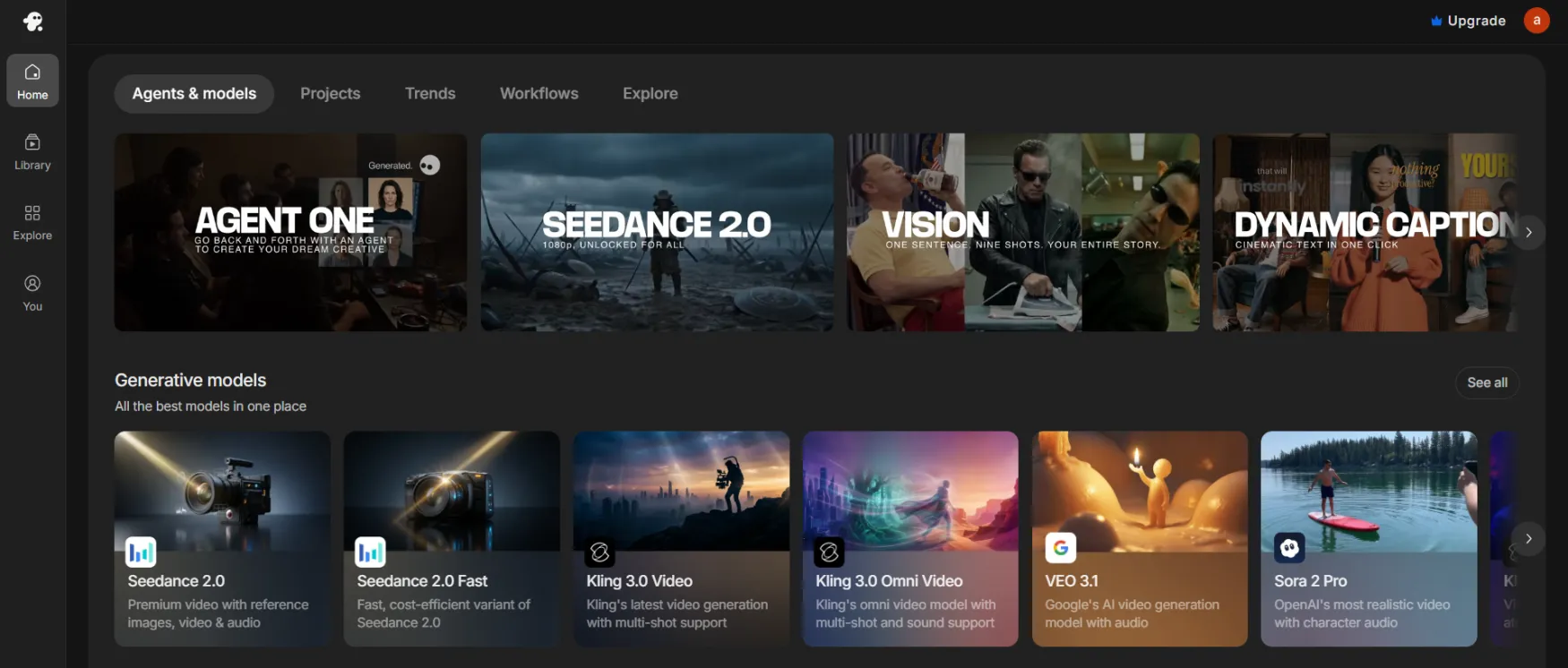
75 credits/month. Covers roughly 300 Nano Banana Pro or 600 Nano Banana 2 image generations, plus access to Seedance 2.0, Veo 3.1, and Kling 3. Includes 4 AI avatars/voice clones, 20 GB storage, 100 iStock assets, and unlimited watermark-free exports. This is enough to test the tool seriously, but video generation using premium models can consume a meaningful share of your monthly credits in a single project.
Max — $100/month: 390 credits/month, 16 AI avatars/voice clones, 2x concurrency, 100 GB storage. A 5x price jump from Plus for occasional-but-regular use — don't upgrade until you're consistently running dry on Plus.
Generative — $200/month: 800 credits/month, 40 AI avatars/voice clones, 10x concurrency, 2 TB storage. Built for daily production, not solo founder use.
Elite — $1,000/month: 4,250 credits/month, 200 AI avatars/voice clones, 10 TB storage. This is an agency/studio tier — irrelevant to a one-person business.
Annual vs. Monthly: invideo has historically discounted annual billing by roughly 20%. Confirm the current annual rate at checkout before committing — we could not verify it held after this pricing restructure.
Price History: ⚠️ Watch this. invideo moved from a weekly-minutes model to a monthly-credit model, then restructured again into the four-tier ladder above, all within roughly 12 months. Two structural pricing changes in a year is not a stable trajectory — budget for the possibility of another change.
If You Cancel: Per invideo's Terms and Conditions, you keep access through the end of your billing period, then drop to the Free plan. Previously exported/downloaded files remain yours. AI avatars and voice clones stay locked inside your invideo account — they are not exportable to another tool.
⚠️ The plan most solo founders actually need: Plus at $20/month, with the explicit expectation that Pro/Ultra quality video will consume it faster than the credit count suggests.
Prices last verified July 2026 against invideo's stated tier structure. Confirm current rates at invideo.io/pricing before subscribing.
Create your account directly on their site. Setup is entirely self-serve, and you can test your first workflow in under 5 minutes.
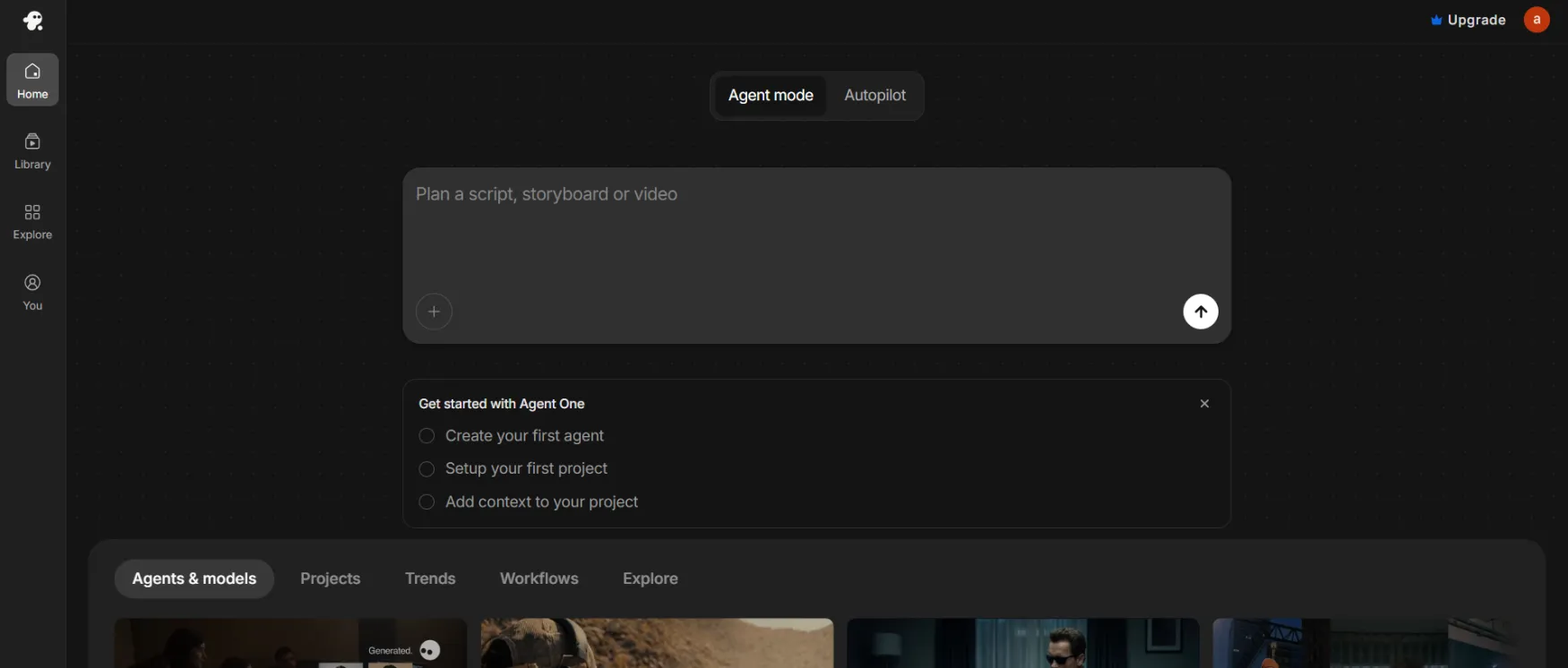
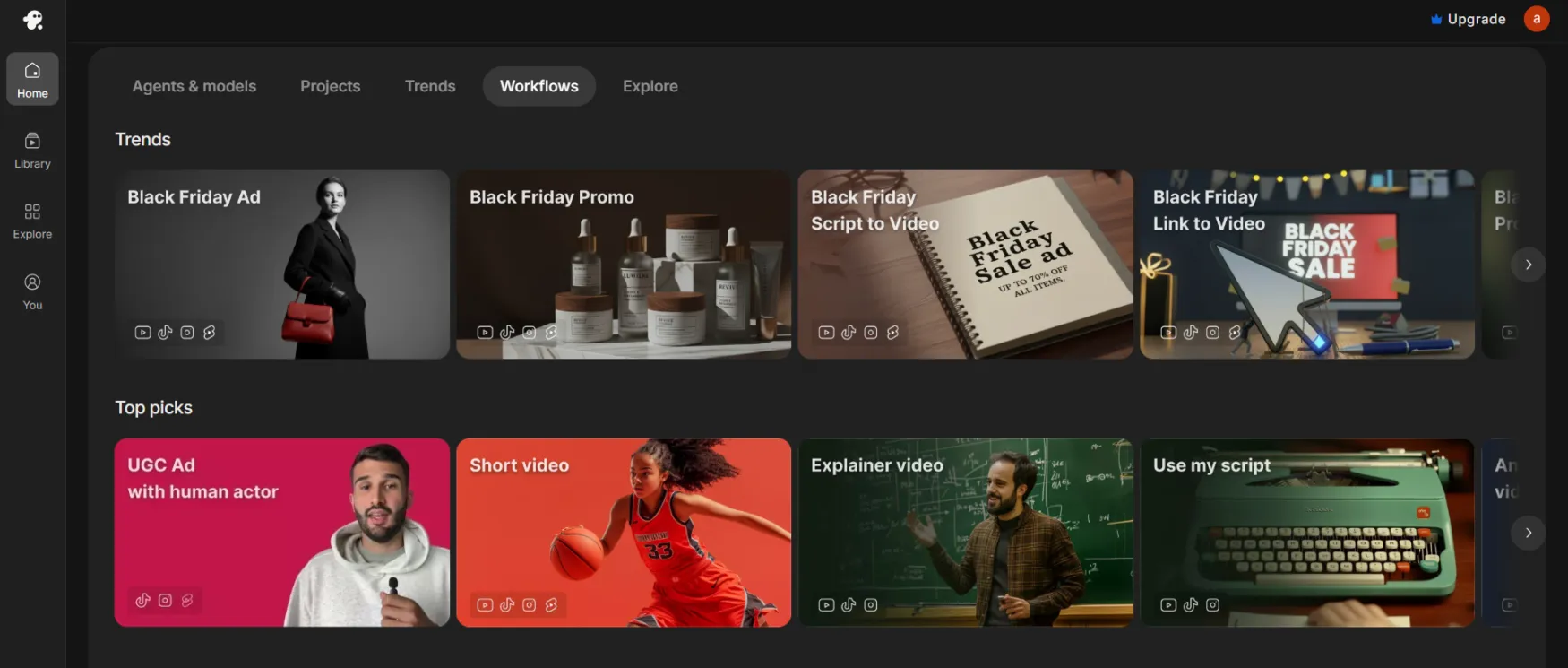
The interface is built around a single prompt box rather than a traditional timeline, which is the right call for the audience: you're not learning editing software, you're describing an outcome. The Autopilot/Agent One split is a sensible division, but it's not always obvious upfront which mode a given task needs. The storyboard view is genuinely useful for spotting a scene that's gone off brief. Credit balance is visible, but the breakdown isn't surfaced clearly enough at the point where you're about to spend them. For a solo founder, the biggest UX gap is the absence of a clear cost preview before you hit generate.
| Feature | Rating | Details |
|---|---|---|
| AI Video Generator (prompt to video) |
|
Fast, structurally coherent first drafts but specific prompts are essential or output drifts generic. |
| AI Avatars (Express and Pro) |
|
Solid for short scripts; lip sync accuracy degrades on longer, fast paced narration. |
| Voice Cloning (50 plus languages) |
|
English clones are convincing; several non English languages sound noticeably less natural. |
| Stock Media Library |
|
Genuinely large and well integrated, acting as a real cost saver versus generating every visual with credits. |
| Generative Model Access |
|
Real value if you'd otherwise pay for these separately, but usage is billed against the same shared credit pool. |
| Credit Transparency |
|
Quality tier and add ons affect burn rate in ways not obvious before you generate. |
| Refund Policy |
|
Technically a 7 day window, practically closed the moment anything is generated or downloaded. |
| Editing Control (post generation) |
|
Plain language edit commands work for simple changes; fine manual control still requires the older Studio editor. |
Create your account directly on their site. Setup is entirely self-serve, and you can test your first workflow in under 5 minutes.