
AI agents for browser-based workflow automation
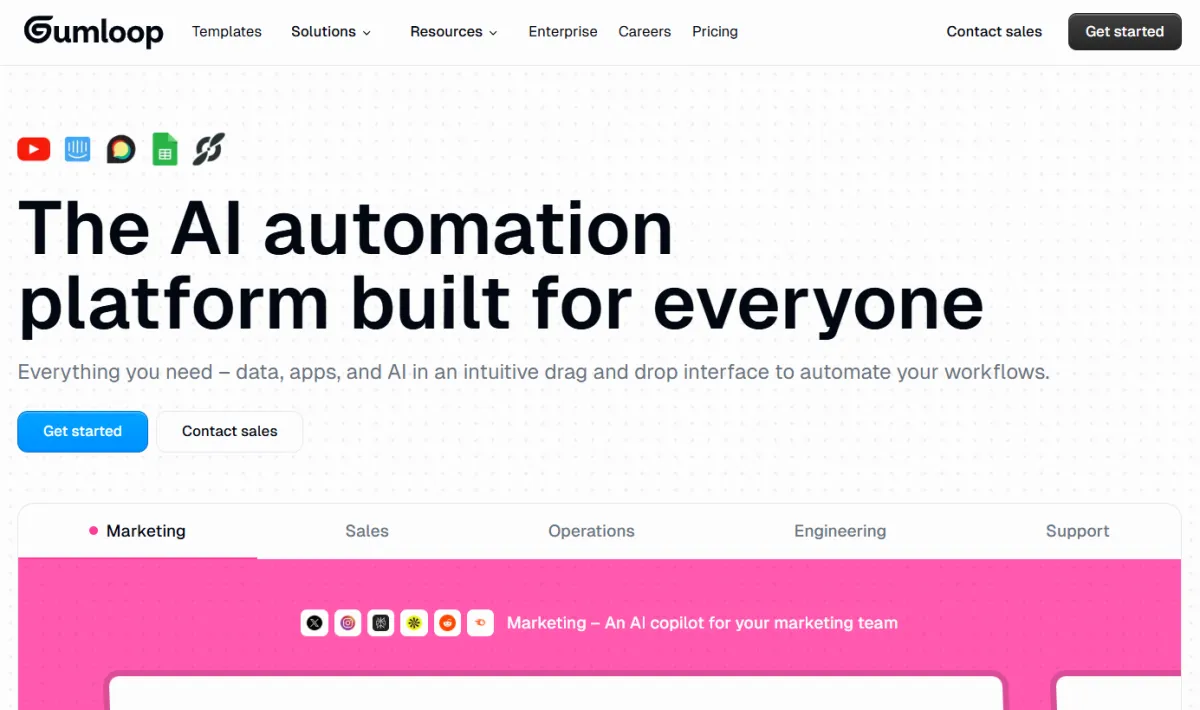
Gumloop is an AI native automation platform that lets you build agents and workflows through a visual, drag and drop canvas. Founded in 2023 and backed by Y Combinator, the company raised a $50 million Series B led by Benchmark.
The core idea: traditional automation tools like Zapier were built for moving data between apps on fixed rules, with AI bolted on afterward. Gumloop was built with AI as the engine from day one, so an agent can read something, reason about it, write its own code if needed, and decide what to do next based on context, not just a fixed if this then that rule.
The most common real world use is a workflow that watches a source, has AI reason through what it finds, then acts on the result without you touching it. This is aimed at tasks that repeat weekly and genuinely eat time if you're doing them by hand.
Documented use cases on the platform include:
You build a workflow by connecting visual nodes on one screen, with no code required. Each node is a step: pulling data, running AI reasoning, or taking an action.
When a task needs custom data processing, the agent can write Python and execute it in a sandbox on its own, without you writing anything. This is a capability traditional automation tools simply don't have.
Gumloop connects to more than 100 apps and services, from Gmail and Slack to Salesforce and Snowflake, through the MCP protocol. You can also build a custom connector using a plain language prompt instead of writing a full integration.
Instead of opening a separate app, you interact with the agent directly inside Slack, Gmail, or Teams, asking it a question the way you'd ask a coworker, and it answers from your actual data.
The agent doesn't just fetch information, it can build a complete report or dashboard as a shareable file, with version history kept automatically.
Automatically turning one piece of content into multiple formats for different platforms.
Researching and qualifying leads automatically by pulling data from the web.
Tracking competitors and market changes without manual check ins.
Prepping meeting briefs and automating tasks that need a reasoning or decision step, not just data movement.
Visual Workflow Builder, AI Agents, Skills, Artifact Generation, Evaluations, Agent Reflections, Code Sandboxes, Secrets Vault
100+ App Connectors, MCP Server Hosting, Bring Your Own API Keys, Webhooks
Unlimited Seats, Teams, Unified Billing, Shared Credentials, Analytics Agent
Role Based Access Control, SCIM/SAML Support, Admin Dashboard, Audit Logs, Virtual Private Cloud Deployment, Zero Data Retention, SOC 2 Type II Certified, GDPR Compliant
Free Plan: 5,000 credits/month, 1 seat, 1 active trigger, 2 concurrent workflow runs, and 5 concurrent agent interactions. Enough to test the platform and build a simple automation.
Pro: Starting at $37/month. Begins at 20,000+ credits/month and scales up through a pricing slider based on your needs. Includes unlimited seats and 5 concurrent runs.
Enterprise: Custom pricing. Adds role based access control, SCIM/SAML support, an admin dashboard, audit logs, and data exports.
⚠️ Worth knowing: The credit system charges a different amount per step depending on complexity. A heavy AI task or multi site scraping job can burn through credits faster than you'd expect.
If you're already using Zapier or Make for simple two app triggers (when an email arrives, post to Slack), Gumloop won't necessarily replace that setup, because its real advantage shows up when the task needs judgment, not just data transfer.
Your daily apps like Gmail, Sheets, and Slack. Gumloop doesn't replace the apps themselves, it sits on top of them and adds a reasoning layer.
The actual difference: Zapier connects, Gumloop decides. When you need a tool to read a page, understand it, and choose what to do based on that understanding, that's where Gumloop pulls ahead.
No reviews yet. Be the first to review this tool!
Explore alternatives and similar solutions in the same category.

AI-powered workflow automation platform to connect and automate 7,000+ apps.
Jasper lets a marketing team produce blogs, ads, and social posts that all sound like the same brand, without writing every piece from scratch by hand.

A flexible platform that combines the power of a database with the ease of a spreadsheet to build custom business systems.
The primary platform for autonomous marketing and multi-channel automation
Save tools to your account.
