

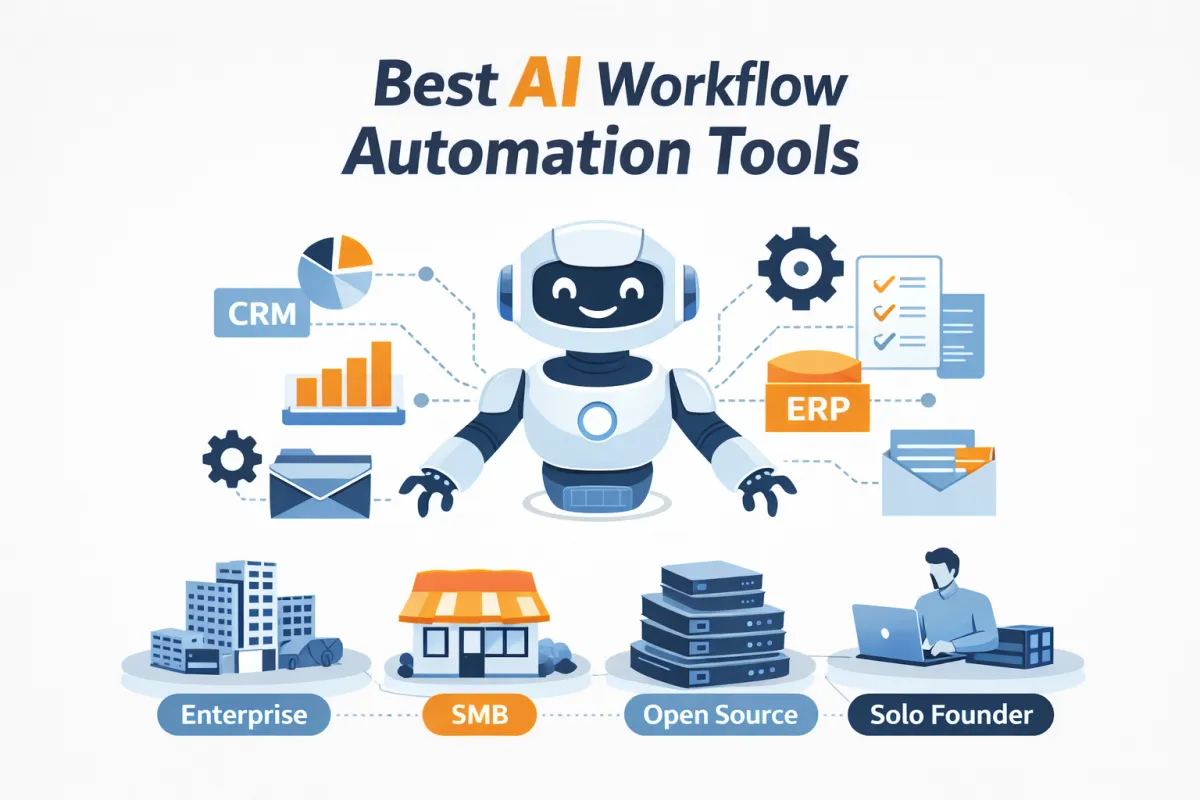
Choosing the right workflow automation tool isn't about finding the "best" platform on the market. It's about finding the best platform for your specific situation. A Fortune 500 company needs different capabilities than a three-person startup. An IT operations team has different requirements than a solo content creator.
In this comprehensive guide, we'll break down the top workflow automation tools by use case, so you can skip the hype and find exactly what you need. Whether you're running enterprise-wide business process automation, streamlining operations for a small business, building custom workflows on open-source infrastructure, or just trying to save a few hours each week as a solo founder, we've got you covered.
Quick Pick: Find Your Tool in 30 Seconds
Who You Are | Top Recommendation | Best For |
|---|---|---|
Enterprise | Cross-department workflows with governance | |
SMB | Fast setup with 7,000+ app integrations | |
Technical Teams | Self-hosted, AI-native workflows | |
Solo Founders | Cost-effective with visual workflow builder |
Enterprise Workflow Automation Tools
Enterprise organizations need workflow automation platforms that can handle complexity at scale. Unlike SMB tools, enterprise solutions must navigate strict governance requirements, support cross-department workflows, integrate deeply with legacy systems, and provide the reliability and vendor support that comes with managing mission-critical business processes.
What Enterprises Look For
• Governance, security, and compliance features including SOC2 certification, RBAC (role-based access control), and comprehensive audit logs
• Cross-department workflow orchestration spanning finance, HR, sales, IT, and operations
• Deep integrations with enterprise resource planning systems and customer relationship management platforms
• Guaranteed uptime, scalability to handle thousands of workflows, and dedicated vendor support
1- Workato
Why enterprises choose it as a "central nervous system"
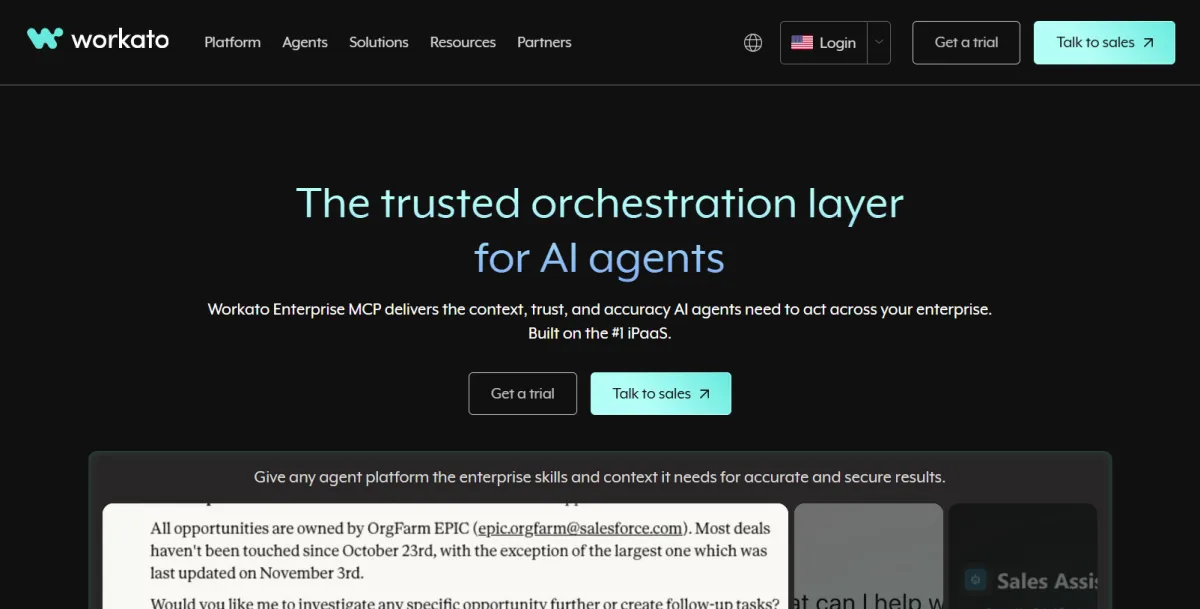
Workato has become the go-to iPaaS (Integration Platform as a Service) for enterprises that need to connect their entire tech stack without creating chaos. What sets Workato apart is its ability to handle end-to-end business processes like order-to-cash and procure-to-pay workflows that span multiple departments and systems. The platform provides IT teams with the governance and control they need while still empowering business teams to build and modify workflows without constant developer intervention.
Best Tech Stacks
• Salesforce + NetSuite for sales and finance alignment
• Salesforce + Workday for revenue and HR operations
• NetSuite + SAP for complex ERP environments
• Slack or Microsoft Teams for workflow notifications and approvals
Best For: Large organizations with multiple departments, complex approval chains, and a need to connect dozens of enterprise applications without creating technical debt.
2- ServiceNow
IT as the workflow backbone of the company
For enterprises where IT operations are at the heart of the business, ServiceNow offers unmatched depth in ITSM (IT Service Management) and ITOM (IT Operations Management). The platform excels at automating incidents, change management, and service requests with AI-assisted ticket routing that gets smarter over time. ServiceNow has expanded beyond IT to support enterprise service management across HR, facilities, and customer service, but its sweet spot remains organizations where technology operations drive most workflows.
Best Tech Stacks
• ServiceNow + Microsoft 365 for enterprise productivity
• ServiceNow + Slack for real-time IT collaboration
• ITSM and ITOM ecosystem tools for comprehensive IT automation
Best For: Enterprises where IT operations are central to the business, especially in technology companies, financial services, and large healthcare organizations.
3- Tray.ai
API-first automation for revenue teams
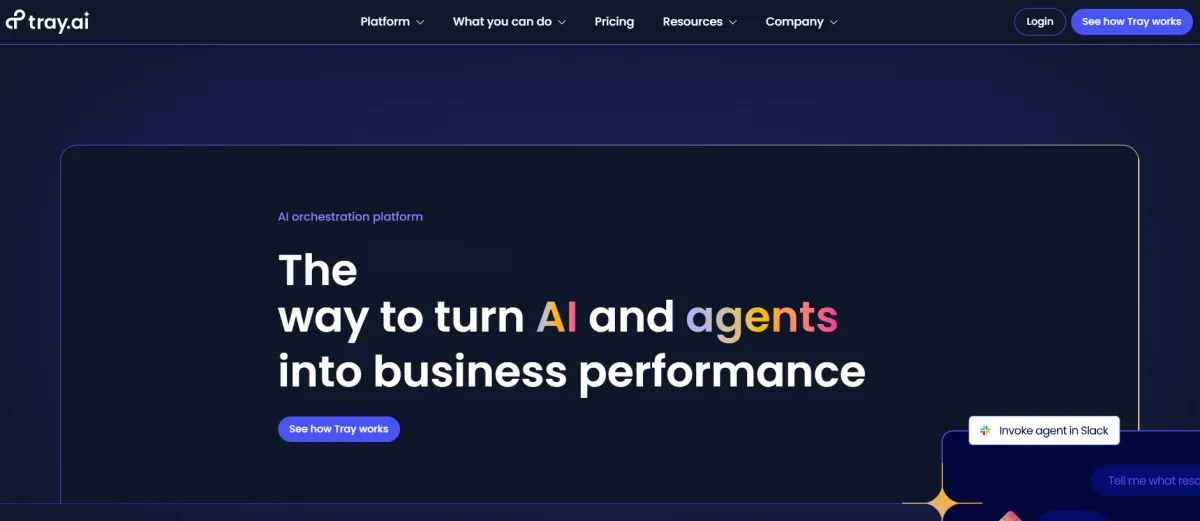
Tray.ai positions itself as the automation platform for revenue operations teams that need to move fast without sacrificing sophistication. The platform handles high-volume, complex data flows between sales, marketing, and customer success tools with an API-first architecture that gives technical users maximum flexibility. Where Tray.ai really shines is in custom SaaS integrations for RevOps workflows that typical automation tools struggle with.
Best Tech Stacks
• Salesforce or HubSpot as the CRM foundation
• RevOps tools like Gong, Outreach, and Marketo for sales automation and enablement
Best For: Sales, marketing, and customer success teams with heavy automation requirements and technical resources to support advanced workflows.
4- Celoxis
Project and portfolio management as the automation core
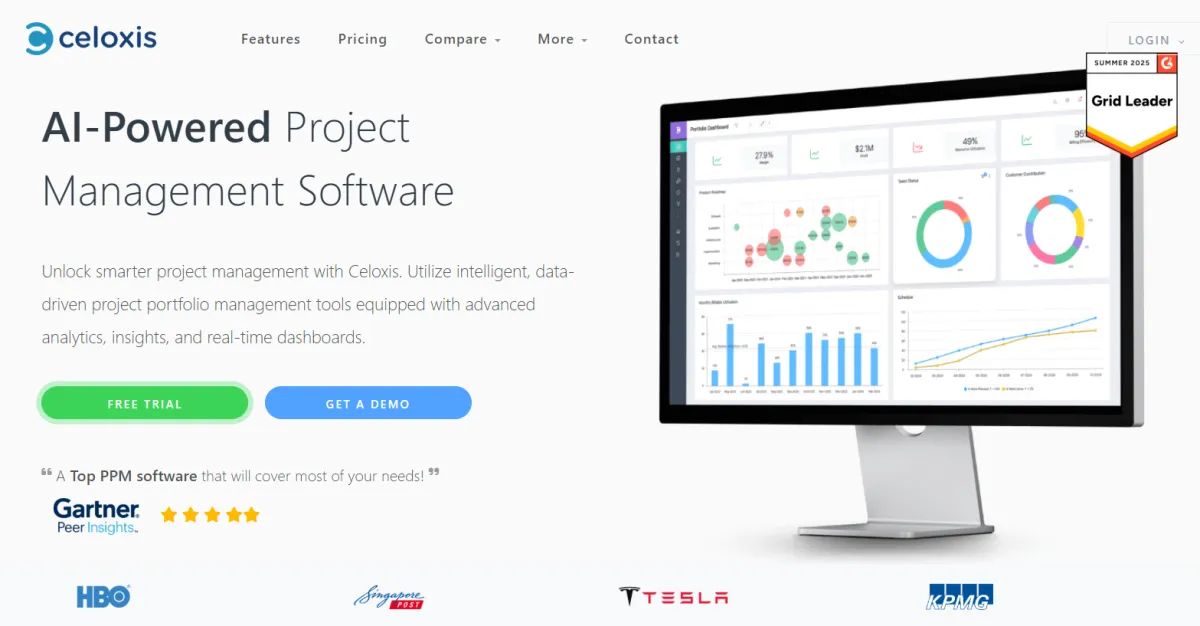
Celoxis takes a different approach by making project and portfolio management the center of workflow automation. For enterprises where projects and delivery timelines drive operations, particularly in professional services, consulting, and agencies, Celoxis connects resource planning, approval workflows, and delivery tracking into a unified system. The platform helps businesses automate the connective tissue between project execution and broader business workflows.
Best Tech Stacks
• Celoxis + Microsoft 365 or Google Workspace for document collaboration
• Celoxis + Jira for development project synchronization
Best For: Enterprises where project delivery is the operational backbone, including consulting firms, agencies, and professional services organizations.
SMB and Small Business Automation Tools
Small and medium-sized businesses need automation tools that deliver immediate value without requiring a dedicated IT team. The best SMB automation platforms offer fast setup, affordable pricing, pre-built integrations with popular SaaS tools, and enough power to handle real business workflows without overwhelming non-technical users with enterprise complexity.
What SMBs Look For
• Quick implementation with minimal IT involvement or technical expertise required
• Pre-built integrations with the popular SaaS applications SMBs already use
• Transparent pricing that scales with business growth without surprise costs
• Sufficient automation capabilities without the overhead of enterprise-grade features
1- Zapier
The "glue" for modern SaaS stacks

Zapier has become synonymous with no-code automation for good reason. With over 7,000 app integrations, it offers the broadest ecosystem of pre-built connectors in the market. While Zapier sacrifices some customization depth compared to enterprise platforms, it wins on speed and ease of use. Most SMB teams can build their first automation in minutes without reading documentation. The platform's strength is connecting the modern SaaS stack that SMBs actually use: Google Workspace, Slack, HubSpot, Mailchimp, and hundreds of other popular tools.
Best Tech Stacks
• Google Workspace + Slack + HubSpot or ActiveCampaign for marketing automation
• Microsoft 365 + Teams + Pipedrive or HubSpot for sales workflows
Best For: Marketing, sales, and operations teams that need to automate everyday work without technical resources or IT support.
2- Make (formerly Integromat)
Visual, data-heavy workflows at scale
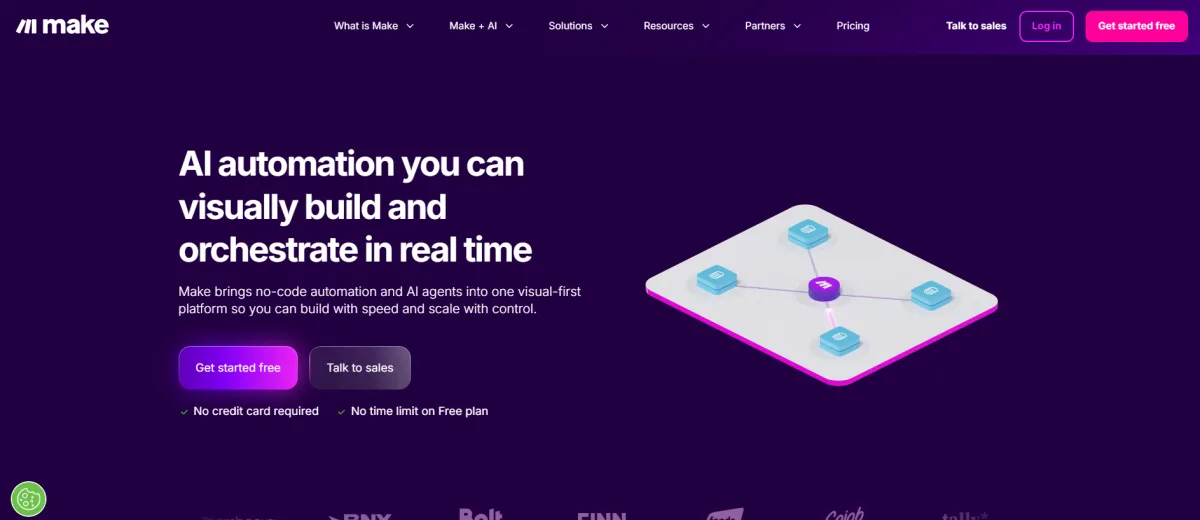
Make offers SMBs more control and sophistication than Zapier at a significantly lower cost per operation. The visual workflow builder makes complex logic accessible to non-developers while providing the power users crave. Make particularly excels at data transformation workflows where you need to manipulate, filter, or combine information from multiple sources. For SMBs with at least one technical team member who can build templates, Make delivers enterprise-grade capabilities at SMB prices.
Best Tech Stacks
• Google Workspace or Microsoft 365 for productivity
• Airtable, Webflow, Shopify, or WooCommerce for content and e-commerce workflows
Best For: SMBs with technical users who need complex workflows, data transformations, and want cost efficiency at scale.
3- ClickUp Automations
Automating work where tasks already live
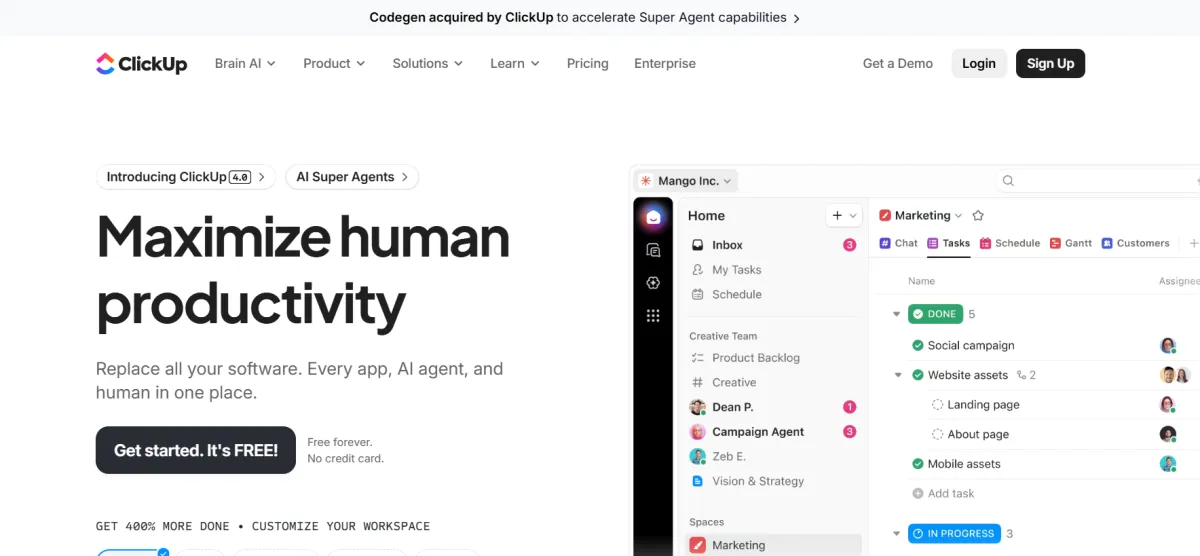
For teams already using ClickUp as their project management hub, ClickUp Automations eliminates the need for external workflow tools in many cases. The platform handles status-based triggers, SLA notifications, and task routing natively within the workspace where work actually happens. While not as powerful as dedicated automation platforms for cross-app workflows, ClickUp Automations shines at reducing context switching and avoiding tool sprawl for teams committed to the ClickUp ecosystem.
Best Tech Stacks
• ClickUp + Google Workspace or Microsoft 365 for document workflows
• ClickUp + Slack for team communication and notifications
Best For: Teams already using ClickUp as their central work management platform who want to automate workflows without adding another tool.
4- Airtable Automations
Airtable as a lightweight operational database
Airtable has evolved from a smart spreadsheet into a powerful low-code database with native automation capabilities. For SMBs that need structured data management without implementing a full CRM or ERP system, Airtable serves as an operational database that can automate everything from content calendars to inventory tracking to lightweight CRM workflows. The native automations handle simple triggers well, and the platform extends seamlessly to Zapier or Make for more complex integrations.
Best Tech Stacks
• Airtable + Zapier or Make for extended automation capabilities
• Airtable + Google Workspace or Microsoft 365 for productivity workflows
Best For: SMBs that need operational structure and automation without implementing a full CRM or ERP system.
Open-Source and Self-Hosted Workflow Tools
Technical teams and privacy-conscious organizations increasingly turn to open-source and self-hosted automation platforms. These tools offer complete data control, unlimited customization, lower long-term costs, and the flexibility to experiment with AI-native workflows without vendor lock-in or usage-based pricing concerns.
What This Audience Looks For
• Complete data privacy and control over where workflow data is stored and processed
• Extensibility through custom logic, API integrations, and code-level modifications
• Reduced long-term costs by avoiding per-operation or per-user pricing models
• Freedom to experiment with AI agents, custom models, and novel automation approaches
1- n8n (Open-Source)
Self-hosting and privacy advantages
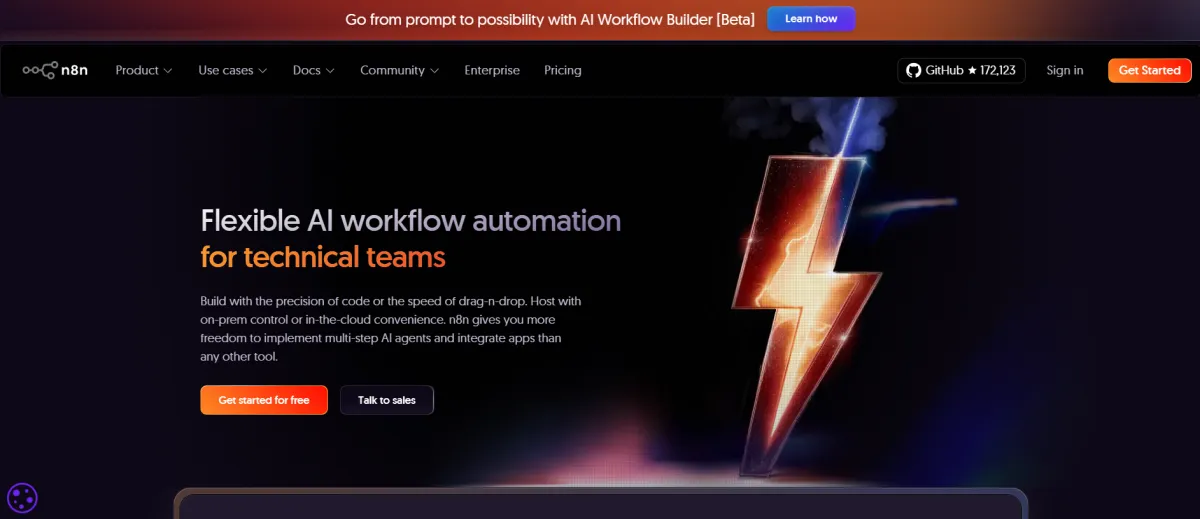
n8n has emerged as the leading open-source alternative to Zapier and Make, offering a fair-code license that allows free self-hosting while generating revenue through a cloud offering. The platform provides a visual workflow builder similar to commercial tools but with the critical advantage of complete data sovereignty. For technical teams, n8n supports complex API workflows and has become particularly popular for AI-heavy automations that integrate local language models, vector databases, and custom AI agents.
Best Tech Stacks
• Docker or VPS deployment for self-hosted control
• Notion, Slack, and GitHub APIs for knowledge work automation
• Ollama, Qdrant, and PostgreSQL for AI-native workflow experiments
Best For: Technical teams that need data privacy, want to avoid vendor lock-in, and are building AI-heavy workflow automations.
2- Getint (Self-Hosted)
Bidirectional sync as a core value proposition
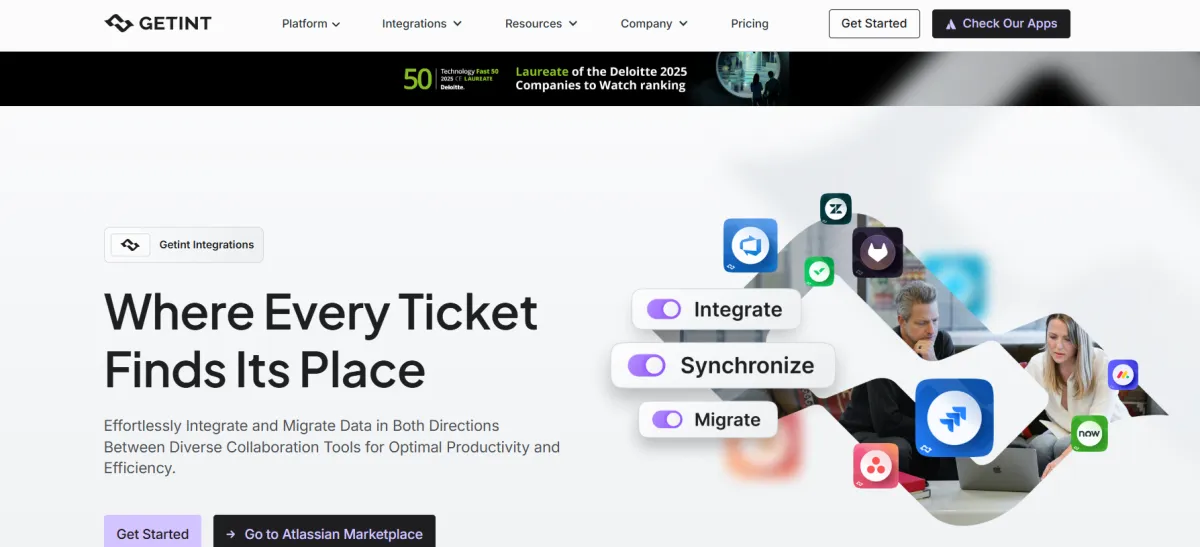
While most automation tools treat synchronization as an afterthought, Getint specializes in keeping disparate systems perfectly aligned through bidirectional sync. This is critical for organizations where IT teams work in ServiceNow or Jira while business teams operate in Salesforce or HubSpot. Getint prioritizes reliability and data integrity over flashy automation features, making it the go-to solution when tools absolutely must stay in sync without data loss or conflicts.
Best Tech Stacks
• Jira + ServiceNow for development and IT alignment
• GitHub or Azure DevOps syncing with project management tools
• Salesforce or HubSpot bidirectional sync for business alignment
Best For: Organizations where different teams use different tools but data must stay perfectly synchronized across systems.
Solo Founder and Indie Automation Tools
Solo founders and indie hackers need automation that saves time immediately without becoming another project to maintain. The best tools for this audience offer generous free tiers, require minimal setup, and deliver quick wins on common workflows like lead capture, customer onboarding, and payment notifications.
What Solo Founders Look For
• Speed of implementation over perfection, with workflows that work well enough
• Free tiers or low-cost plans that accommodate early-stage business constraints
• Set-it-and-forget-it reliability without constant monitoring or maintenance
• Immediate time savings on repetitive tasks that distract from building the product
1- Zapier
Rapid prototyping and validation
For solo founders, Zapier's value isn't sophistication but speed. You can automate lead capture from landing pages, set up customer onboarding sequences, and handle payment notifications in minutes rather than hours. The free tier supports basic automations, and the extensive template library means you rarely build from scratch. Zapier serves as the automation layer that lets you validate business ideas without hiring a developer.
Best Tech Stacks
• Google Workspace or Microsoft 365 for email and documents
• Notion or Slack for personal organization and communication
• Stripe, Gumroad, or Paddle for payment automation
Best For: Solo founders who need quick automation wins to free up time for product development and customer acquisition.
2- Make
Advanced flows without engineering teams
Make offers solo founders with technical skills the ability to build sophisticated workflows at a fraction of Zapier's cost. The free tier is more generous with operations, and the per-operation pricing makes it economical as you scale. For founders comfortable with logic and data transformations, Make provides enterprise-grade workflow capabilities without the enterprise price tag.
Best Tech Stacks
• Webflow or Framer for website and landing page automation
• Airtable for lightweight database and CRM functionality
• Stripe and Telegram for payments and notifications
Best For: Technical solo founders who want power-user automation capabilities at indie-friendly prices.
3- Notion Automations
Notion as a personal operating system
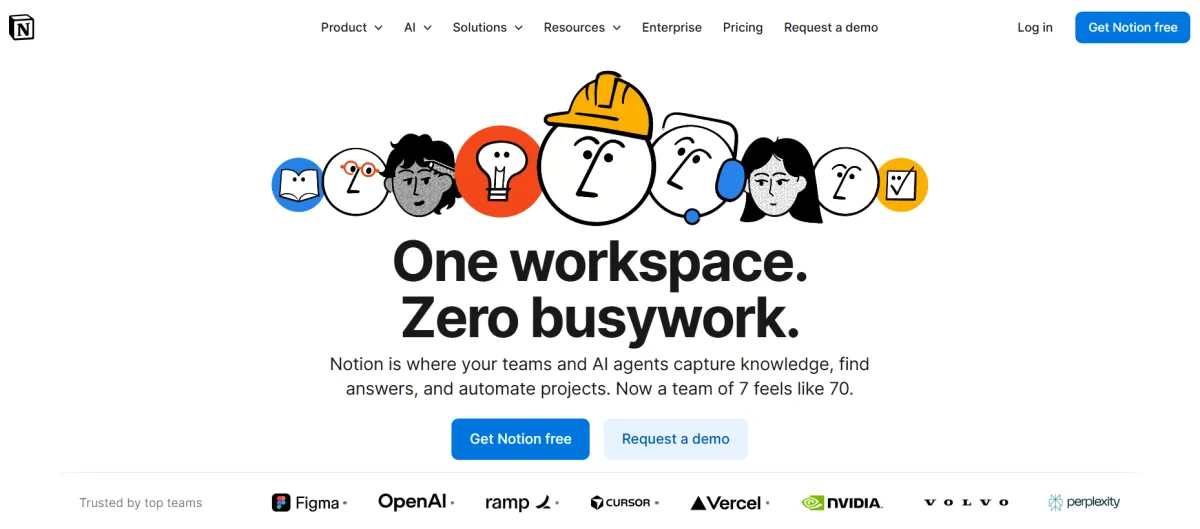
Many solo founders already use Notion as their second brain, tracking everything from product roadmaps to content calendars. Notion's built-in automations handle database-driven workflows like updating task statuses, sending notifications, and organizing information without leaving the platform. While limited compared to dedicated automation tools, Notion Automations reduce friction for founders who want to consolidate their stack rather than add another tool.
Best Tech Stacks
• Notion + Google Workspace or Microsoft 365 for document workflows
• Notion + Calendar and email tools for scheduling automation
• Pair with Zapier or Make when external integrations are needed
Best For: Founders who live in Notion and want lightweight automation without adding complexity to their workflow.
4- Slack Workflow Builder and Discord Bots
Automations where communication happens
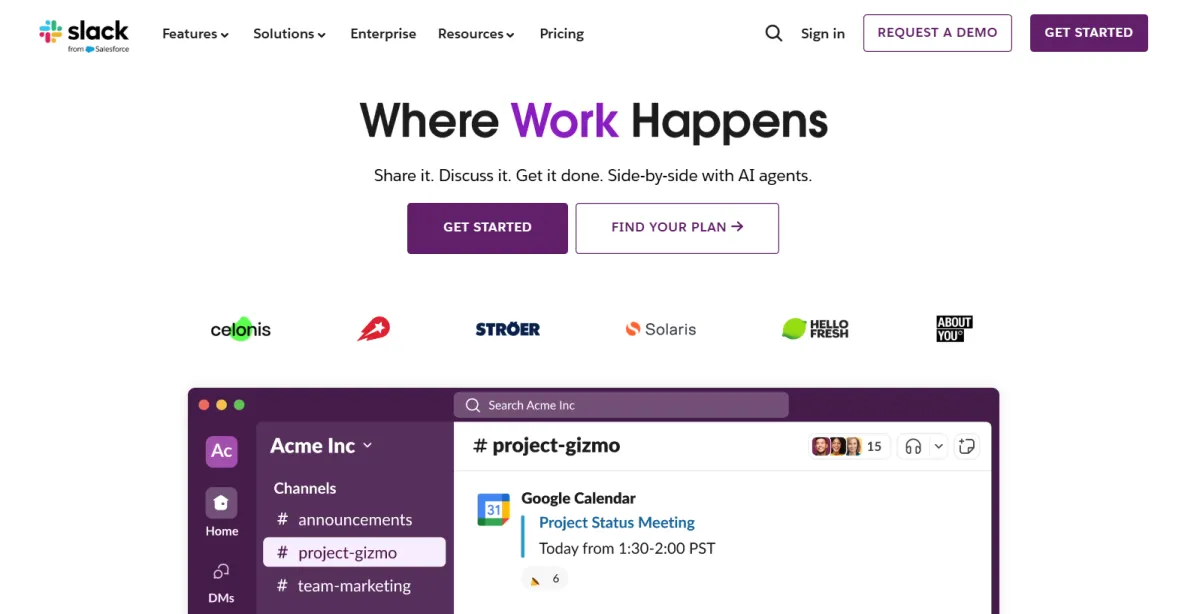
For solo founders building communities or working with small teams, automating directly inside communication platforms eliminates context switching. Slack's Workflow Builder handles simple forms, approvals, and reminders without code. Discord bots automate member onboarding, role assignments, and notifications for community-driven businesses. These tools work best for communication-centric workflows where the automation lives where conversations already happen.
Best Tech Stacks
• Slack or Discord as the central communication hub
• Google Workspace or Microsoft 365 for productivity workflows
Best For: Community-focused founders and solo operators who want to automate workflows without leaving their communication platform.
Other Notable Workflow Automation Tools
Beyond the major categories, several specialized automation platforms excel in specific use cases or serve particular industries. These tools may not fit neatly into enterprise, SMB, or solo founder categories, but they solve real automation problems for the right audiences.
1- Kissflow
Formalizing HR and finance processes
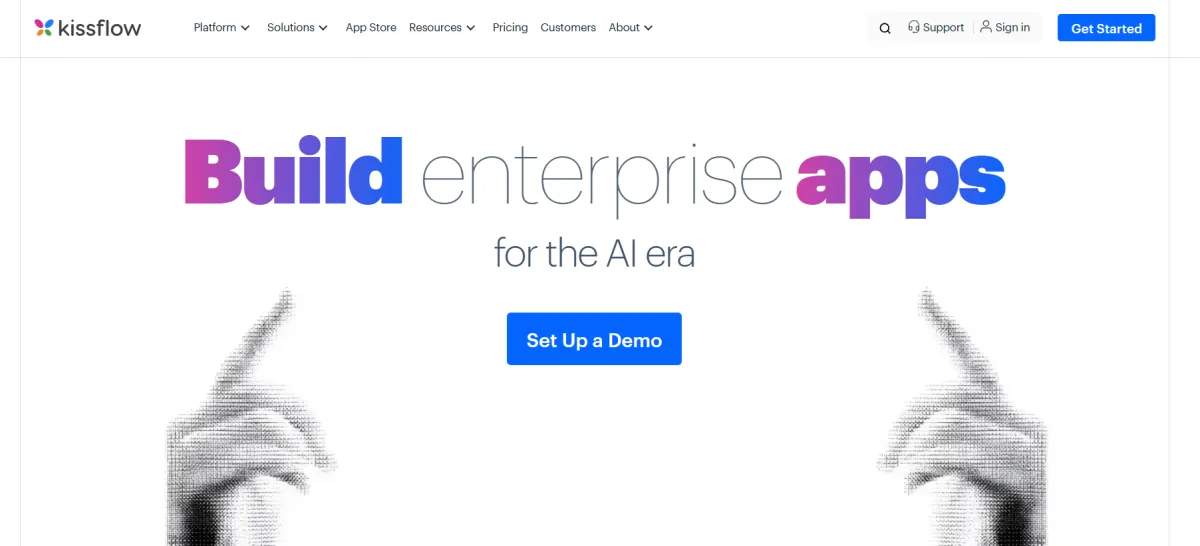
Kissflow specializes in structured workflow automation for HR and finance departments that need to formalize previously ad-hoc processes. The platform excels at form-based workflows with multi-level approvals, making it ideal for expense approvals, leave requests, procurement workflows, and other processes that require formal documentation and audit trails.
Best Tech Stacks
• Google Workspace or Microsoft 365 for document integration
• HR and finance tools for comprehensive back-office automation
Best For: Mid-sized companies looking to formalize HR and finance processes without implementing full enterprise BPM systems.
2- Pipefy
Process-driven teams and SOP enforcement
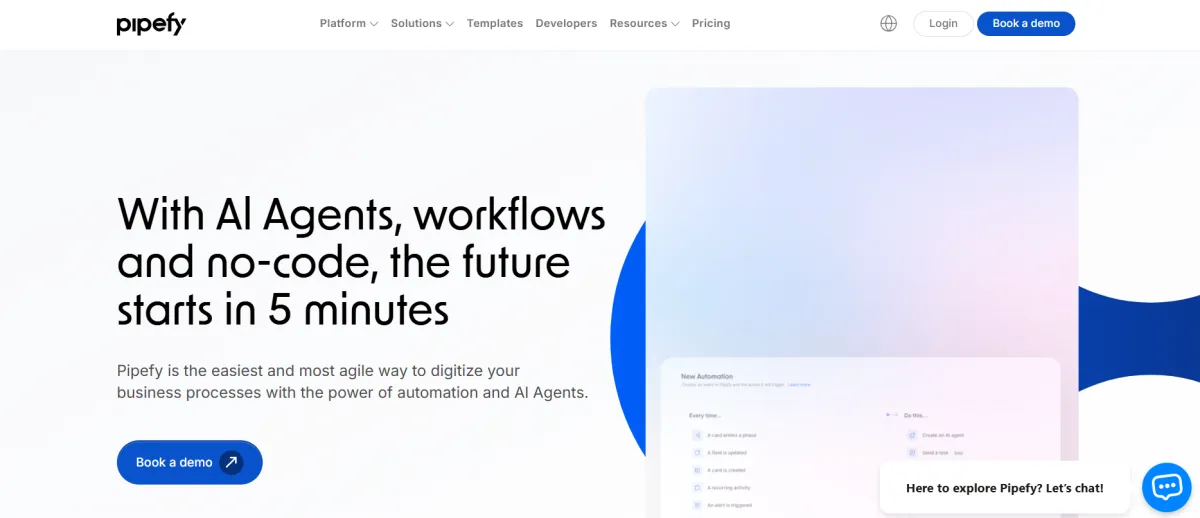
Pipefy combines workflow automation with process management, making it ideal for teams that need to enforce standard operating procedures through visual workflow boards. The platform works particularly well for procurement, HR operations, and customer operations teams where consistency and process adherence matter as much as automation speed.
Best Tech Stacks
• Google Workspace or Microsoft 365 for productivity
• Procurement, HR, and customer operations tools for process automation
Best For: Process-oriented teams that need to enforce SOPs while automating repetitive workflows.
3- Tines
Security automation as its own category
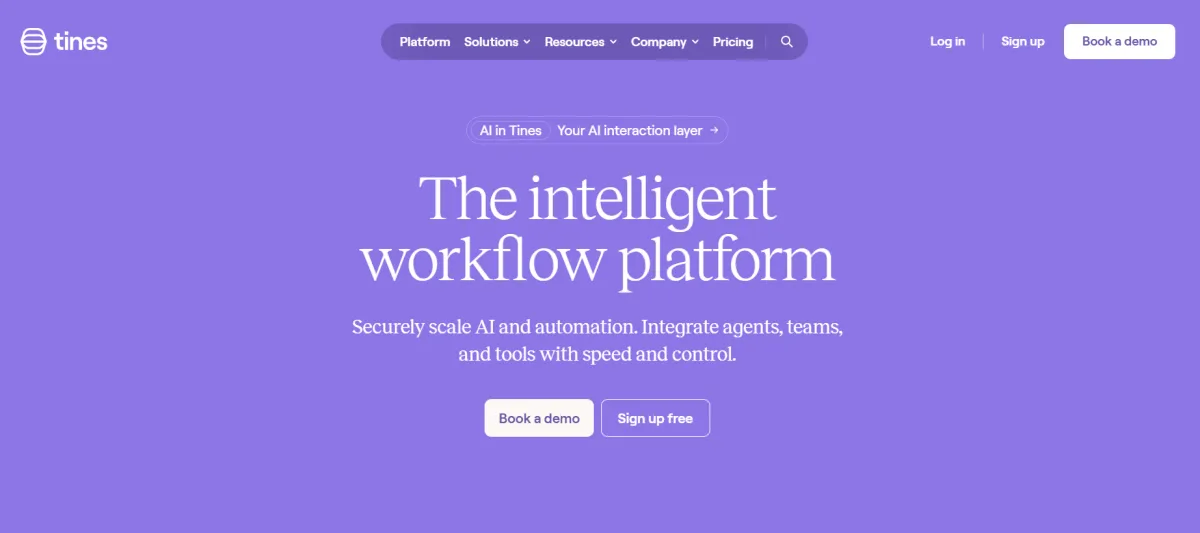
Tines has carved out a niche in security automation and SOAR (Security Orchestration, Automation, and Response). The platform automates incident response workflows, threat intelligence gathering, and security playbooks that require integration with SIEM tools, ticketing systems, and security-specific APIs. While technically capable of general business automation, Tines is purpose-built for security teams and priced accordingly.
Best Tech Stacks
• SIEM and SOAR tools for security orchestration
• Slack or Microsoft Teams for incident communication
• Jira and ticketing systems for workflow integration
Best For: Security teams that need to automate incident response and threat detection workflows, not general business processes.
Choosing the Right Workflow Automation Tool
The right workflow automation tool depends entirely on your context. Enterprise teams need governance, security, and cross-department orchestration that tools like Workato and ServiceNow provide. SMBs benefit from the quick setup and broad integrations of Zapier and Make. Technical teams gain flexibility and cost savings from open-source platforms like n8n. Solo founders need speed and simplicity from tools that deliver immediate time savings.
Start by identifying your primary use case, then evaluate tools based on the tech stack you already use, your team's technical capabilities, and whether you need basic task automation or complex business process orchestration. The best automation platform is the one that fits seamlessly into how you already work while solving the specific workflow problems you face today.
Remember that workflow automation is not about picking the most powerful tool. It's about choosing the platform that removes friction from your operations without creating new complexity. Whether that's an enterprise iPaaS, a no-code connector, or a self-hosted automation server, the right tool is the one that makes your work easier, not harder.






Comments (0)
Leave a Comment