


You're a solo founder. No CRO team. No designer. No time to waste.
Your landing page gets traffic, but visitors leave without converting.
You know you're losing leads, but you don't have the bandwidth to manually A/B test headlines for six months or hire a conversion optimization specialist.
Here's what actually works: AI chatbots deliver conversion rate improvements ranging from 23% to 70% across industries PageTraffic, and businesses using AI chatbots see 3x better conversion to sales than those using only website forms Luckyorange.
This guide shows you exactly how to set up AI chatbot landing pages that convert—no team required.
Why Solo Founders Need AI Chatbot Landing Pages
Static forms are dead. When someone lands on your page at 11 PM with a question, they're not filling out a form and waiting for your reply tomorrow. They're moving on to your competitor.
The reality:
Over 40% of customers expect a live chat feature on your website Backlinko
Chatbot leads convert at three times the rate of traditional sign-up forms PageTraffic
Chatbots can improve conversion rates for ecommerce businesses by up to 30% Prismic
As a solo founder, you can't staff 24/7 support. AI chatbots can.
How AI Chatbot Landing Pages Actually Work
The flow:
Visitor lands on page
AI chatbot triggers at right moment
Chatbot asks qualifying questions
Captures email after delivering value
Tags lead based on responses
You follow up with context
Everything below plugs into this system.
1. Replace Your Form with an AI Chatbot (Get 3x More Leads)
What Static Forms Cost You
Forms feel like homework. Chat feels like help.
Chatbots deliver 3-4x higher conversions through conversational experiences KeywordRevealer. The difference is simple: forms require visitors to do all the work. Chatbots guide them through it.
Best Tools for Solo Founders
Tidio - Best for beginners
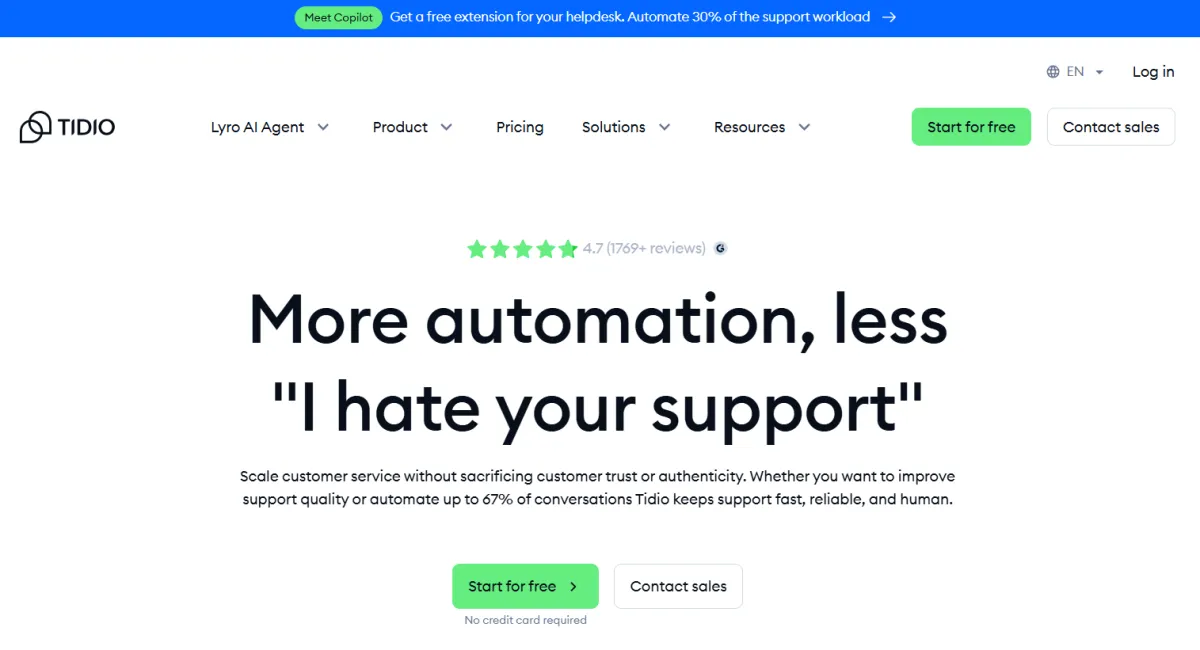
Pricing: Free tier, paid from $29/month
Small and mid-sized e-commerce businesses benefit from merging real-time chat with AI automation and visitor tracking Figma
Setup time: 15-20 minutes
Lyro AI handles common questions automatically
Works with Shopify, WordPress, WooCommerce
Landbot - Best for visual builders
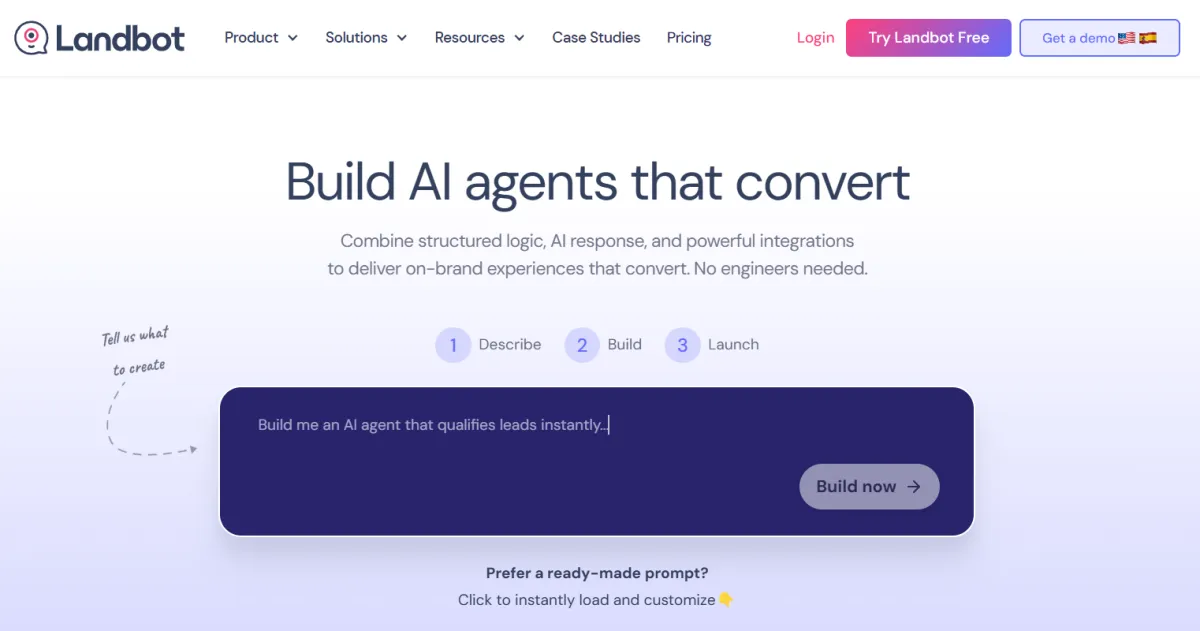
Pricing: $220/month for WhatsApp Pro
No-code chatbot platform designed for building interactive flows on websites and WhatsApp Figma
Drag-and-drop interface
Complex conversation logic without coding
Better for structured qualification flows
Drift - Best for B2B with budget
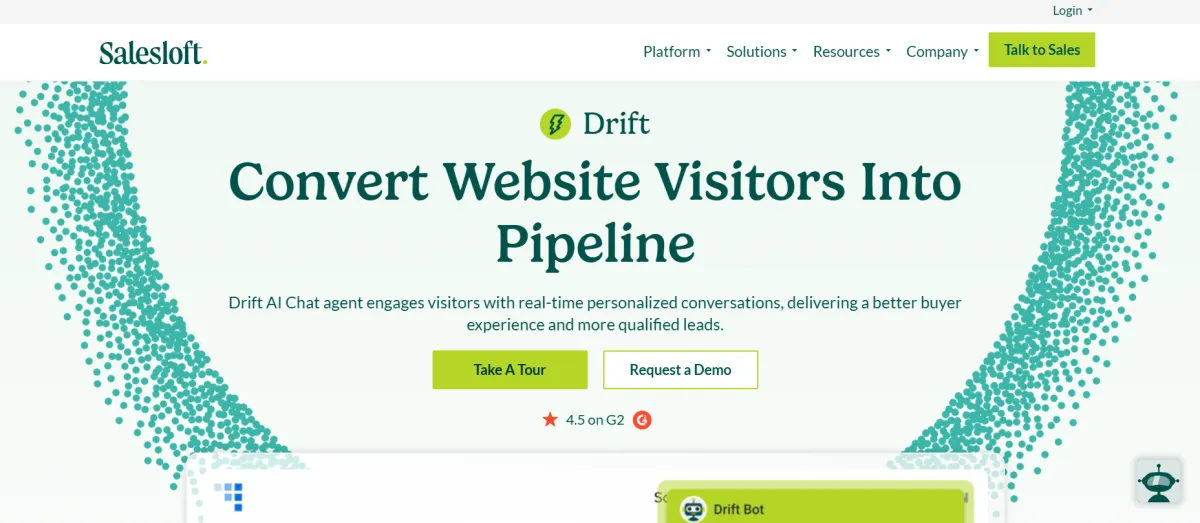
Pricing: $2,500+/month (enterprise only)
Conversational marketing platform aimed at capturing and qualifying website leads in real time with AI Figma
Serious overkill for most solo founders
Only worth it if you're selling high-ticket B2B ($20k+ deals)
For most solo founders: Start with Tidio. It's affordable, simple, and you'll be live today.
Quick Setup Process
Sign up for Tidio free tier
Connect to your website (WordPress plugin or embed code)
Use template: "Lead Generation" or "Product Questions"
Customize 3 questions:
"What are you trying to solve?"
"How soon do you need this?"
"Want me to send you [specific solution]?"
Set trigger timing (covered next)
Launch
Total time: 20-30 minutes.
2. Trigger Timing: When to Show the Chat
Timing is everything. Too early = annoying. Too late = missed opportunity.
Recommended Trigger Points
For product/SaaS pages:
After 20-30 seconds on page
OR at 50% scroll depth
OR when viewing pricing section
For content/blog pages:
After 60 seconds
OR at 75% scroll
Exit intent only (mouse moves to close tab)
For landing pages with clear CTA:
After 15 seconds
OR immediately on mobile (they can't see your content and form at once)
What The Data Shows
Nearly 60% of web traffic now comes from mobile devices, so mobile-first design and speed are critical for conversion rates SeoProfy. On mobile, visitors can't see your entire page at once. Earlier chat triggers work better.
How to Set This Up in Tidio
Go to Chatbots → Triggers
Select "Time on page: 20 seconds"
Add condition: "Scroll depth: 50%"
Set to "OR" logic (triggers if either condition is met)
Mobile override: 15 seconds
3. Ask Questions That Qualify (Not Just Collect Emails)
Most chatbots just collect emails. Yours should qualify leads.
Bad Approach
"Enter your email to get started"
Result: 100 emails, 5 are qualified, you waste time on 95 dead leads.
Good Approach
Question 1: Identify the problem "Are you struggling with [Problem A] or [Problem B]?"
Question 2: Gauge urgency "When do you need this solved?"
This week
This month
Just exploring
Question 3: Deliver value before asking "I can send you [specific resource]. What email should I use?"
Why This Works
You now have:
Their problem (tag: problem-A or problem-B)
Their timeline (tag: urgent or exploring)
Their email
Your follow-up email can be specific: "You mentioned you're struggling with Problem A and need it solved this month..."
Implementation
In Tidio:
Create conversation flow
Add branching logic based on answers
Tag contacts automatically
Integrate with your email tool (ConvertKit, Beehiiv, etc.)
4. Different Messages for Different Traffic Sources
Not all visitors are the same. Someone from Google search has different context than someone from your Twitter thread.
How to Segment
Google organic traffic:
They searched for a solution
Lead with: "Looking for [what they searched for]?"
Focus on answering their question
Social media (Twitter, LinkedIn):
They know who you are
Lead with: "Hey! Saw you came from [platform]. What questions do you have?"
Skip the education, get to specifics
Paid ads:
They clicked on a specific promise
Reinforce that promise immediately
"You clicked to learn about [promise]. Let me show you exactly how this works."
Direct traffic / newsletter:
They already trust you
Skip qualifying, offer the demo/trial directly
Setup in Landbot
Landbot excels at traffic source routing:
Create 2-3 conversation variants
Use UTM parameters to route
Different first message based on source
Same email capture endpoint
5. Let AI Answer Common Questions Automatically
Most visitors ask the same 5-10 questions. Answer them instantly.
Questions to Automate
Pricing:
"How much does this cost?"
"Do you have a free trial?"
Response: Link to pricing + "Want me to show you which plan fits?"
Features:
"Does this integrate with [tool]?"
"Can this handle [specific use case]?"
Response: Direct answer + offer demo
Timeline:
"How long does setup take?"
"When can I start seeing results?"
Response: Honest timeline + case study link
How AI Handles This
Modern chatbots (Tidio's Lyro AI, Intercom Fin) can:
Read your FAQ docs
Learn from past conversations
Answer variations of the same question
Escalate to you only when it's genuinely complex
Training Your AI
Upload your FAQ page
Let it run for 1 week
Review conversations
Add specific answers for common questions it missed
Repeat weekly
More than half of companies using chatbots report better-quality leads because bots can ask targeted questions during conversations PageTraffic.
6. Exit Intent: Capture Leads You're About to Lose
Someone's about to leave. Give them one more shot.
How Exit Intent Works
When a visitor's mouse moves toward the browser's close button or back button, trigger a final offer.
What to Offer
Don't offer:
Generic "Wait! Don't go!"
Desperate discount (unless that's your strategy)
Do offer:
Specific resource: "Before you go—grab our [checklist/template/guide]"
Quick answer: "Have a question? I can answer it in 30 seconds"
Different format: "Prefer a 2-minute demo video instead?"
Tools That Work
OptiMonk - Best for exit popups
Free tier available
Works with any chatbot
A/B testing built-in
ConvertFlow - All-in-one
Combines chat + exit intent + forms
$99/month
More features than you'll use
Implementation:
Set up exit intent popup in OptiMonk
Offer specific value
Capture email
Tag as "exit-intent" in your CRM
Different follow-up sequence (they're less warm)
Chatbots can recover up to 35% of abandoned shopping carts by sending timely reminders and offering incentives PageTraffic. This works for service businesses too.
7. Track What's Working (15-Minute Weekly Routine)
You need to know what's working. Here's the minimal routine:
Week 1: Baseline
Chatbot start rate: __%
Email capture rate: __%
Drop-off point: Question #__
Most common question: ____
Weekly Check-In (15 minutes)
Minutes 1-5: Review conversations
Which questions confused people?
What did they ask that you didn't expect?
Minutes 6-10: Check metrics
Did start rate improve?
Which traffic source has best completion?
Where do people drop off?
Minutes 11-15: Make ONE change
Reword confusing question
Adjust trigger timing
Add new automated answer
Key Metrics to Track
Chat start rate: % of visitors who engage
Good: 15-25%
Great: 30%+
Completion rate: % who finish and give email
Good: 40-60%
Great: 70%+
Lead quality: % who actually respond to follow-up
Track this manually for first month
8. Tool Stack for Solo Founders (Under $150/Month)
Here's the complete stack that works:
Tool | Purpose | Cost | Why This One |
|---|---|---|---|
Tidio | AI Chatbot | $29/mo | Easiest setup, Lyro AI included |
Carrd or Unbounce | Landing page | $19-79/mo | Fast, no-code, mobile-optimized |
ConvertKit | Email sequences | $25/mo | Built for creators, simple automation |
Microsoft Clarity | Behavior analytics | Free | See exactly where visitors drop off |
OptiMonk | Exit intent | Free tier | Capture leaving visitors |
Total: $73-133/month
What you don't need yet:
Fancy CRM(use Google Sheets or ConvertKit tags)Heat mapping tools(Clarity shows this for free)Enterprise chatbot(Tidio handles 1,000+ conversations)
9. Real Numbers: What to Expect
Let's be honest about results.
Realistic Timeline
Week 1:
10-20% of visitors engage with chat
30-50% of those give you their email
Your first 10-20 qualified leads
Week 4:
20-30% engagement (as you optimize)
50-70% completion rate
50-100 leads/month (assuming 1,000 visitors/month)
Month 3:
25-35% engagement
Automation handles 70% of questions
You only talk to qualified leads
Industry Benchmarks
Landing page conversion rates hover between 2.35% to 6.2% in 2025, depending on industry SeoProfy.
With AI chatbots:
AI chatbots can achieve 20%+ conversion increases while reducing support costs Growth-memo
Some businesses report up to a 67% increase in sales thanks to chatbot integration PageTraffic
Translation for solo founders:
Start: 2-3% email capture rate (static form)
With chatbot: 6-10% email capture rate
3-4 months in: 10-15% email capture rate
10. Common Mistakes (And How to Avoid Them)
Mistake #1: Triggering Too Early
Problem: Chat pops up at 3 seconds. Visitor hasn't read anything yet. Fix: Wait 20-30 seconds minimum. Let them see your value prop first.
Mistake #2: Asking for Email First
Problem: "Enter your email to chat" Fix: Deliver value (answer question, share resource), THEN ask for email.
Mistake #3: Too Many Questions
Problem: 10-question qualification quiz Fix: Max 3 questions. More = more drop-offs. The typical chatbot conversion happens in 10 messages or less Backlinko.
Mistake #4: Same Message for Everyone
Problem: Google searchers and newsletter readers get identical greeting Fix: 2-3 variants based on traffic source. Use UTM parameters.
Mistake #5: Set It and Forget It
Problem: Launch chatbot, never check it again Fix: 15-minute weekly review. Compound improvements add up.
Mistake #6: Ignoring Mobile
Problem: Chat works great on desktop, broken on mobile Fix: With nearly 60% of web traffic from mobile, mobile-first design is essential SeoProfy. Test on your phone before launching.
11. Advanced: Combine Chatbot with Dynamic Content
Once your chatbot works, level up with dynamic content.
What This Means
Show different headlines/copy based on:
Traffic source
Visitor location
Previous behavior
Time of day
Tools for This
Unbounce Smart Traffic
AI auto-routes visitors to best-performing variant
$90/month tier
Works alongside chatbot
How it works:
Create 2-3 headline variants
Unbounce AI tests them
Automatically shows each visitor the variant most likely to convert
AI personalization's 40% conversion lift makes it valuable even for smaller budgets KeywordRevealer
Implementation
Variant A: Pain-focused
Headline: "Tired of losing leads to slow response times?"
CTA: "Fix this today"
Variant B: Outcome-focused
Headline: "Get 3x more qualified leads this month"
CTA: "Show me how"
Variant C: Proof-focused
Headline: "Join 500+ founders who automated their lead gen"
CTA: "See how they did it"
Let AI figure out which performs best for each traffic segment.
12. FAQ: Everything Else Solo Founders Ask
Q: Do I need coding skills? No. Tidio and Landbot are no-code. If you can use WordPress, you can set this up.
Q: What if the AI gives wrong answers? Modern AI (Tidio Lyro, Intercom Fin) gets it right 80-90% of the time. When it's uncertain, it escalates to you. You review and train it weekly.
Q: How many conversations can these tools handle? Tidio free tier: 100 conversations/month Tidio $29 plan: 100 billable + unlimited AI Landbot: 2,500 web chats on base plan
For most solo founders starting out, free tier is enough to test.
Q: Will this work for B2B? Yes. B2B landing pages generally convert in the 1%-3% range, with urgent need industries seeing 3-4% Digital Trainee. Chatbots help qualify leads faster, critical for B2B where time = money.
Q: What about GDPR/privacy? All major chatbot platforms (Tidio, Intercom, Drift) are GDPR-compliant. Add your privacy policy link in the chat window. Don't collect more data than you need.
Q: Can I use this with my existing tools? Yes. Most chatbots integrate with:
Email: ConvertKit, Mailchimp, Beehiiv
CRM: HubSpot, Pipedrive, Airtable
Analytics: Google Analytics, Segment
Zapier: Connect to 5,000+ apps
Q: How long before I see results? Week 1: You'll see engagement data Week 2-4: First optimization cycle complete Month 2-3: Measurable conversion lift
This isn't magic. It's systematic improvement.
13. The Solo Founder's 7-Day Launch Plan
Day 1: Choose your tool
Budget < $100/mo → Tidio
Need complex flows → Landbot
B2B high-ticket → Save up for Drift
Day 2: Set up basic chatbot
Use template
Write 3 qualifying questions
Set email capture
Day 3: Configure triggers
Desktop: 20 seconds OR 50% scroll
Mobile: 15 seconds OR 40% scroll
Test on your phone
Day 4: Add exit intent
Install OptiMonk
Create lead magnet offer
Set trigger rules
Day 5: Connect integrations
Link to email tool
Set up tagging
Test full flow
Day 6: Soft launch
Turn on for 10% of traffic
Watch conversations
Fix obvious issues
Day 7: Full launch
Enable for 100% of traffic
Set calendar reminder for Week 1 review
Start collecting data
Final Takeaway
AI chatbots aren't magic. They're leverage.
Solo founders win when:
Visitors get instant answers (even at 2 AM)
Lead qualification happens automatically
You only spend time on warm leads
The system improves every week
The math:
1,000 monthly visitors
2% form conversion = 20 leads
8% chatbot conversion = 80 leads
4x more leads, zero extra traffic
If your landing page still has a static form, you're leaving 60+ leads on the table every month.
Next steps:
Sign up for Tidio (free)
Use the "Lead Generation" template
Customize 3 questions
Launch today
Review next week
The best time to add a chatbot was last year. The second best time is today.





Comments (0)
Leave a Comment